Week 1: Introduction to module, HumanIK in Maya. Simple Rig
This wee we will get introduced to the module, and view the demonstration of a basic rig.
Task 1
We start with maya.
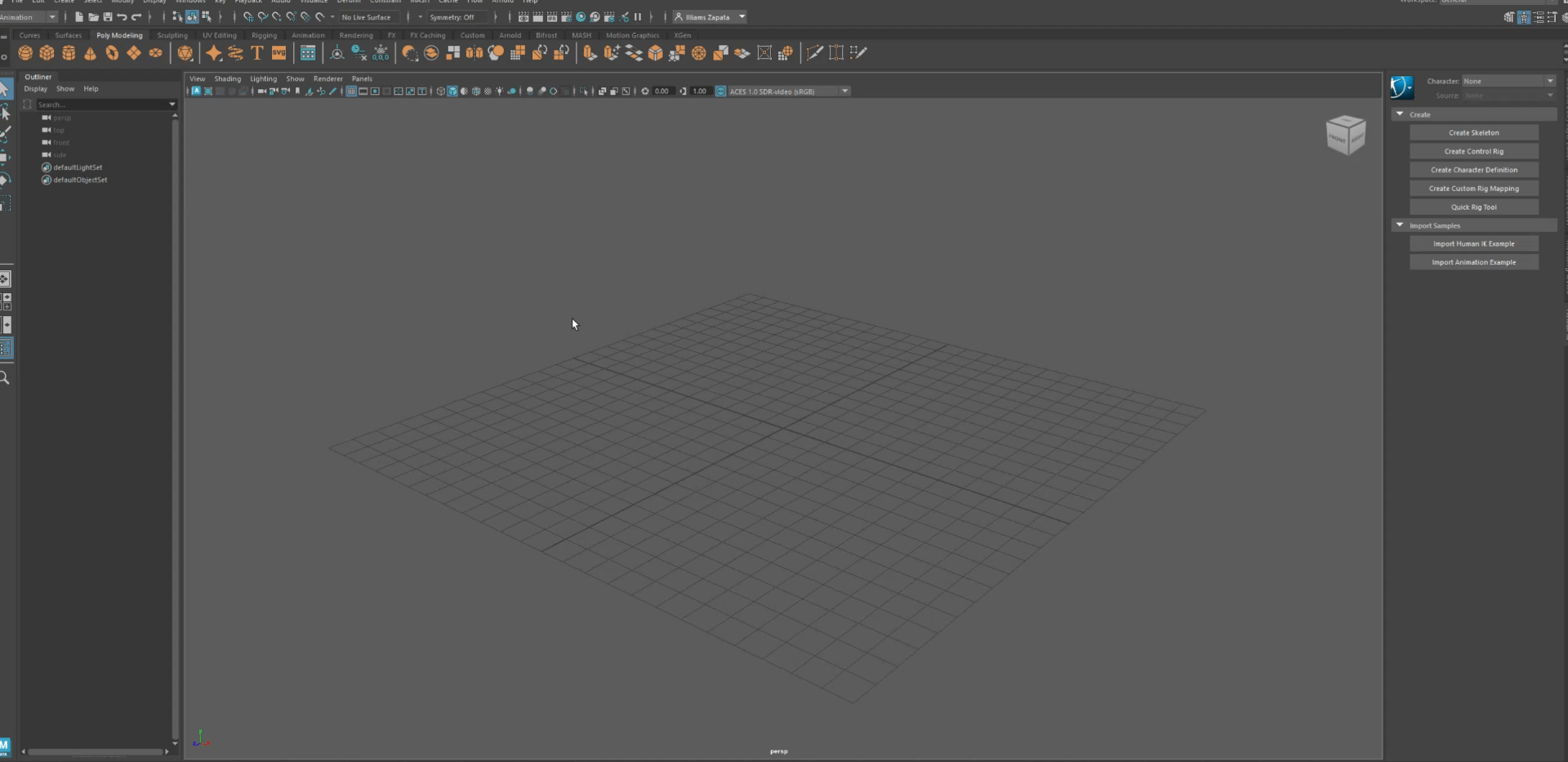
we set up our project folder so it is easier for the future and keep things tidy:
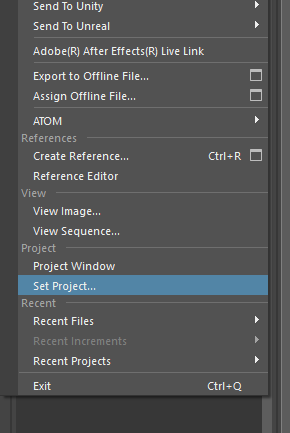
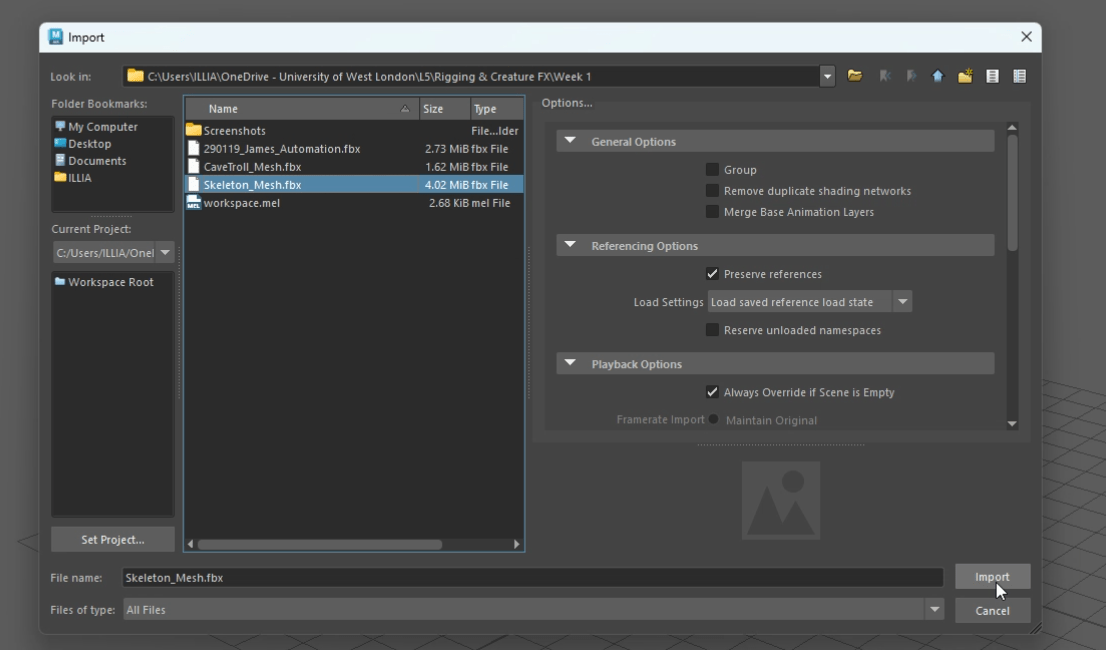
After setting the project we procced to import the skeleton mesh that we were provided with.
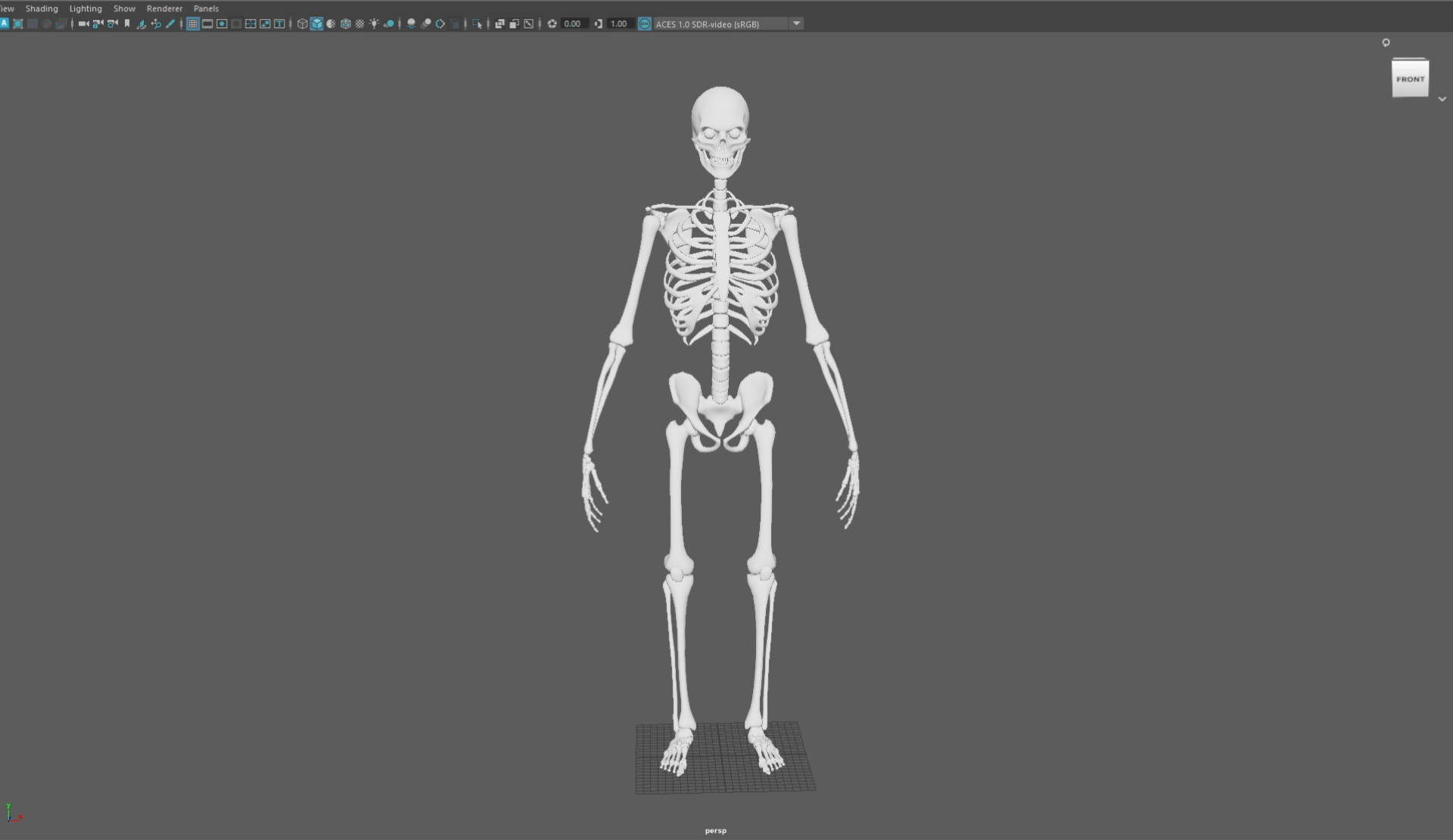
We will be using the character control tab to create our basic rig.
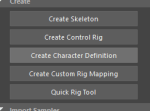
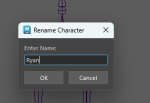
We select our skeleton and open the quick rig tool window.
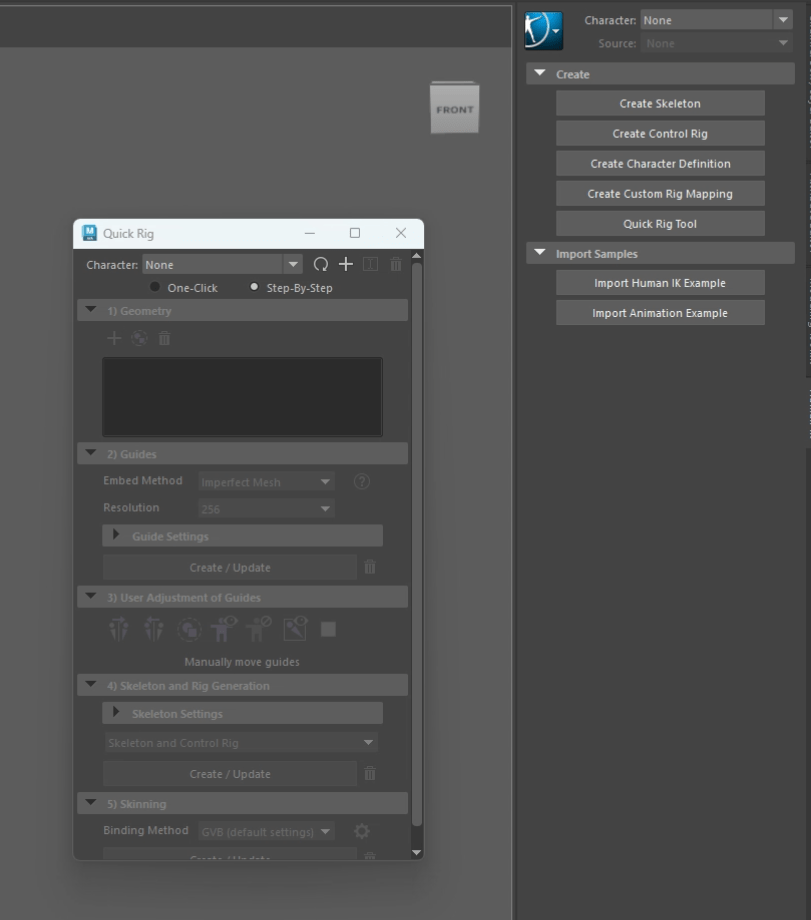
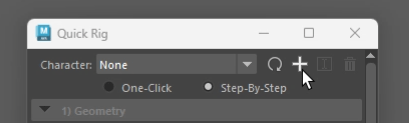
and add it:
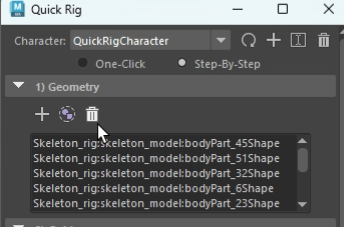
We also add the geometry:
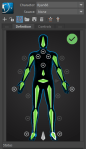
and create the guides
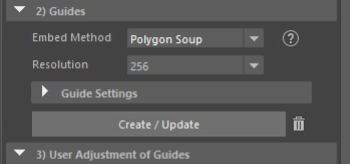
This will take a while.
once the guides are created , we will have to adjust some of the guides to the correct position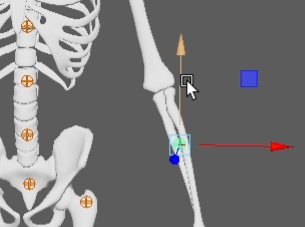
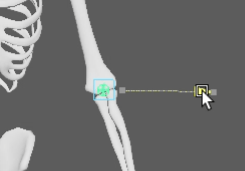
and then is not necessary to do it again on the other side, we can use the UI to mirror the position of our guide..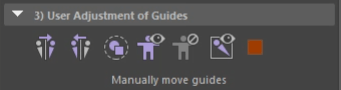
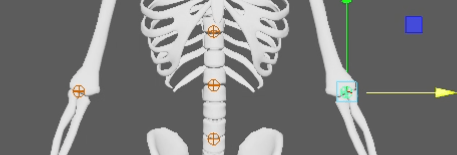
We repeat the process with the other guides.
We end up with this:
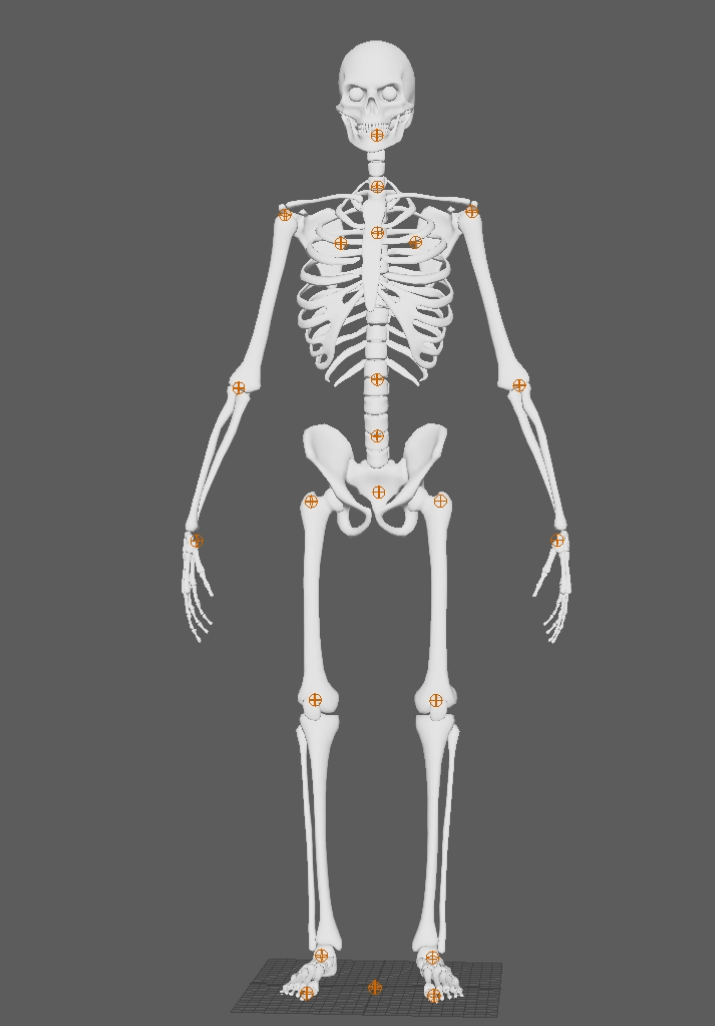
once the guides are correctly placed we proceed to generate the skeleton:
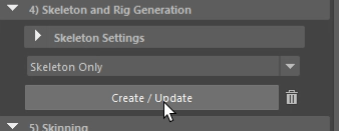
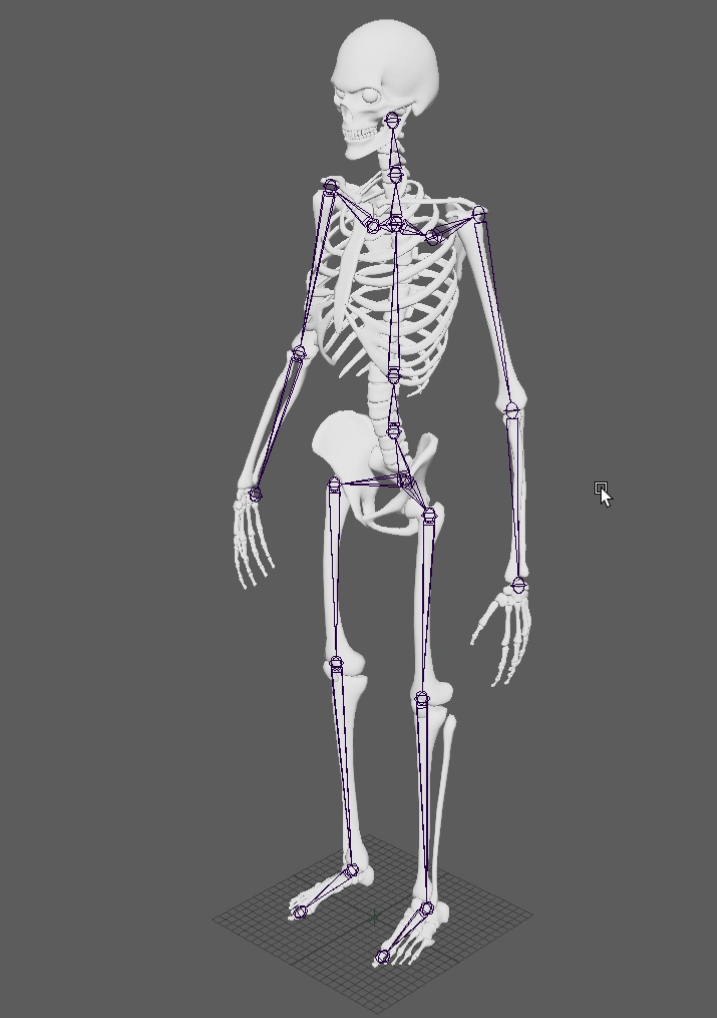
And then, the skin.
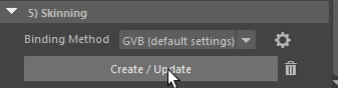
Now we have a basic functional rig.
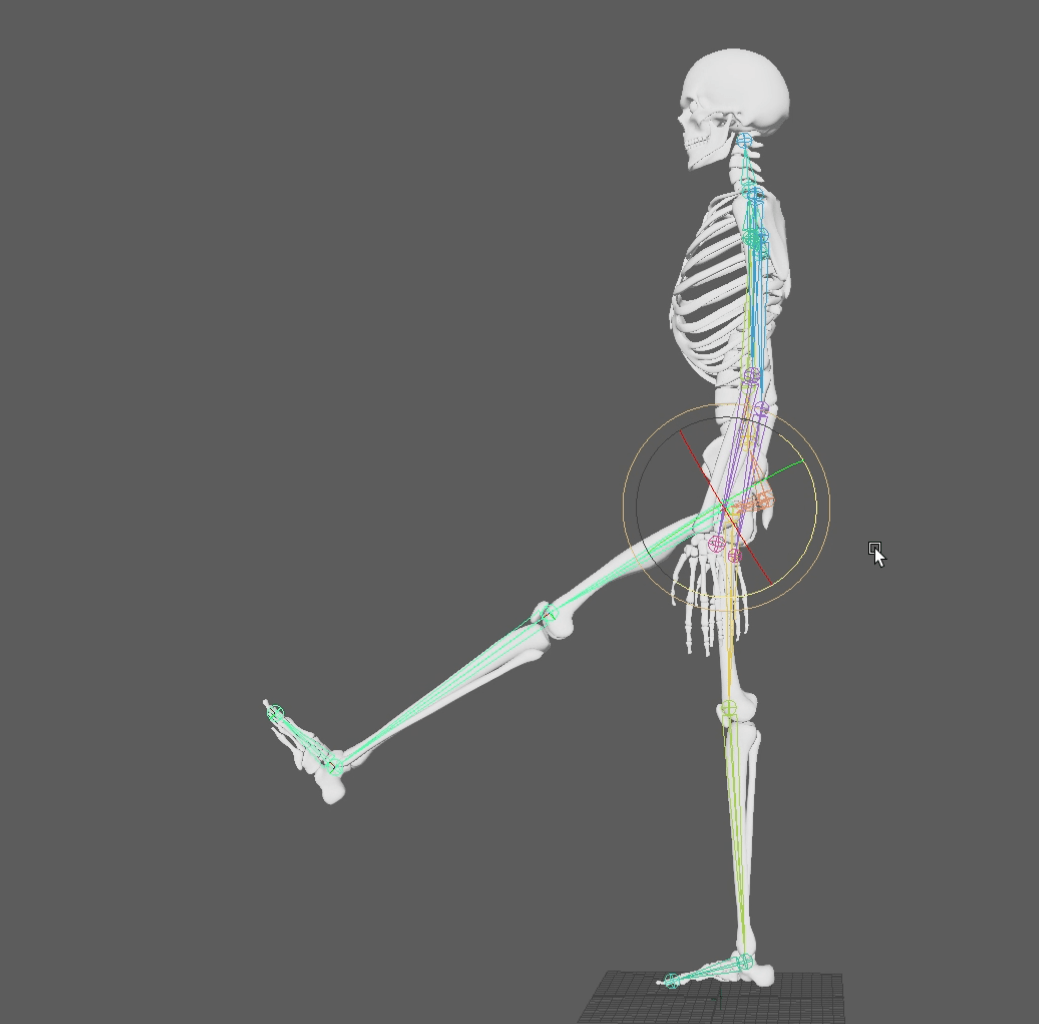
This was my process of creating this rig:
Task 2
Now following the previous task we link mocap data to out previous rig.
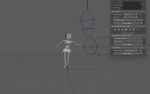
This is my process making the rig work:
End of week 1
Week 2: Hard surface modelling – Zbrush/Maya
This week we were tasked to cerate a character to apply a rig to. To achieve this we are going to use Zbrush/maya to model our mech:
To complete this task we will refresh the basics of Zbrush:

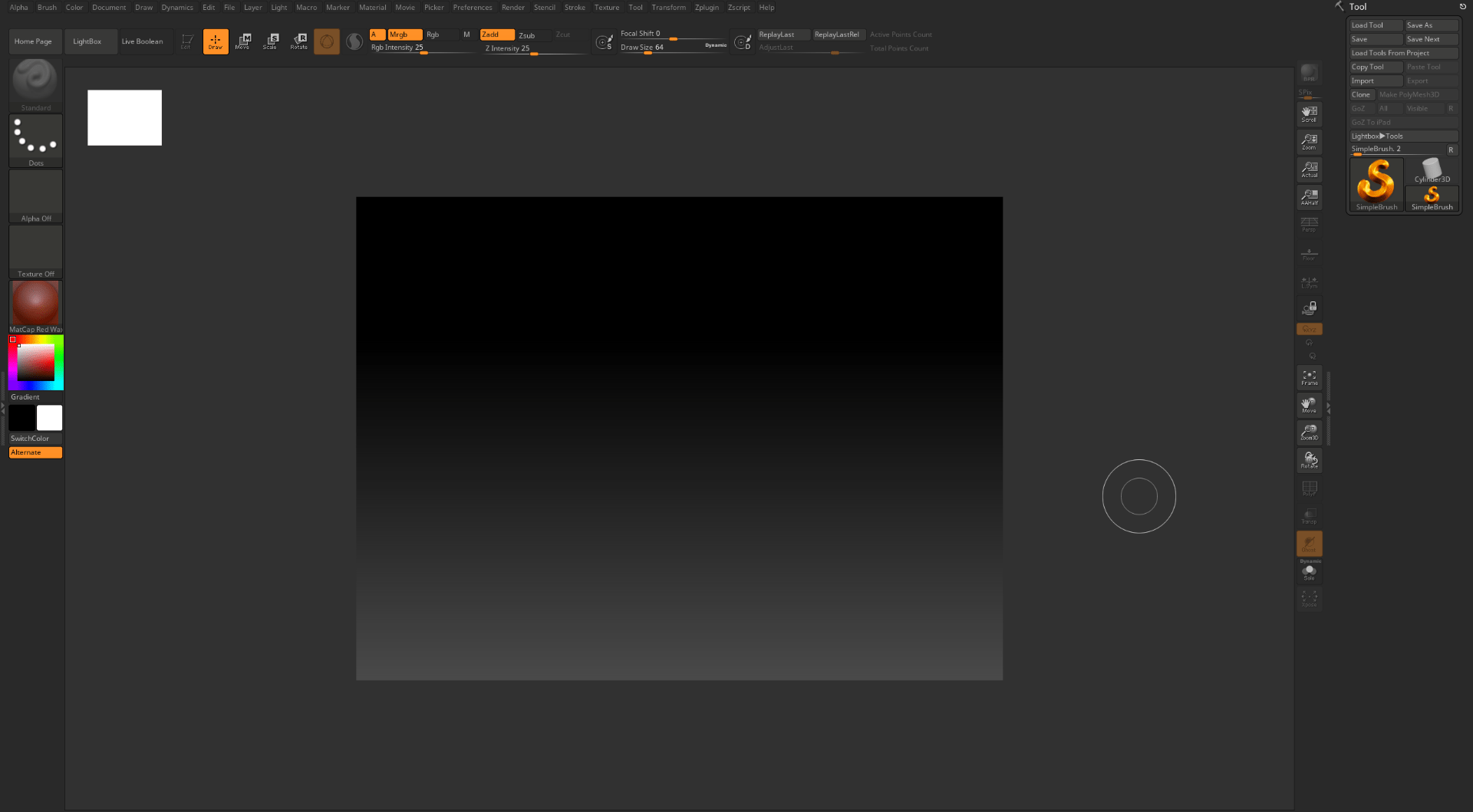
We will follow a series of tutorials to get used to Zbrush.
My own model still in progress for this one.
End of week 2
Week 3: Mocap session
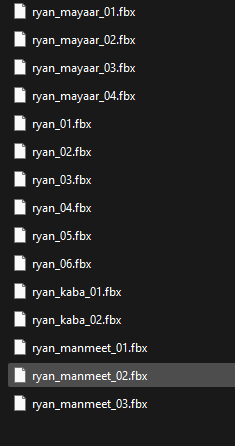
I missed this week so I have got shared the files of the Mocap data and some footage from the work my classmates did that week.
This is the Mocap data:
And here is some of the footage from that day:
I additionally started working on my assessment 1
and used one of the Mocap data to animate the skeleton from week 1:
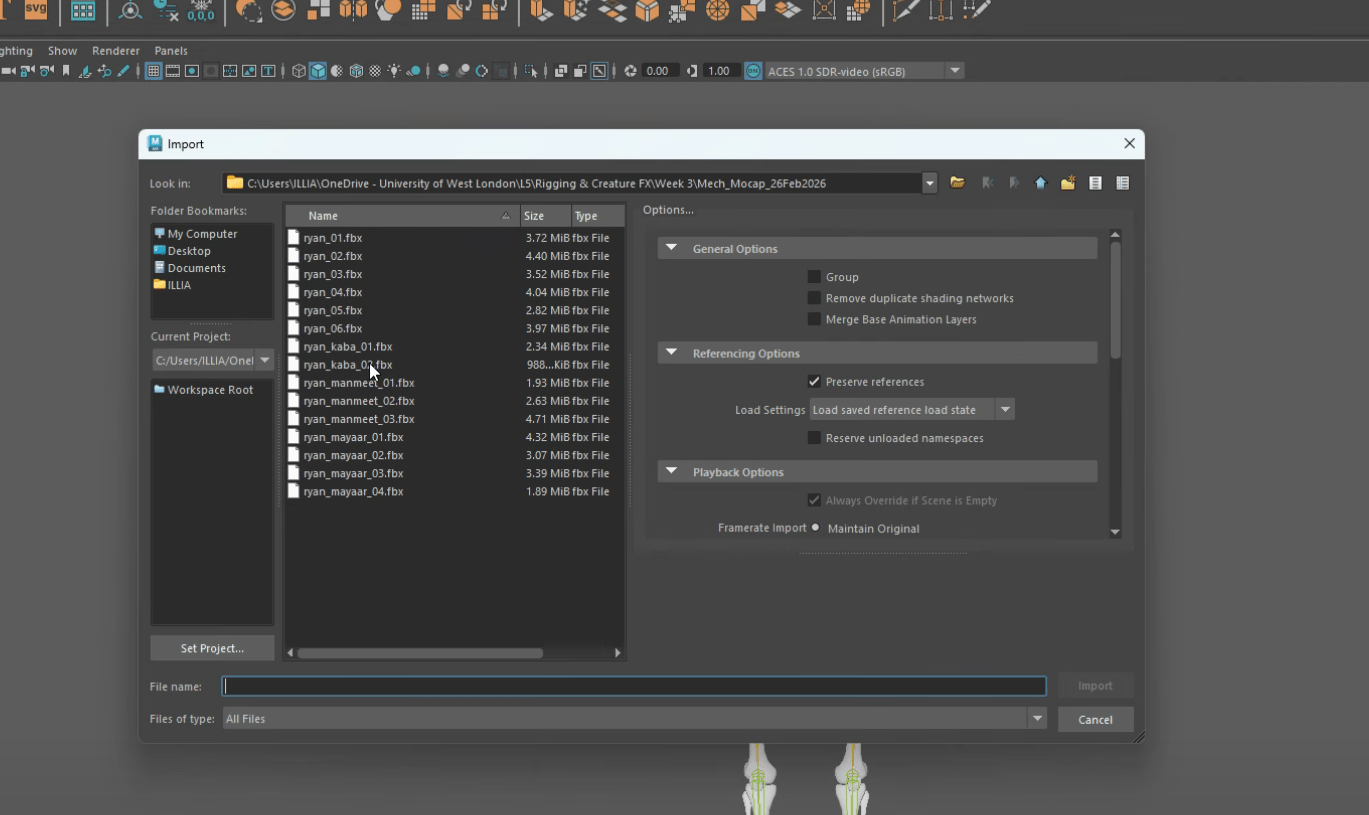
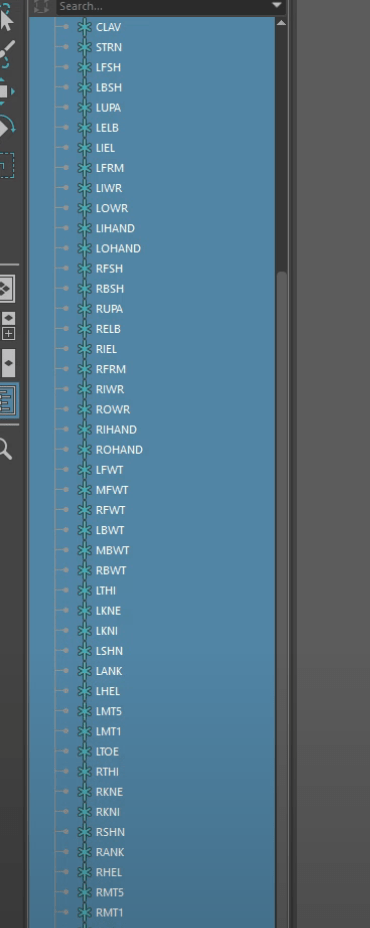
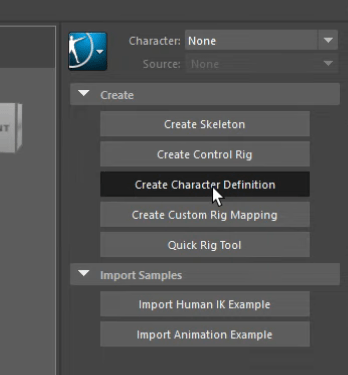
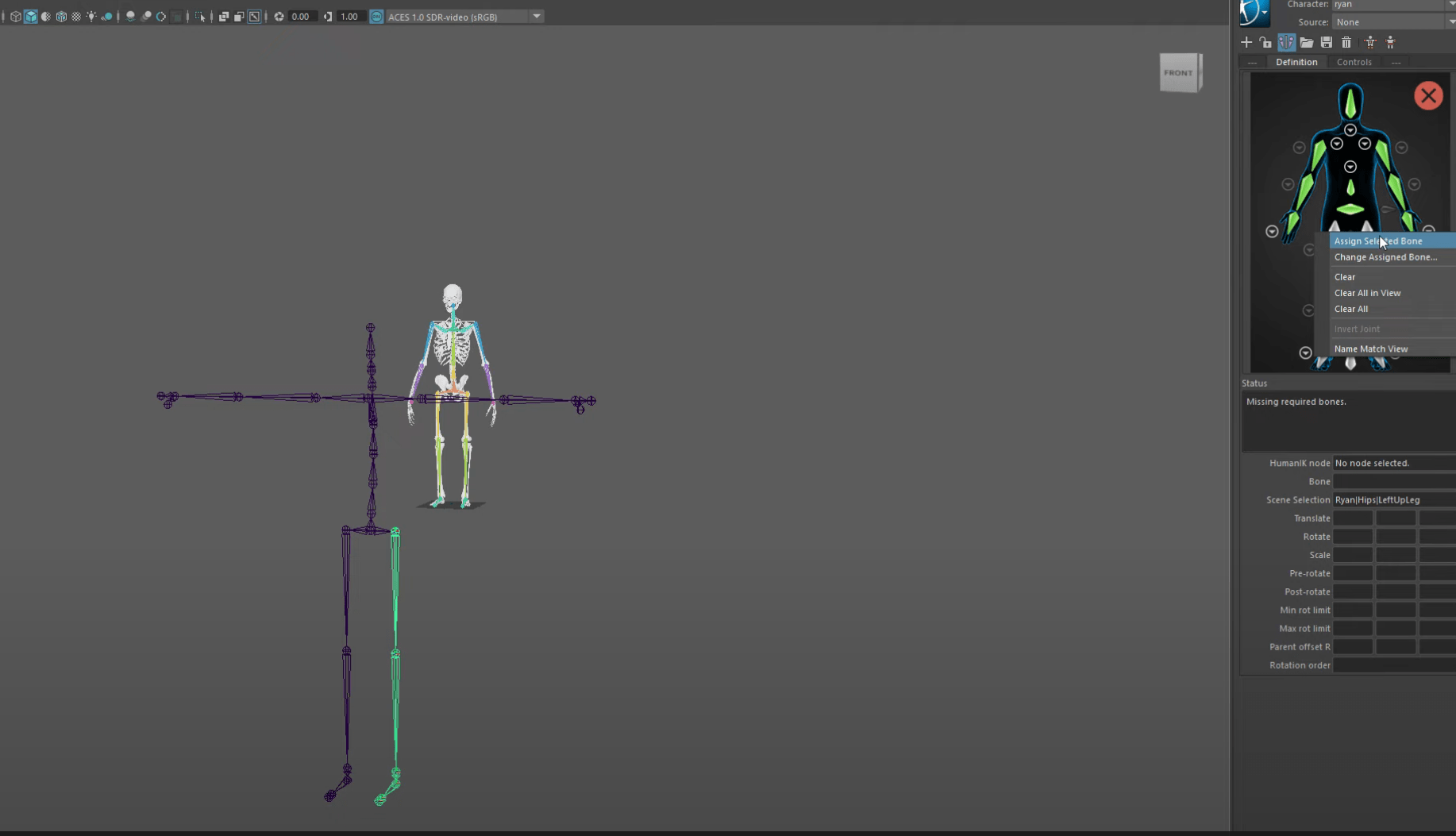
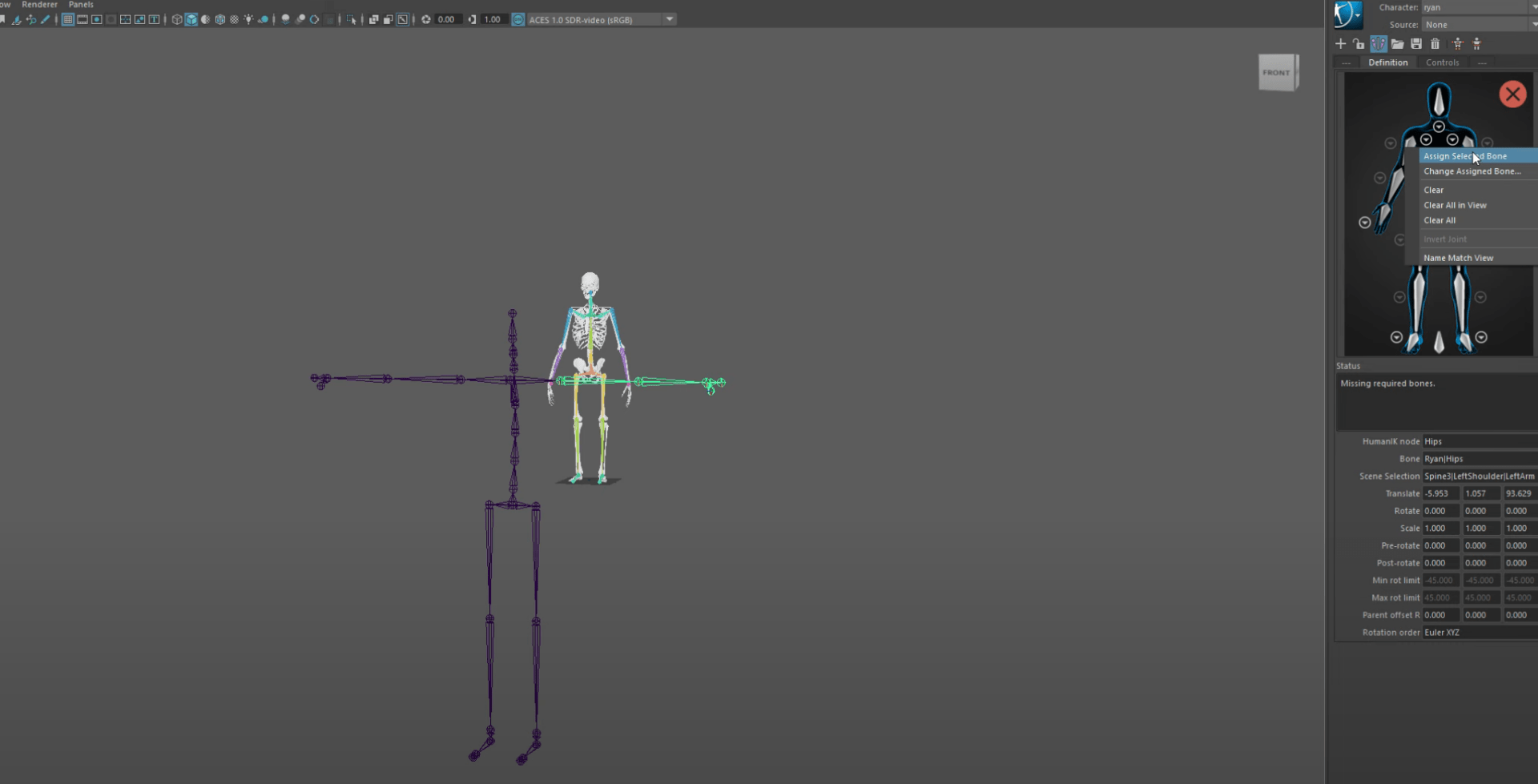
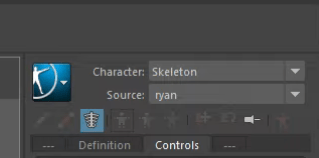
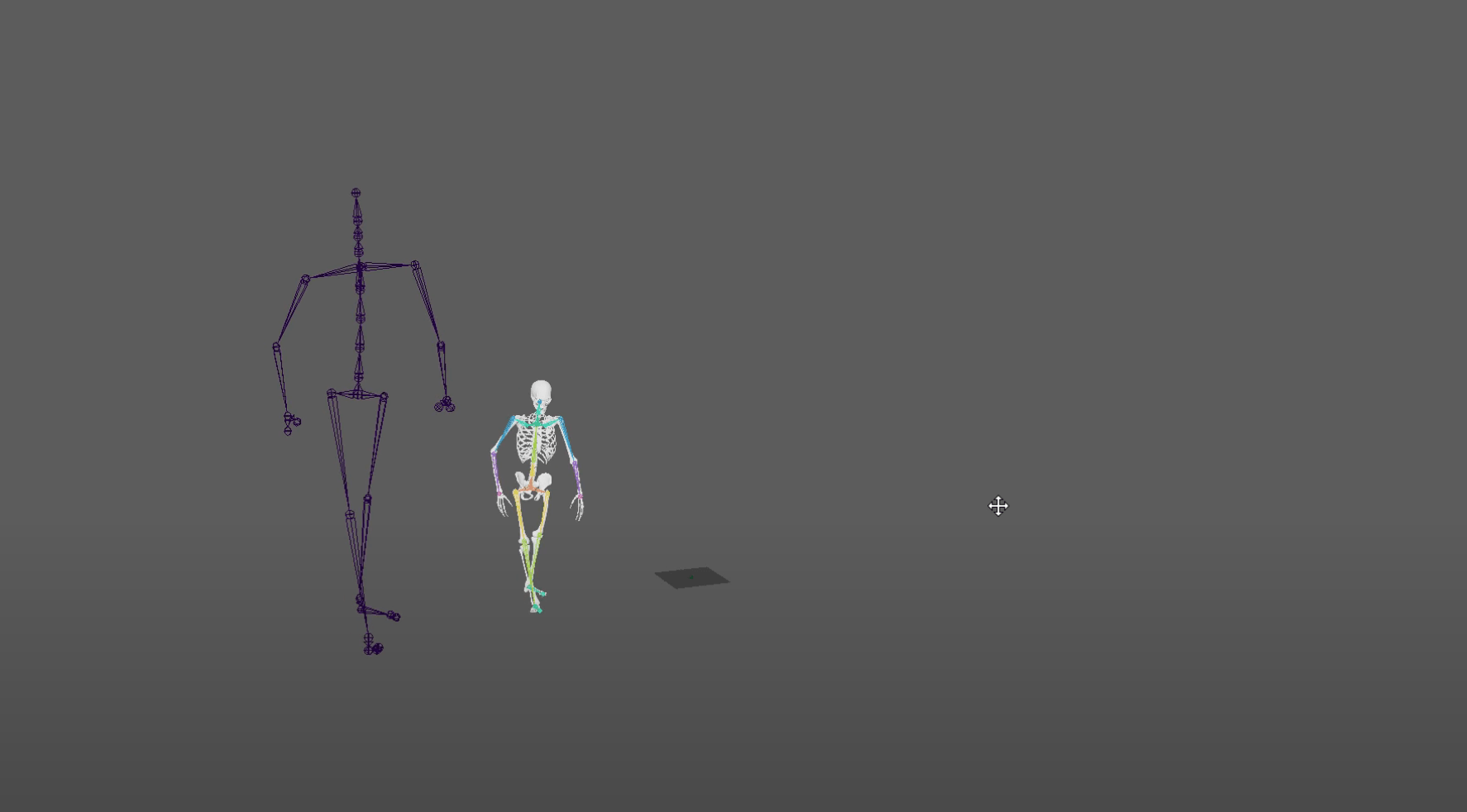
Here is the process I went trough:
End of week 3
Week 4: Substance/maya/nuke workflow – Jerry can tut
This week we have the task of follow a series of tutorial to learn the workflow between different software
These tutorial are the Jerry can substance painter tuts:
We have the model of the can and we have the assignment of paint it using adobe substance painter.
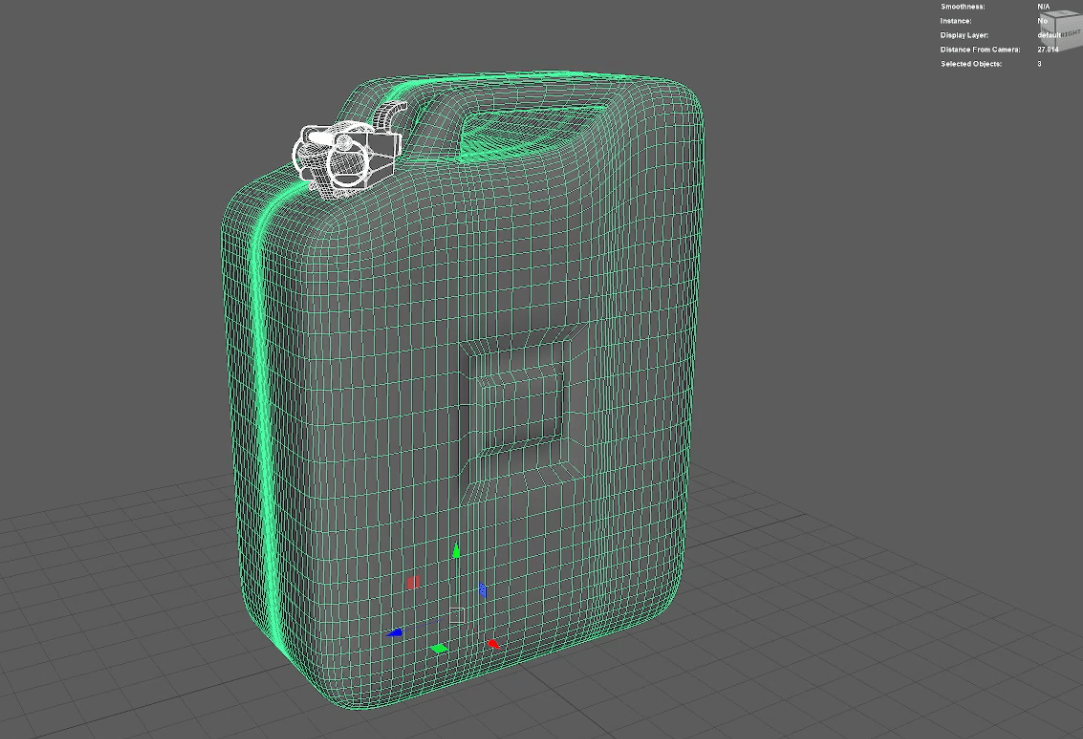
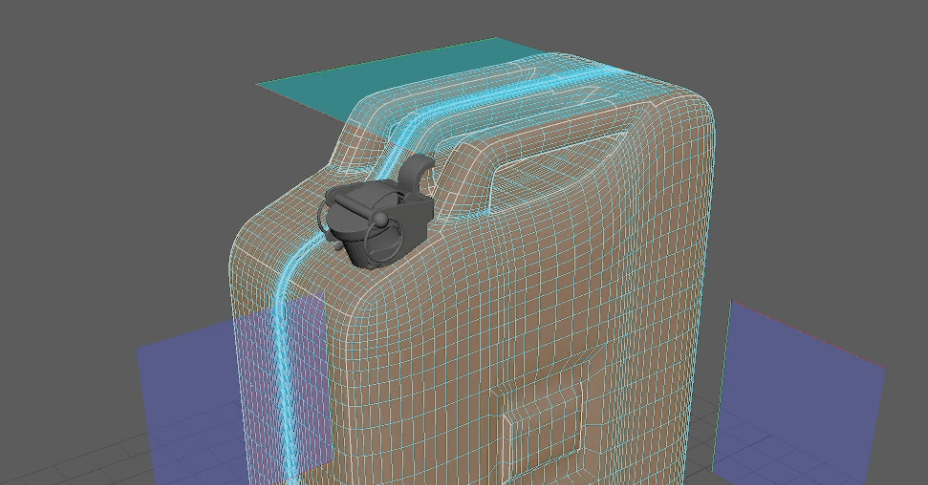
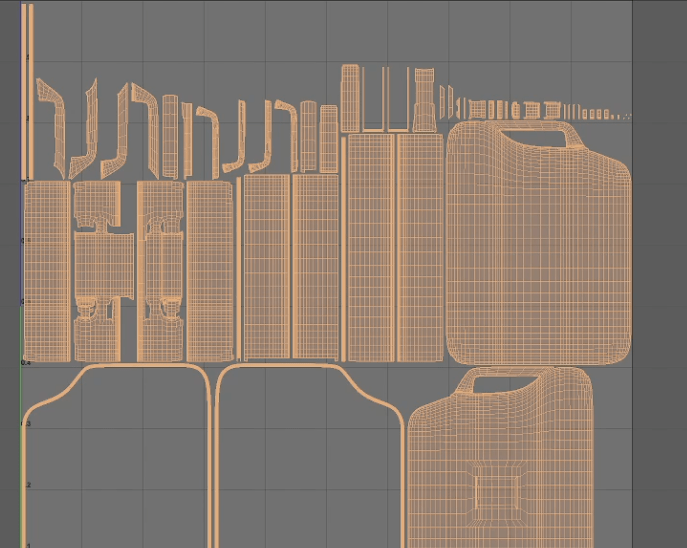
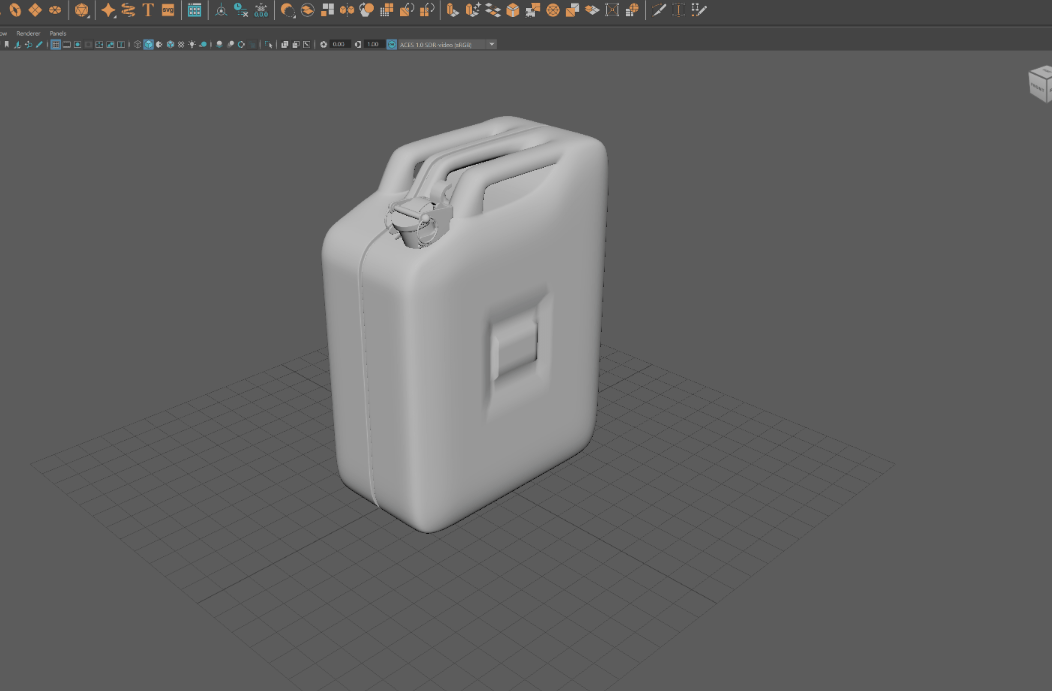
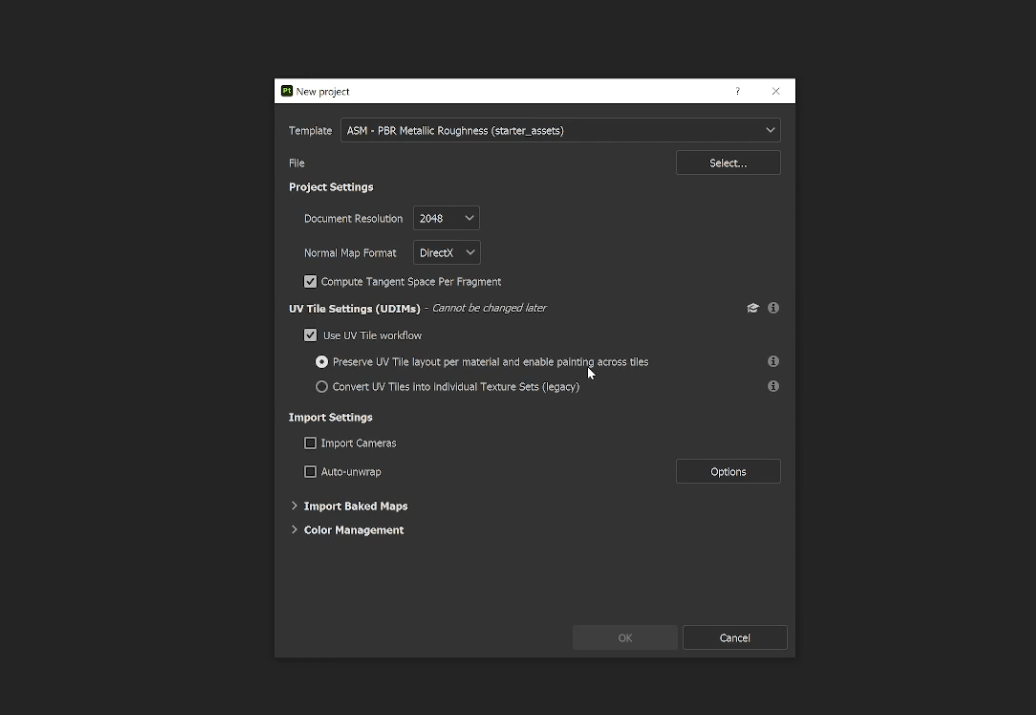
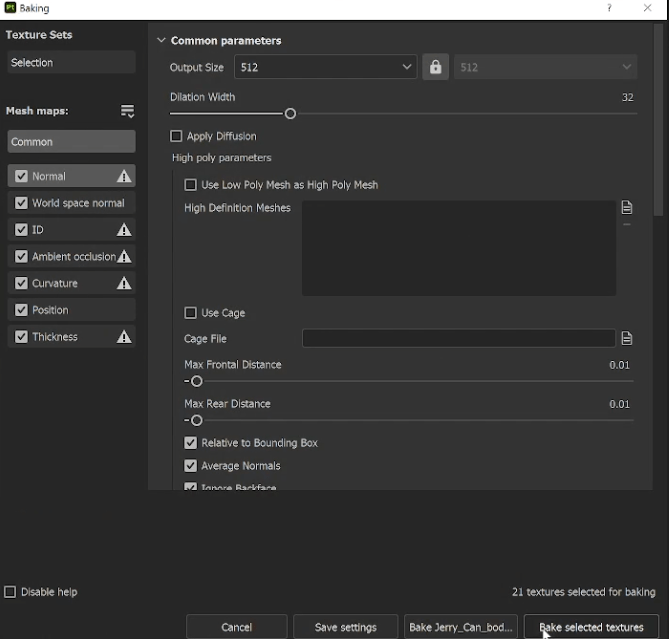
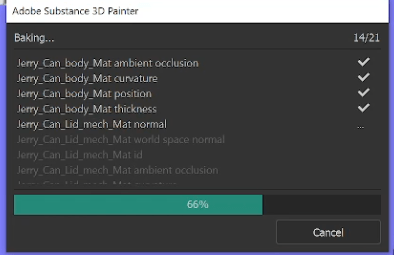
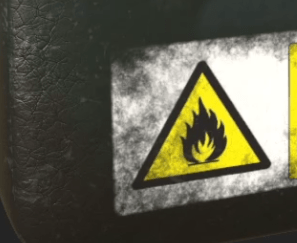
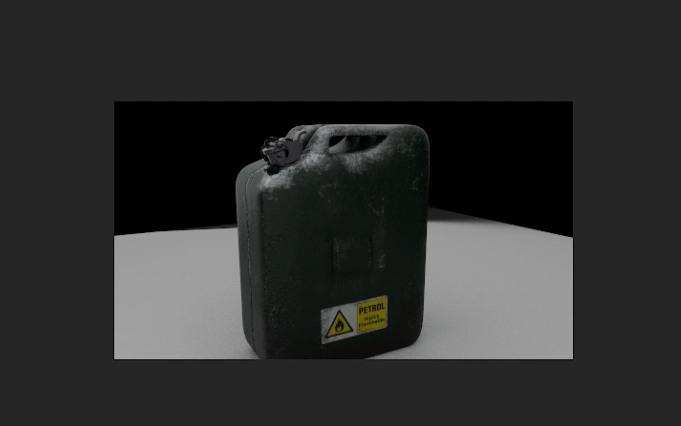
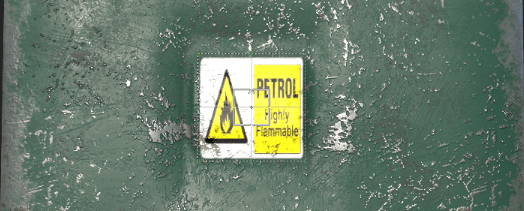
Here is the VOD:
End of week 4
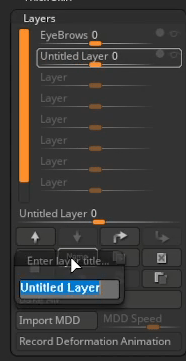
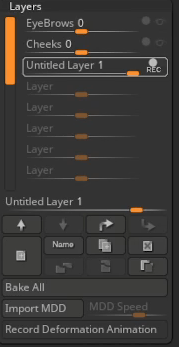
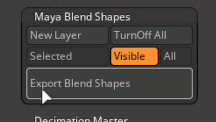
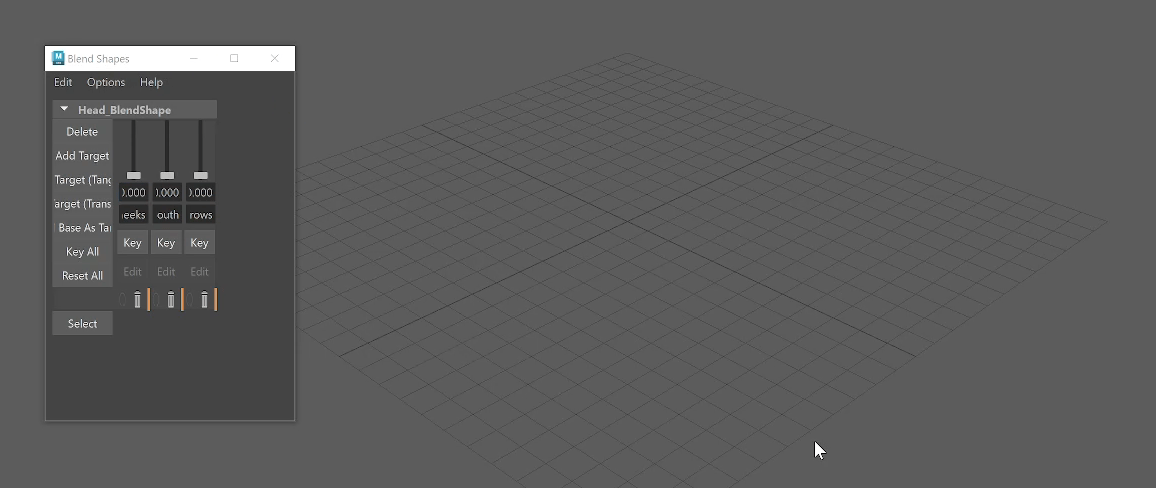
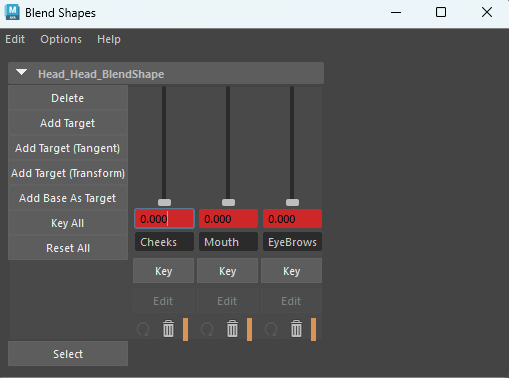
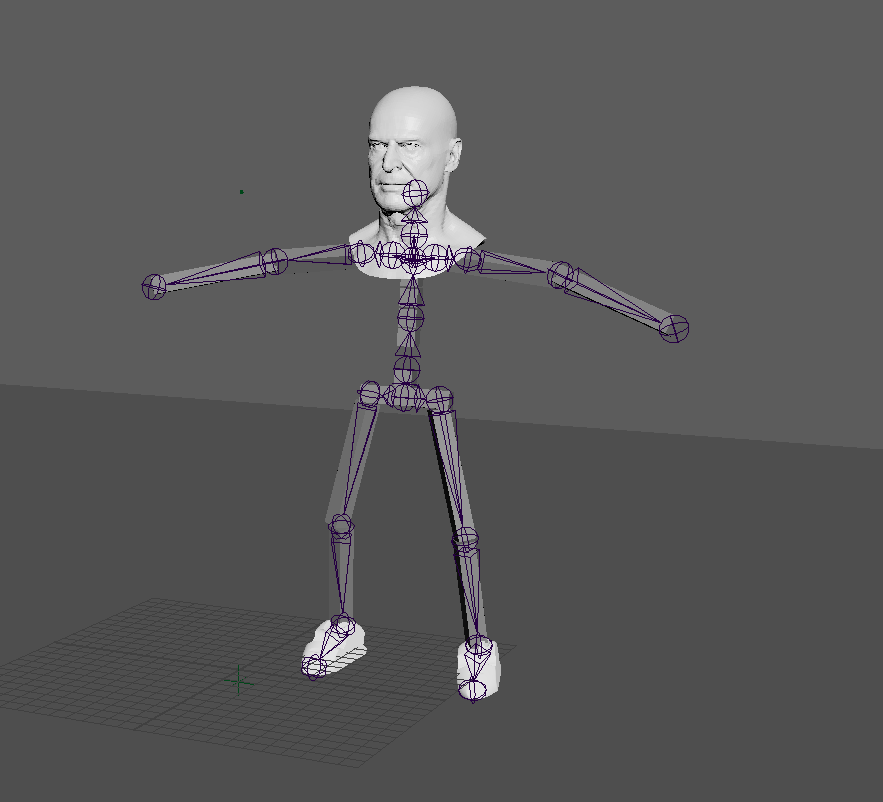
Week 5: Blendshape workflow
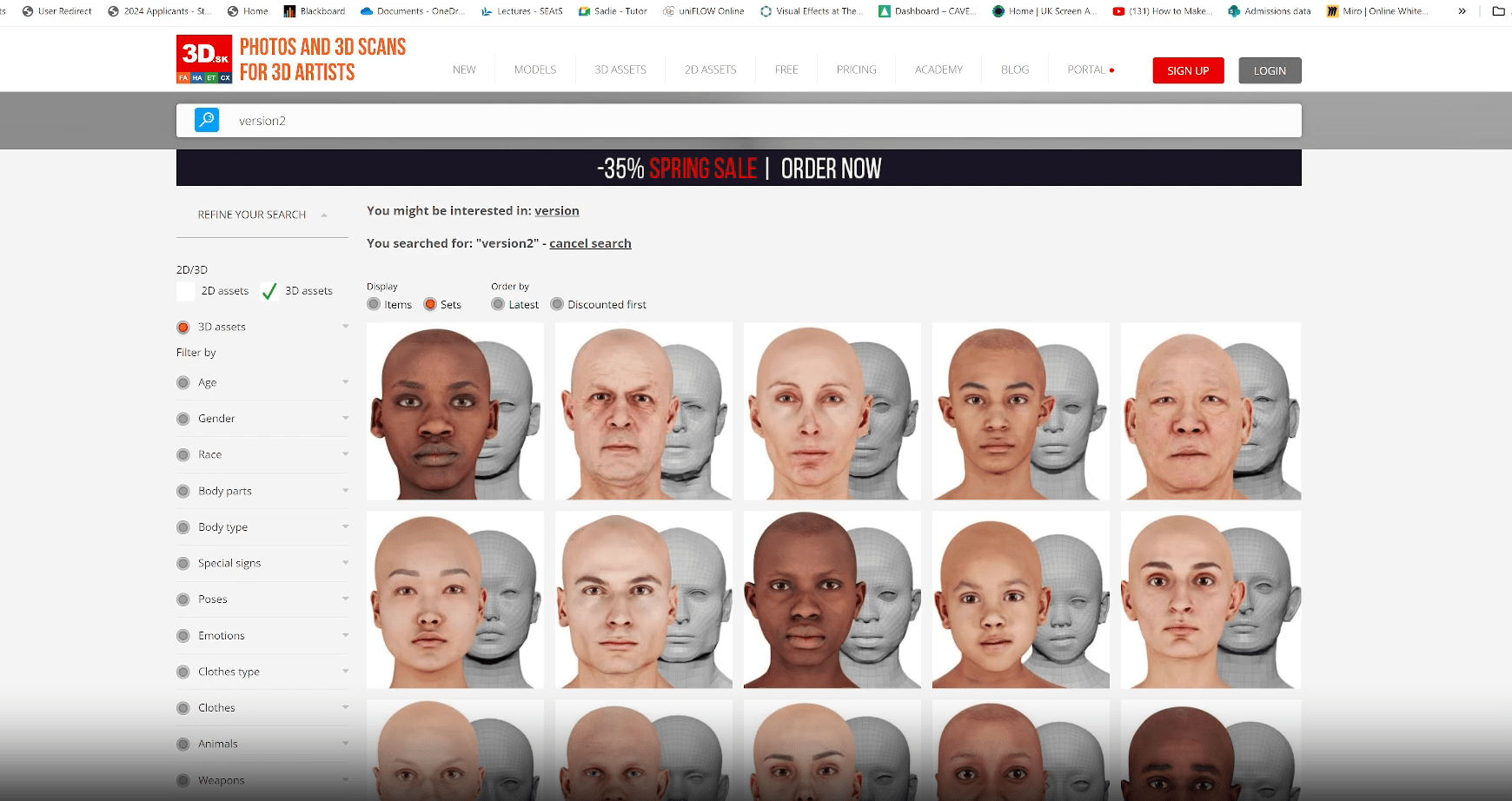
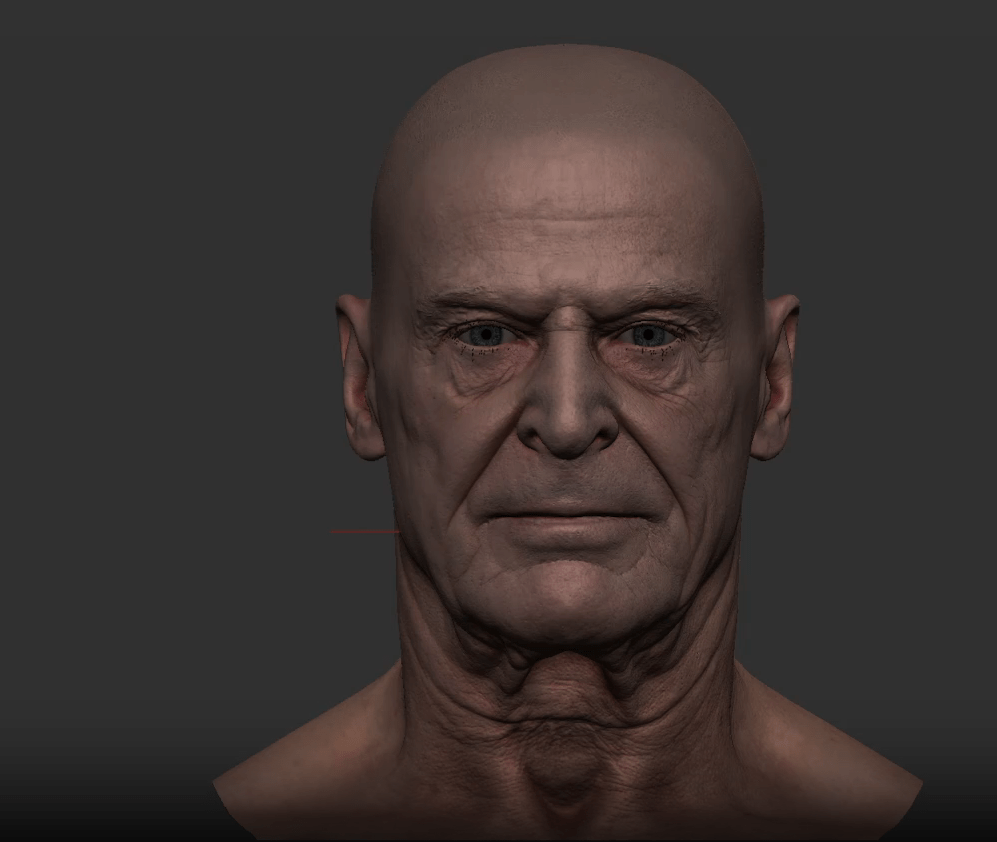
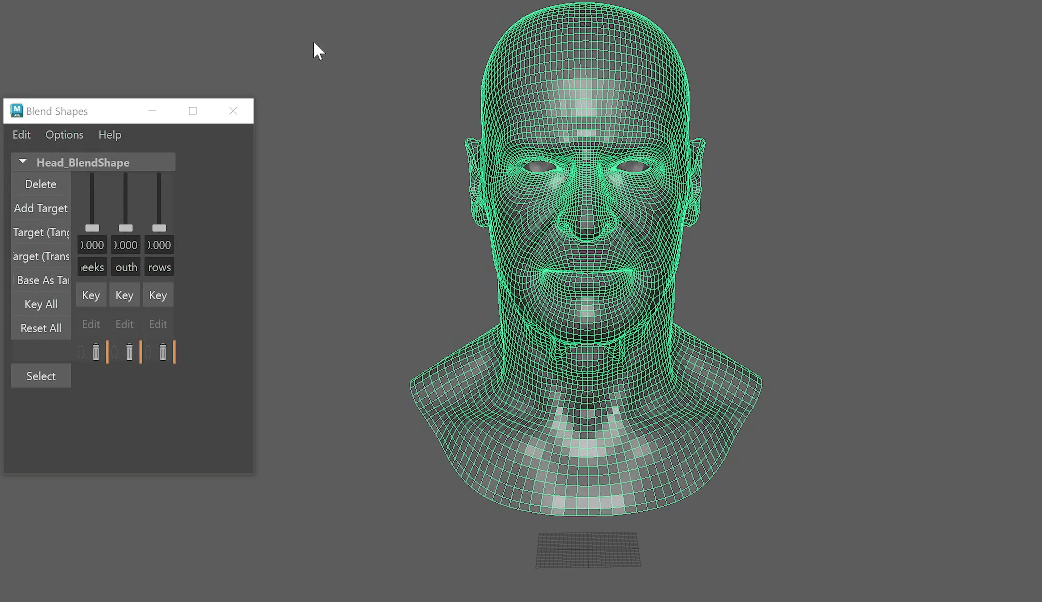
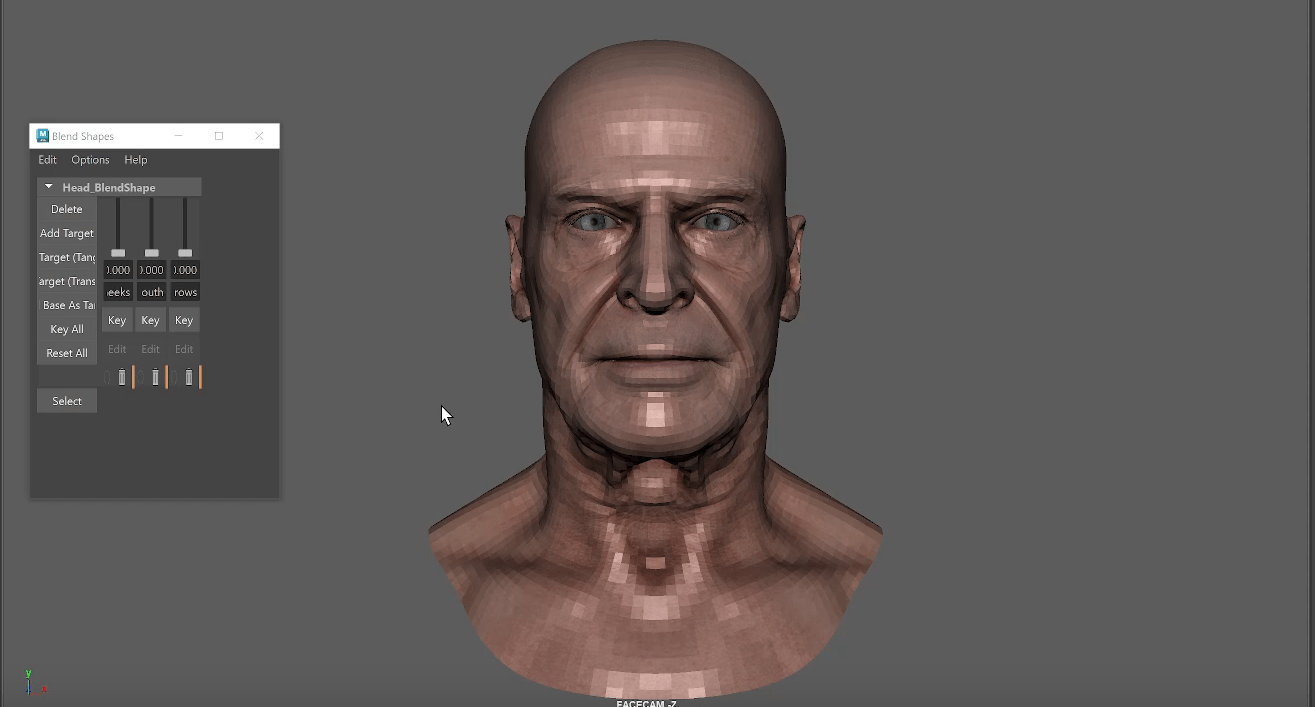
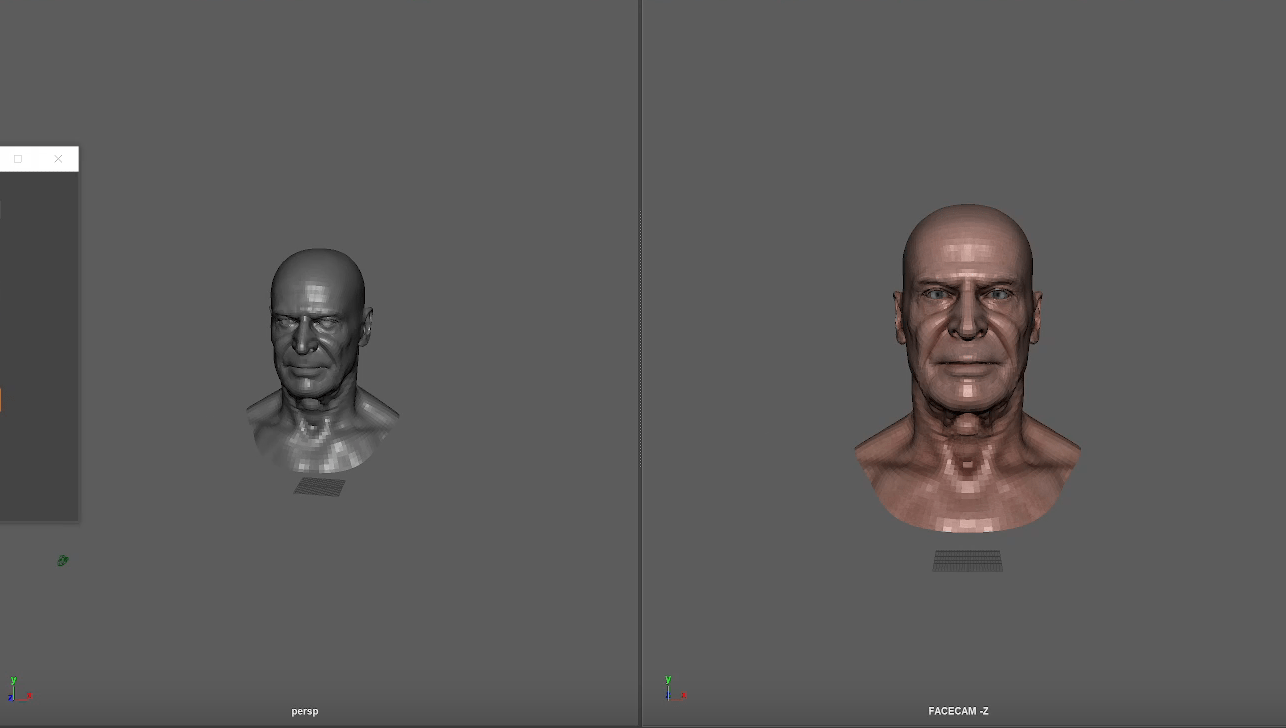
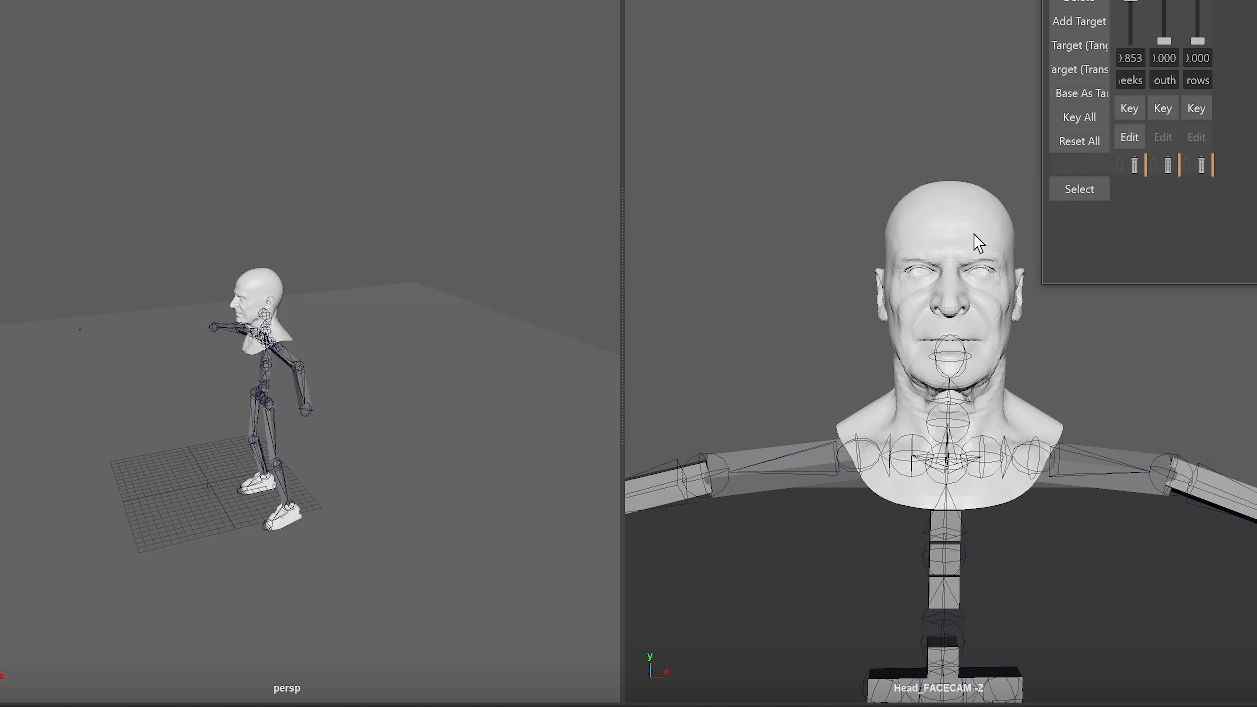
End of week 5
Week 6: Workshop – submission of mech
Assessment 1
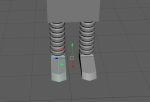
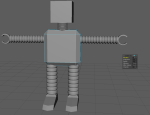
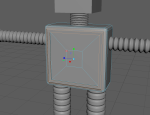
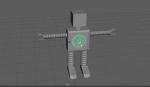
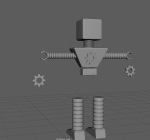
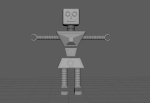
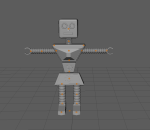
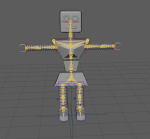
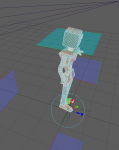
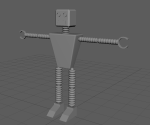
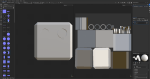
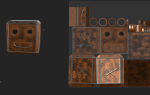
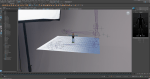
Development work gallery:
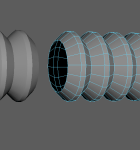
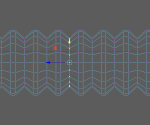
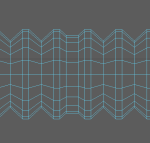
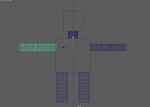
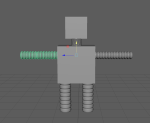
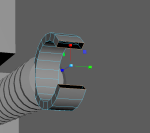
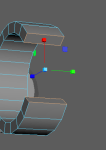
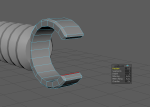
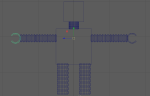
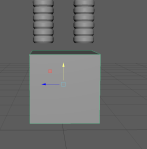
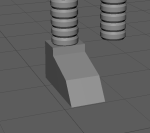
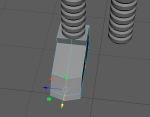
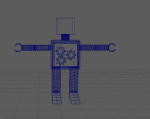
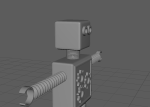
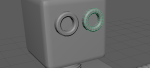
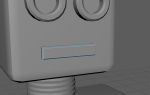
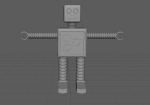
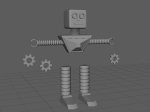
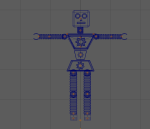
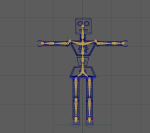
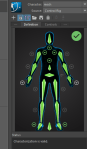
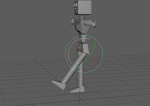
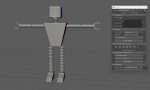
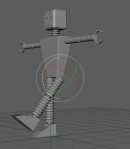
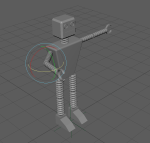
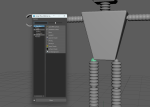
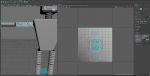
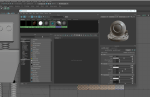
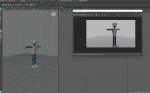
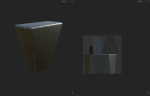
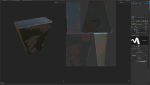
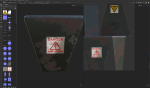
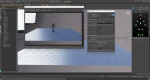
videos:
Final render:
End of week 6
End of assessment 1
Week 7 : Zspheres workflow / sculp arm zbrush
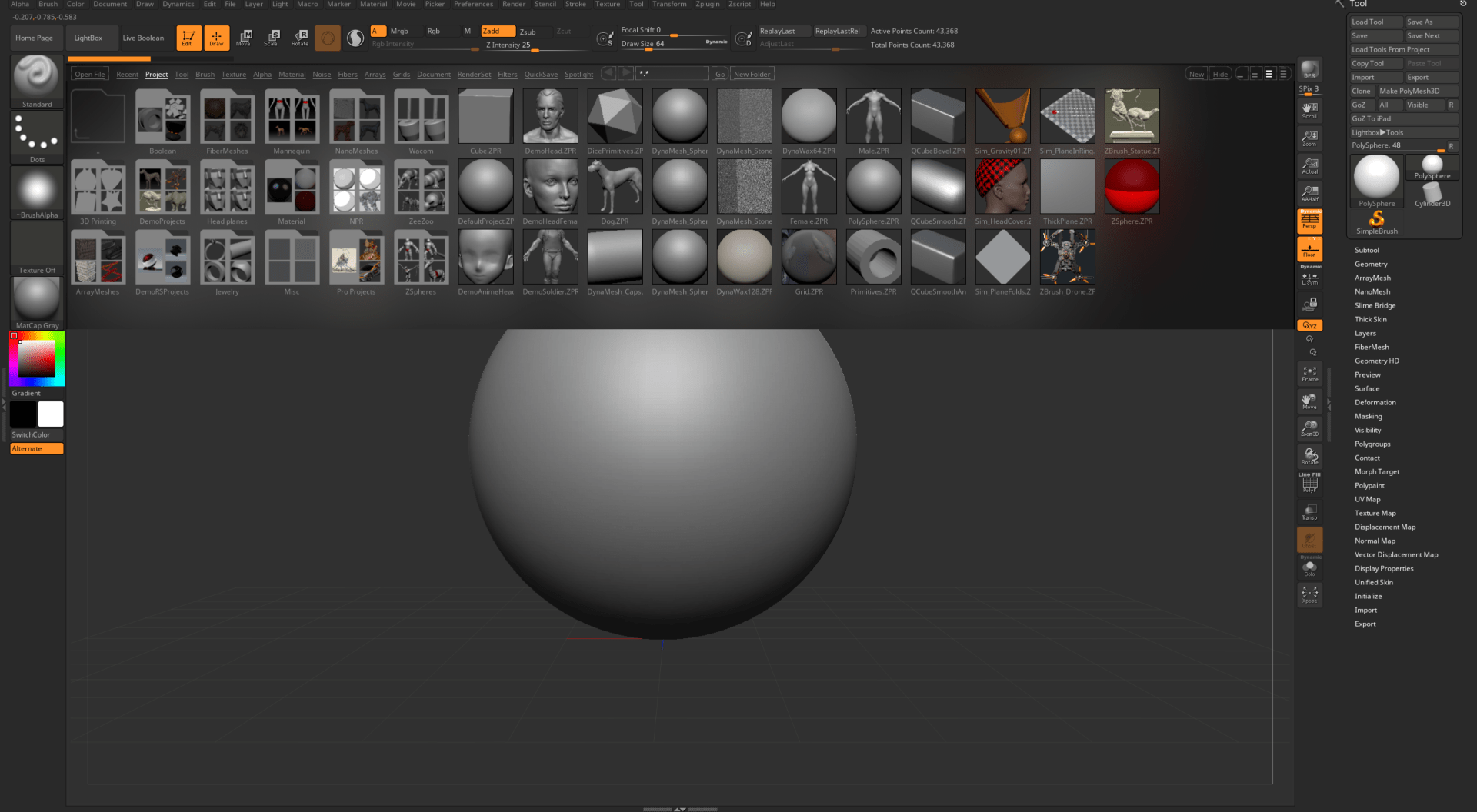
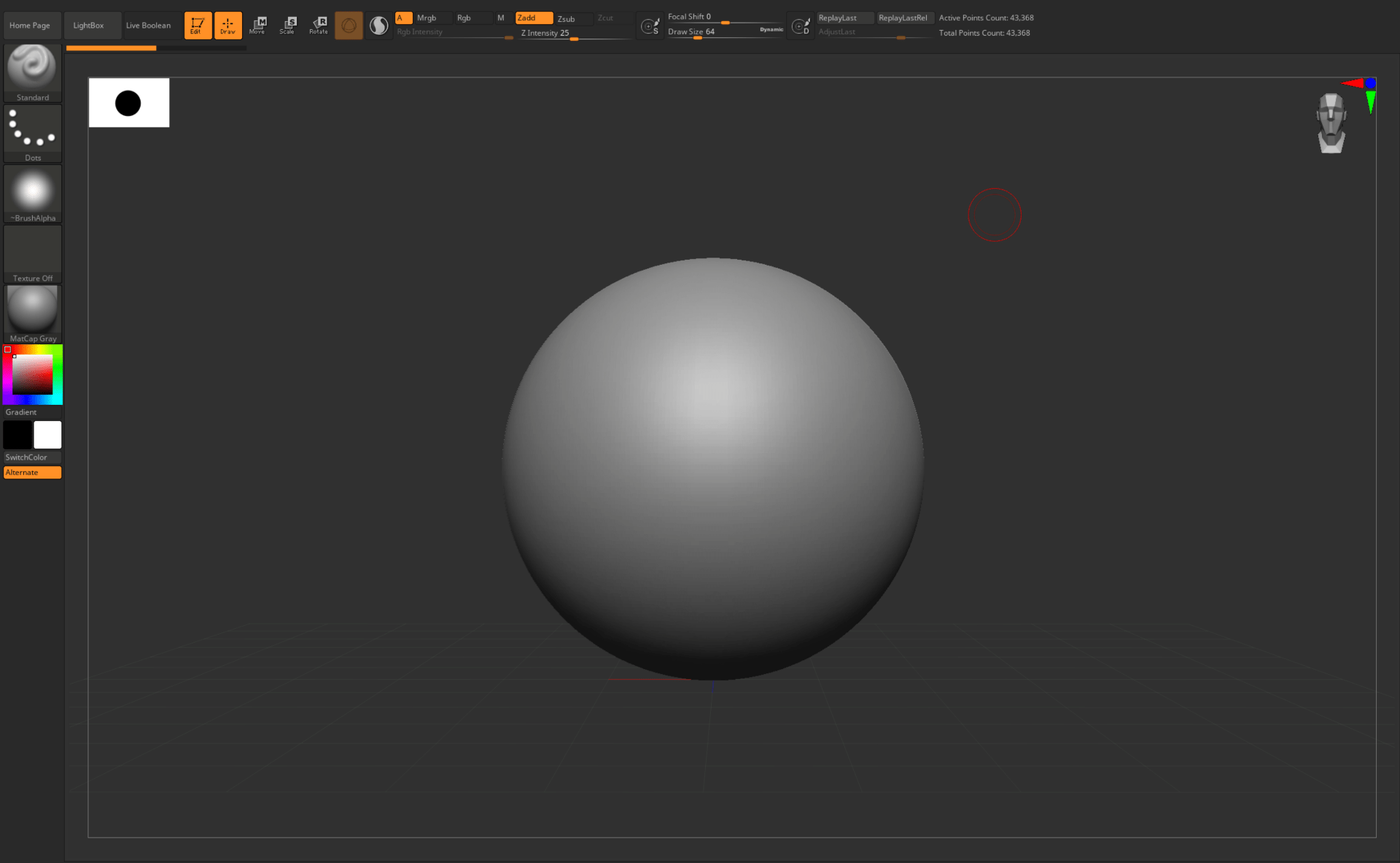
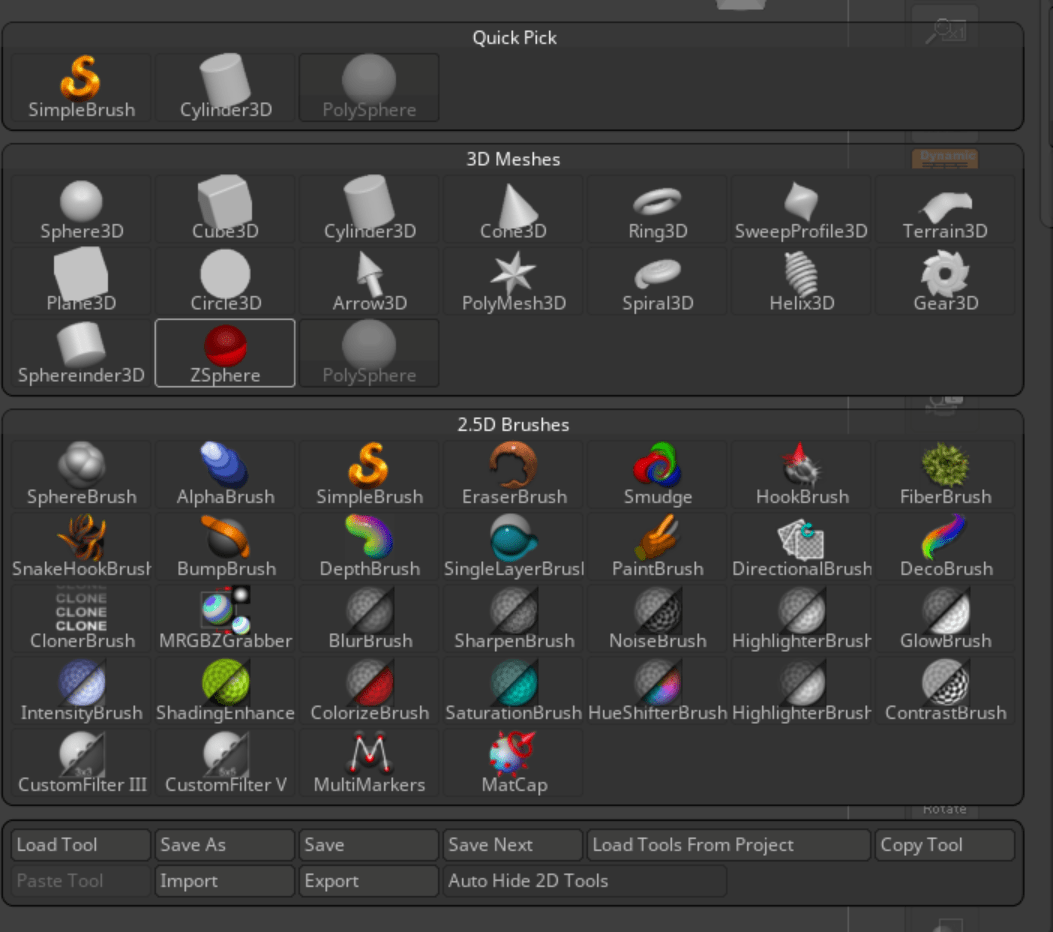
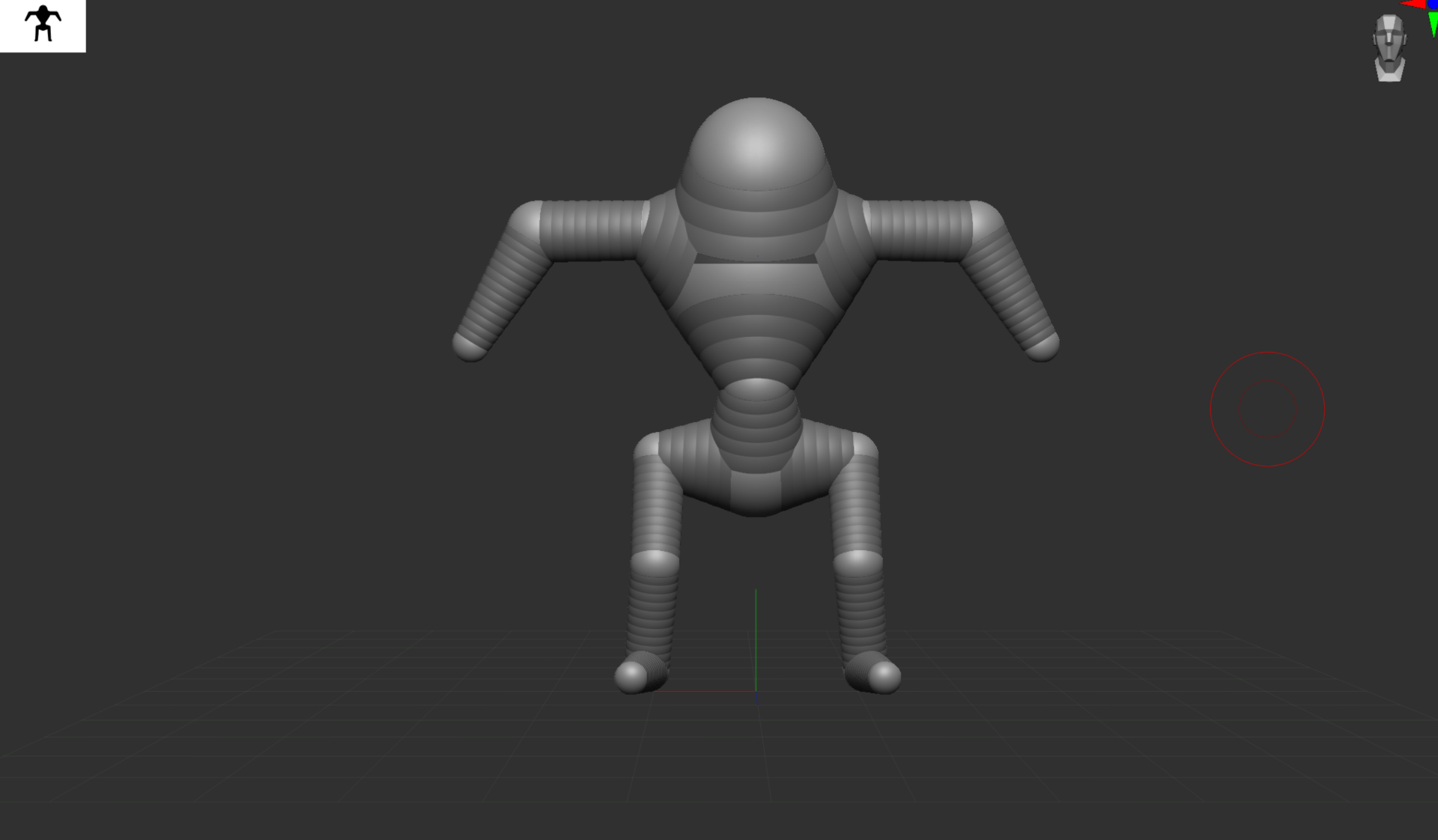
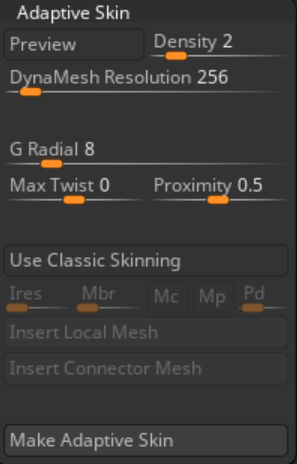
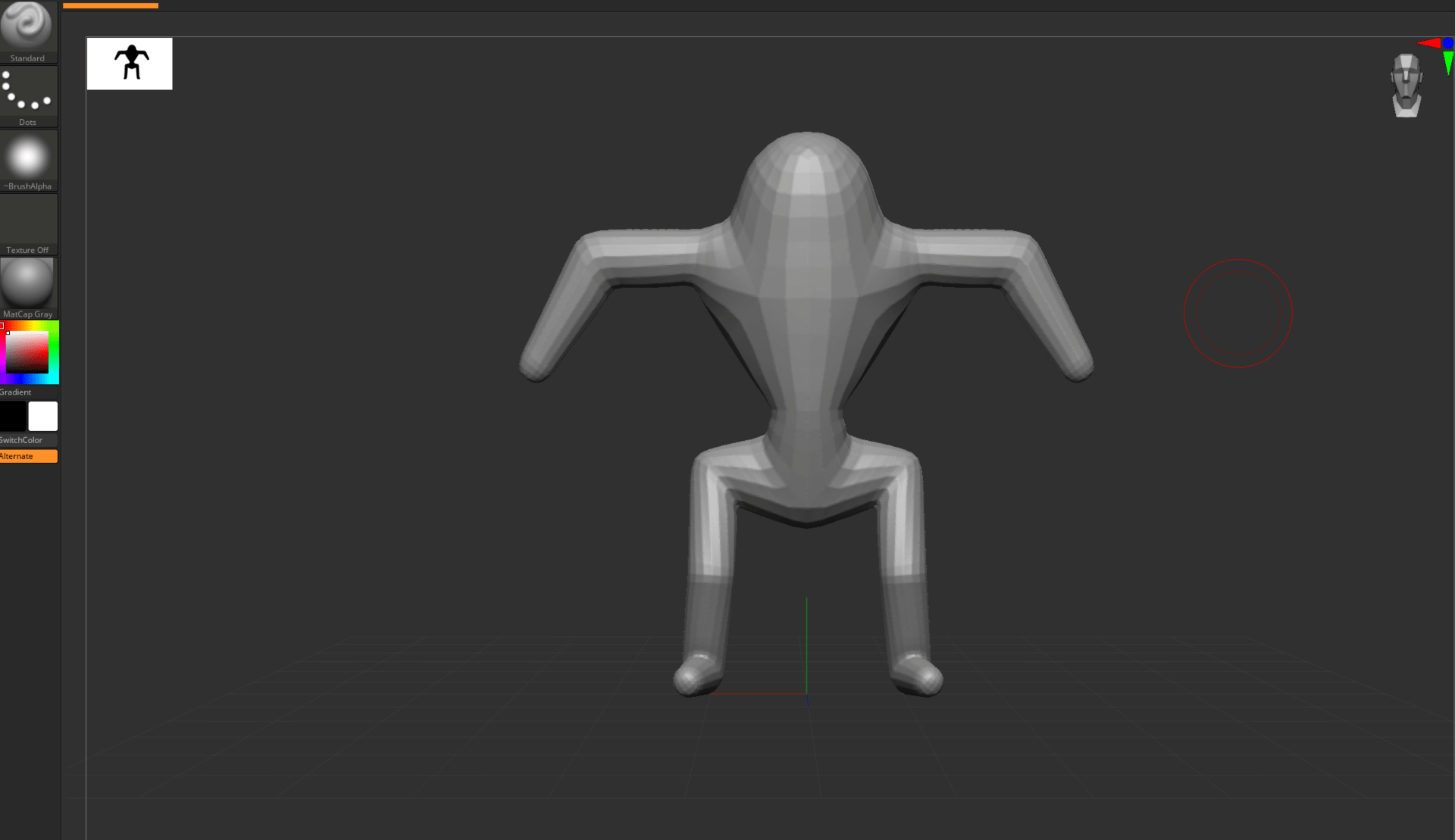
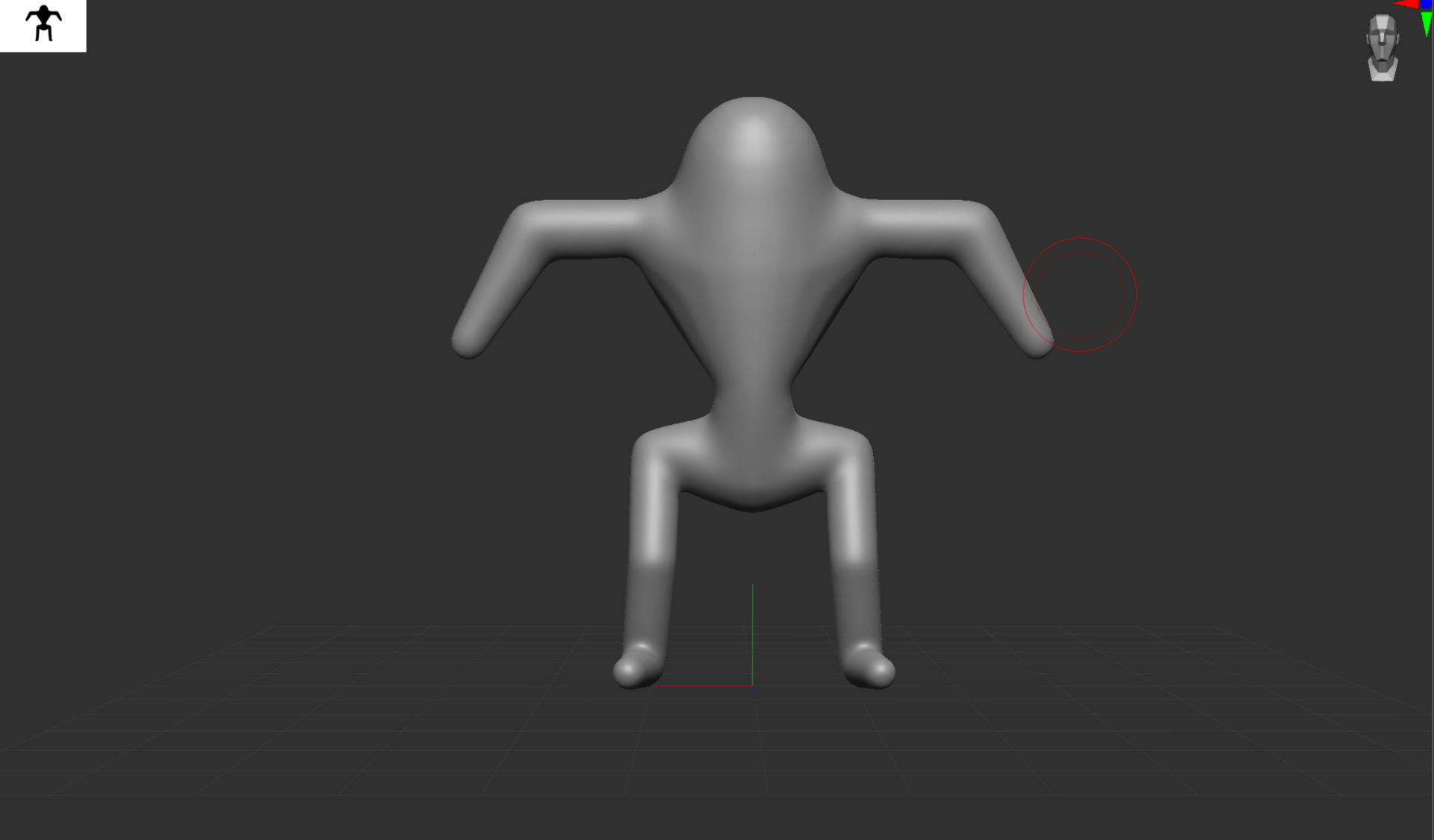
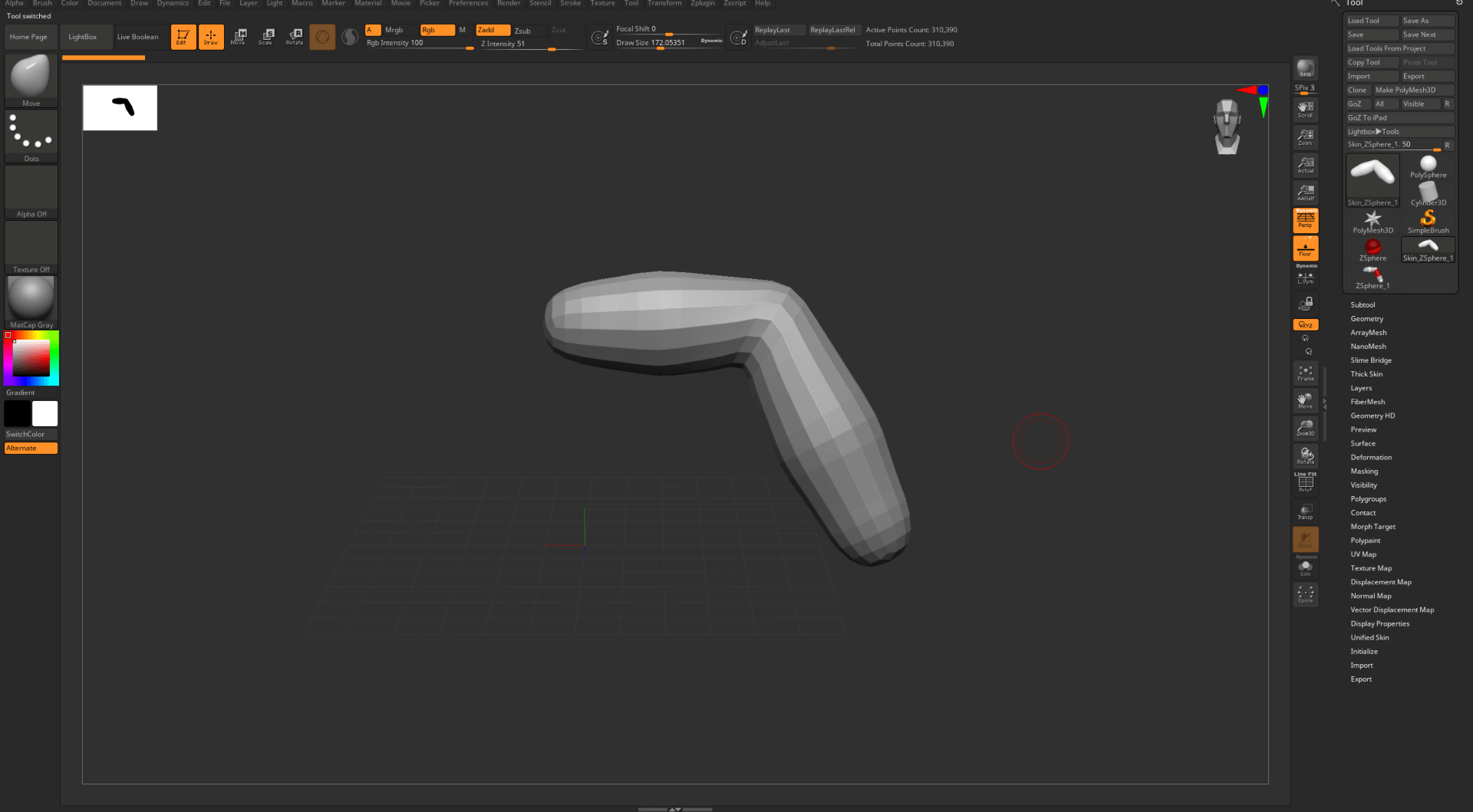
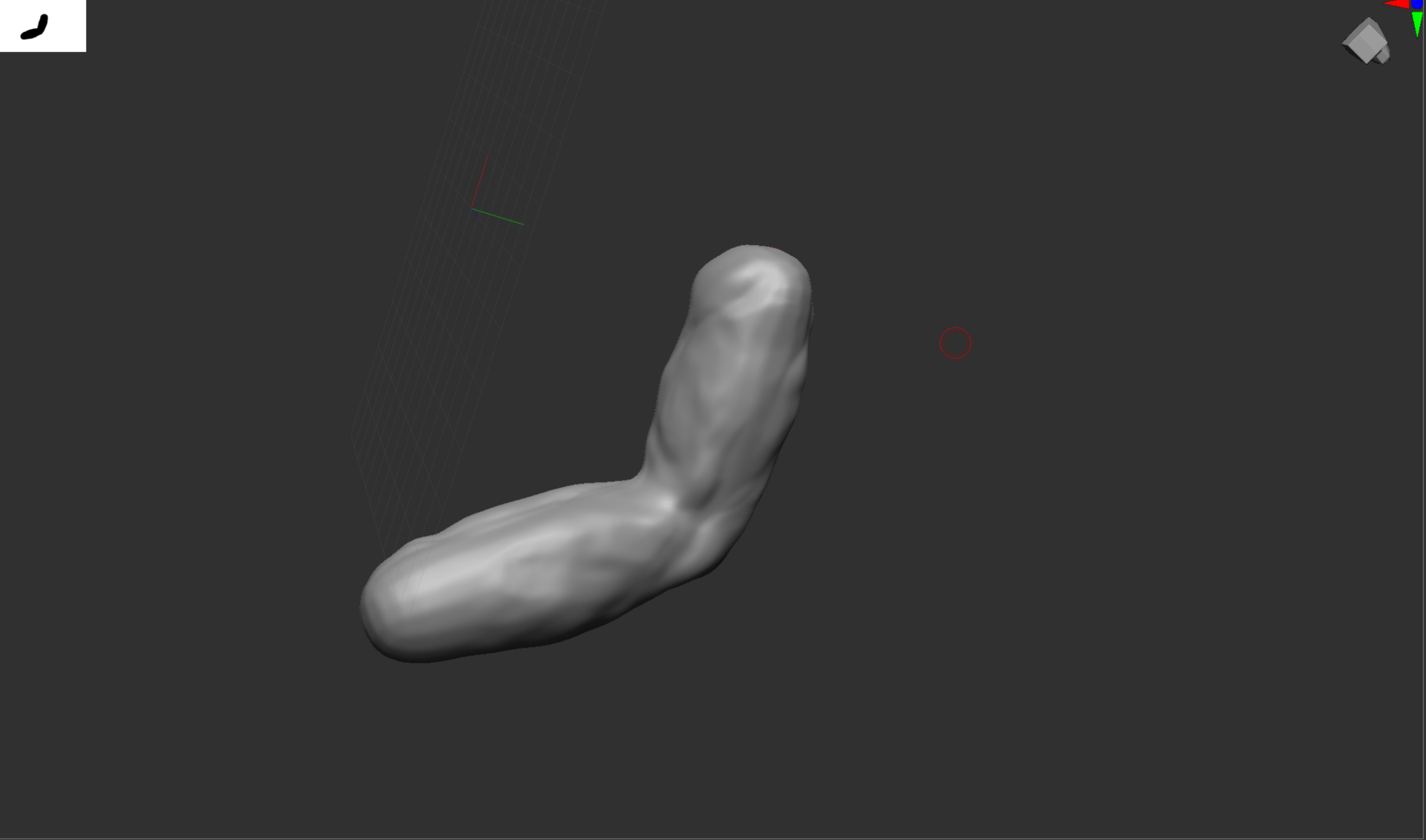
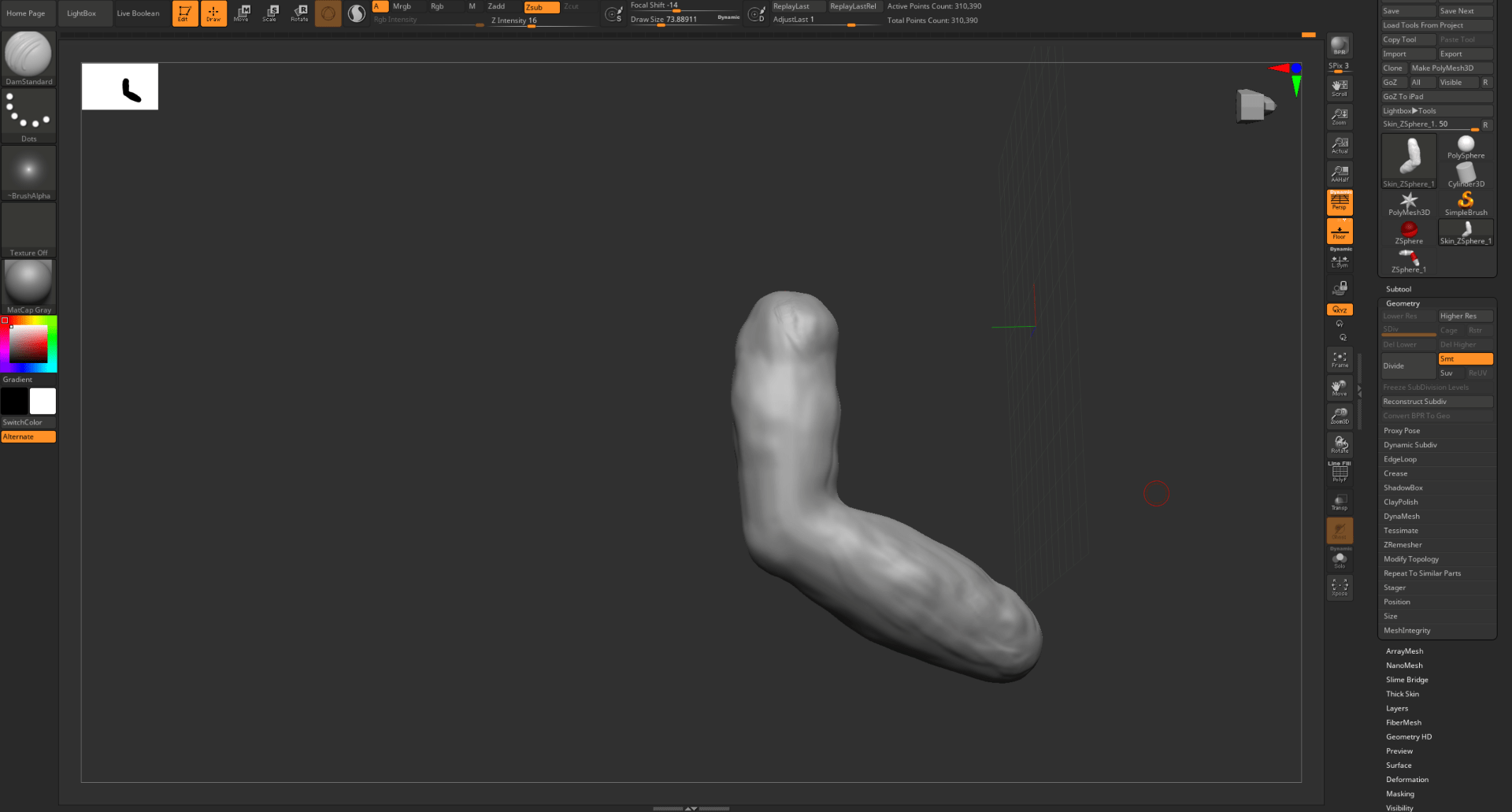
This is the video of How I performed in class:
End of week 8
Assignment 2: creature
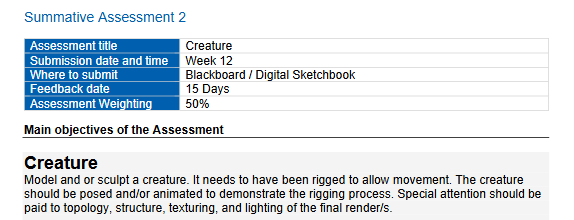
For my model I used carl Forsberg monster as inspiration and reference:
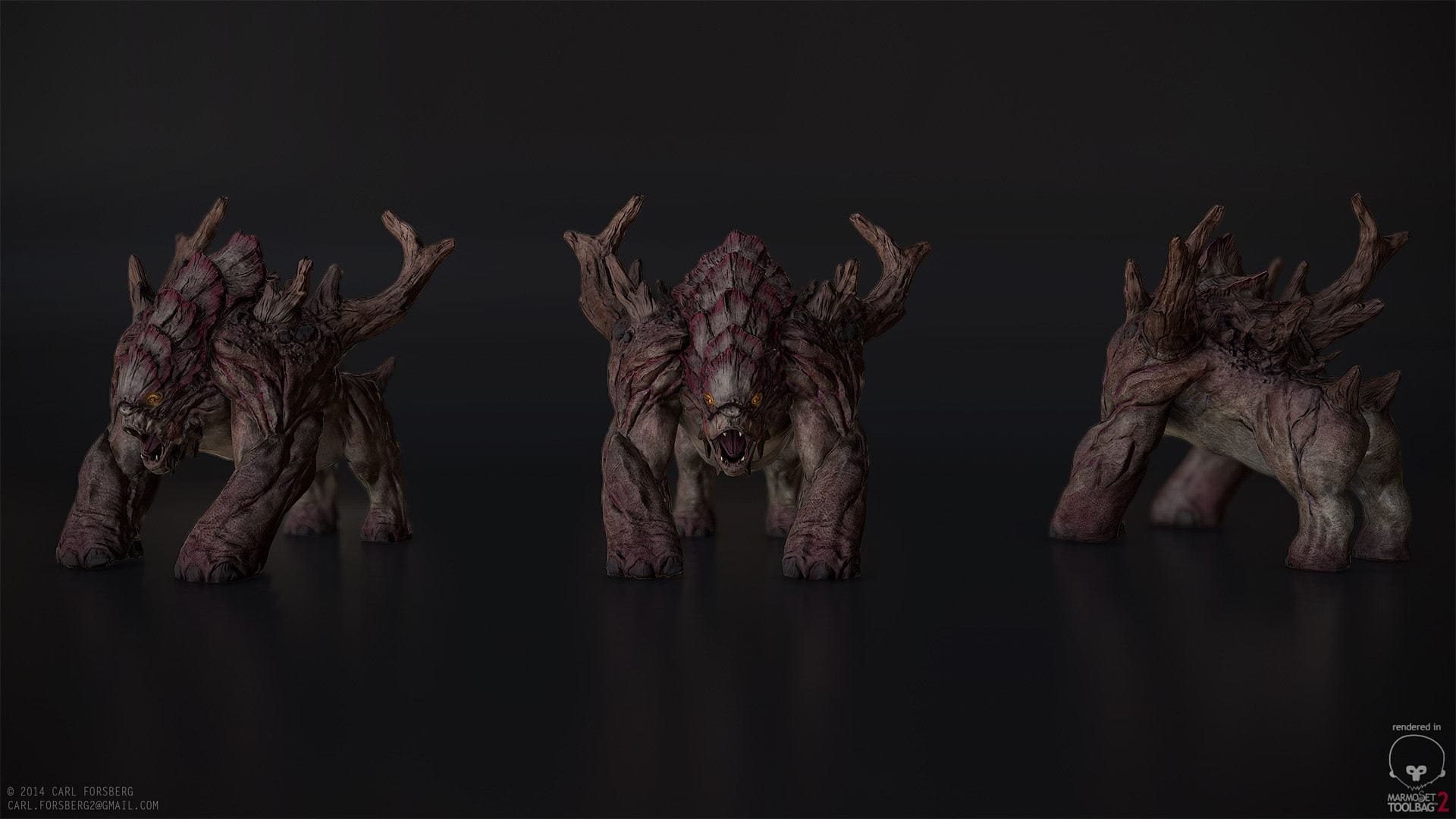
So first I started sculping with Zbrush.
Used Zspheres to create my base model:
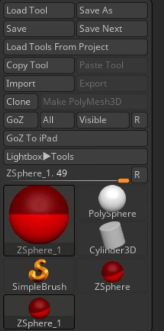
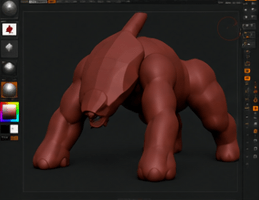
and created a skin to have my base form:
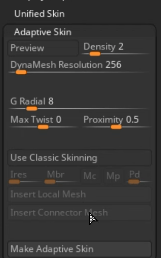
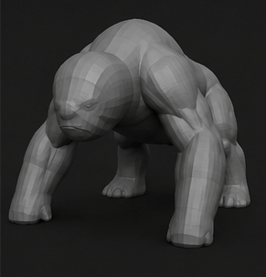
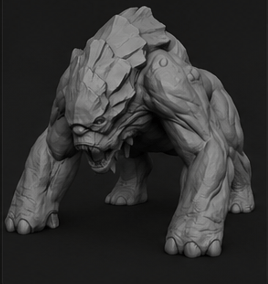
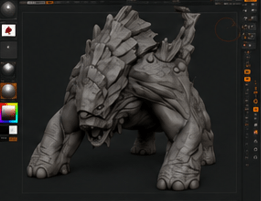
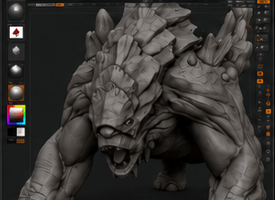
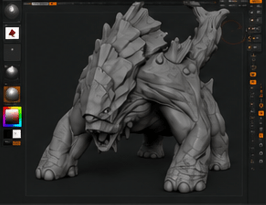
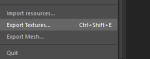
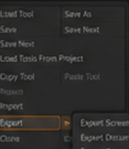
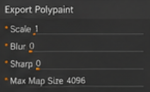
after finishing the model I export the model/textures to be ready for maya:
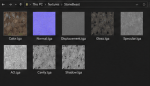
low poly
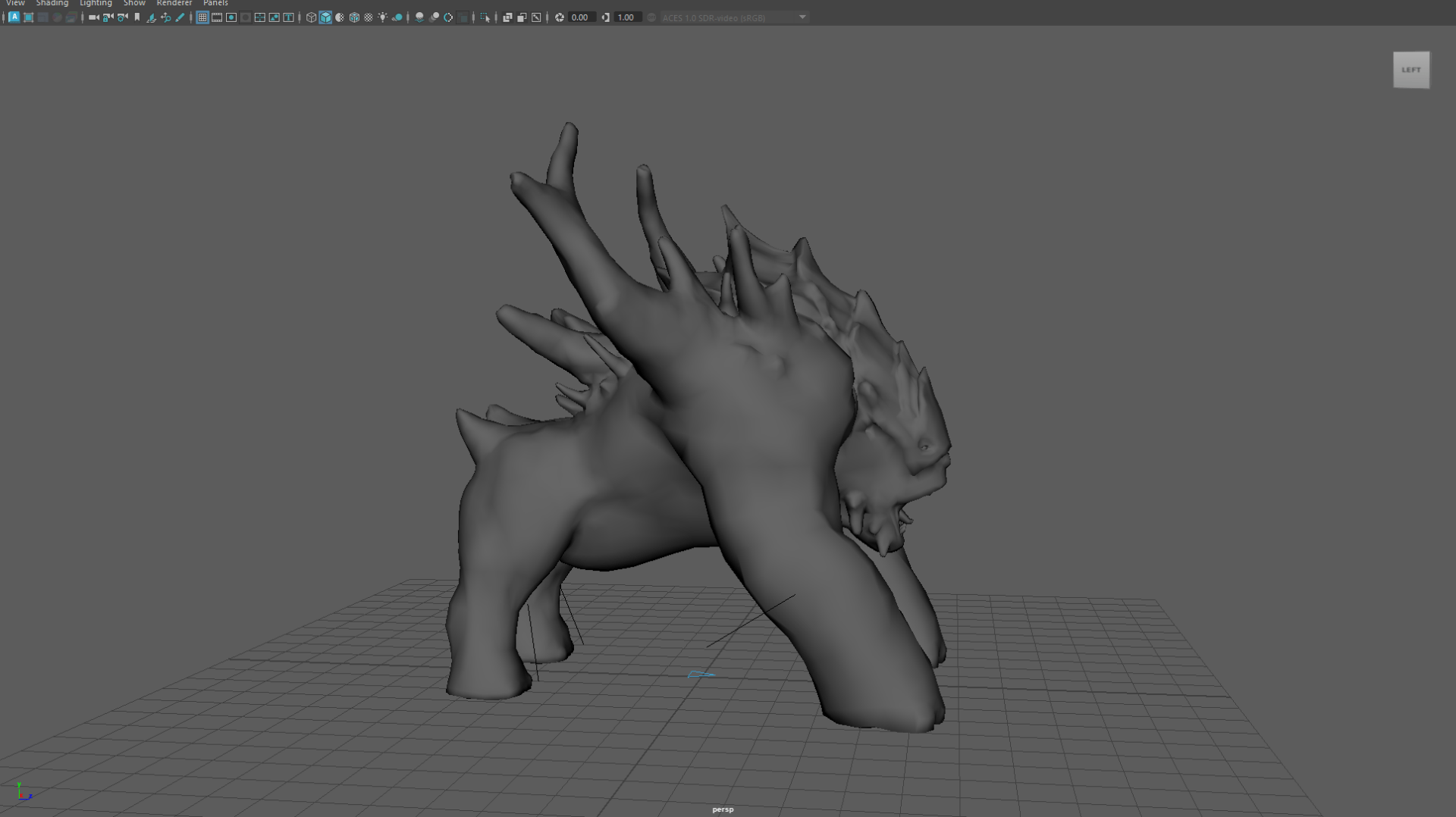
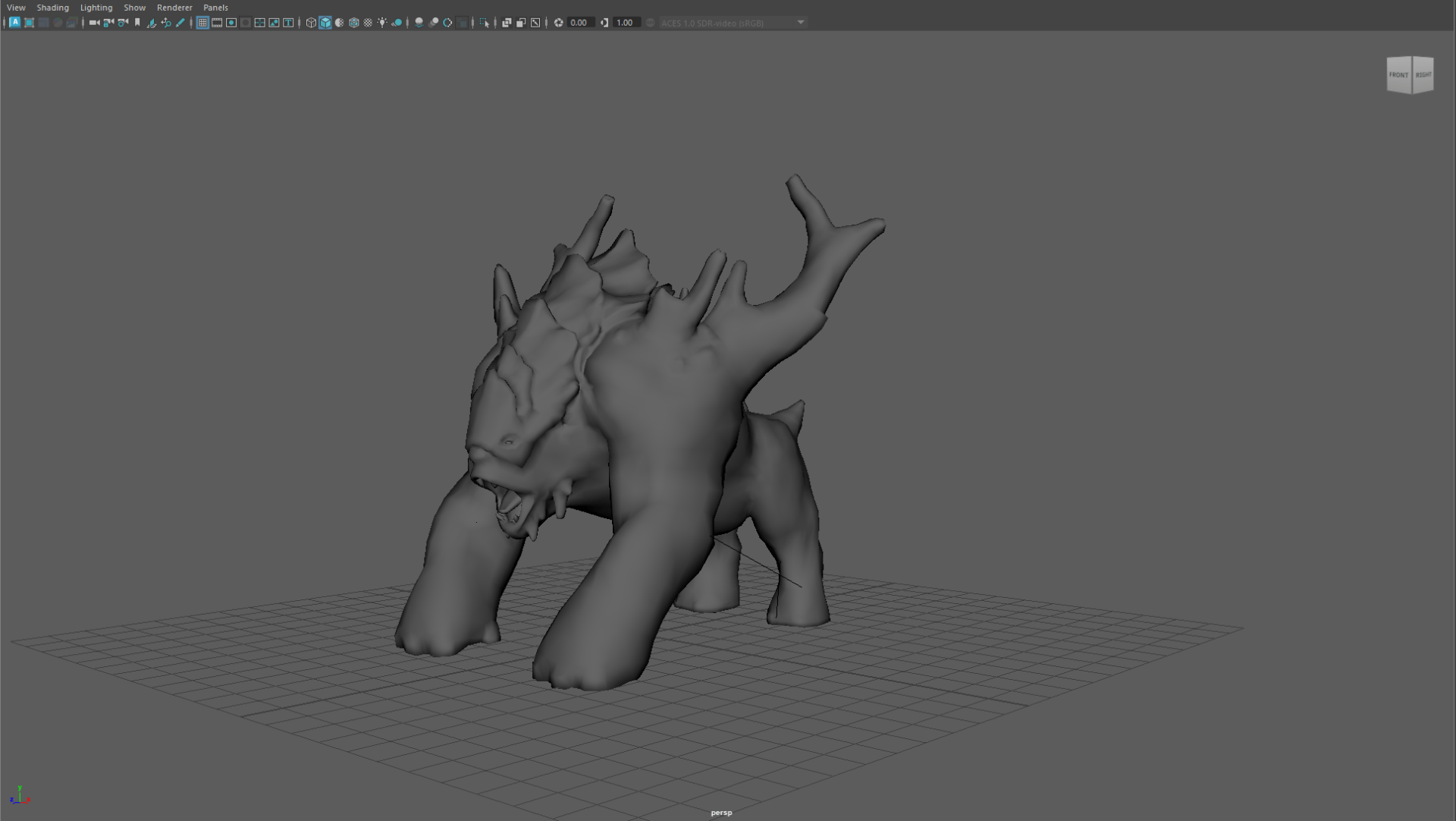
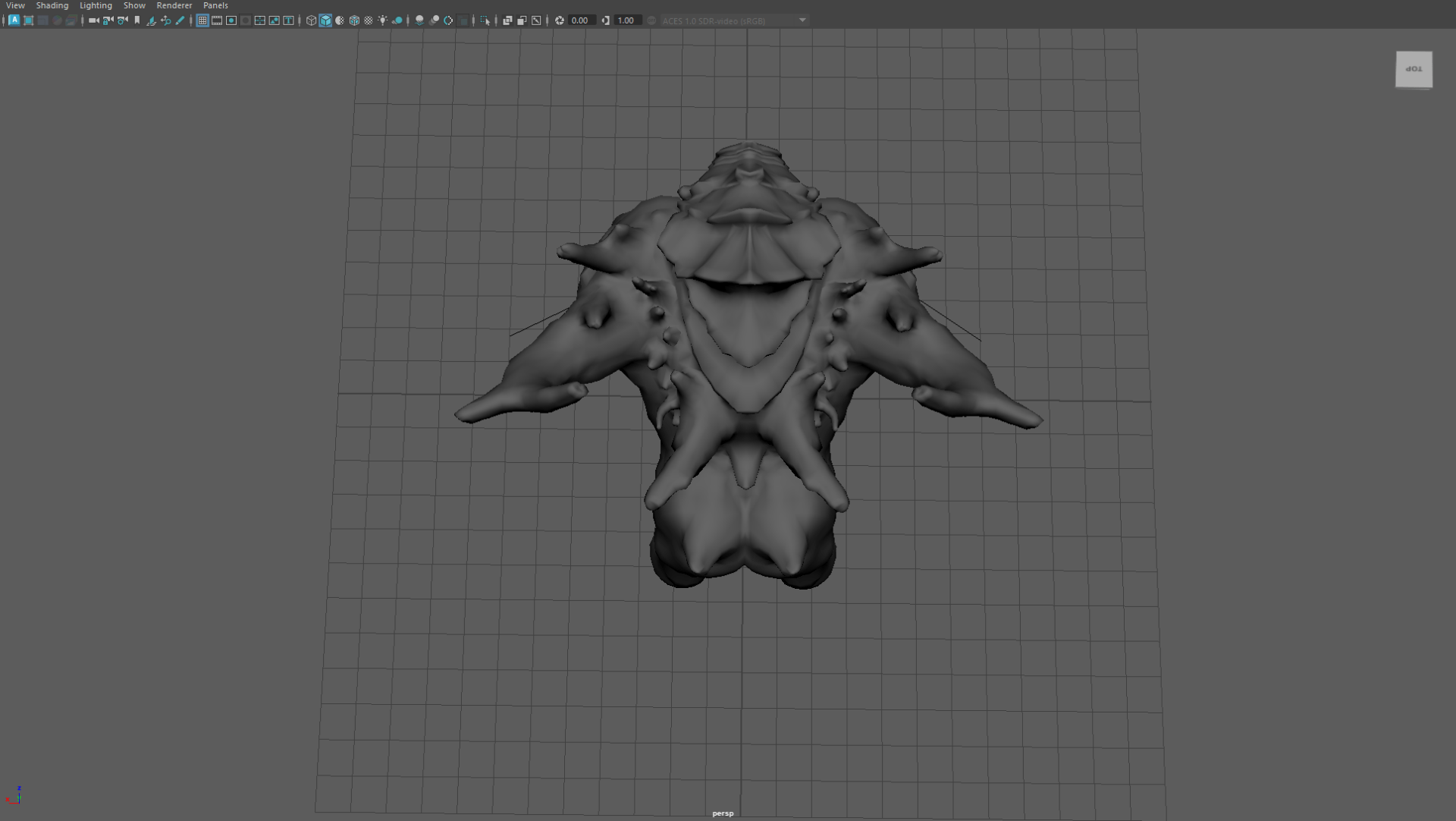
hight poly
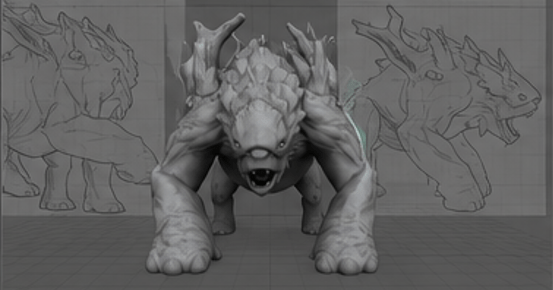
we apply the textures:
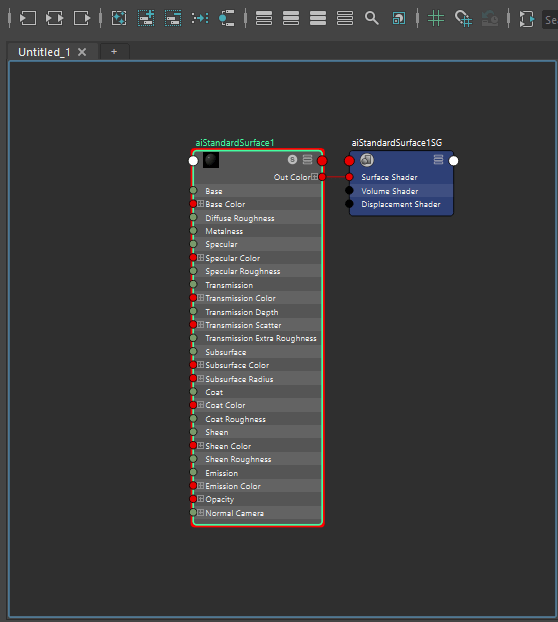
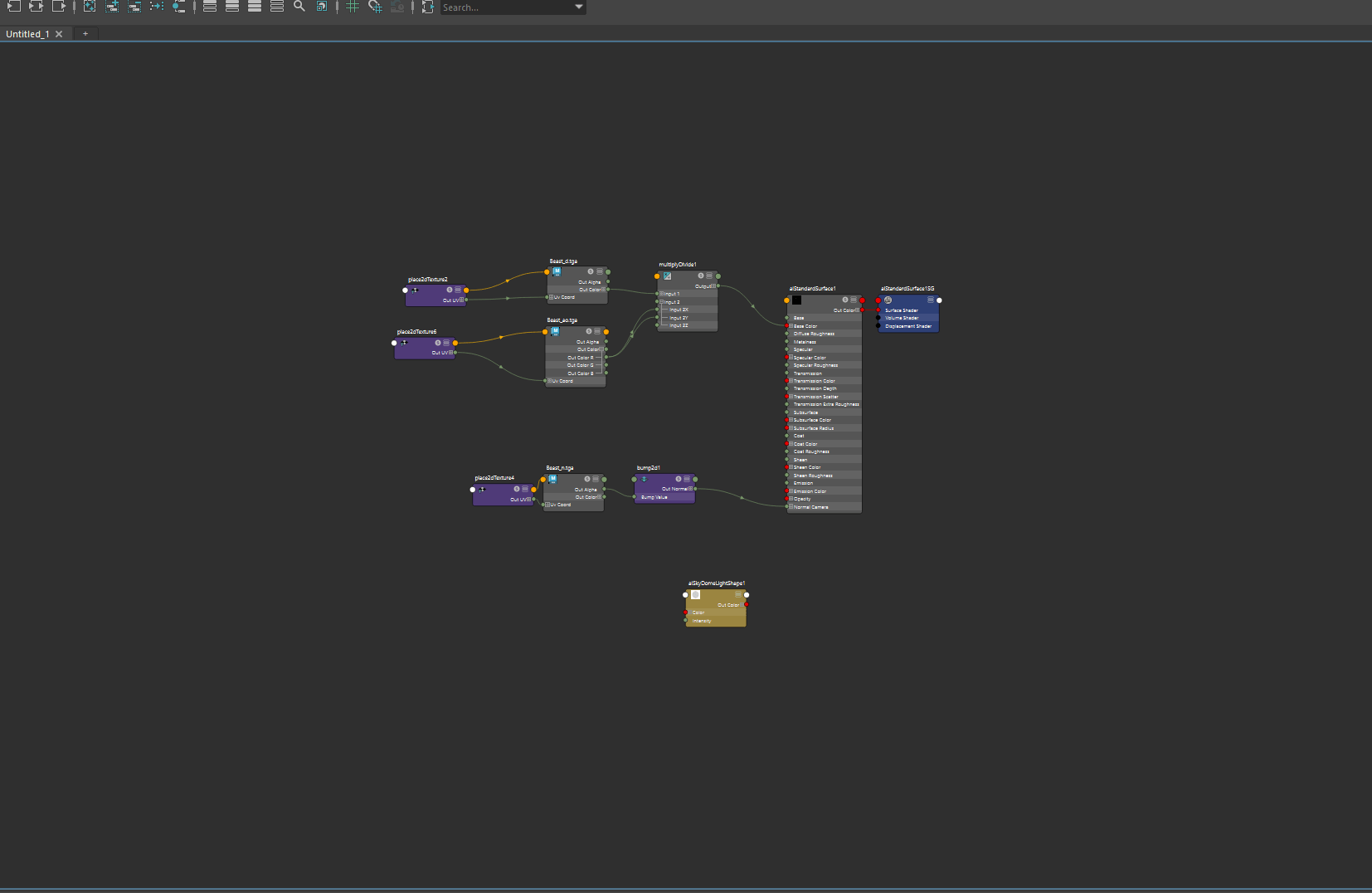
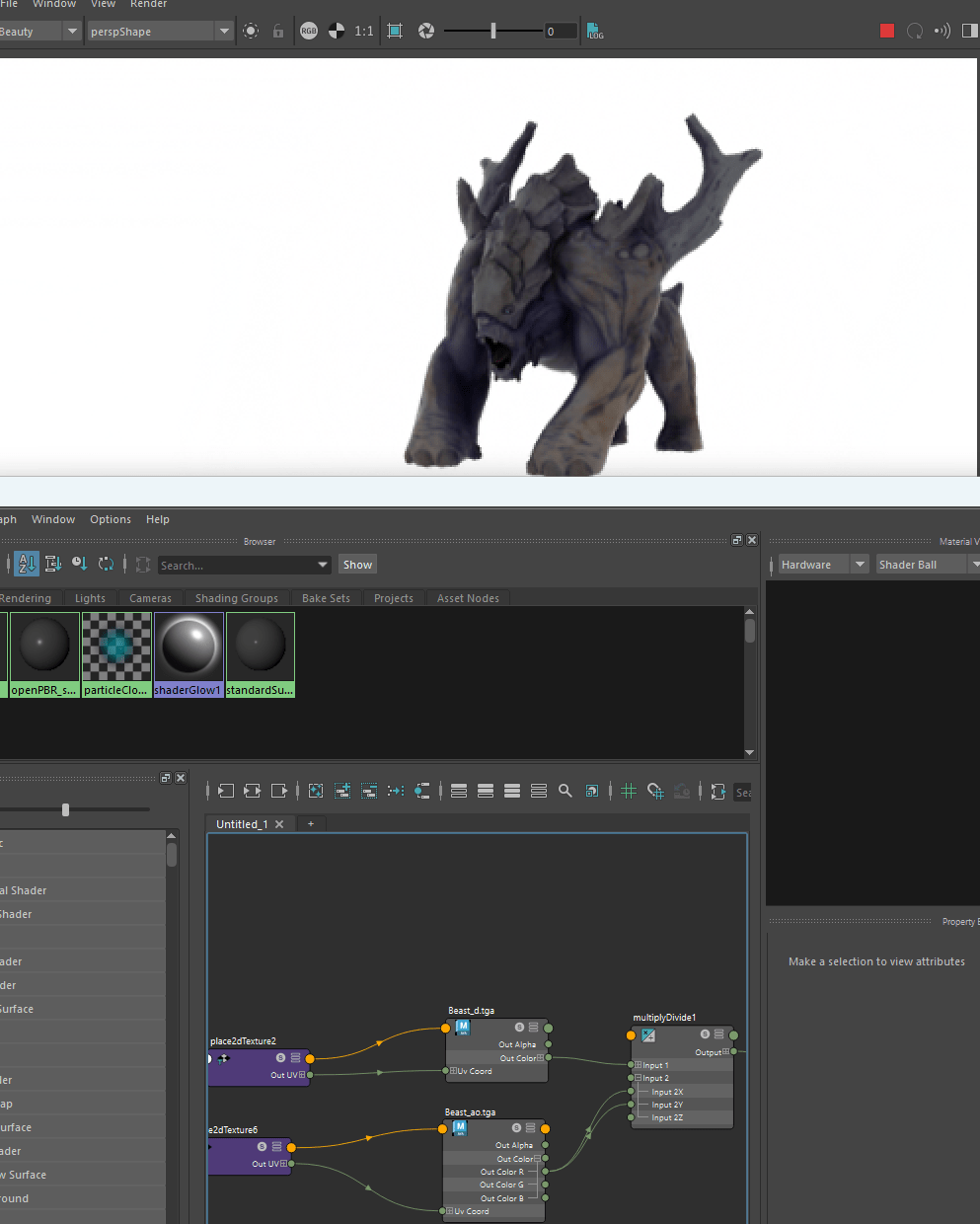
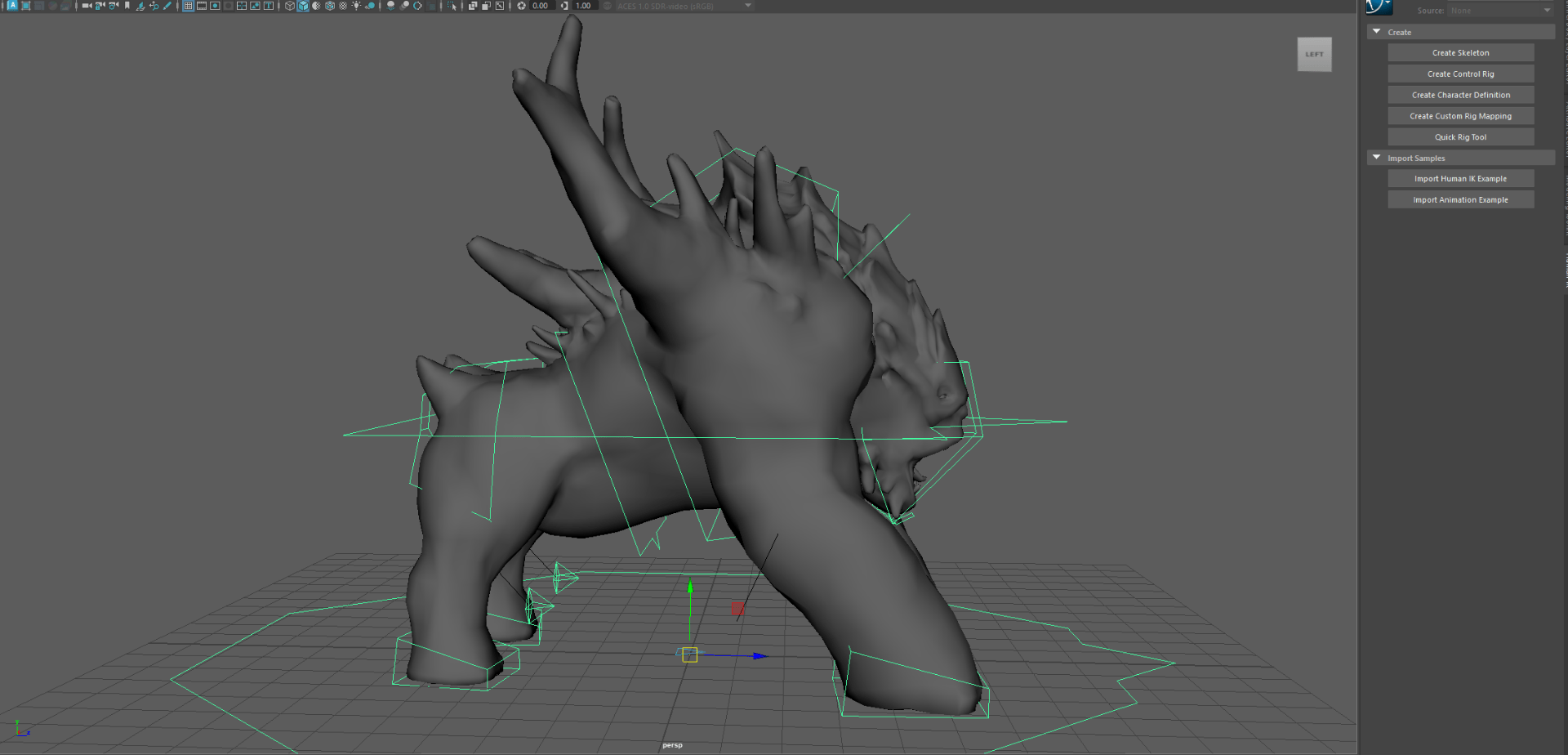
finally creating the rig for the model
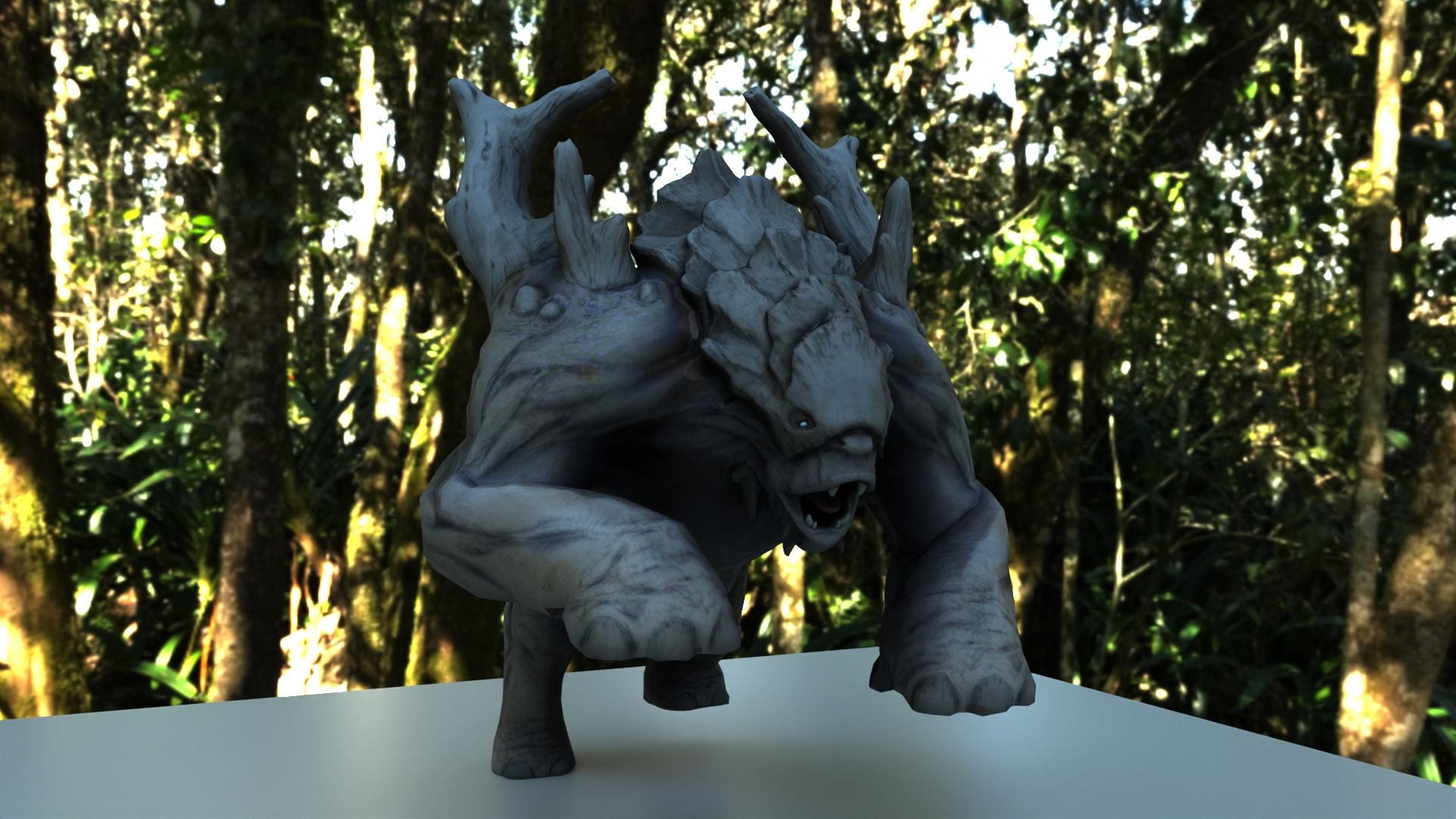
Final render:
End of assignment 2

