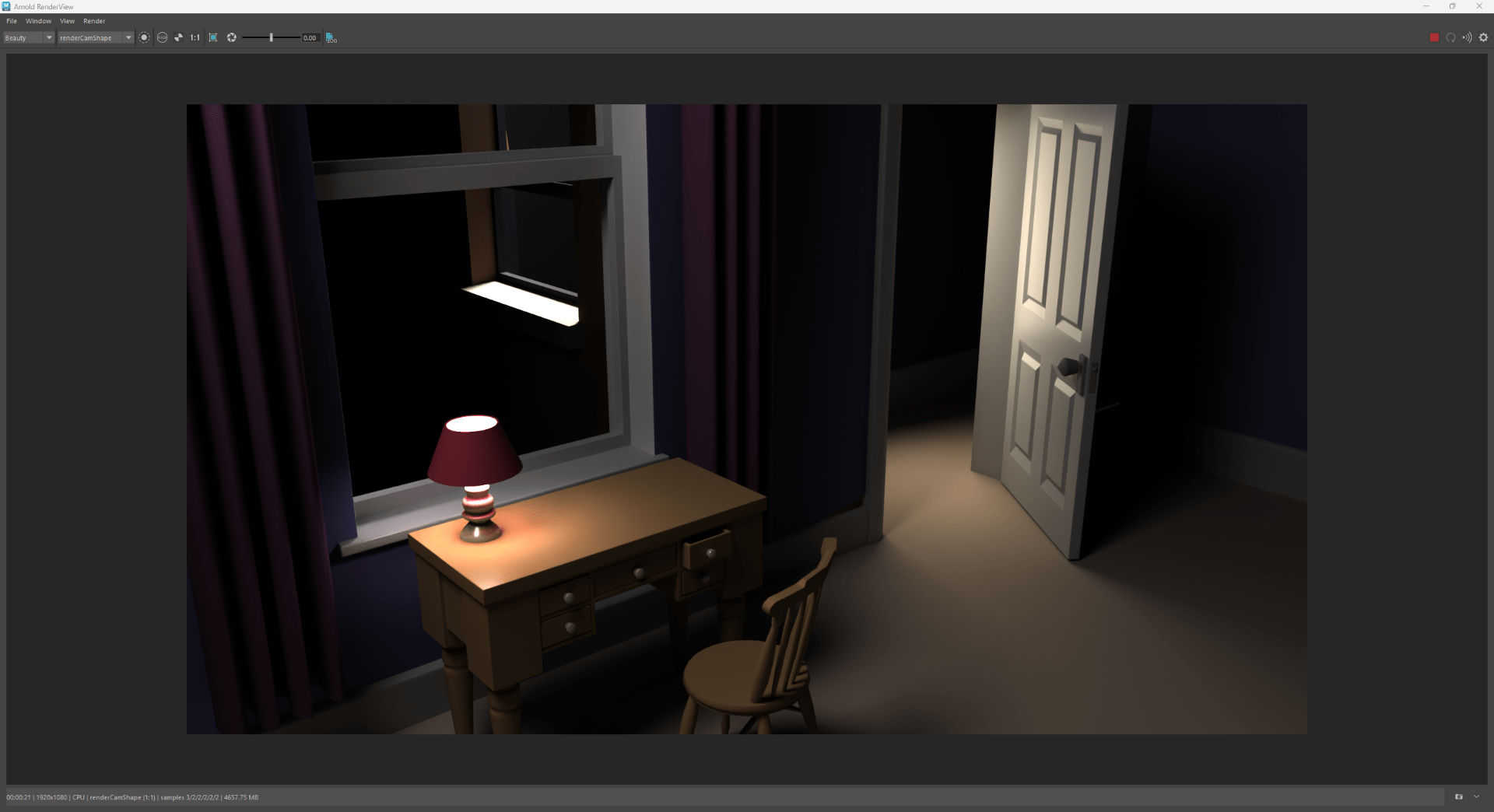
What are lights, cameras, rendering, materials and textures in Autodesk Maya?
Lights, cameras, rendering, materials and textures in Autodesk Maya
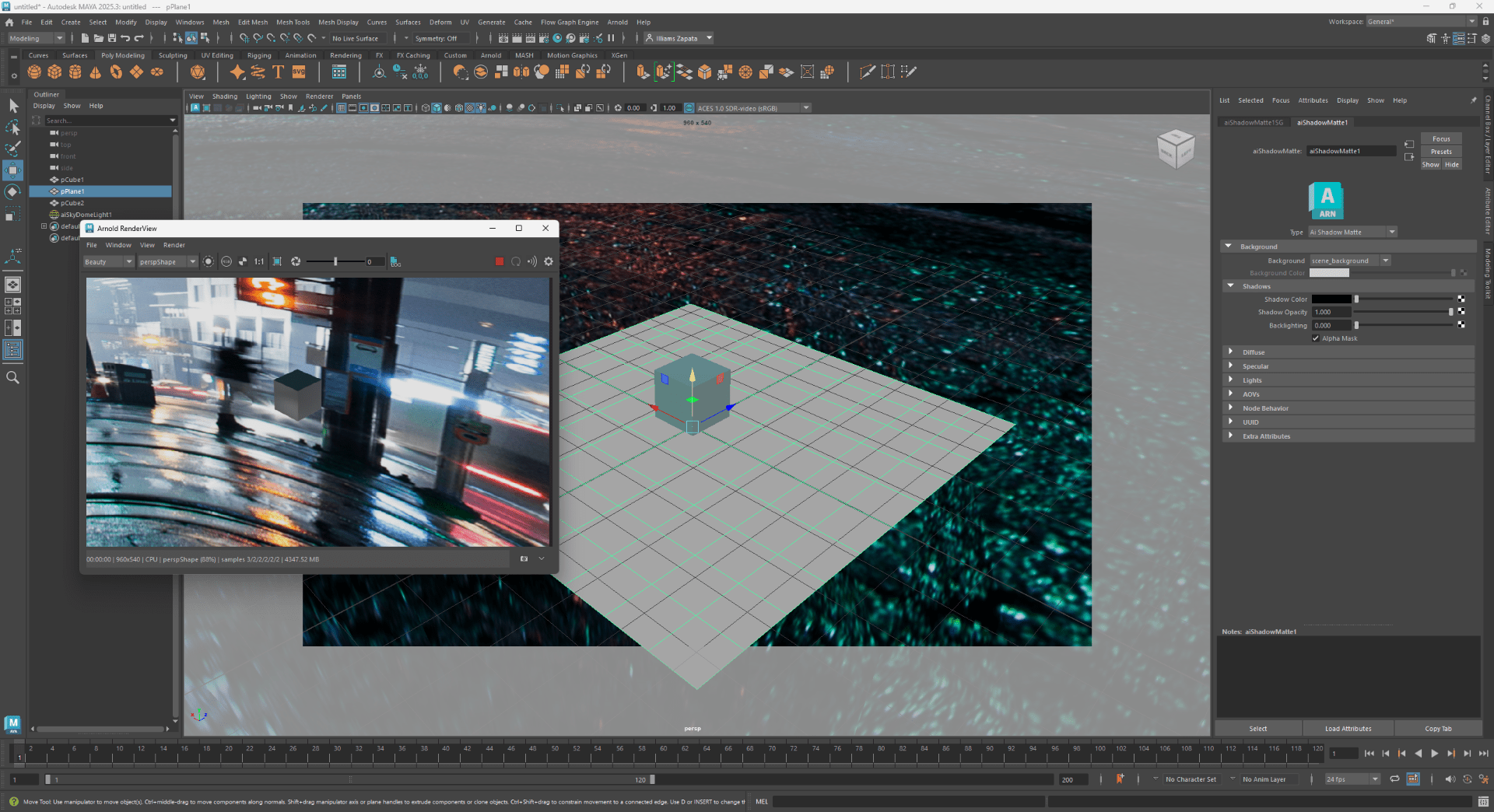
Lights are virtual sources of illumination that simulate real-world lighting conditions to create realistic scenes. They include options like point lights, spotlights, and directional lights, each affecting objects differently based on their position, intensity, and spread.
Cameras in Maya serve as viewpoints from which scenes are captured, much like a real camera lens, allowing for control over framing, depth, and perspective.
Rendering is the process of converting a 3D scene into a 2D image or sequence by calculating how light, color, and texture interact in the scene.
Materials define the surface properties of objects, such as whether they appear metallic, rough, or transparent, while *textures* are images or patterns applied to materials to add detail like wood grain, bumps, or color variation.
Together, lights, cameras, rendering, materials, and textures work to simulate the appearance of real-world objects and environments in Maya, each playing a role in determining how scenes look when rendered for animations or still images.
Task 1
On your sketchbook:
- Using screenshots, show where in the interface we can find these different 3D toolsets
- Add a written definition for each toolset (similar to the ones above)
- Provide some examples of different types of lights and materials
Cameras:
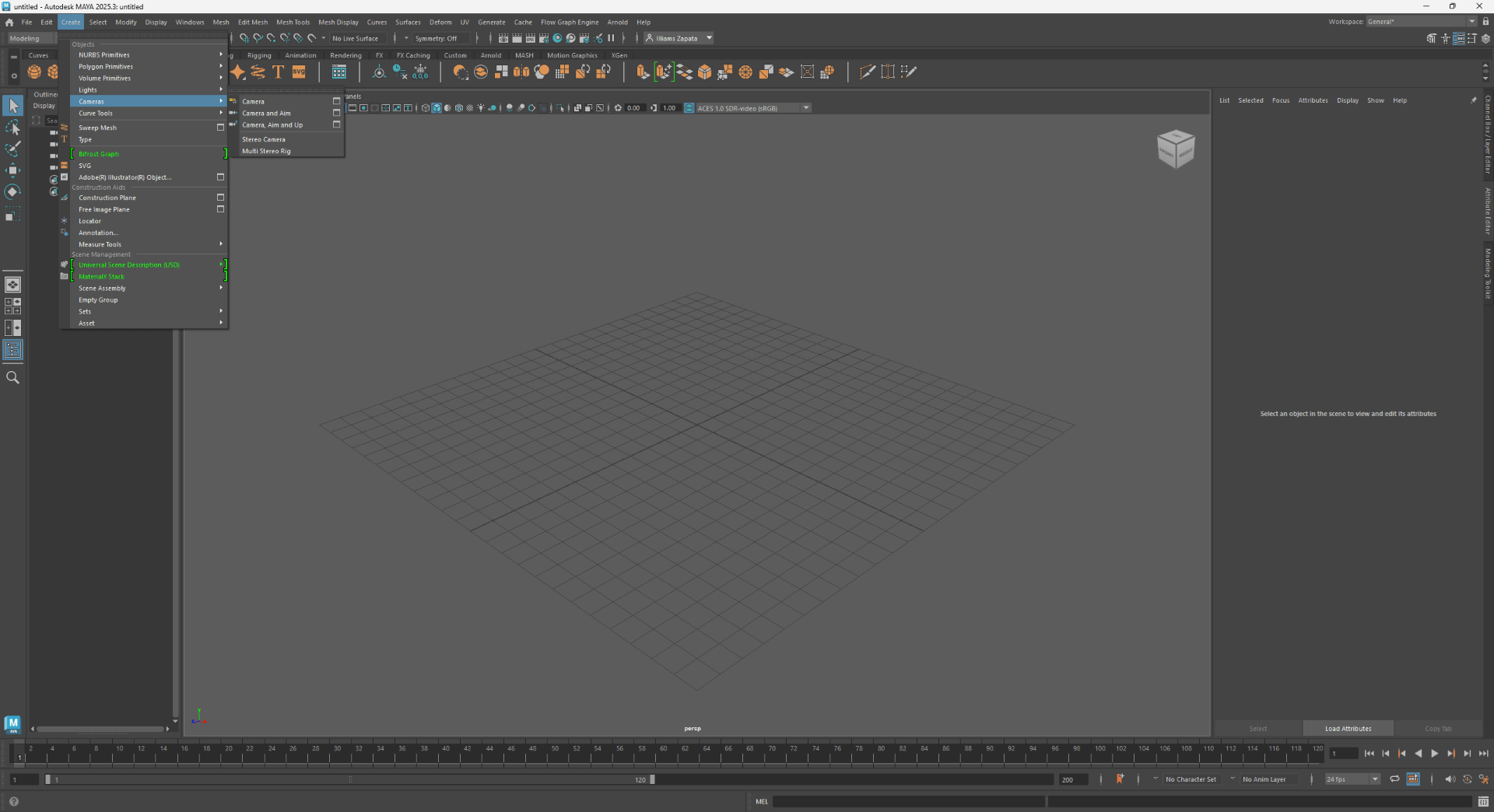
In Maya serve as viewpoints from which scenes are captured, much like a real camera lens, allowing for control over framing, depth, and perspective.
Rendering:
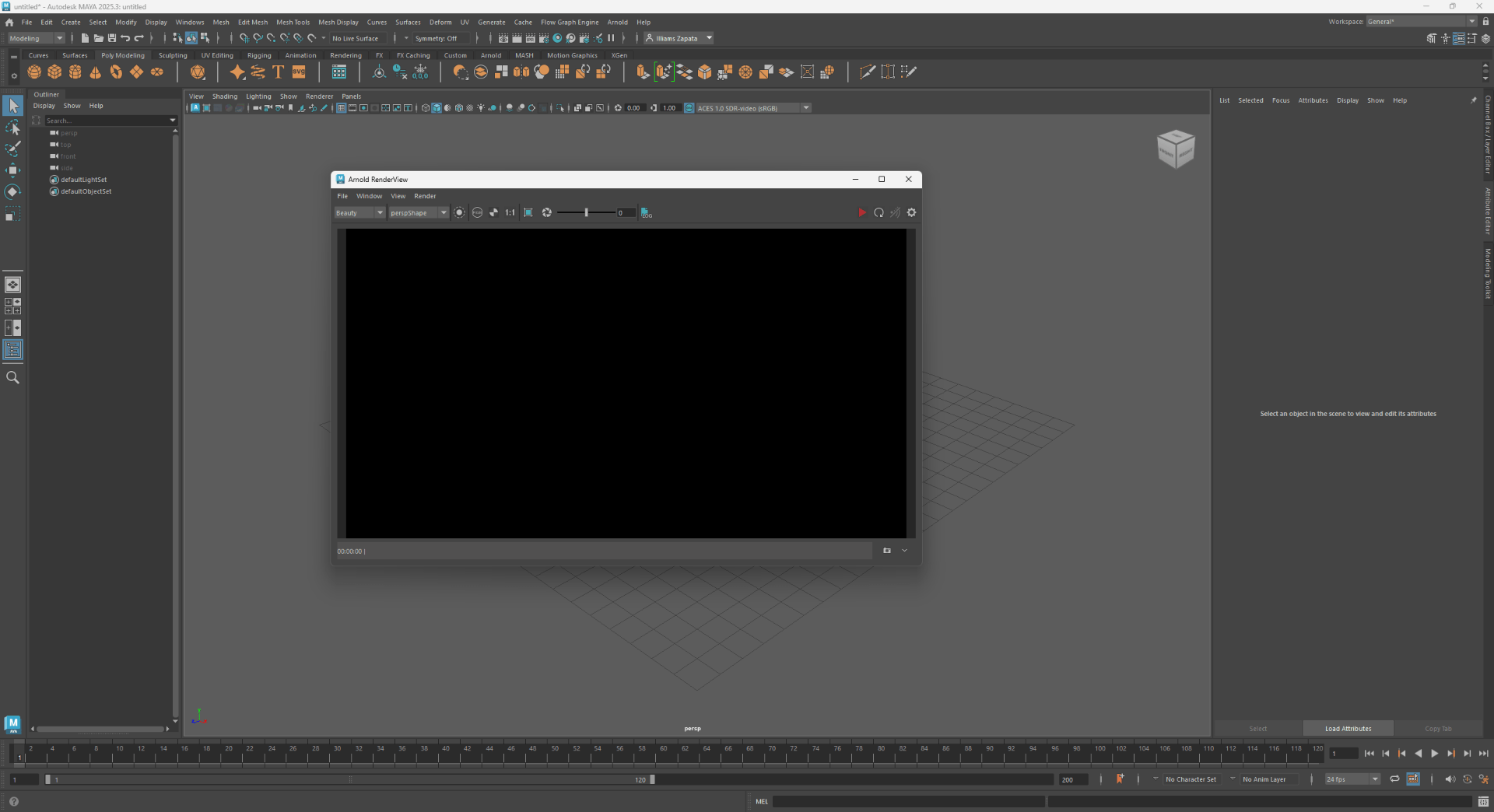
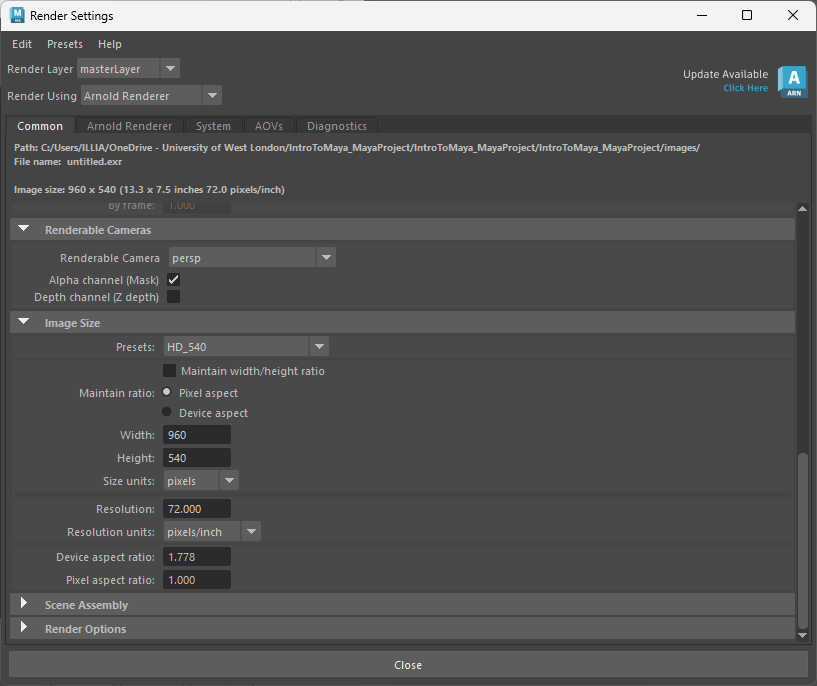
Is the process of converting a 3D scene into a 2D image or sequence by calculating how light, color, and texture interact in the scene.
Materials:
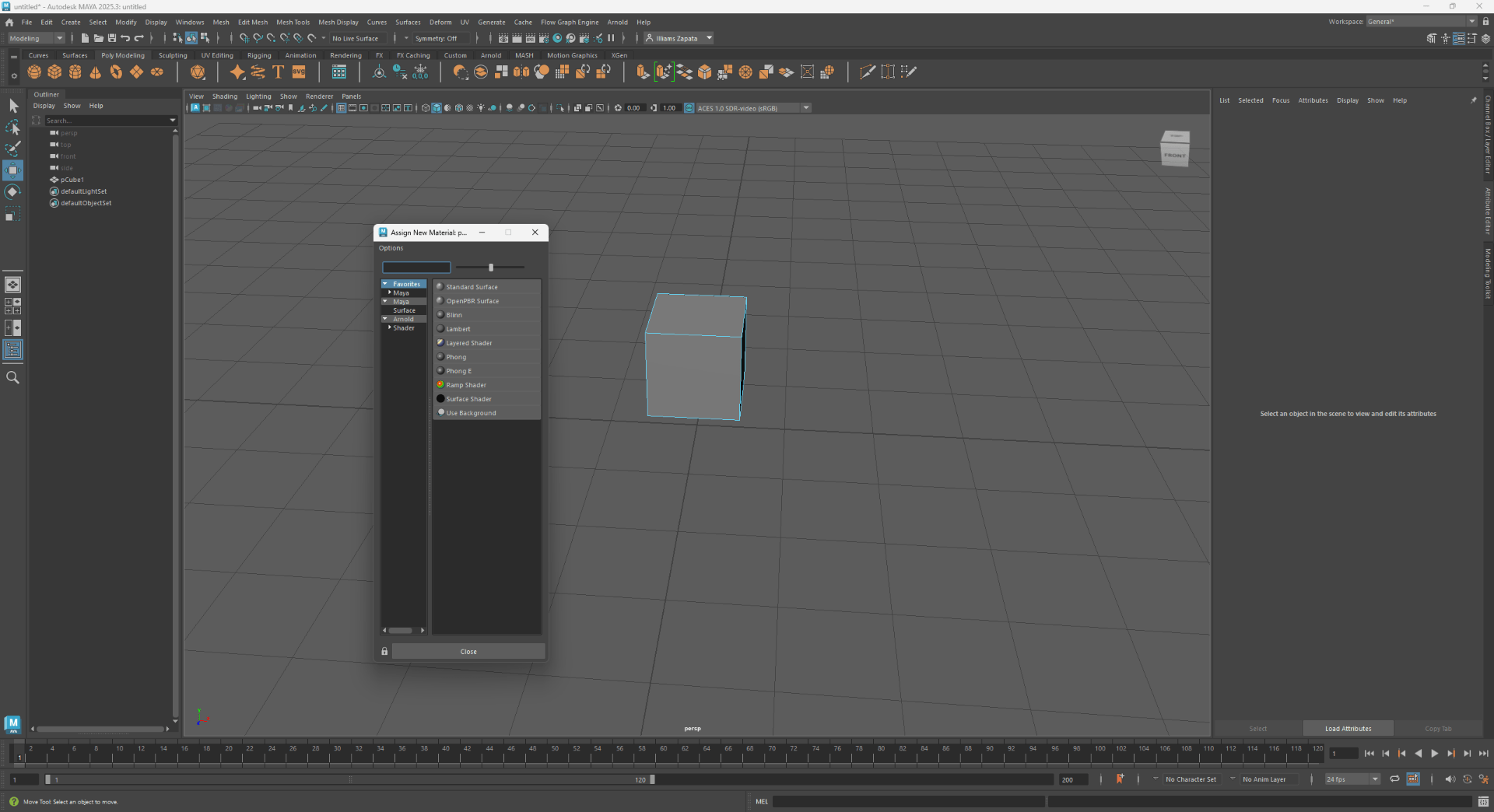
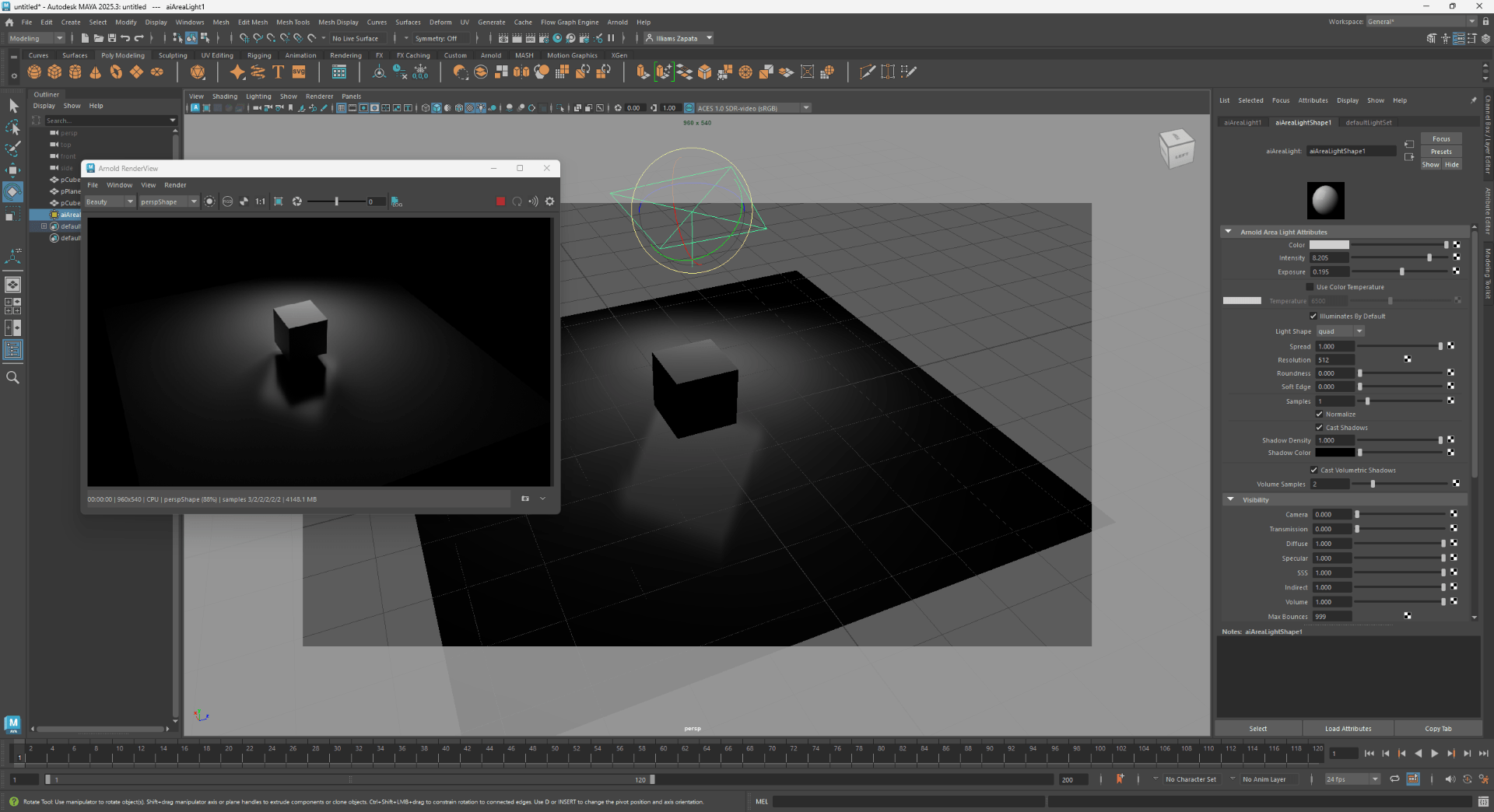
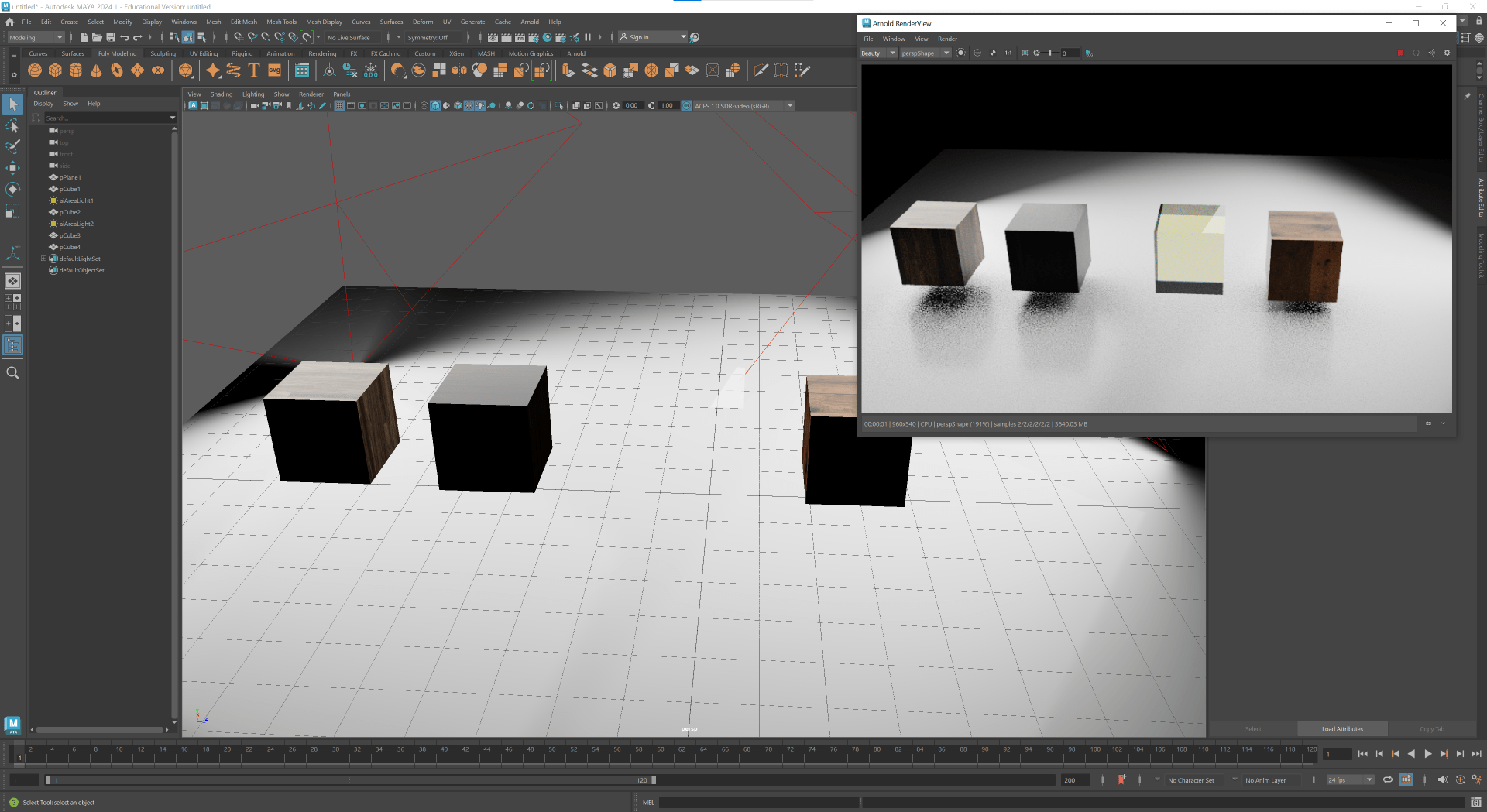
Define the surface properties of objects, such as whether they appear metallic, rough, or transparent, while *textures* are images or patterns applied to materials to add detail like wood grain, bumps, or color variation.
Lights:
Task 2
Study this PDF on Maya Cameras, Lights and Rendering
How do create Maya lights?
Added: Where can you find and setup cameras?
What buttons produce a render?
Post your answers on your digital sketchbook.
How do create Maya lights?
What buttons produce a render?
We produce a render by opening the render icon and after setup all your scene we can create a render.
Task 3
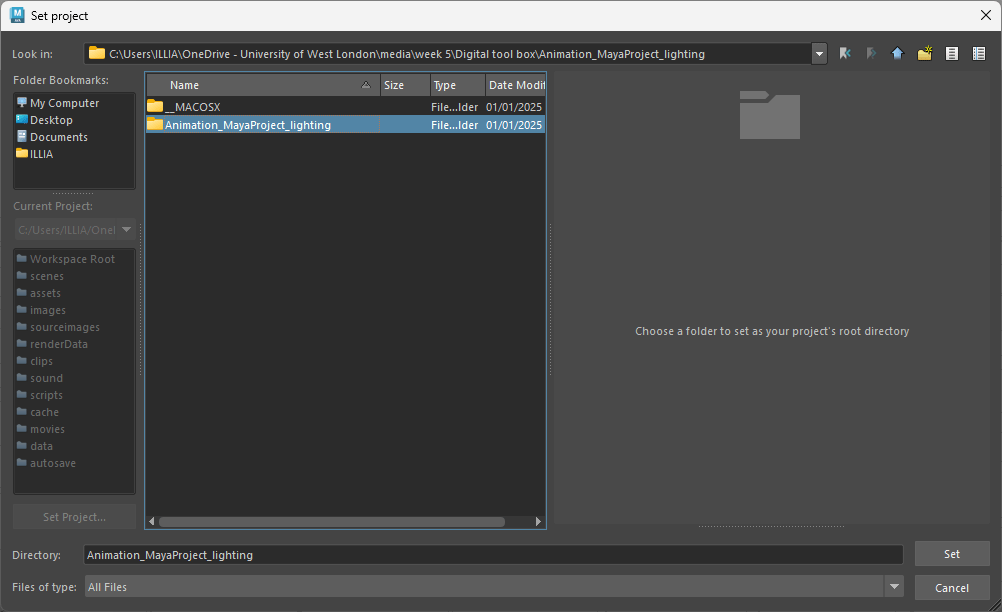
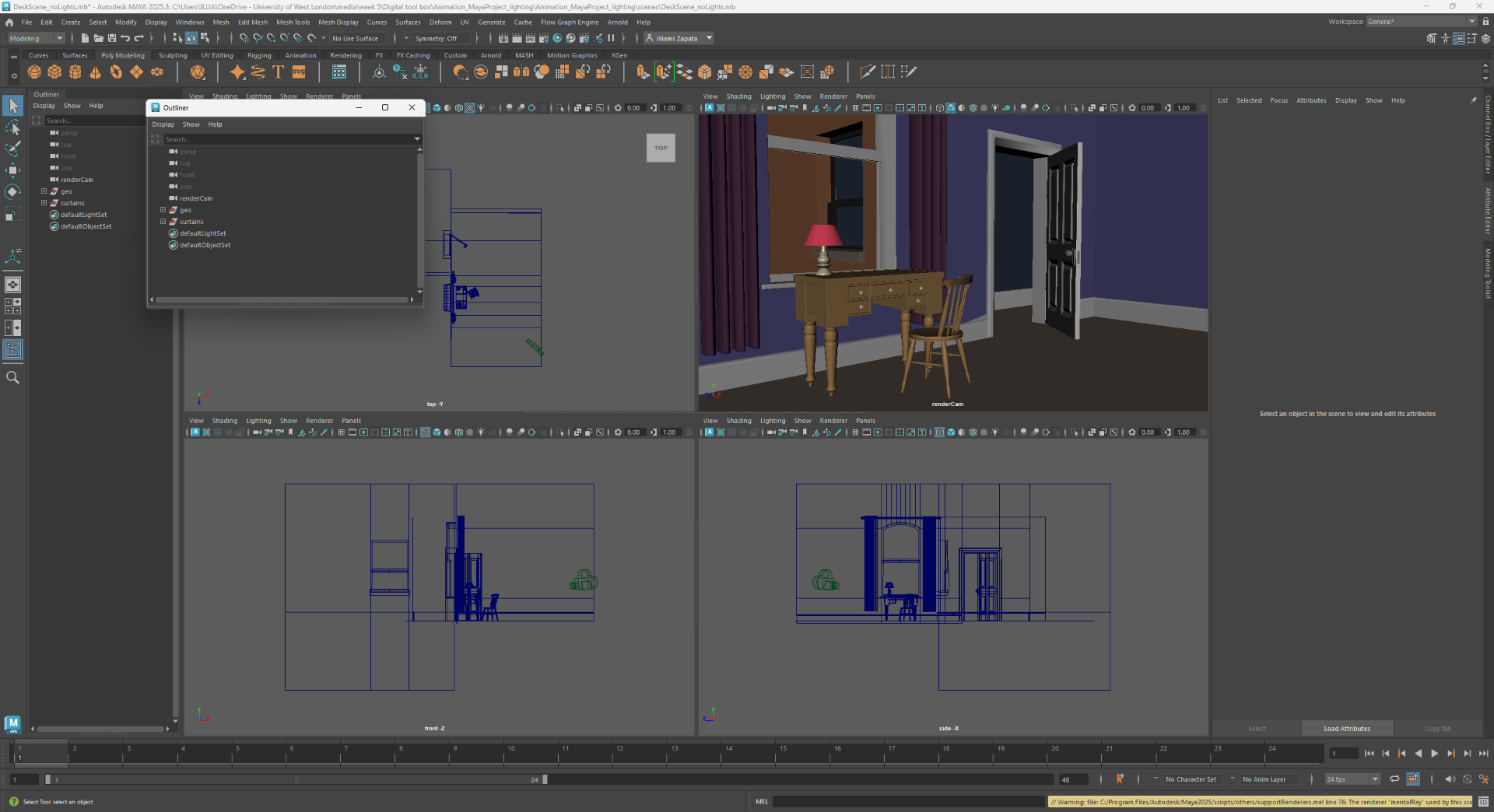
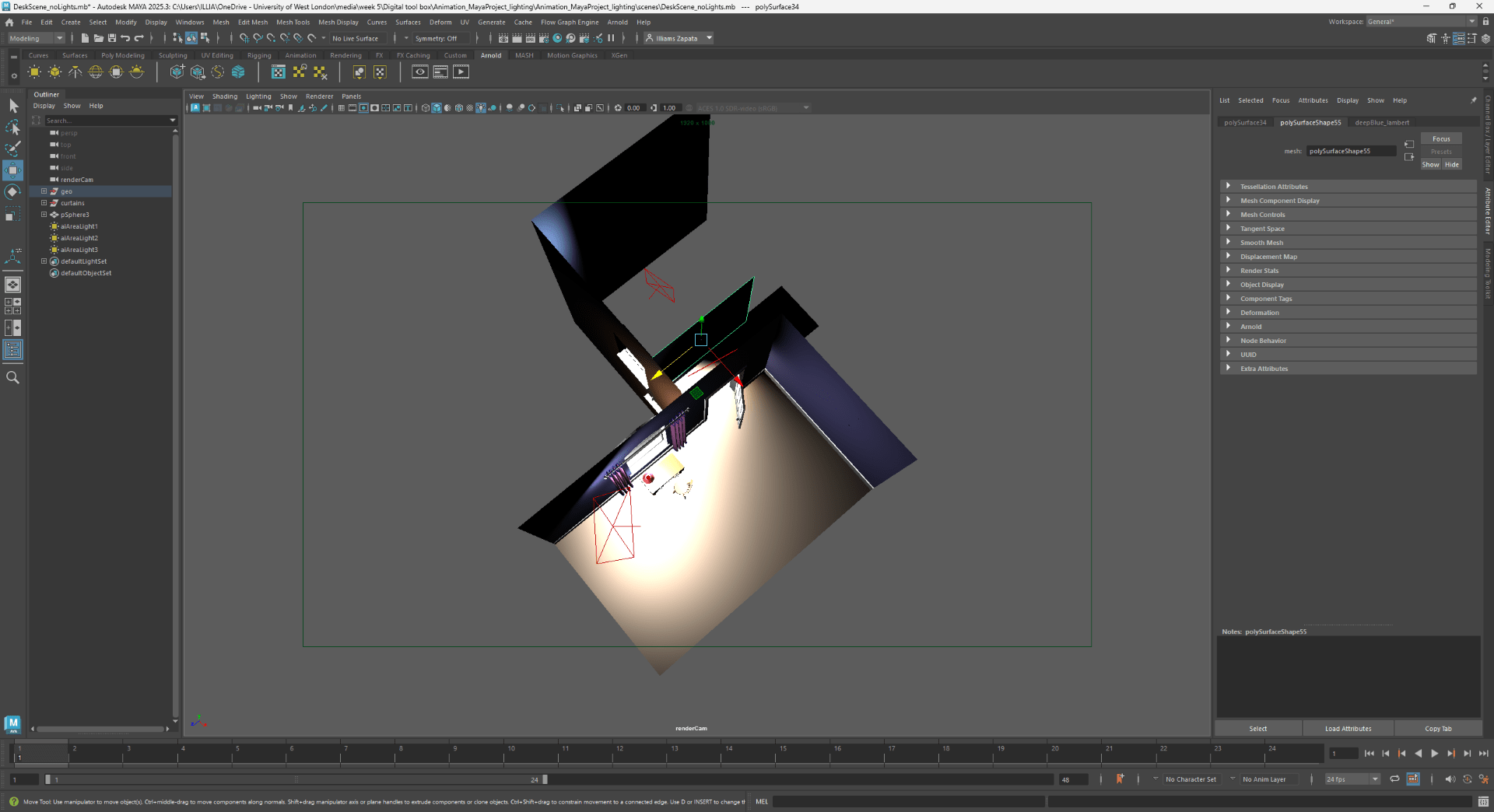
Lighting and rendering practice project