- Overview of Substance painter – the texturing tool.
- Importing a model from Maya
- Baking Maps
- Working with Layers
- Using masks, stencils and projections
- Introduction to Assessment 2
- Review last week
- familarise yourself with Substance Painter
- Consolidate yor Digital sketch books and start your assignments
We will start making an object in maya to work with in 3D substance painter:
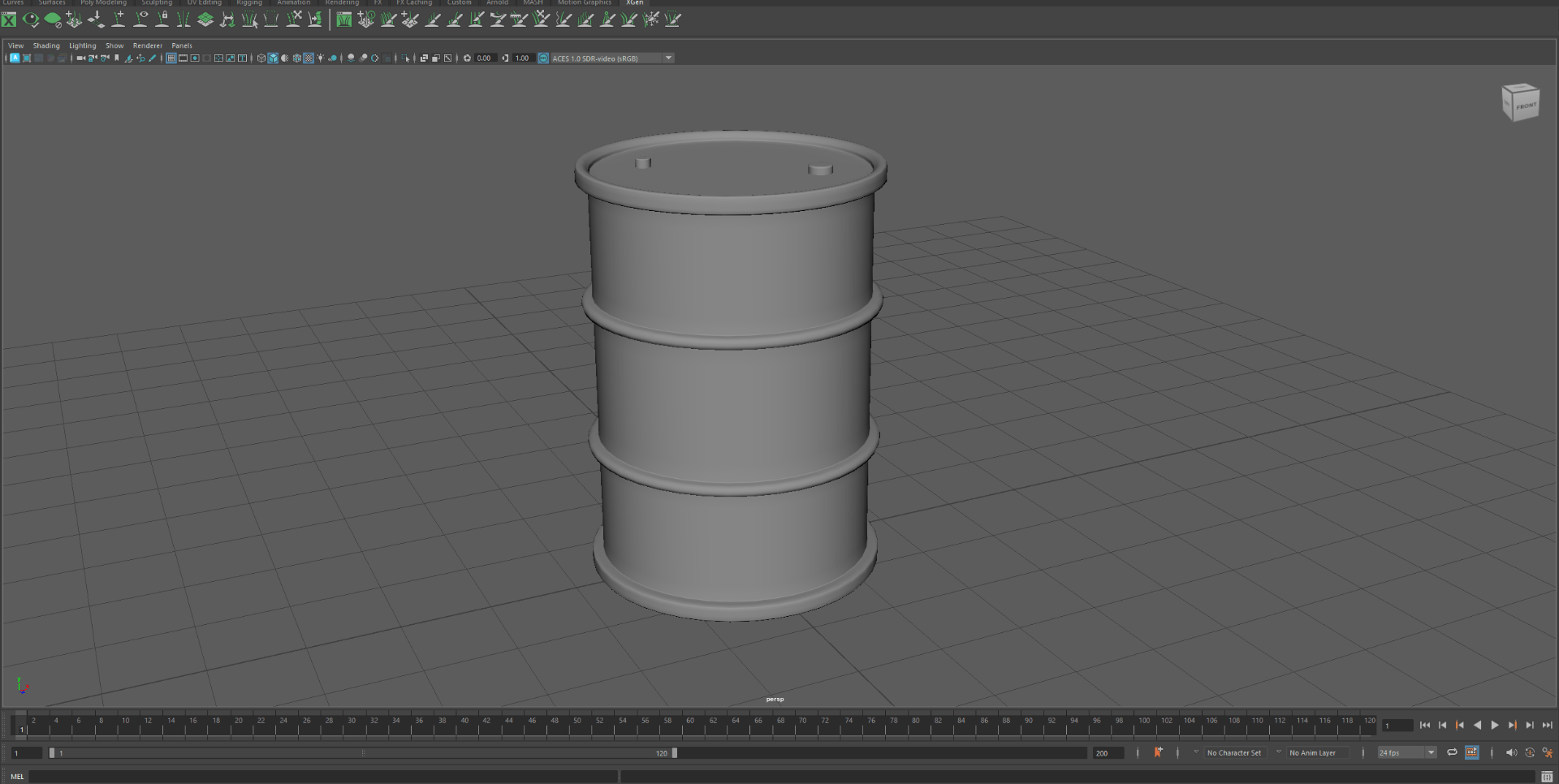
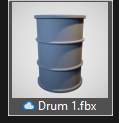
After we prepared our object properly we will end with an exported file to open on substance painter:
Next we open 3D substance painter which is an adobe app.
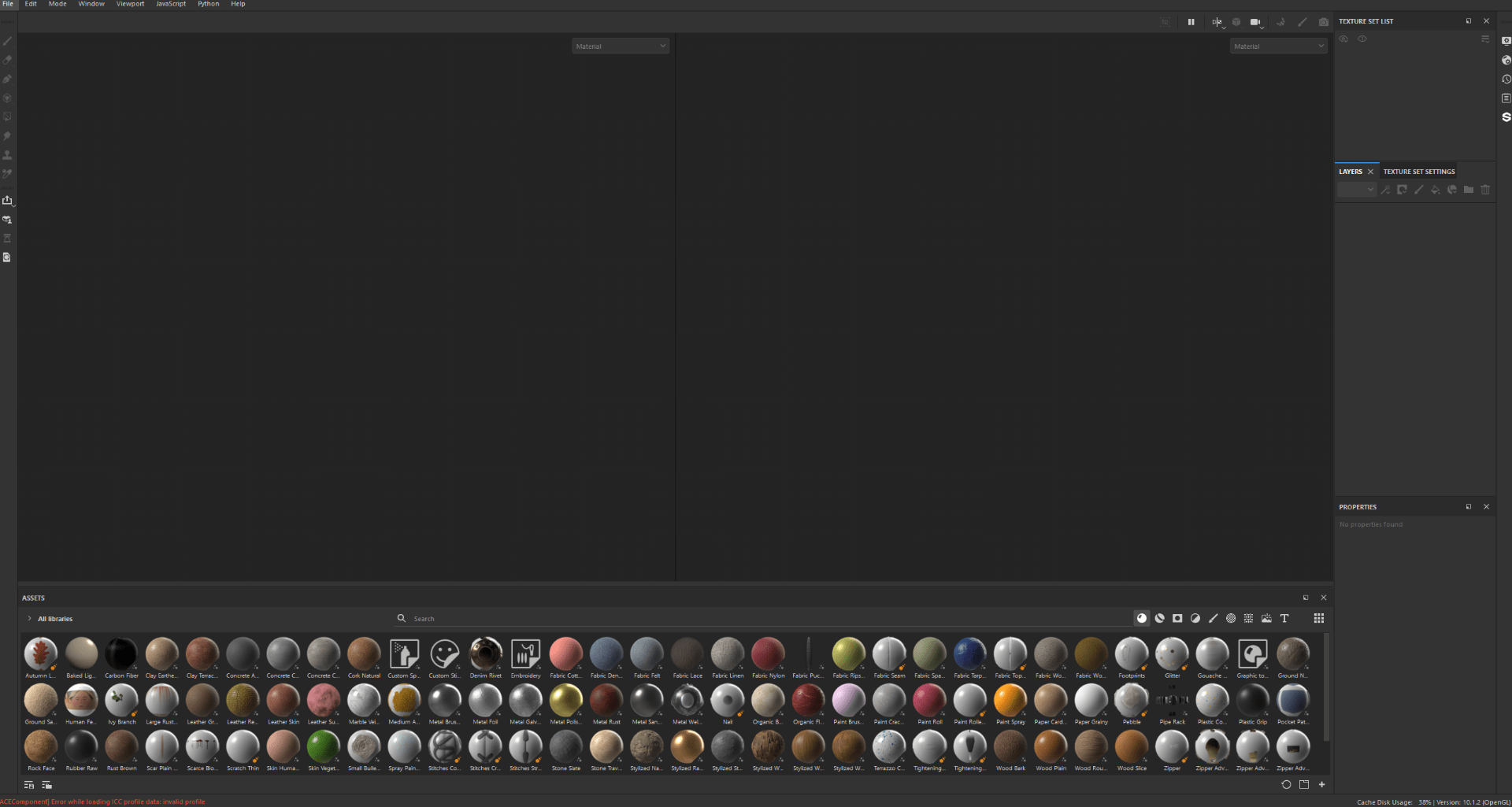
After we open the app and start a new project and start importing our model:
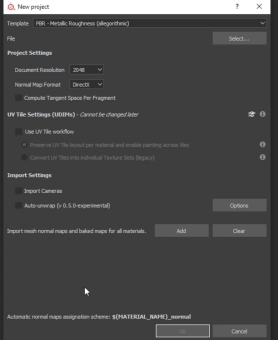
After our object is imported, we process to bake the textures, this will allow us to later work with maya.
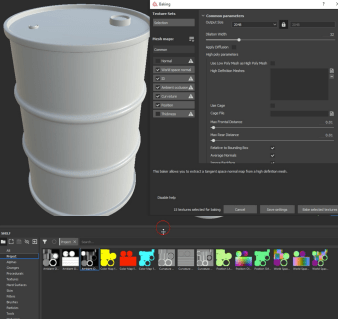
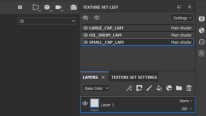
So we are going to get familiarized with the UI and the different options 3D painter gives us.
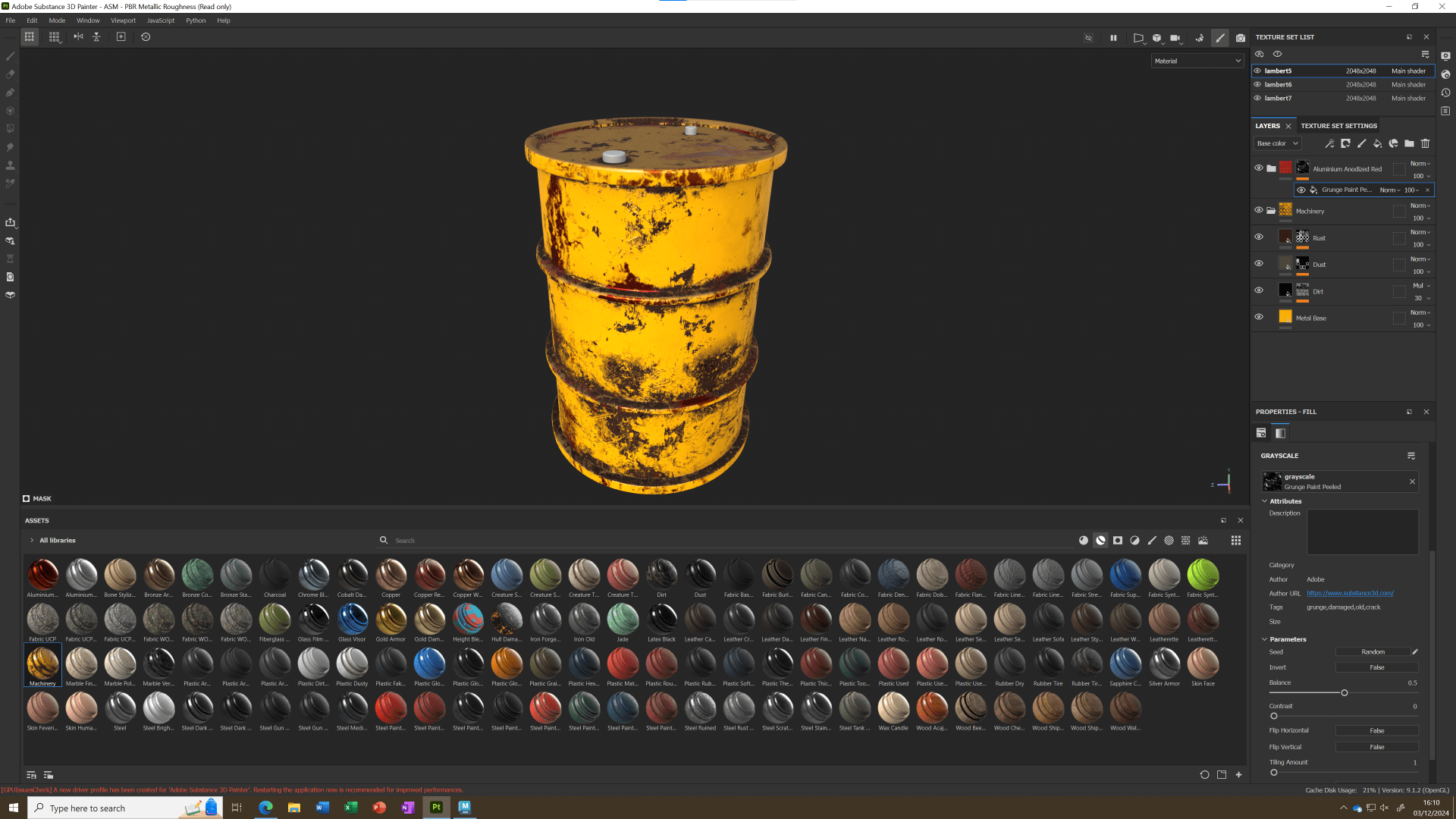
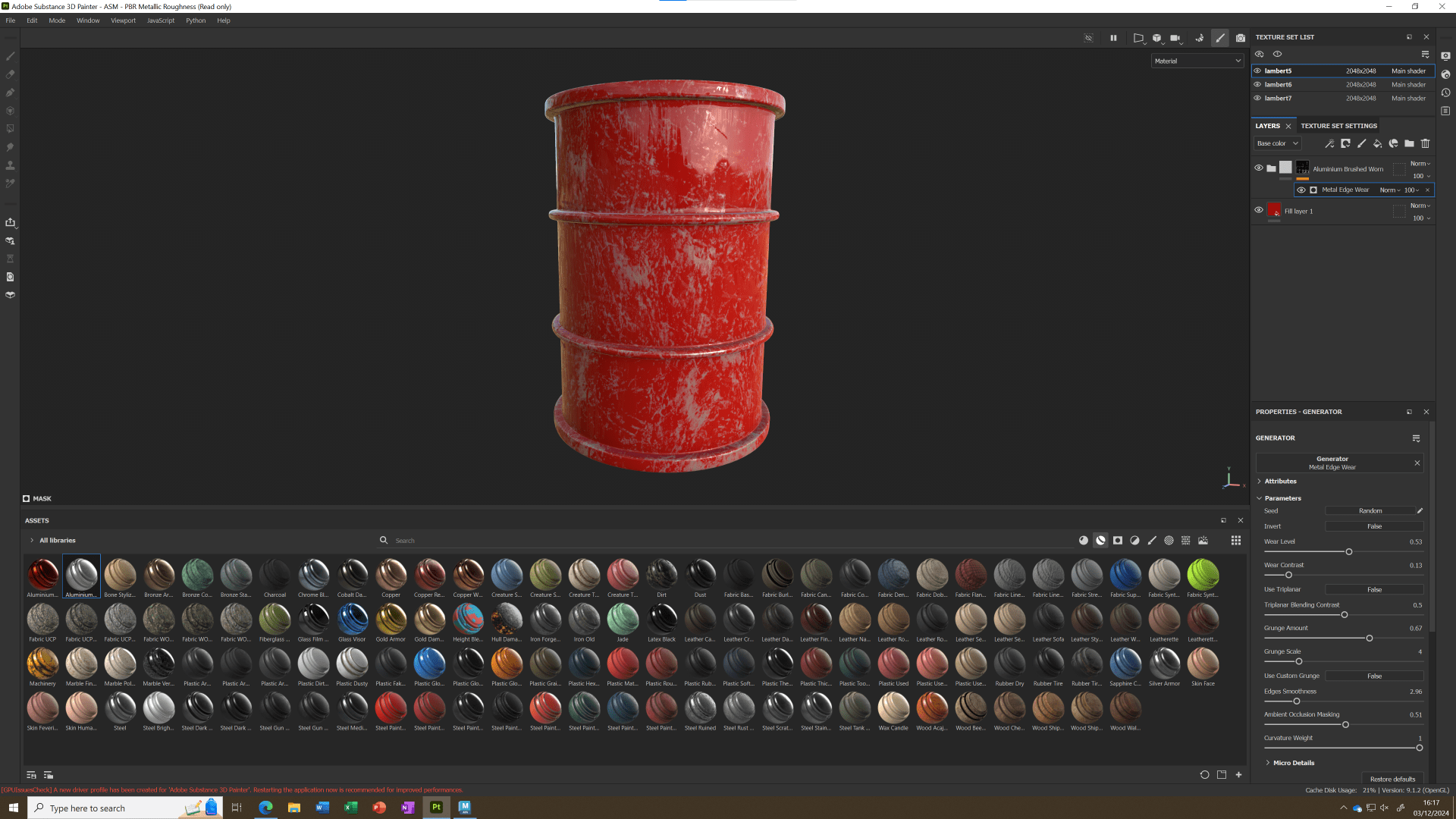
In these images I used fillers, Smart materials, and generators to test what I am capable of do.
When I was satisfied with the results in 3D painter I proceed to export:
I tweaked some options so I end up with the right textures.
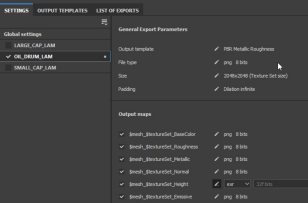
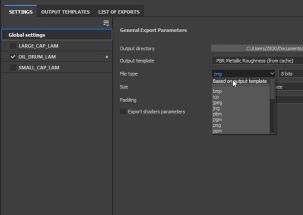
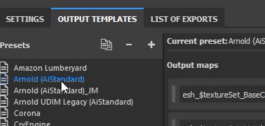
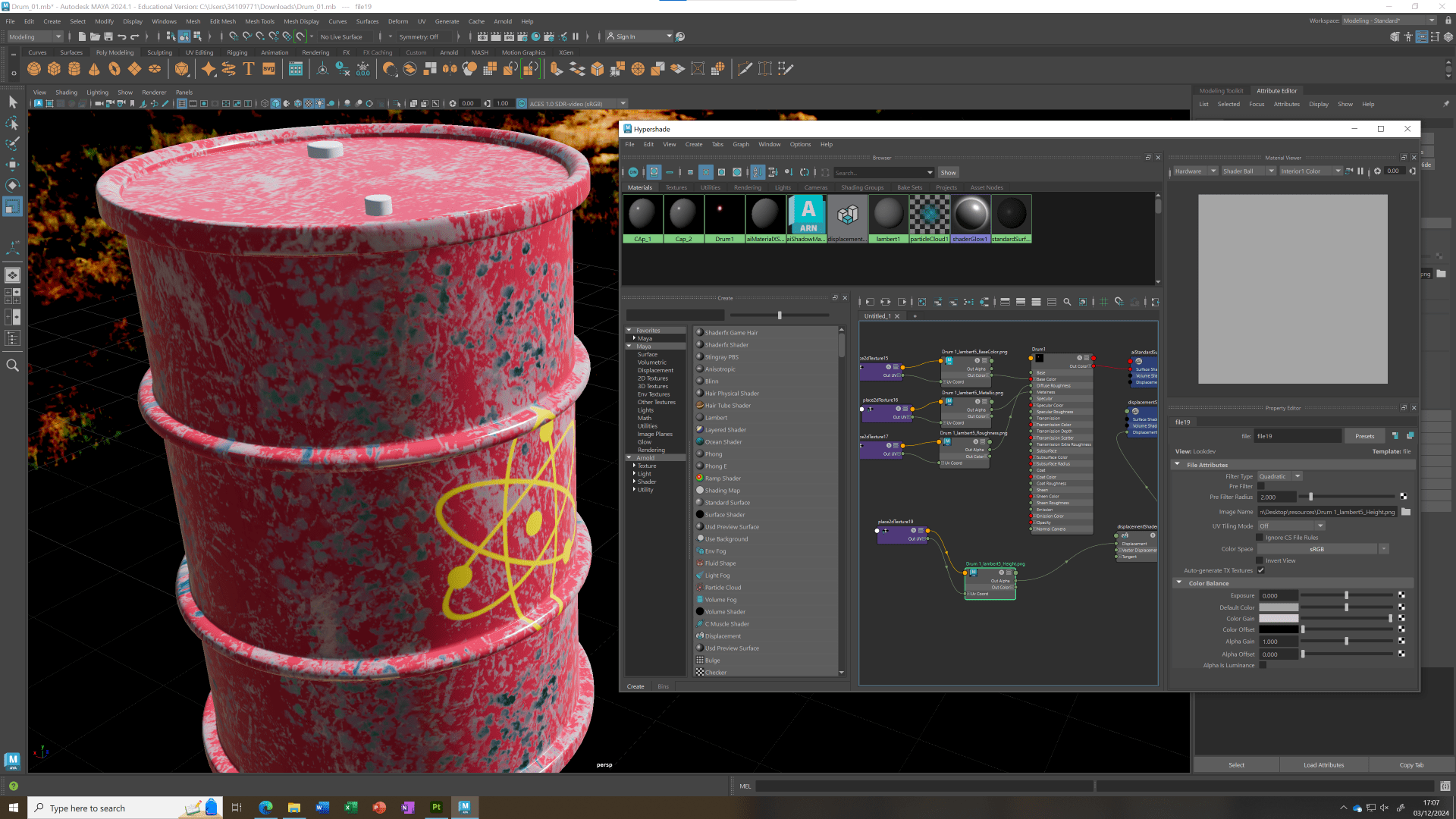
Finally we jump to MAYA and using the hyper shade function, we connect the nodes for the textures we exported from 3D painter.
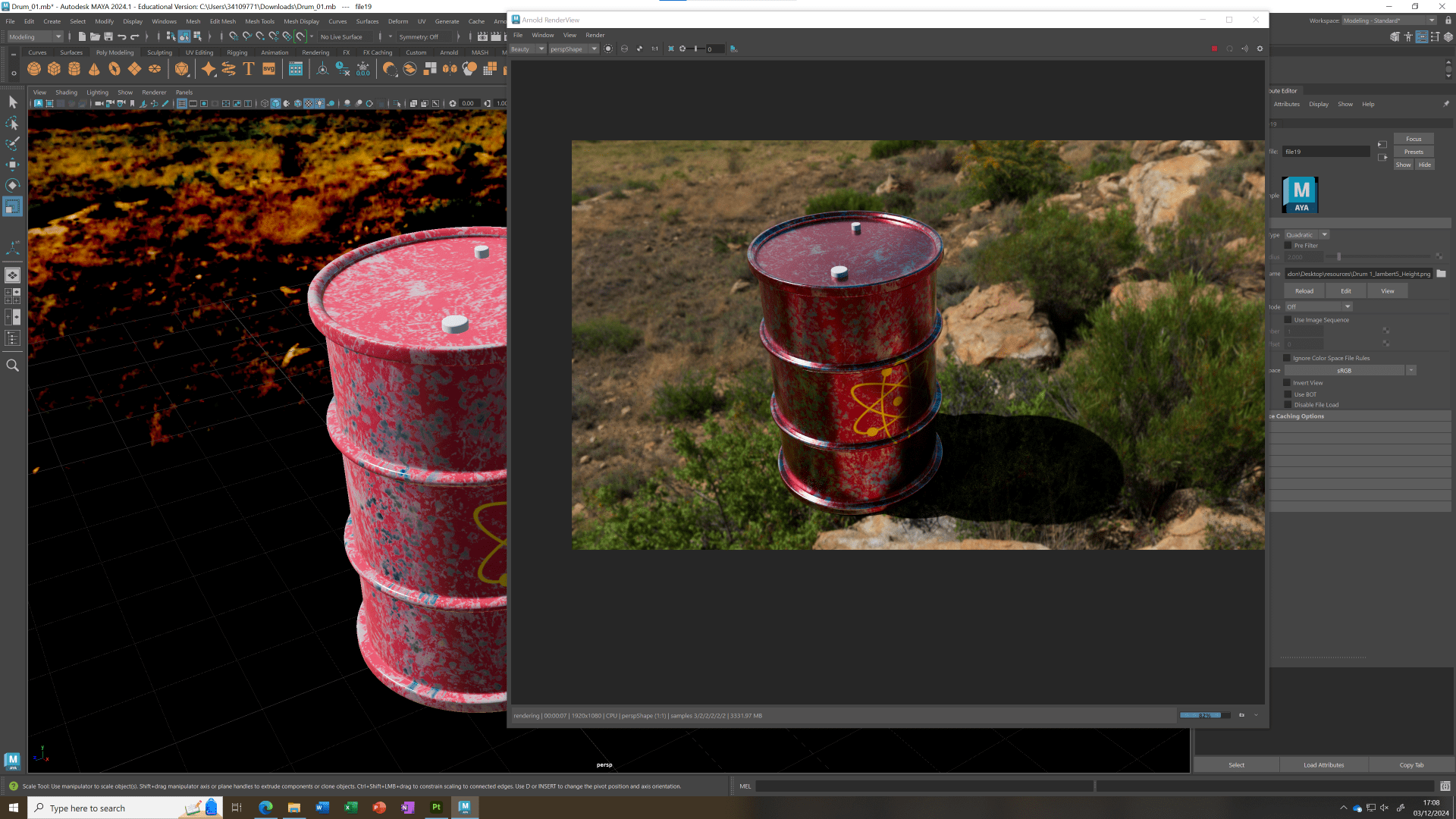
And this is the final result when rendered.
End of task 1

