I am going to start with the ”Green screen removal task”.
In this task I will learn:
- Fundamentals of green screen removal
- Further investigation into Photoshop and basic compositing.
We get the next resources for this task:
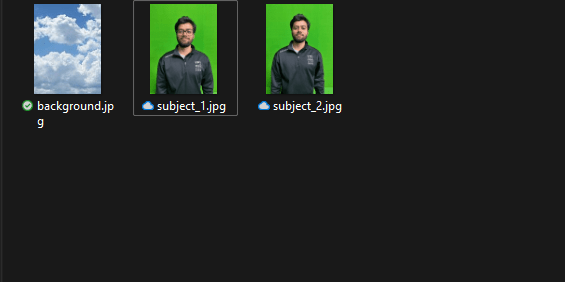
We are going to put the images in photoshop.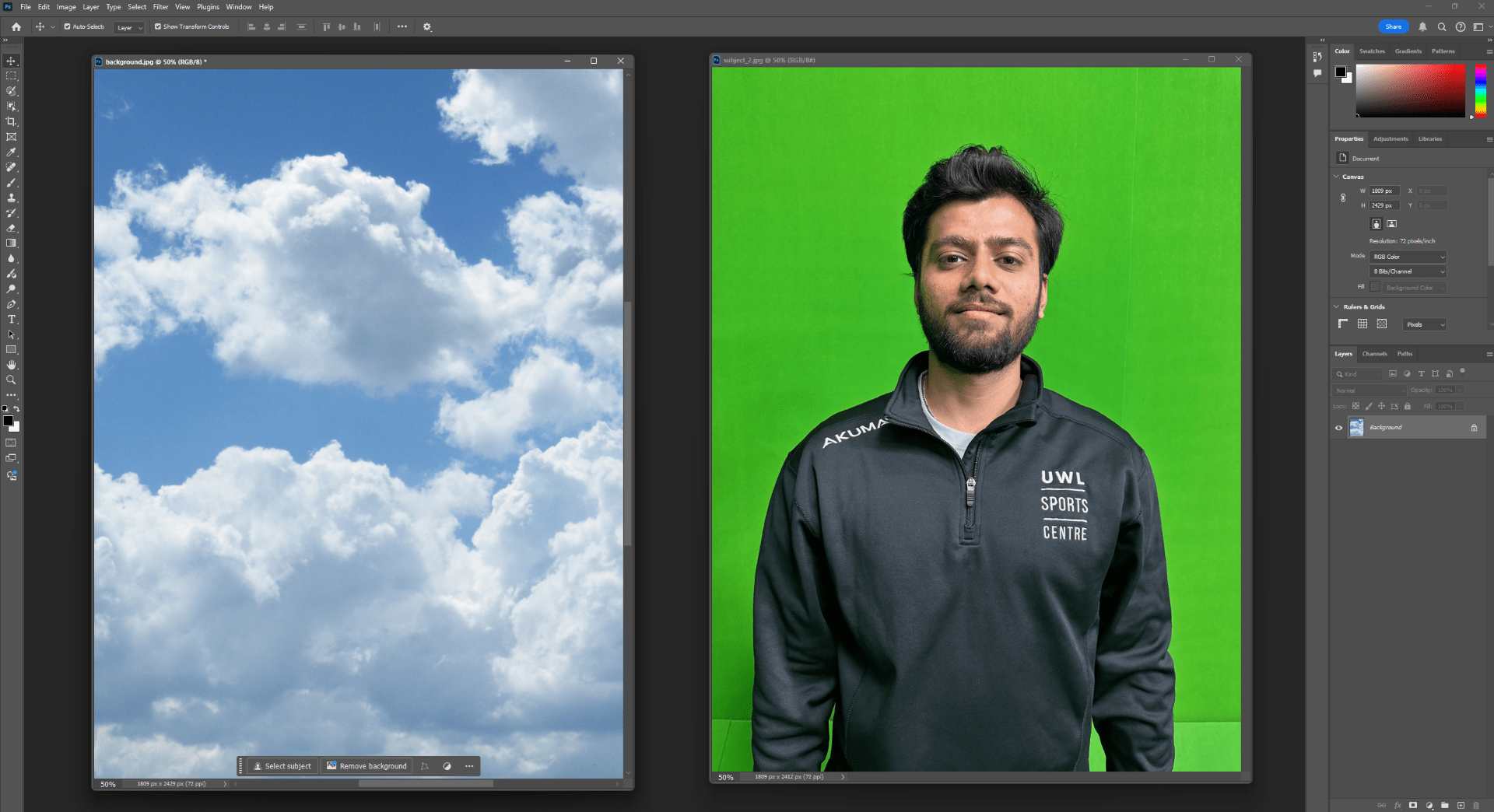
As a first step we are going to be using the tool called ”Color range”, with this tool we will be able to select the green background and remove it.
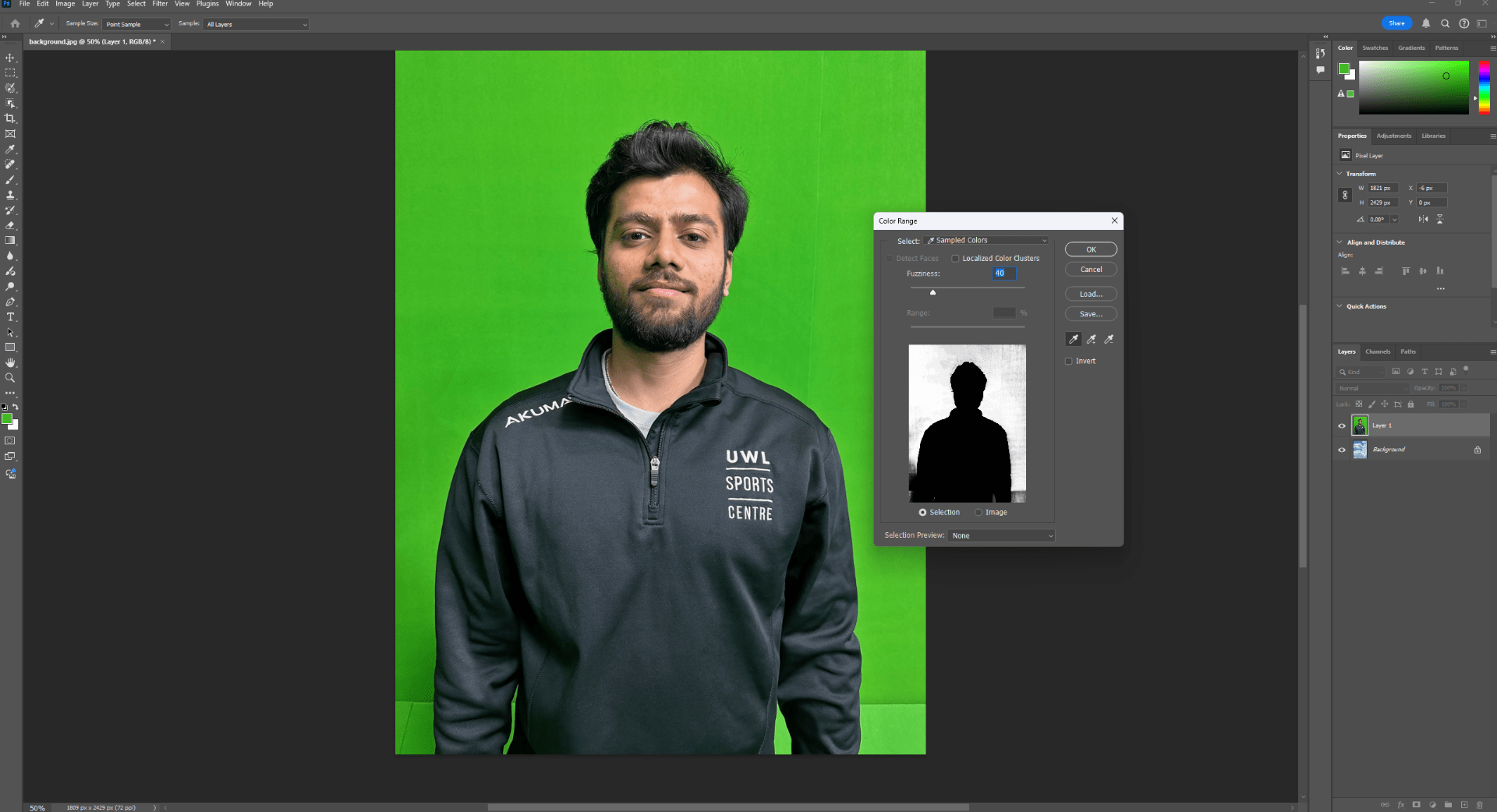
After some adjustments with the background selection we will get something like this.
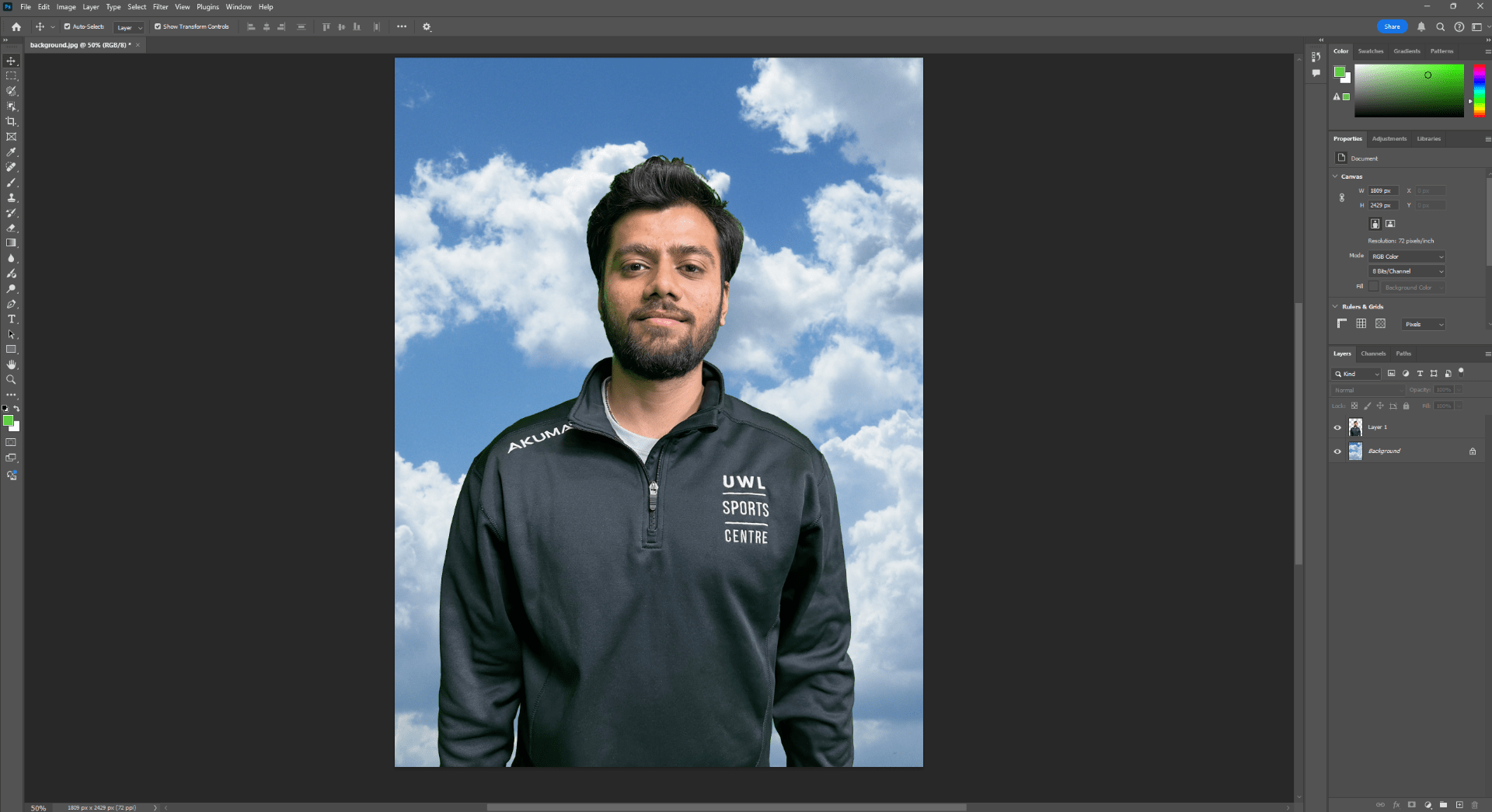
We also use de HUE adjustment and color balance to improve the green spills and match more the person with the background.
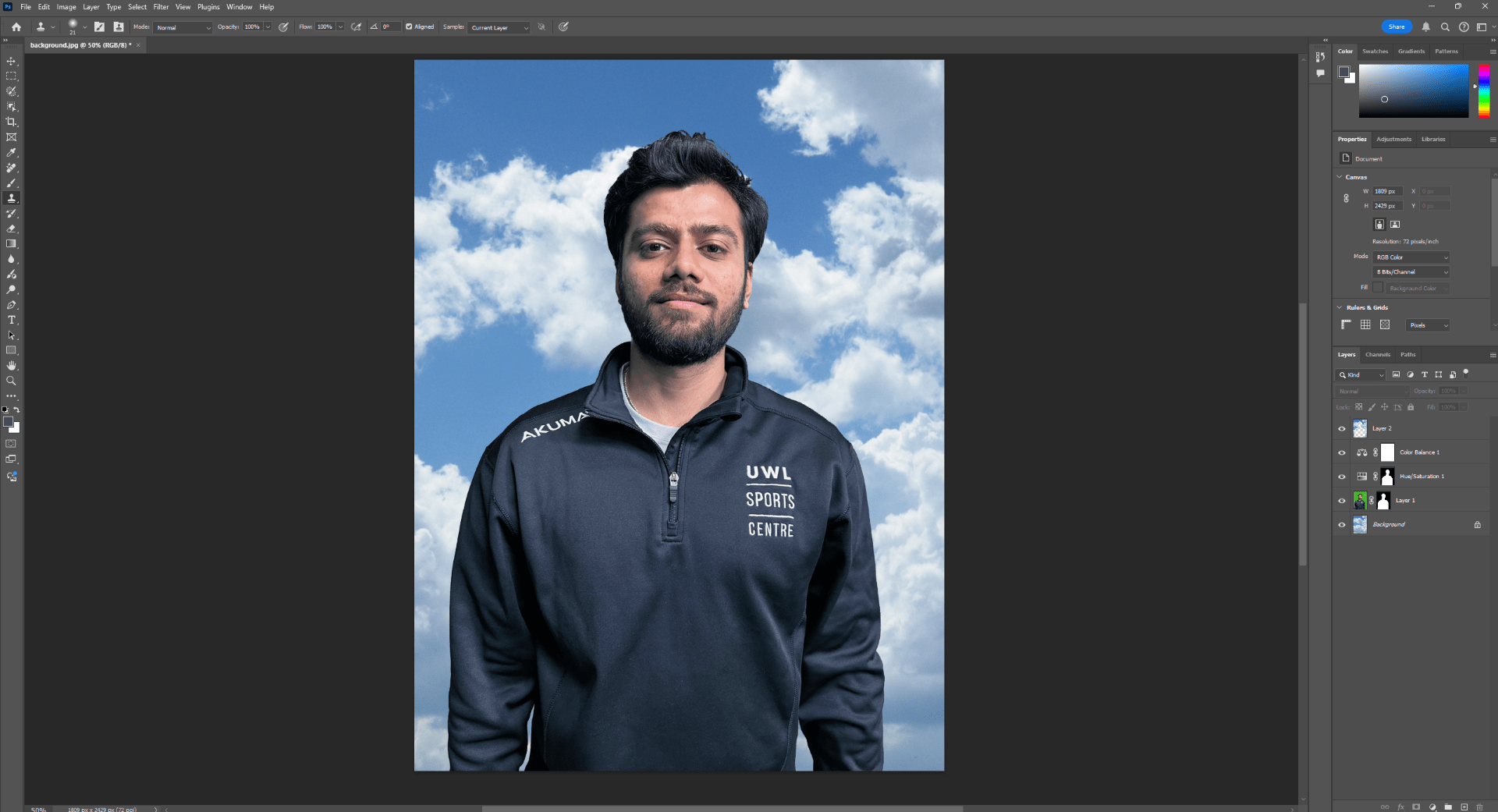
End of task 1
Task 2
I will follow with the task ”Apocalyptic Building”.
In this task I will learn:
- Sky replacement.
- Blend modes
- Grading
- Wrangling elements
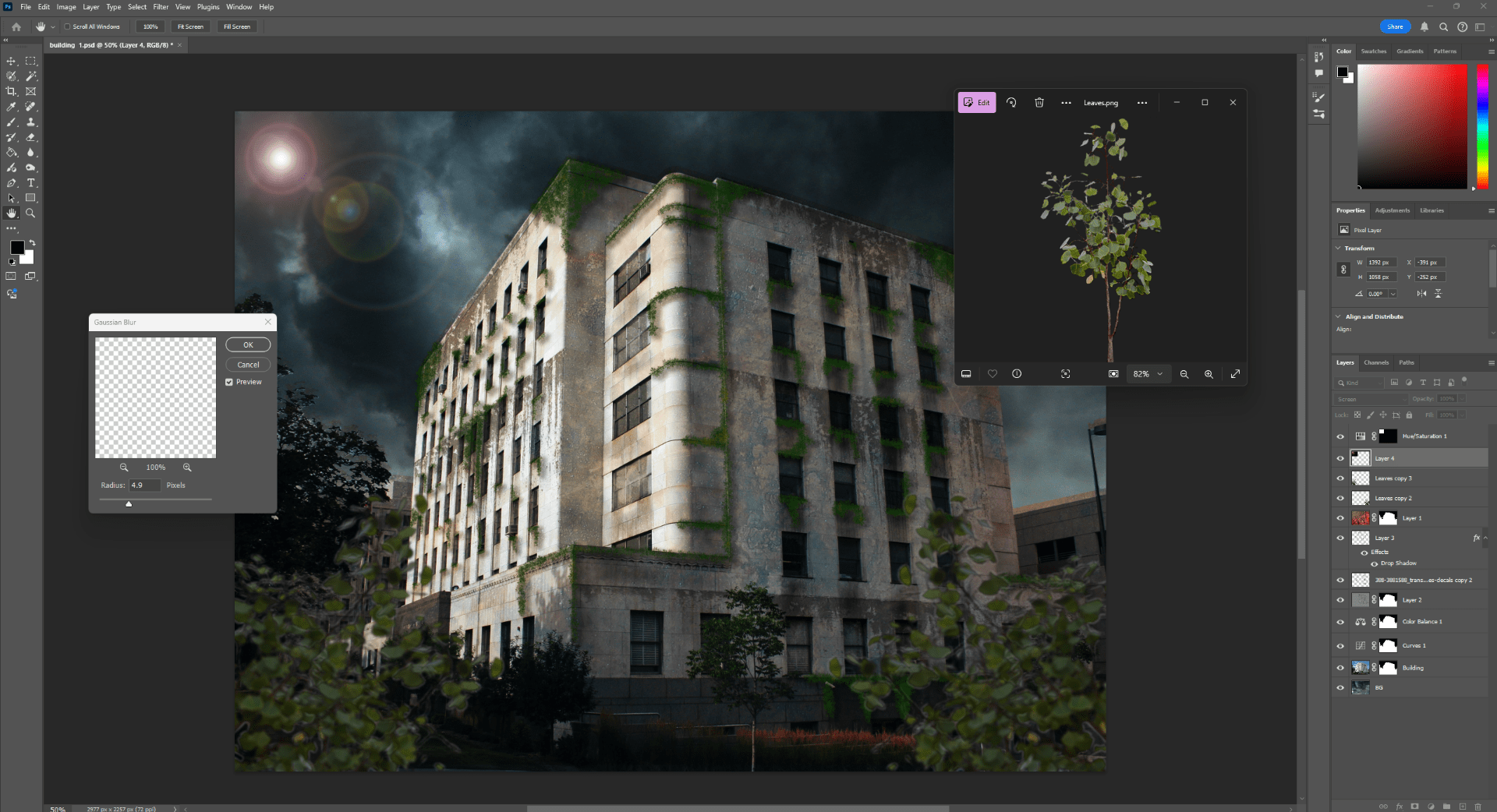
- Adding foreground elements to give depth
- Light effects to bed in the image and add even more depth.
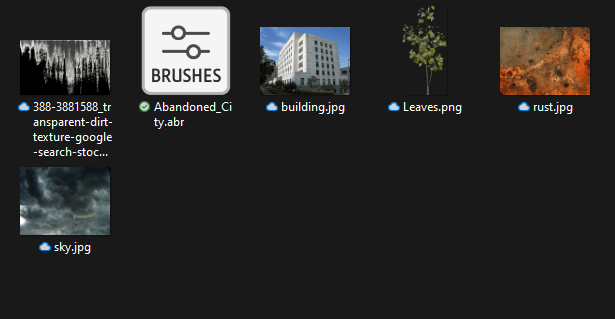
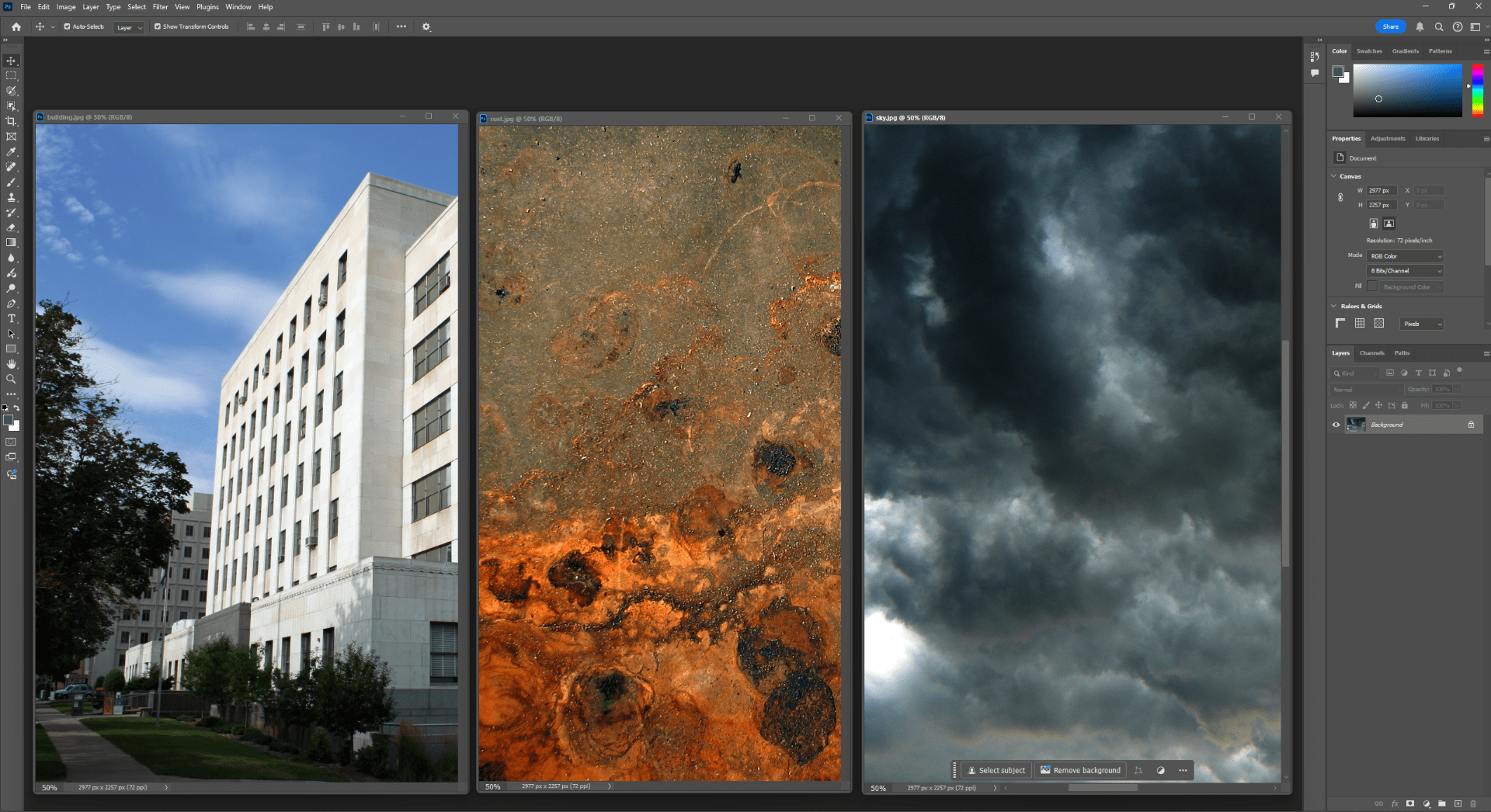
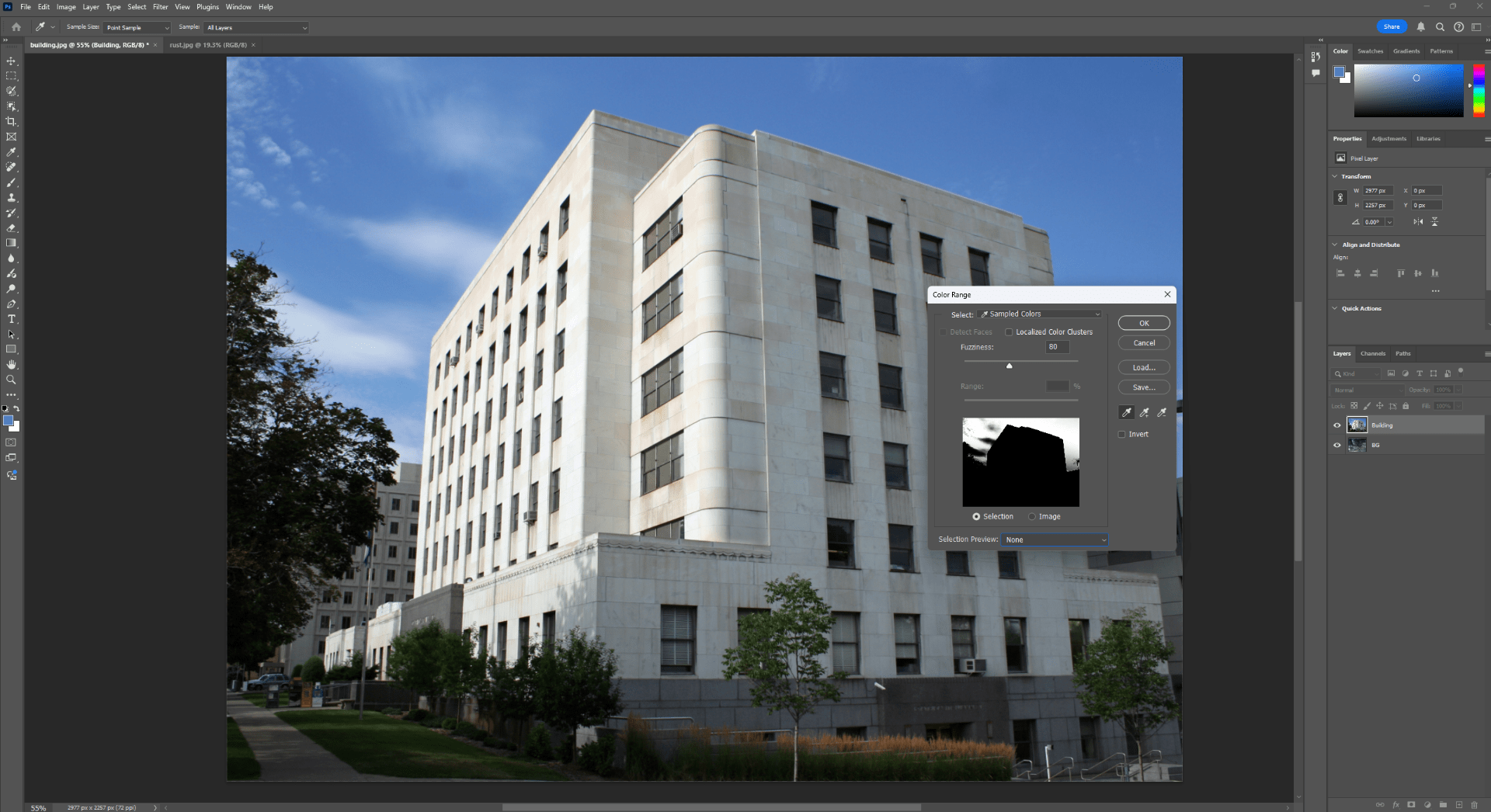
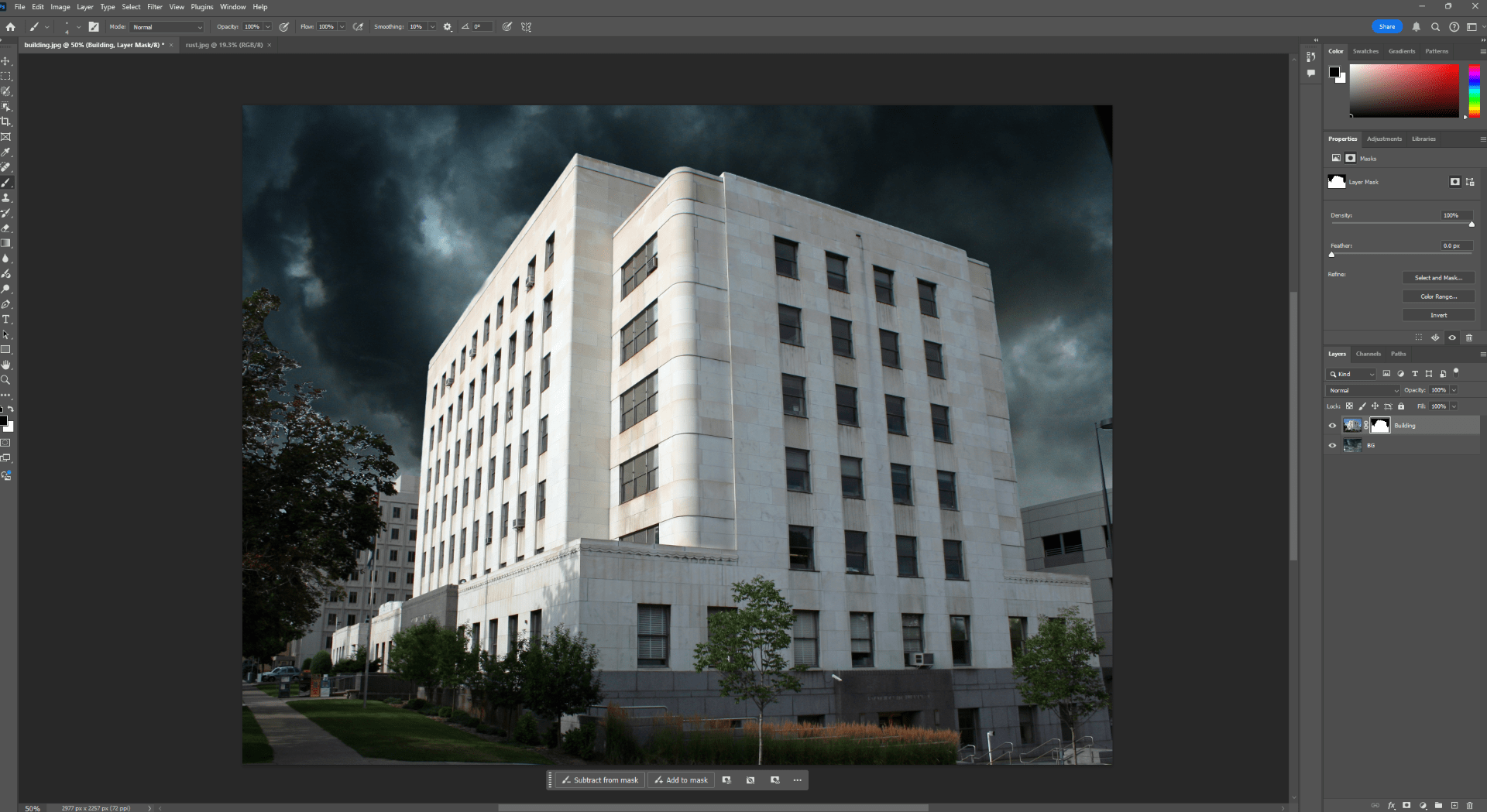
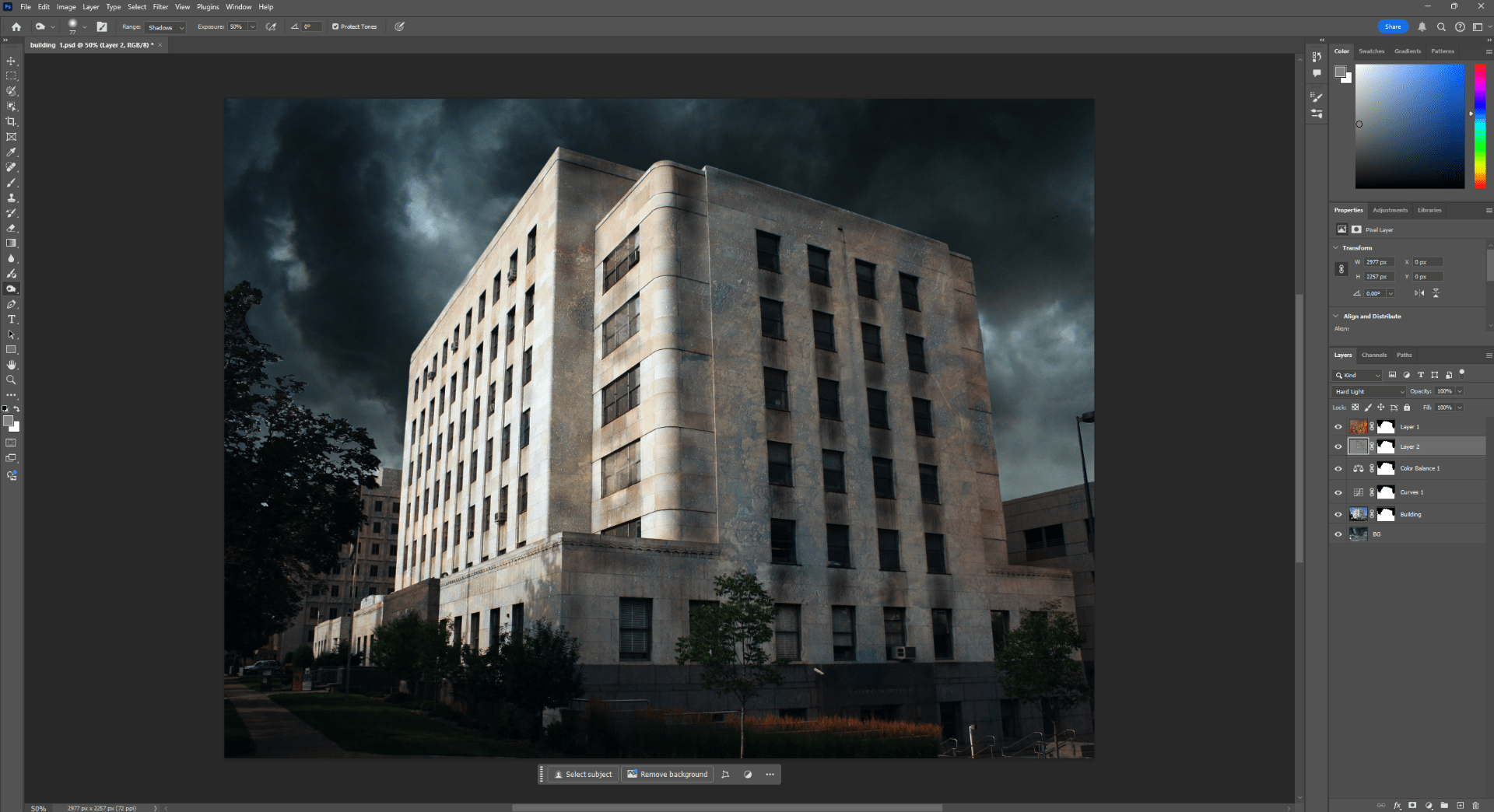
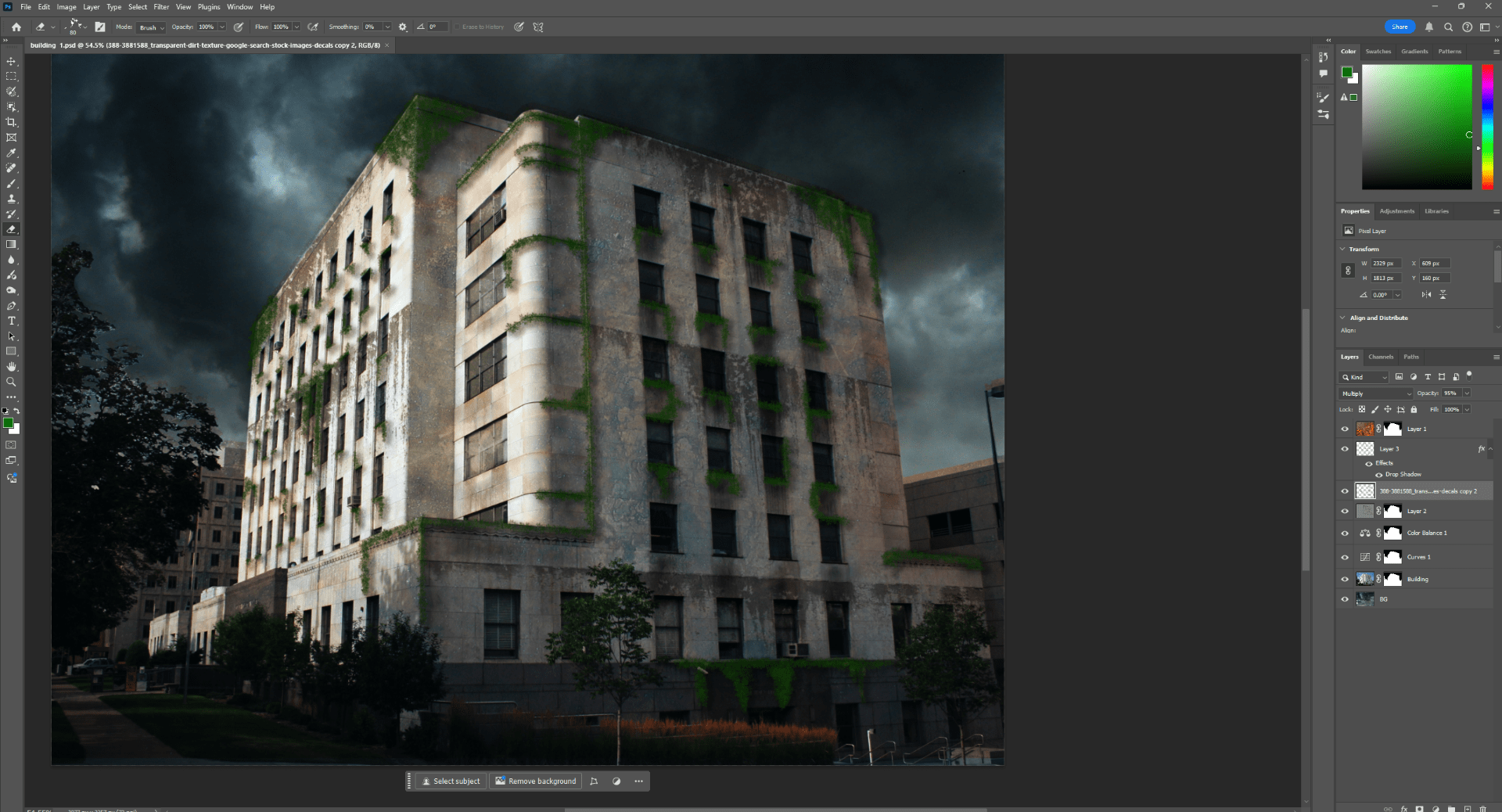
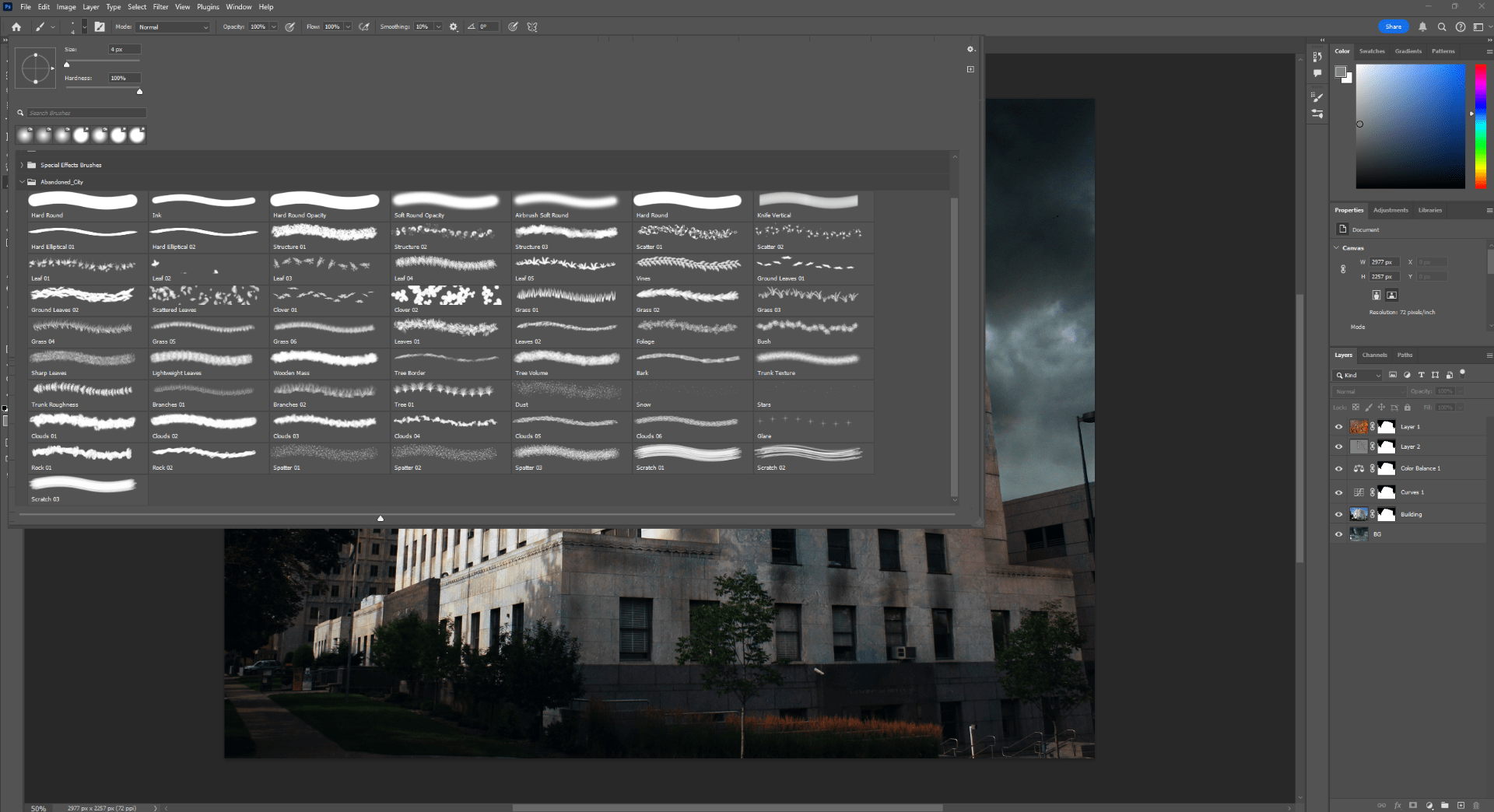
Now we are going to use the brushes provided by the module to paint into the image and simulate some vegetation grown on the building.
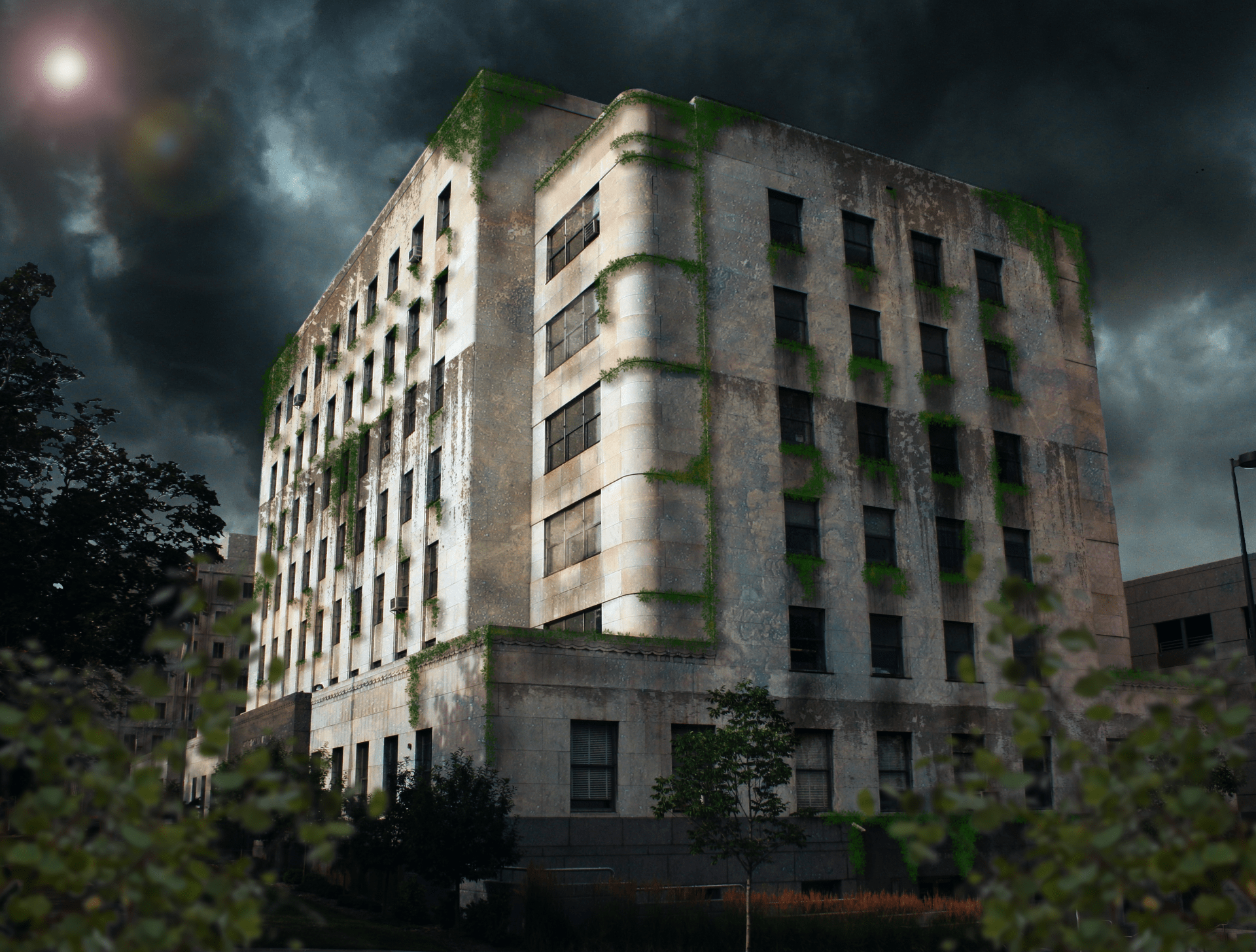
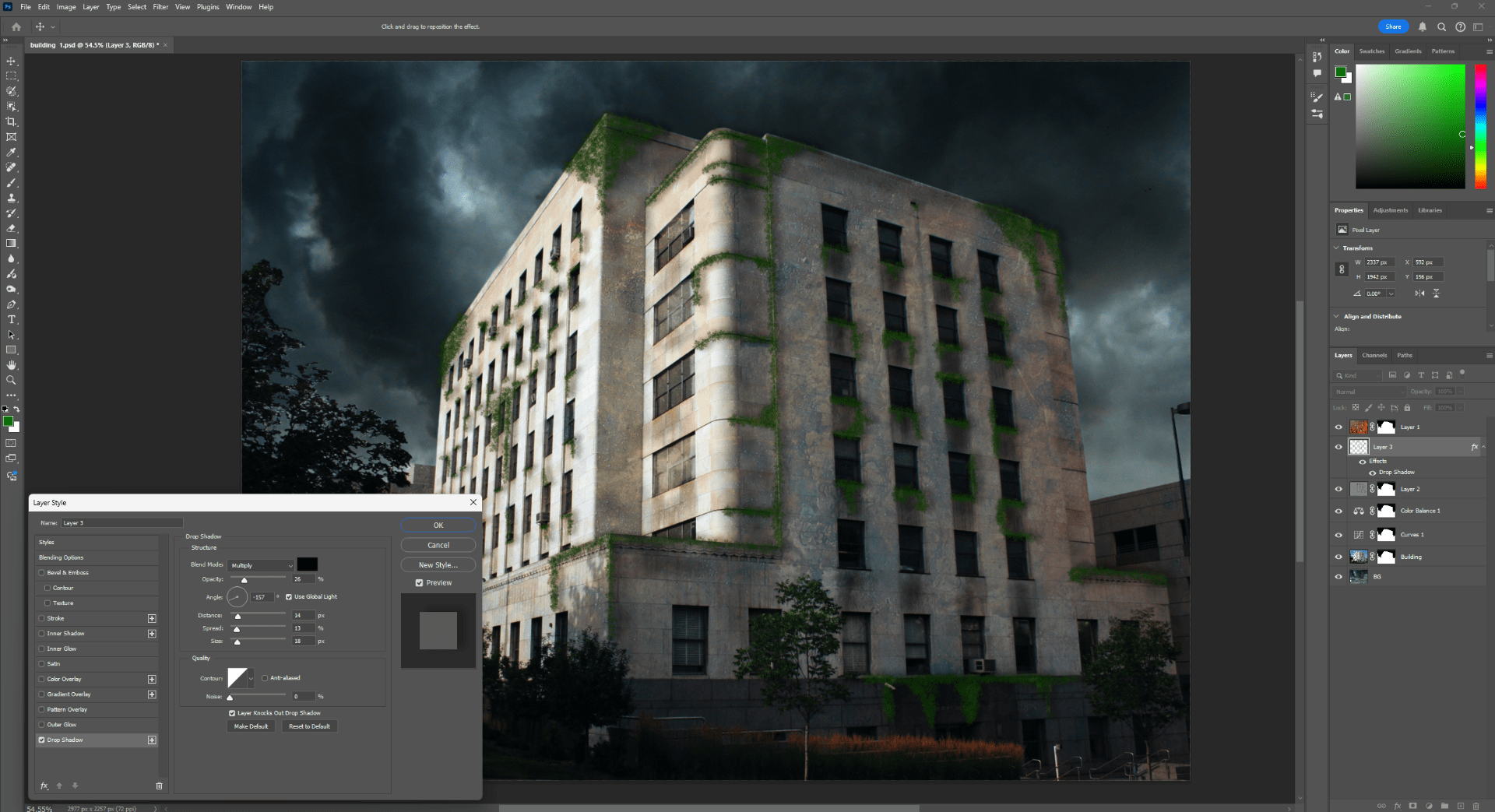
After using the brush, and use the adjustments to the shadows and color, we end up with something like this.
We add some texture.