Hard surface 3D modelling is the process of creating non-organic, man-made objects in 3D software, such as vehicles, weapons, machinery, or architectural elements. It focuses on constructing rigid, angular, or smooth surfaces with clearly defined edges and details, contrasting with organic modelling, which involves more fluid, natural forms like characters or creatures.
-
Modelling mechanical or human-made objects and structures
-
Using subdivision with smoothing
-
Using soften and hard edges
-
Modelling separate parts of objects to build the whole
Class Outline:
- Learning more advanced Maya modelling techniques
- Building a teapot- consolidating the techniques above and introducing extruding along a curve.
Task 1
I will start with the task ”3D Modelling Bootcamp – Maya Techniques”
In this task I will learn:
- Extrude– model a cup
- Extrude along with a spline (curve) – model an electric flex
- Bevel – try on any edge or edge loop (model a cartoon car shape and use a bevel on a window edge
- Freeze Transforms – useful to know, reset the model coordinates
- Inset edge loops– add complexity to the wireframe so you may subdivide sections. Helps to keep topology regular. Try it on a model of a simple cup model or headphone modelling exercise below
- Edge loops with multi-cut – Model a drill or hairdryer shape
- Soft Selection – useful for quick landscape shapes
- Target weld – joining two parts and welding vertexes
- Symmetry – reflecting sides as you model
- Bend– make a handle
- Boolean- cut shapes from each other or join them, can be useful but be careful as it can disrupt edge flow
- Revolve– (like lathing) make symmetrical shapes like a wine glass or bottle. Model this chess piece!
- Wedge face – useful to know
- Loft shapes – make pillars or other forms between different shapes
- Lattice – example of a deformer for simple sculpting
We get the next resources for this task:

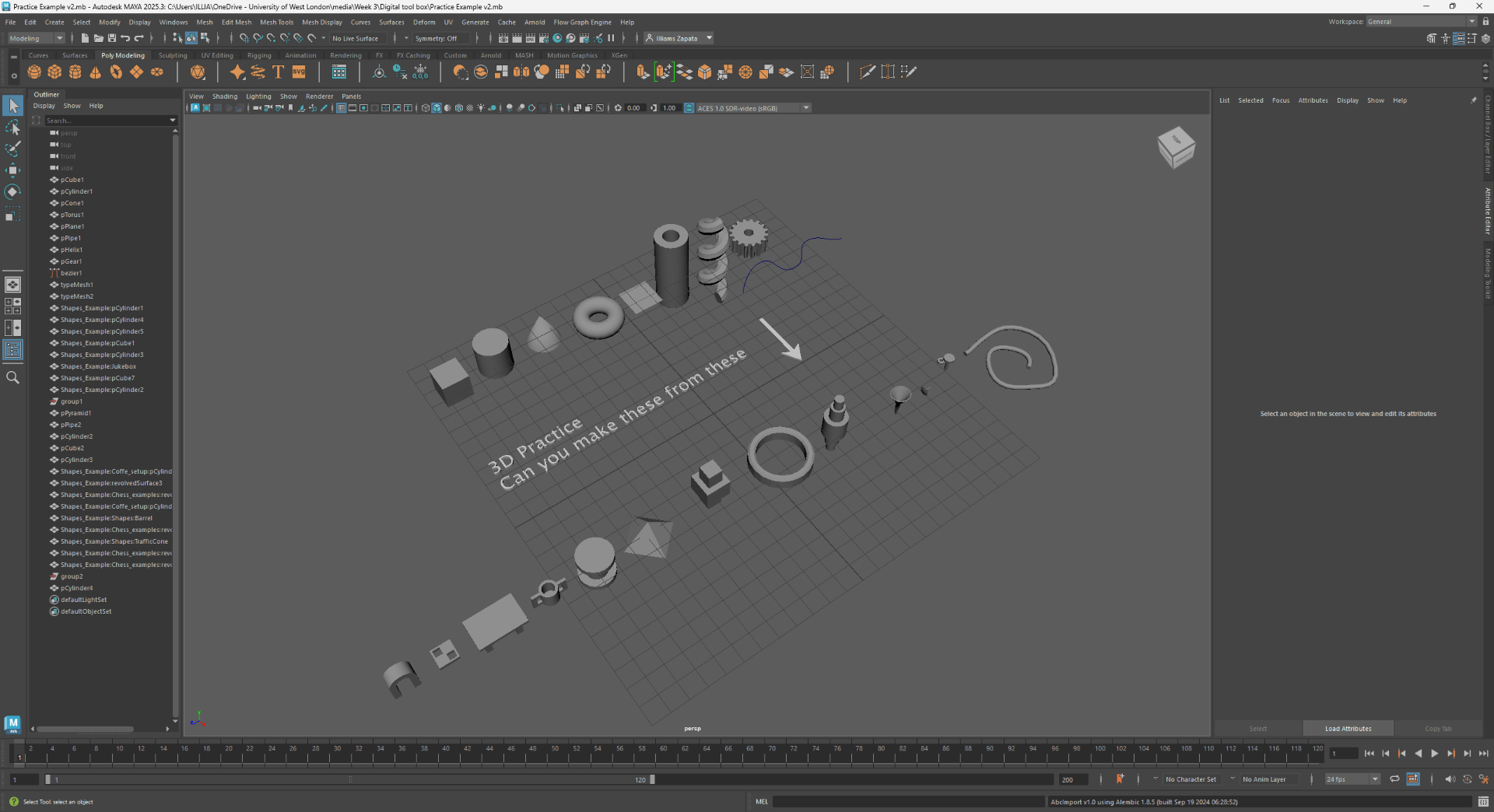
First of all we open the maya file and we encounter a variety of figures that we will use as a guide:
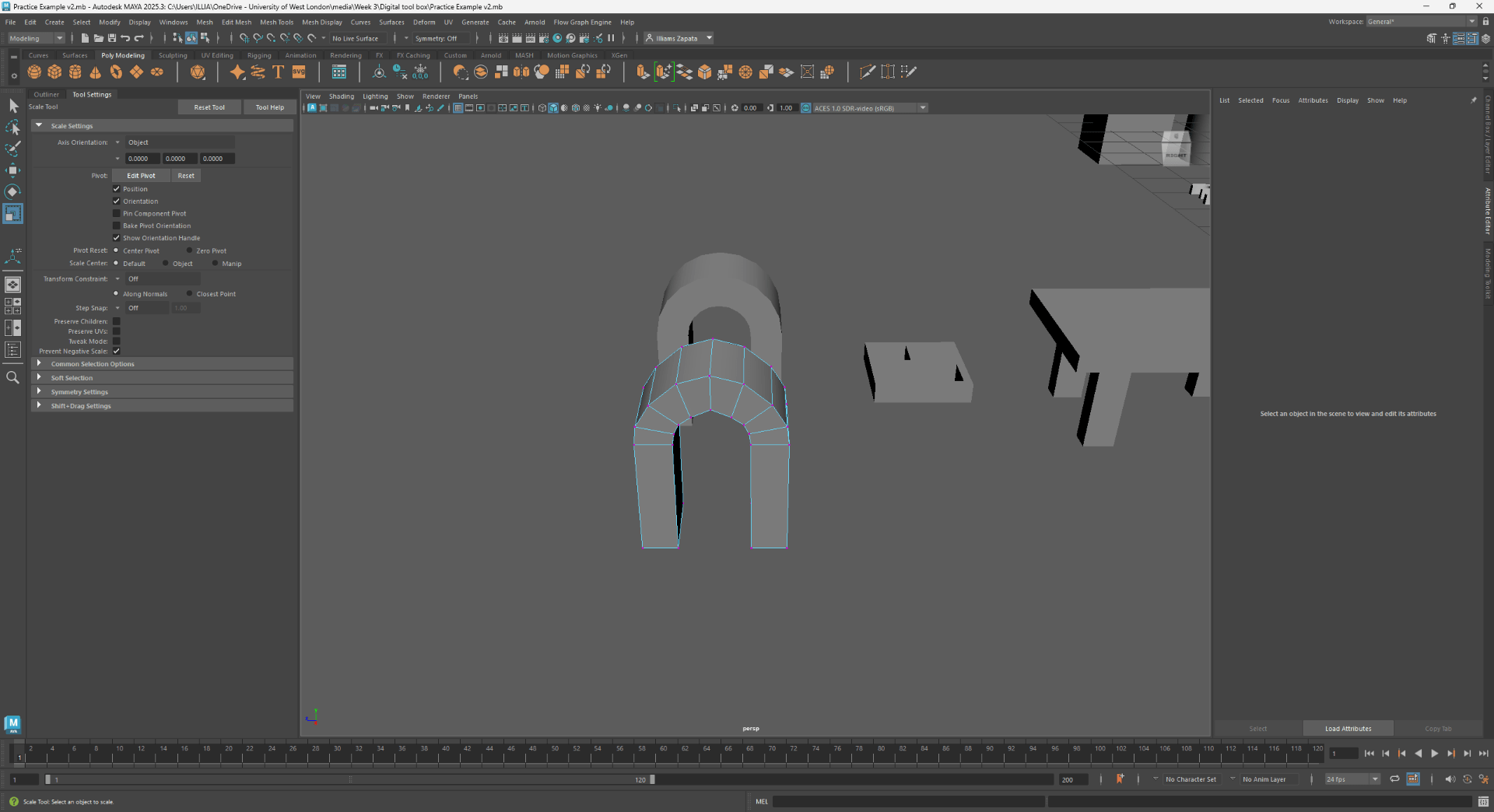
Next we will star modelling all of the form following the video tutorial and new techniques:
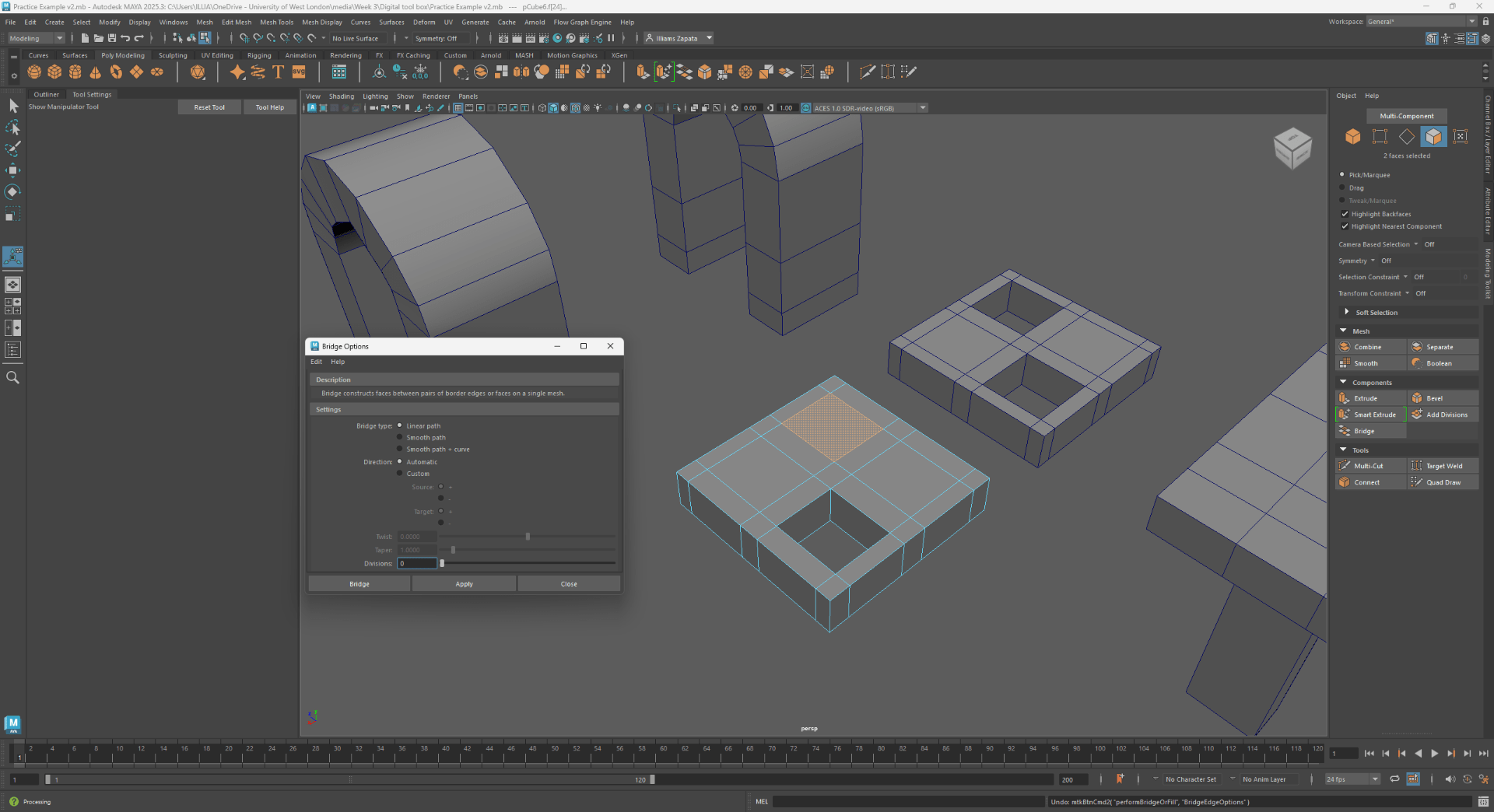
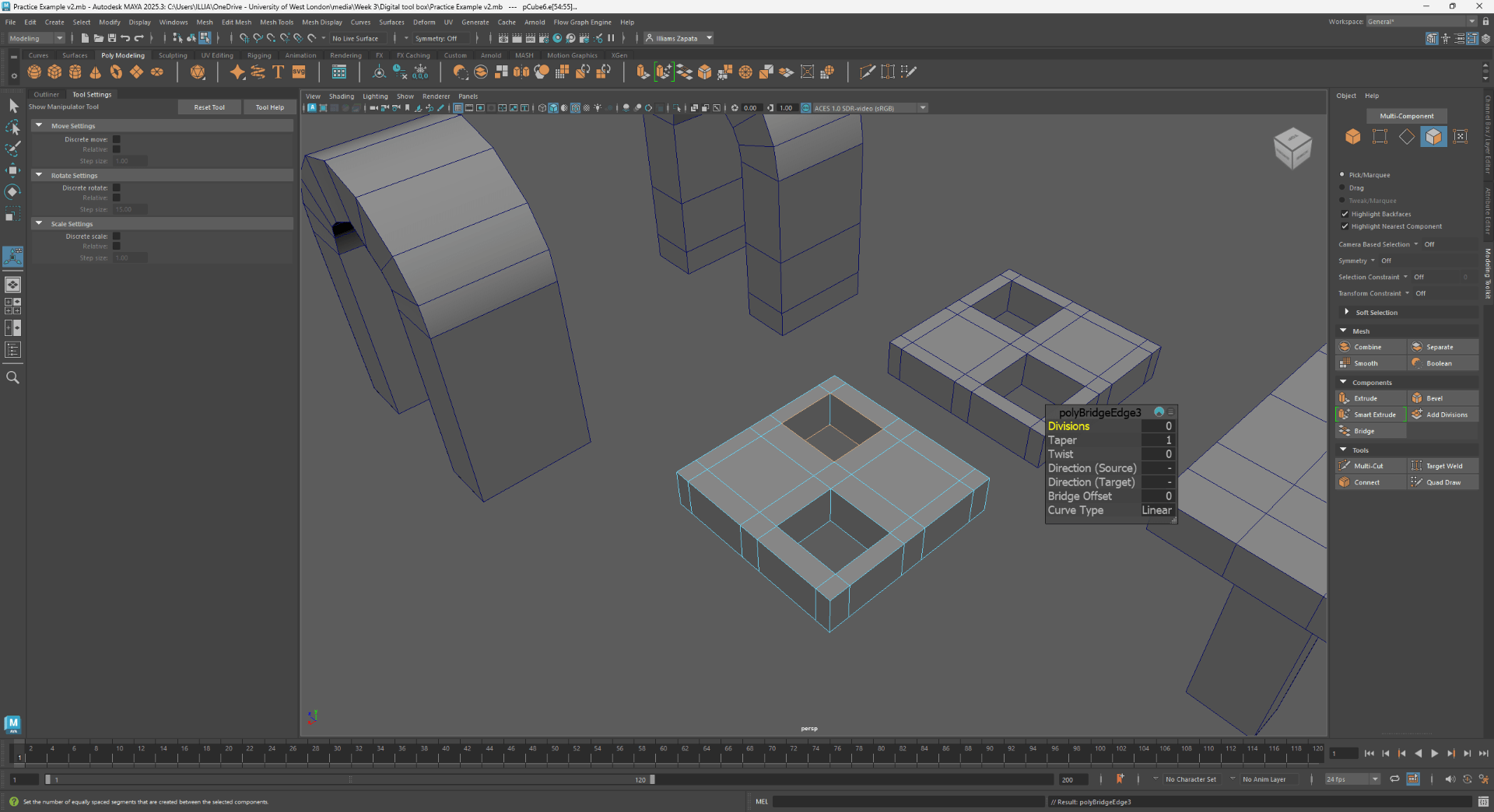
Using the bridge option:
Using extrude:
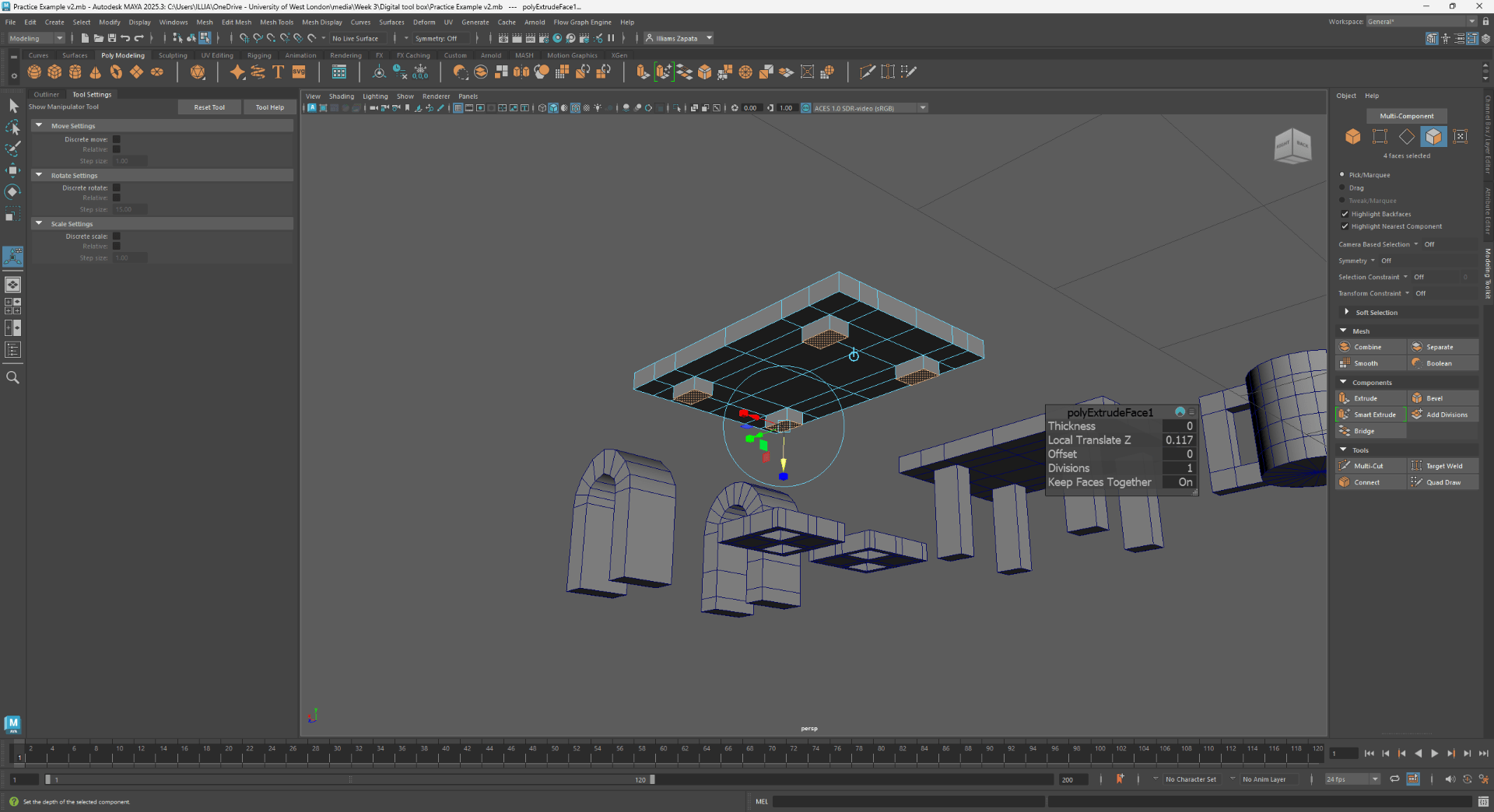
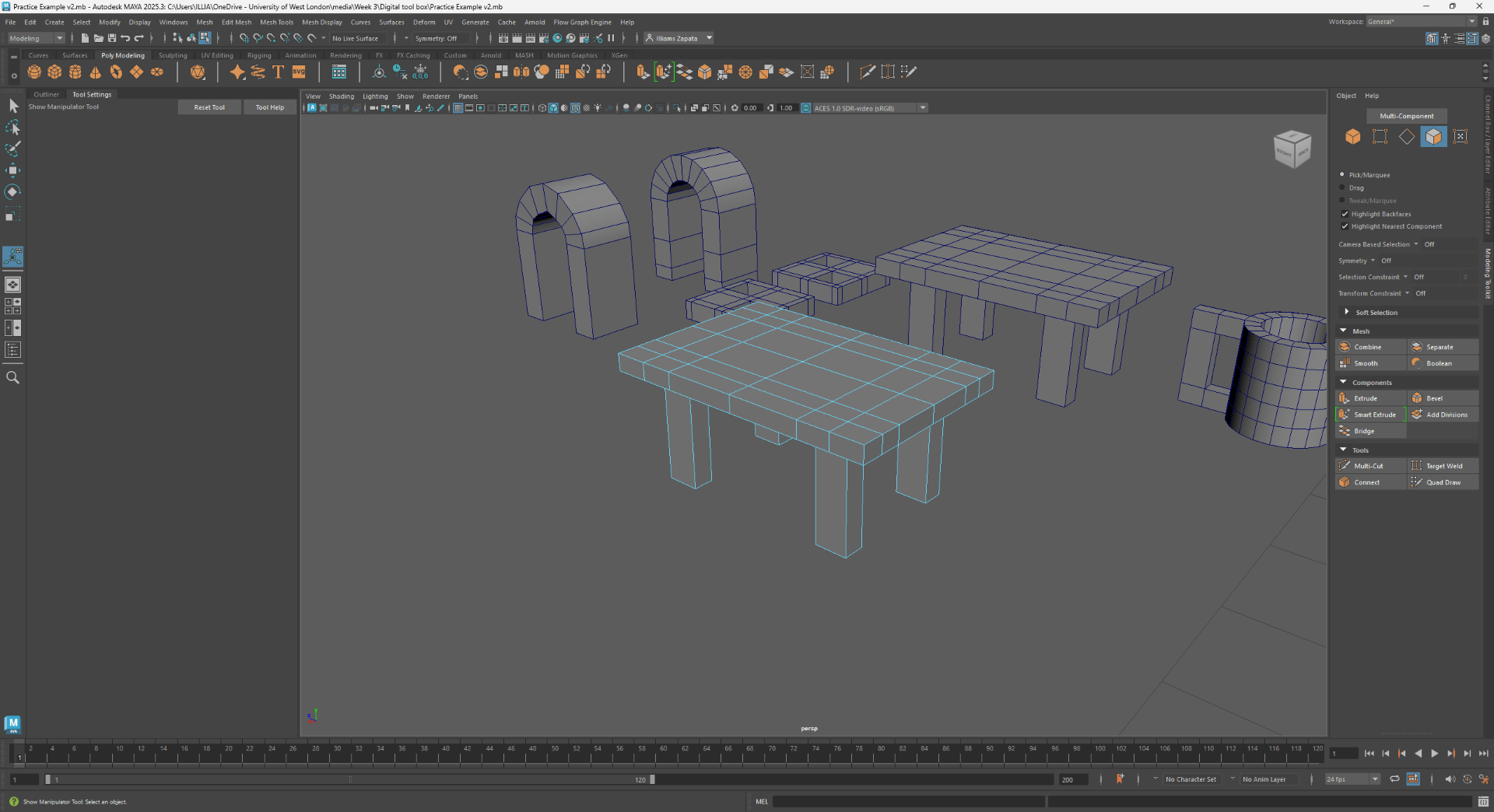
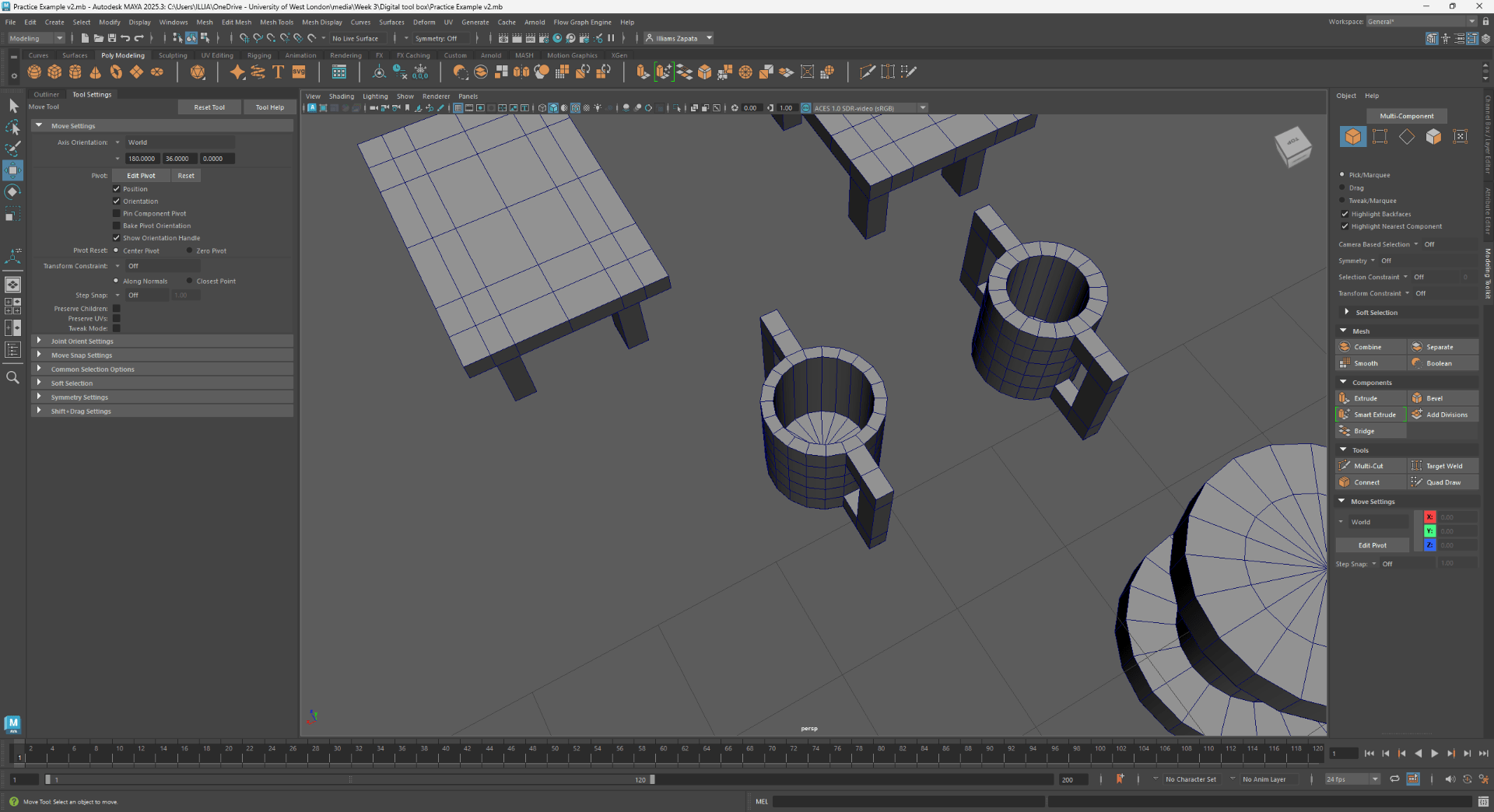
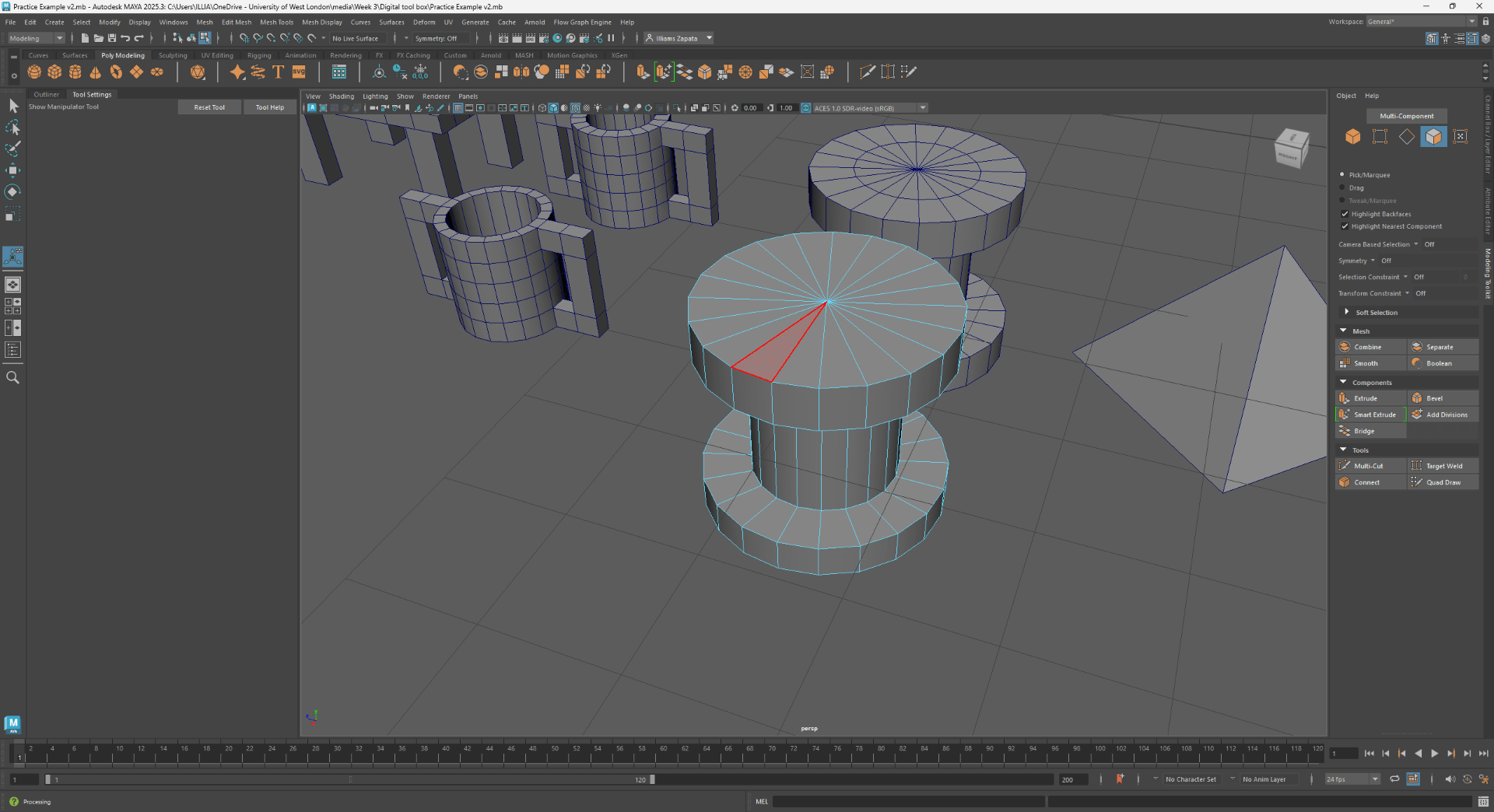
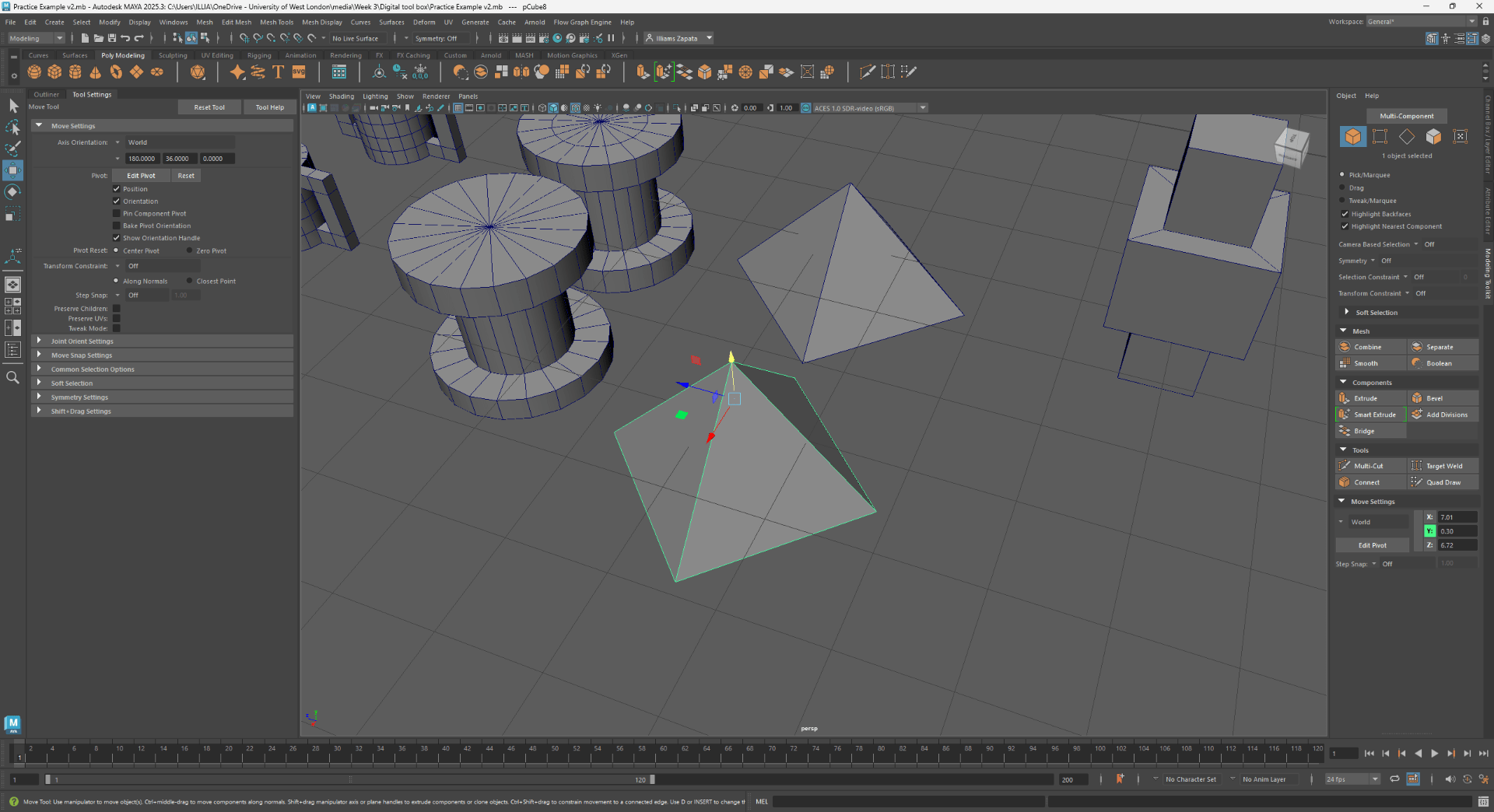
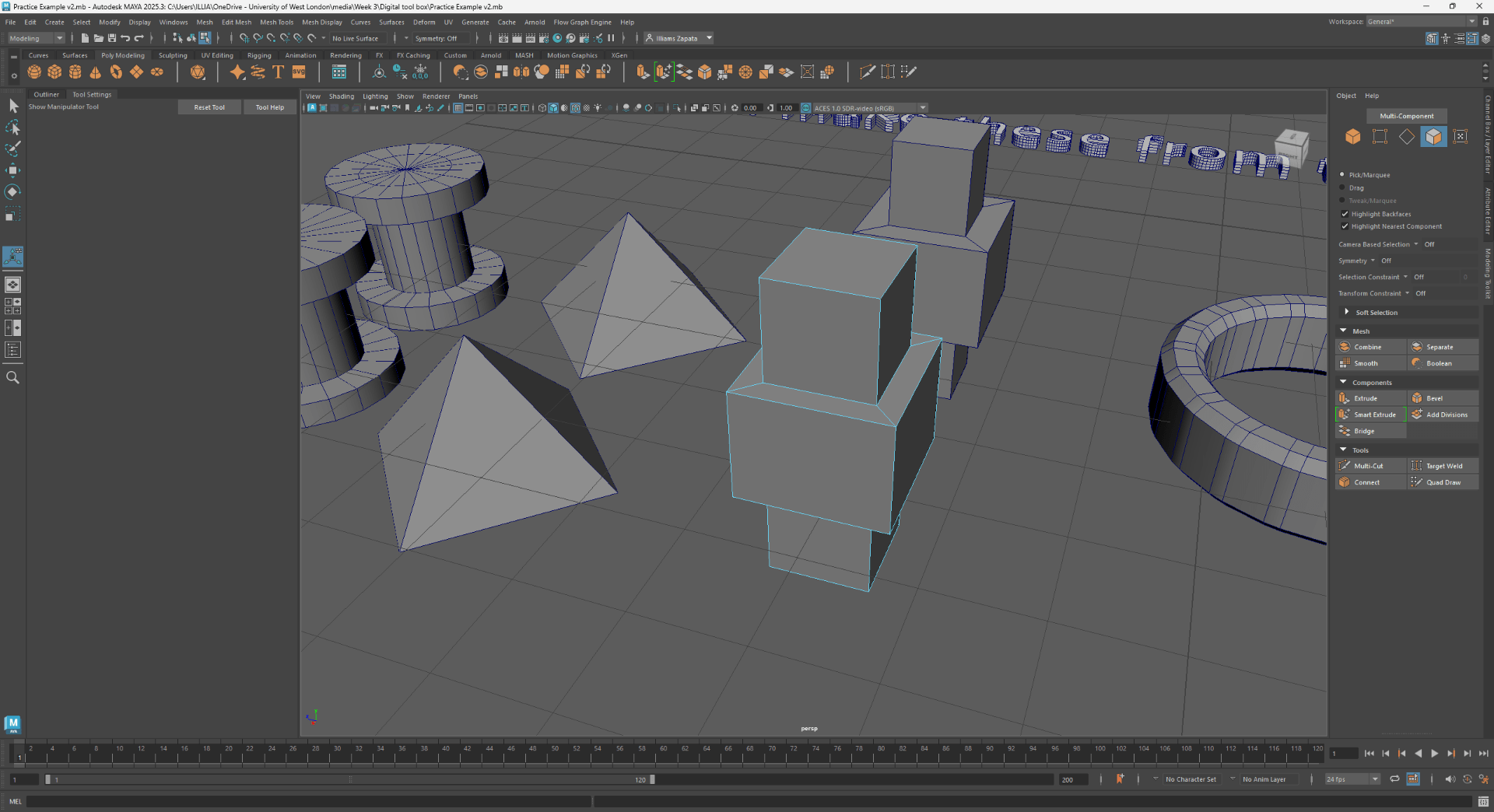
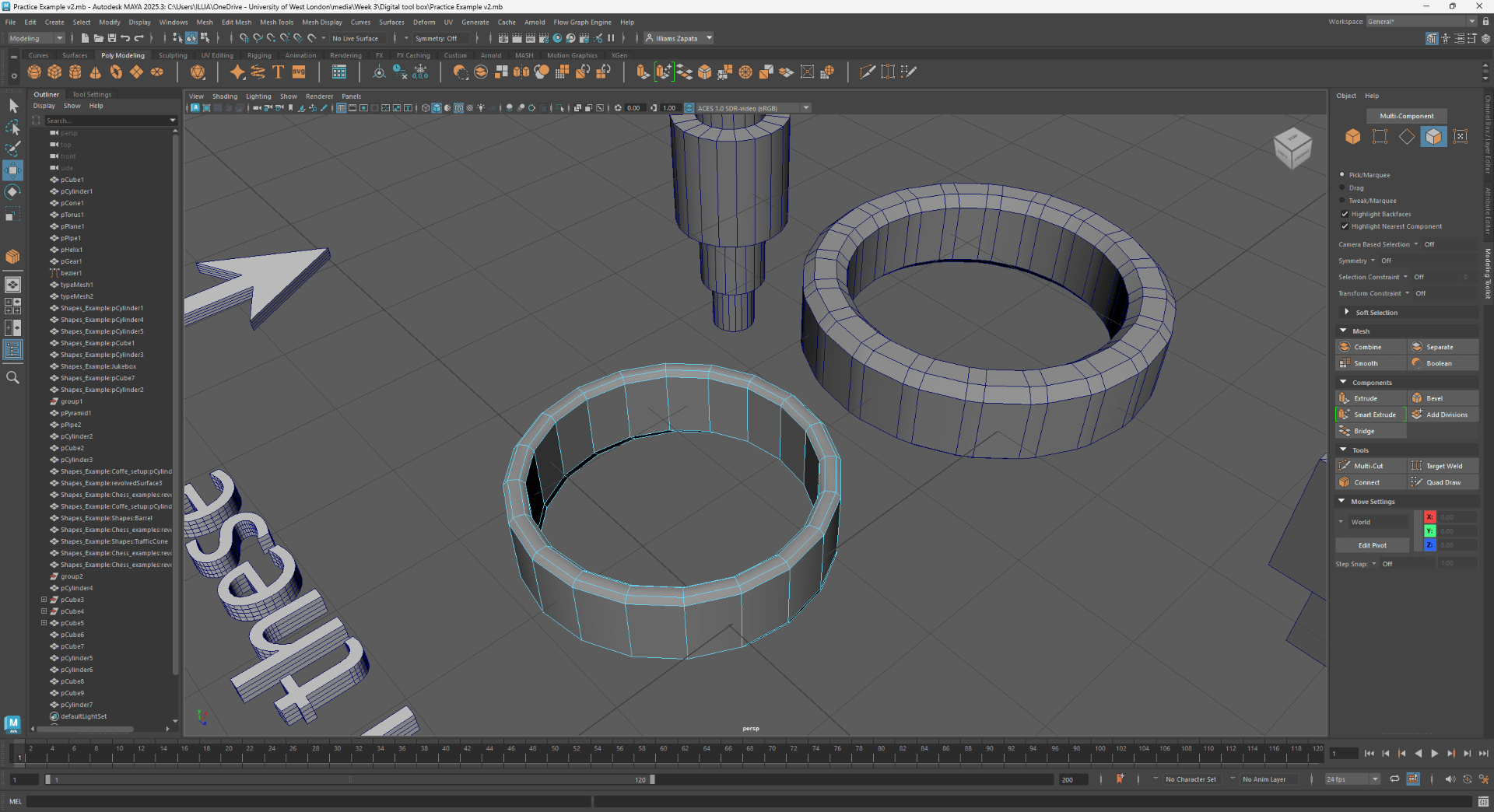
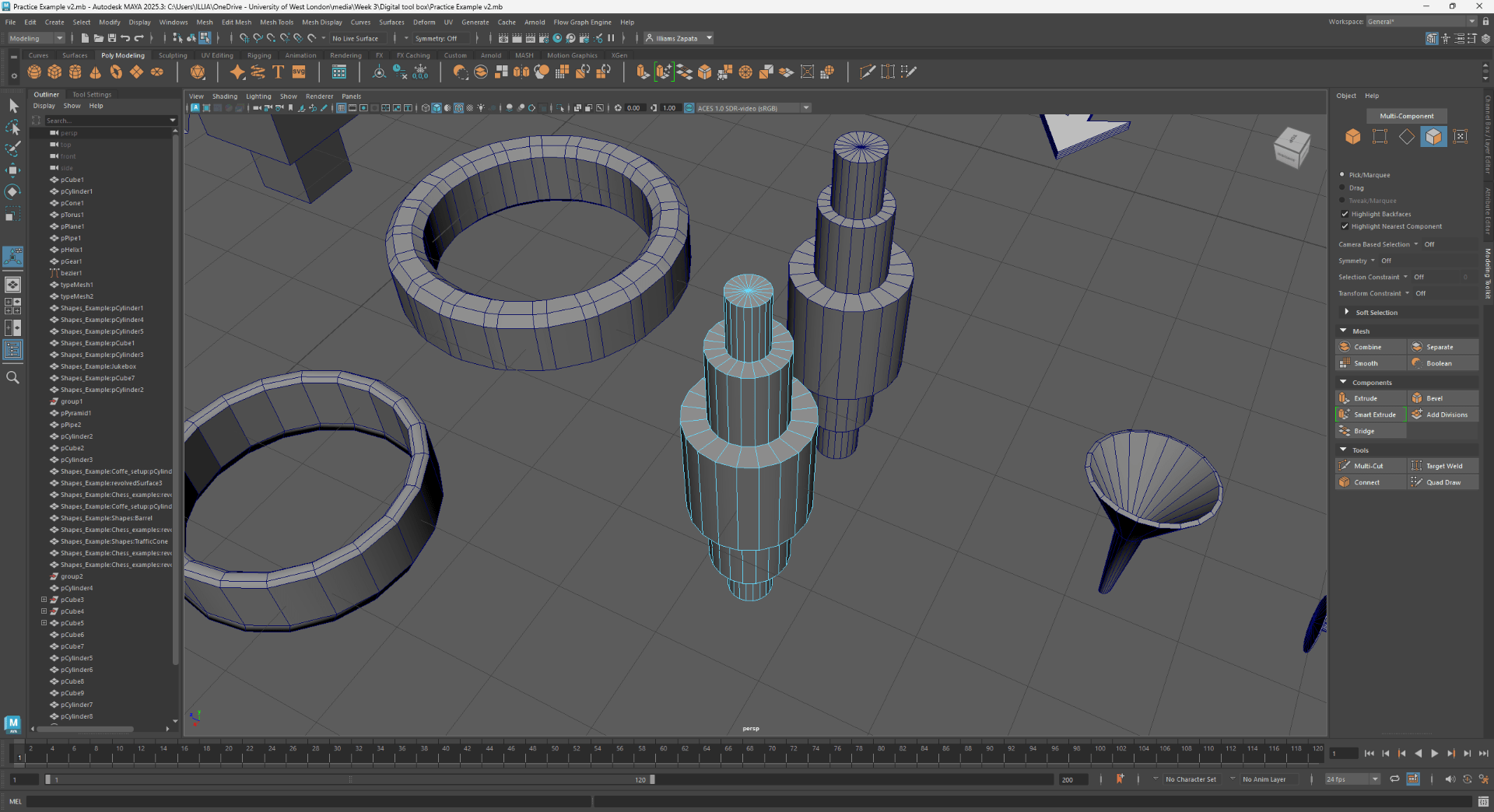
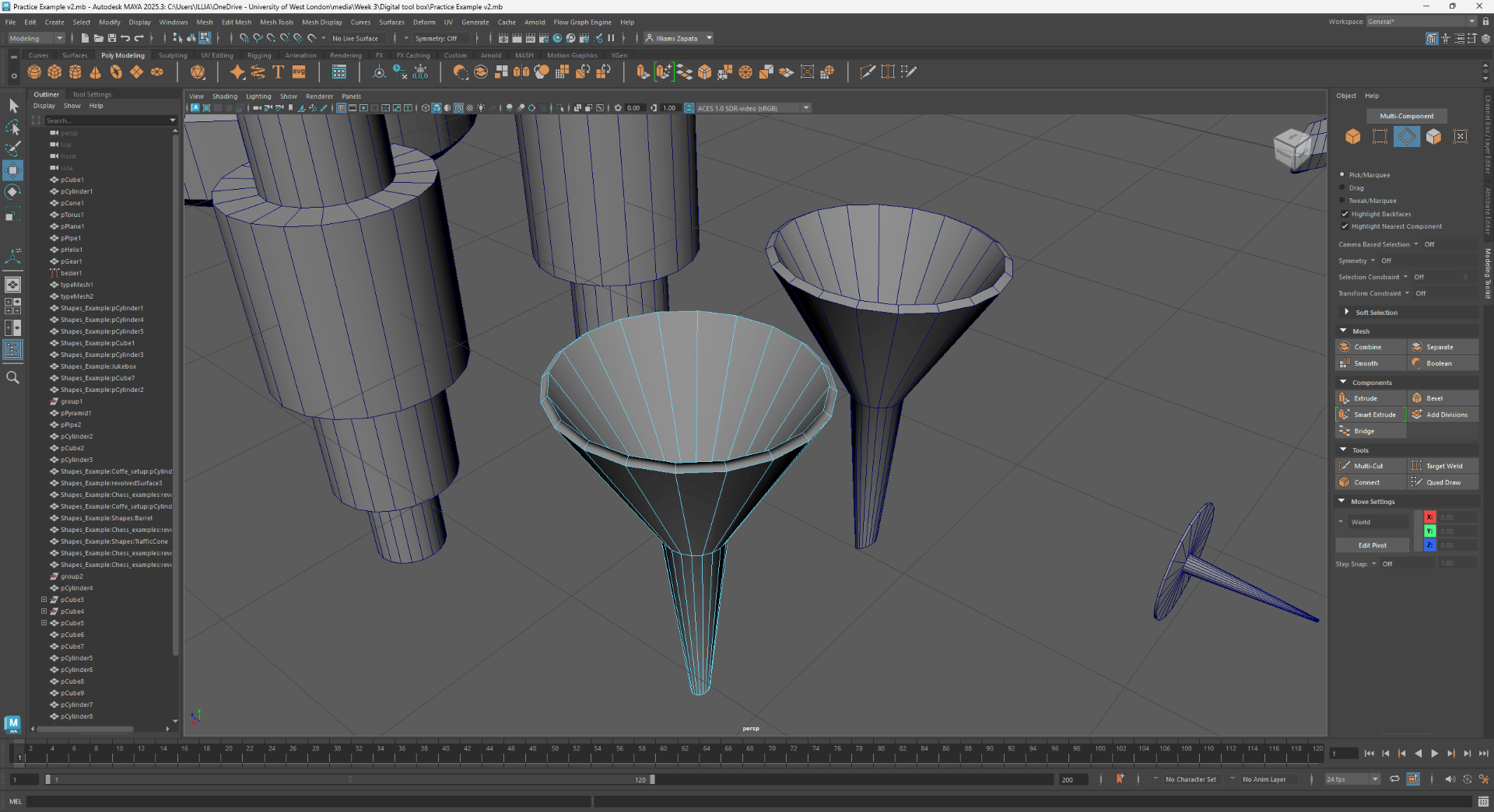
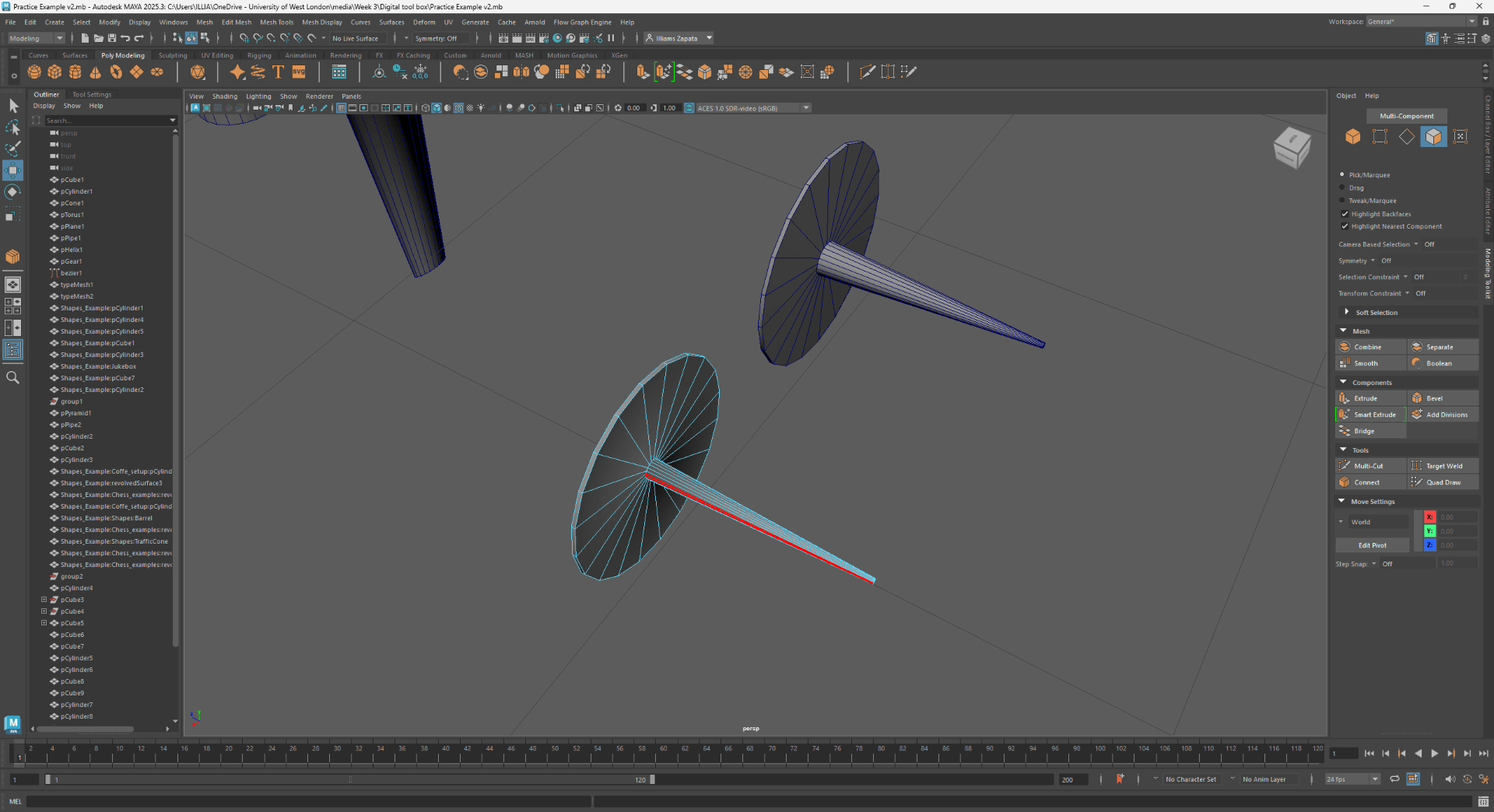
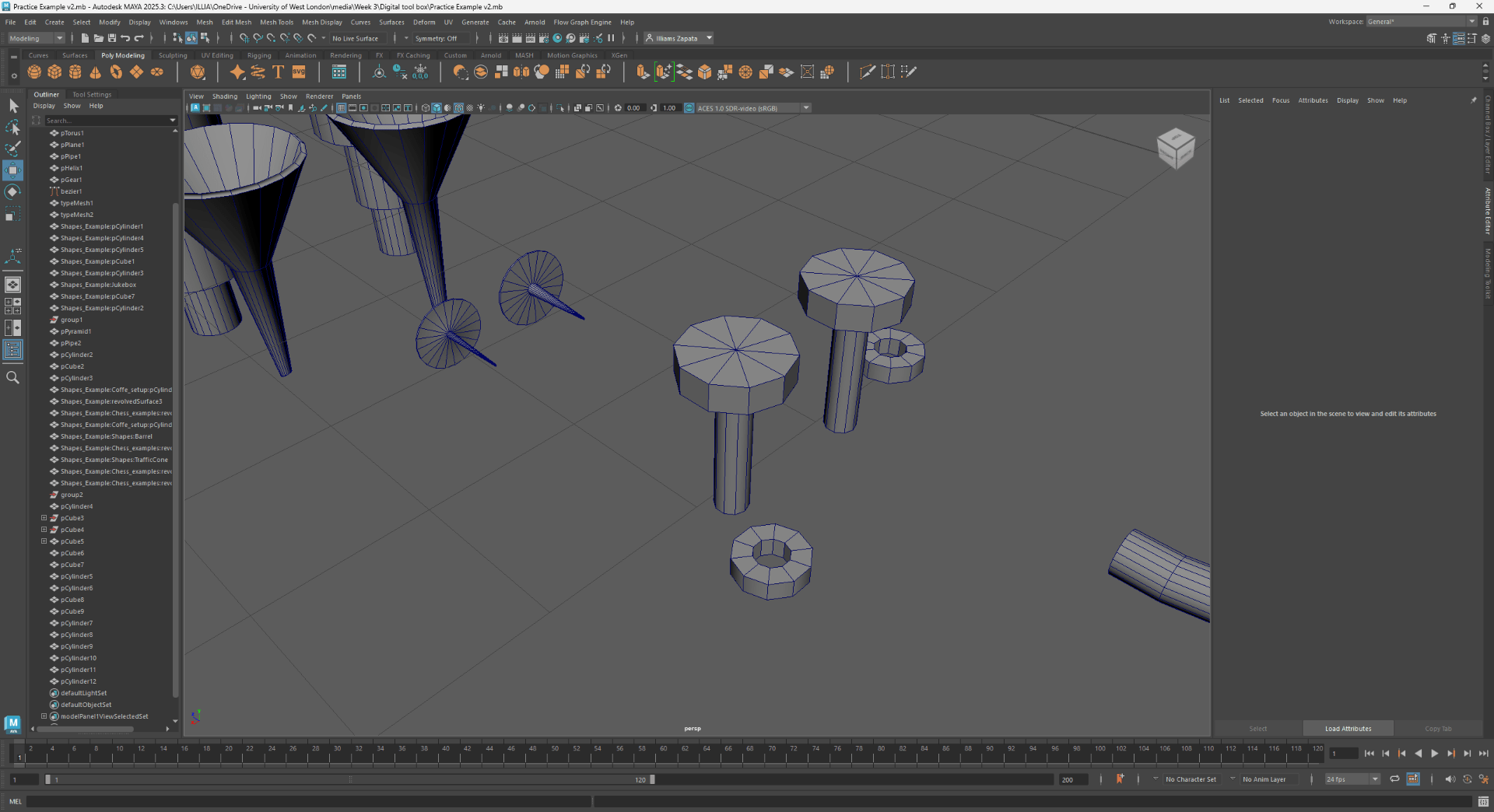
Using the extrude along a spline:
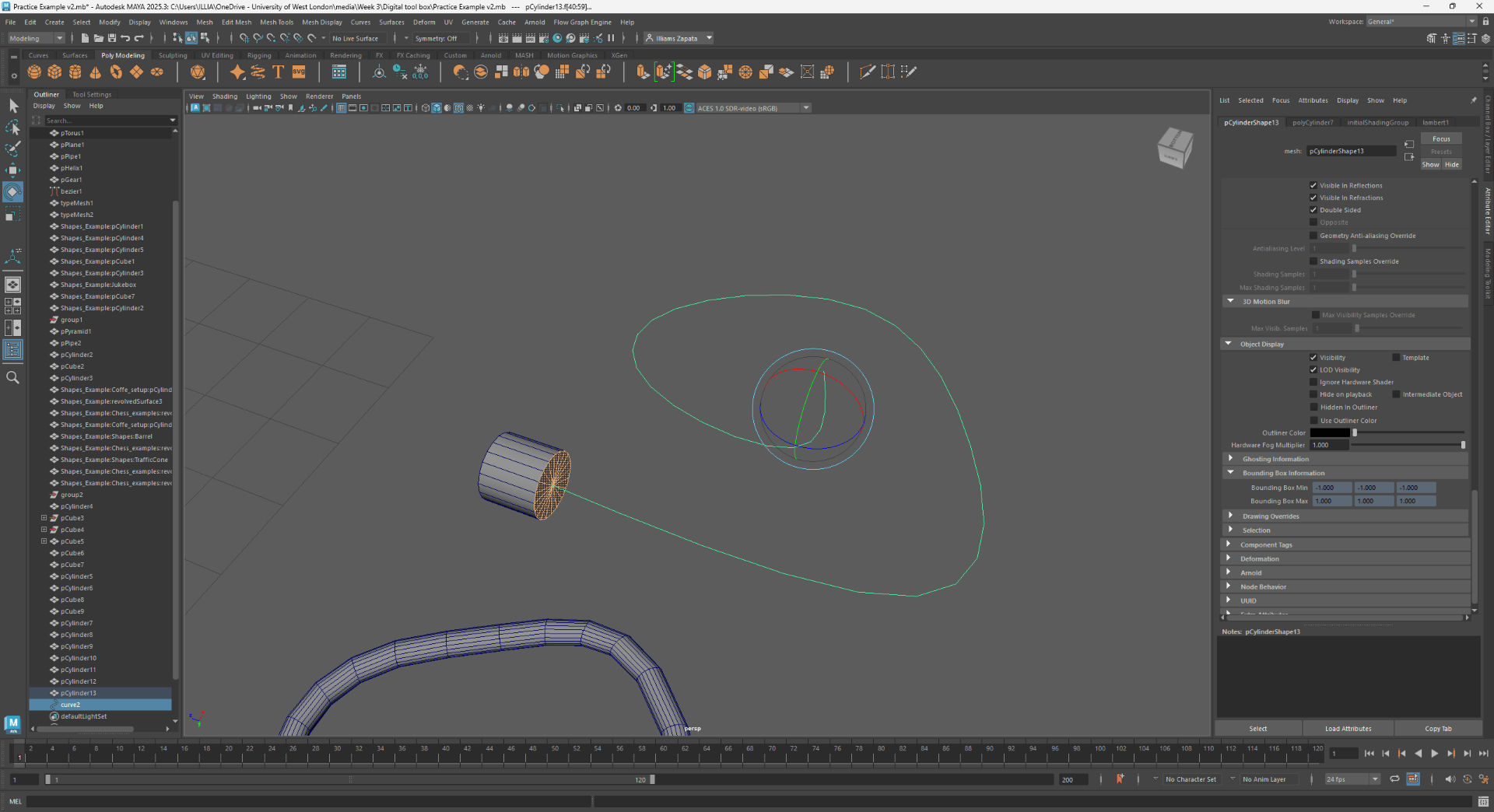
We add more divisions to smooth the curve:
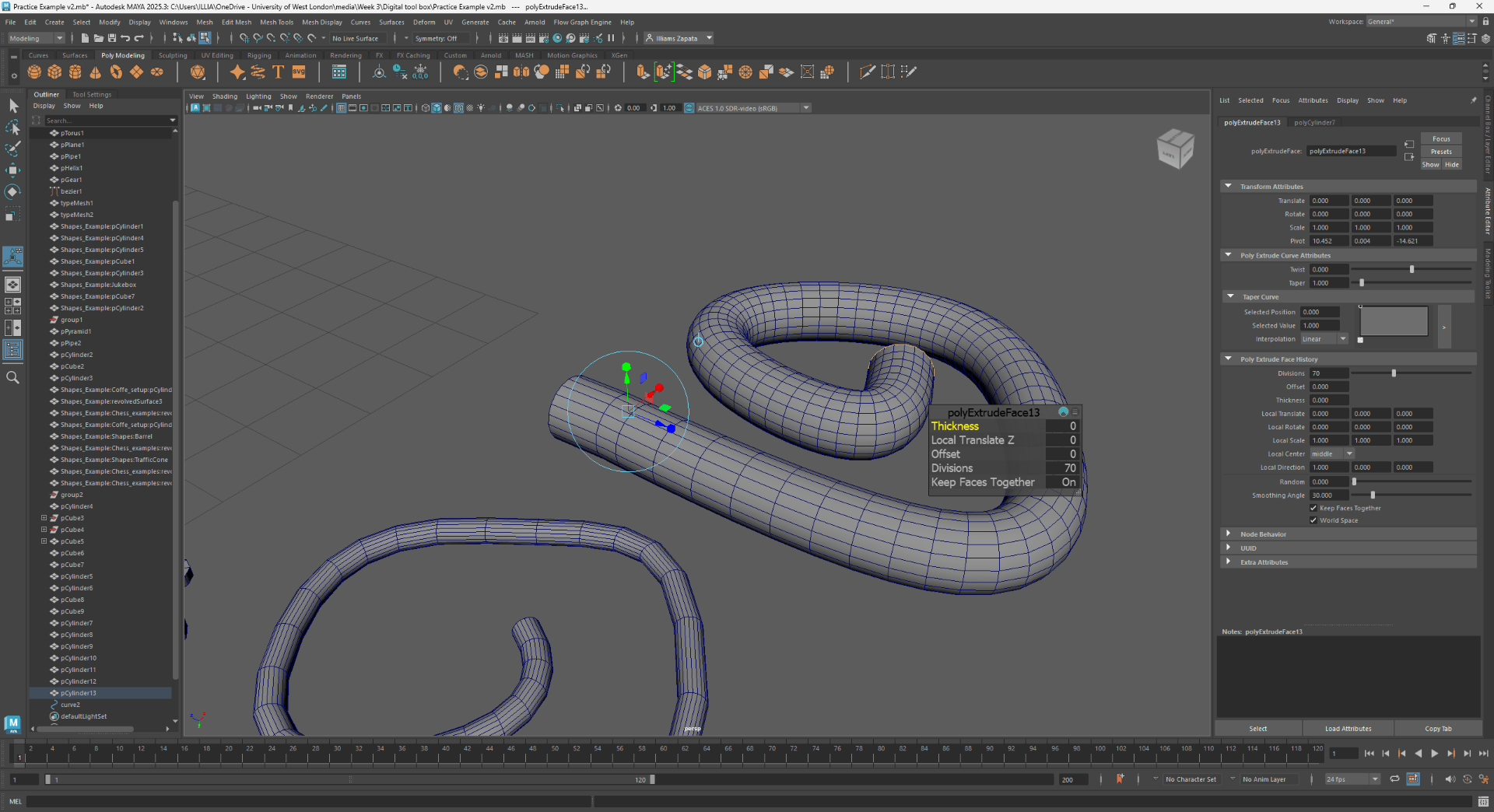
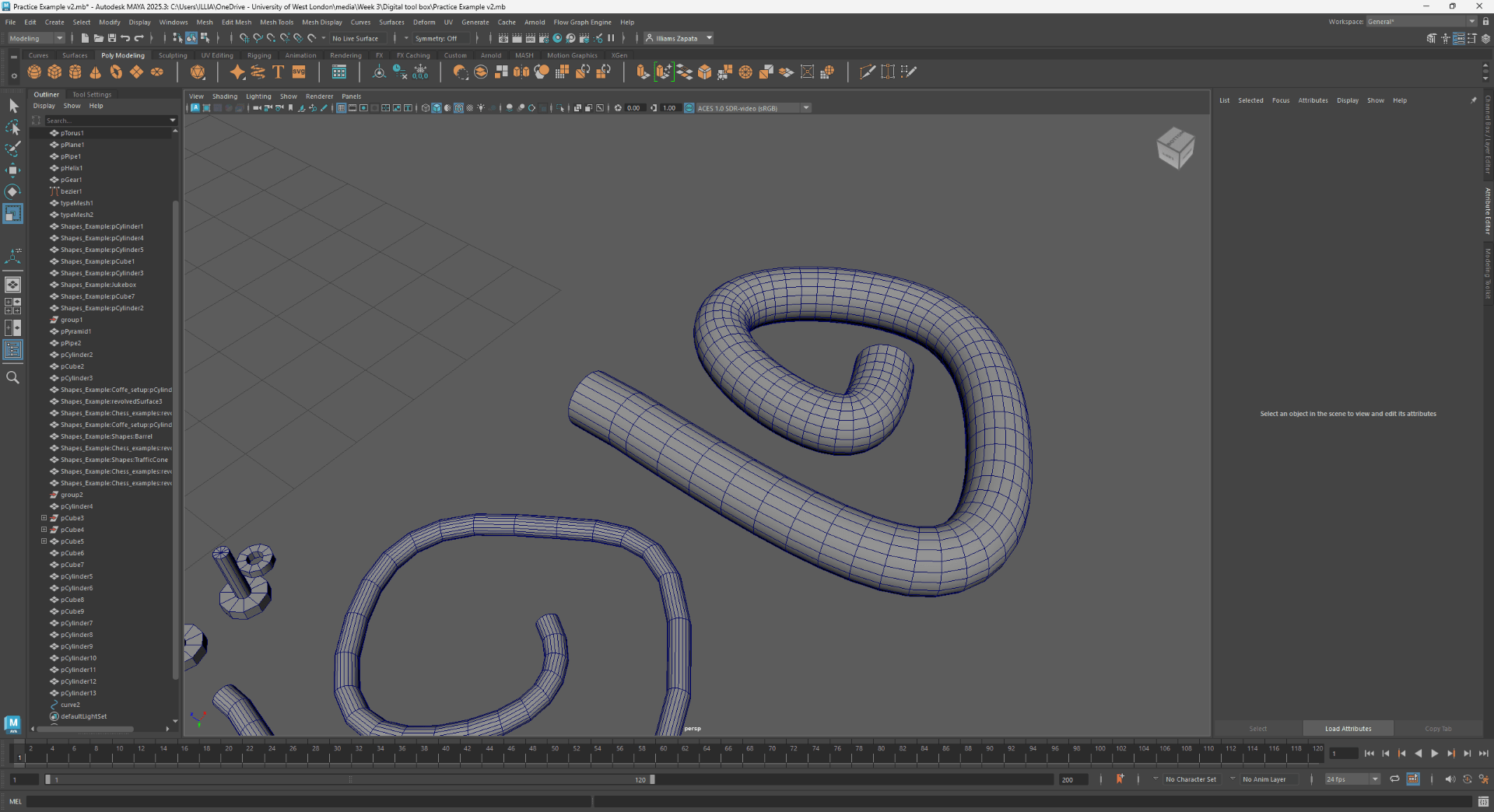
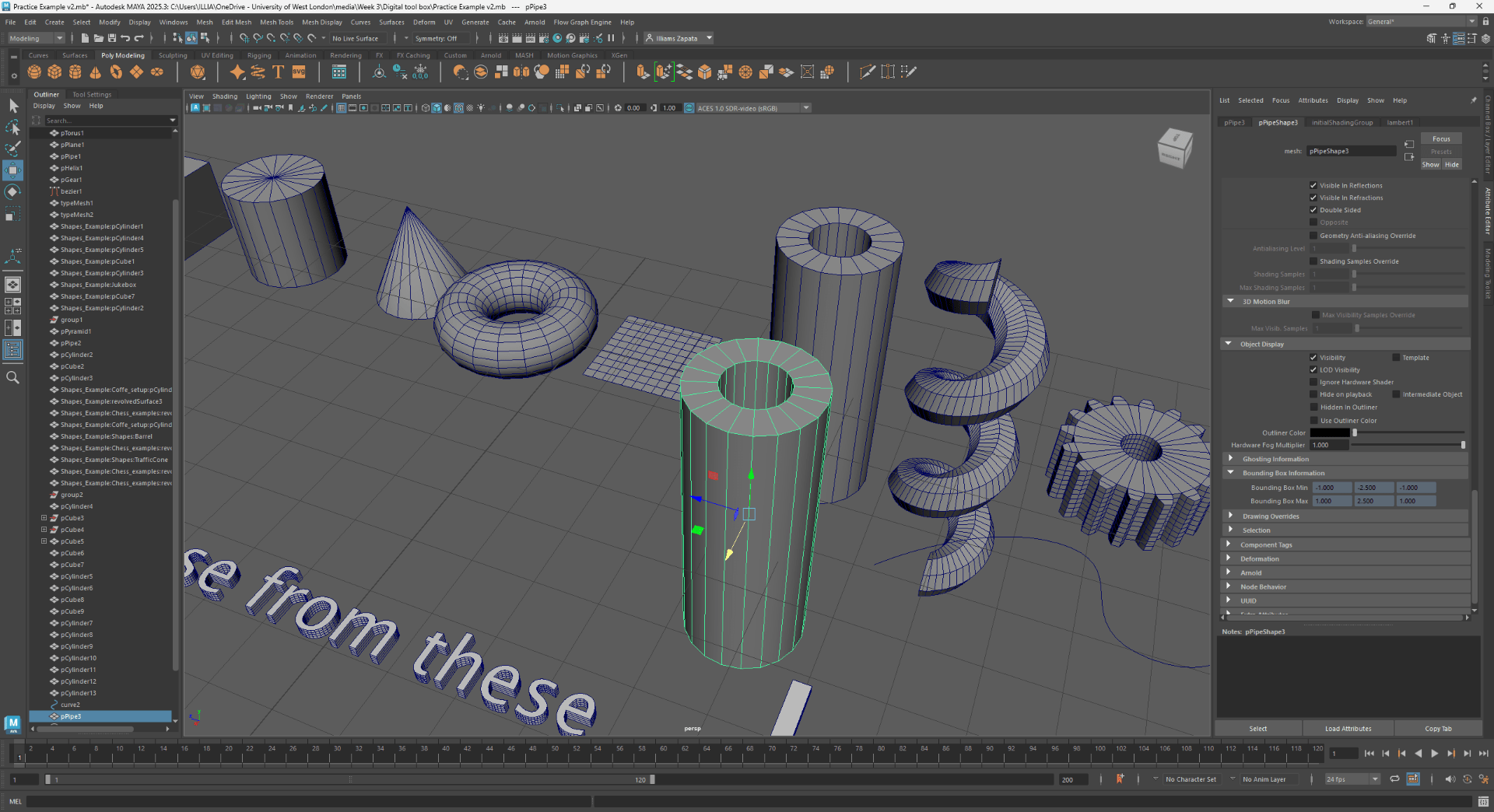
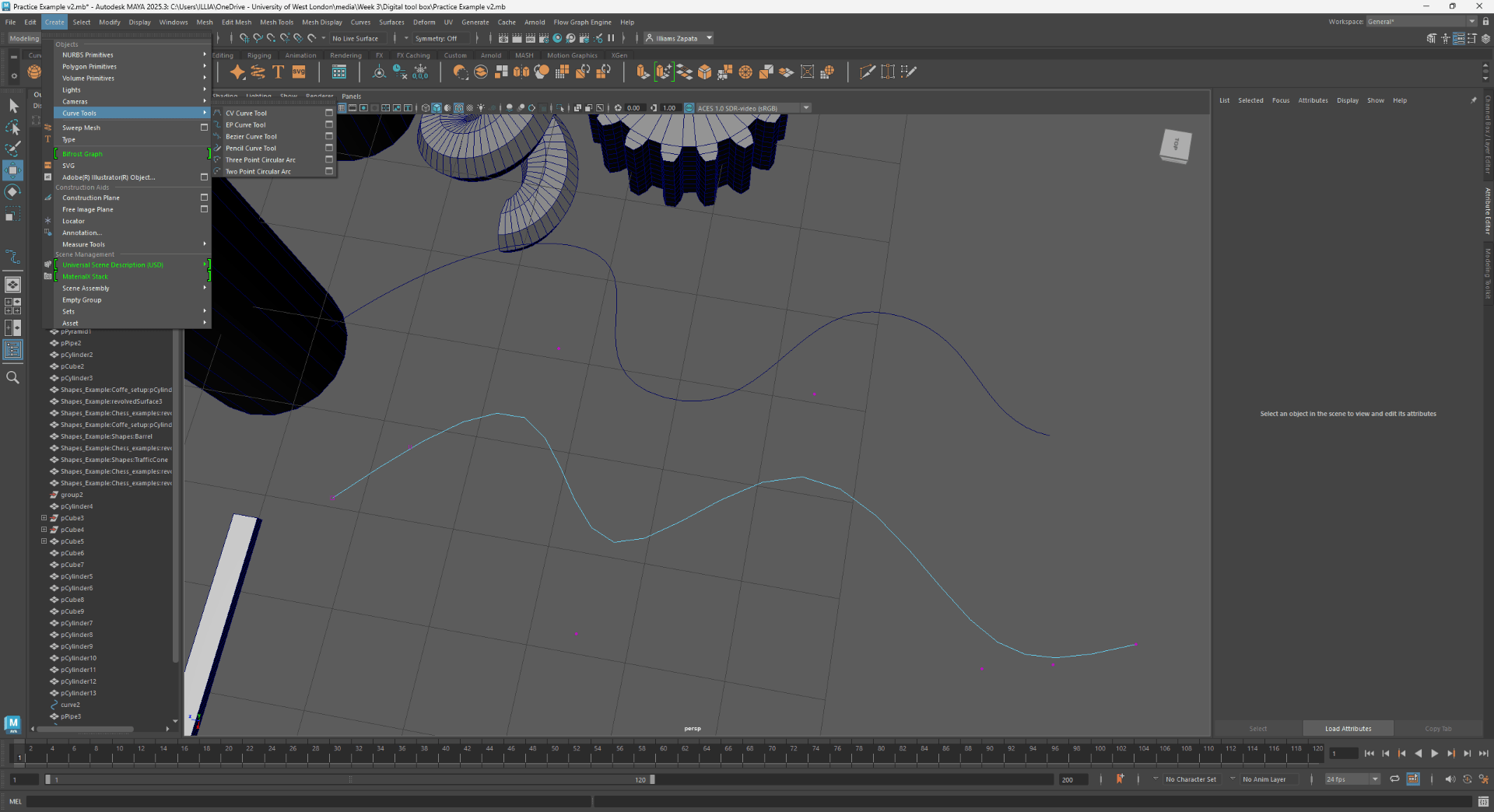
using the curve creator tool:
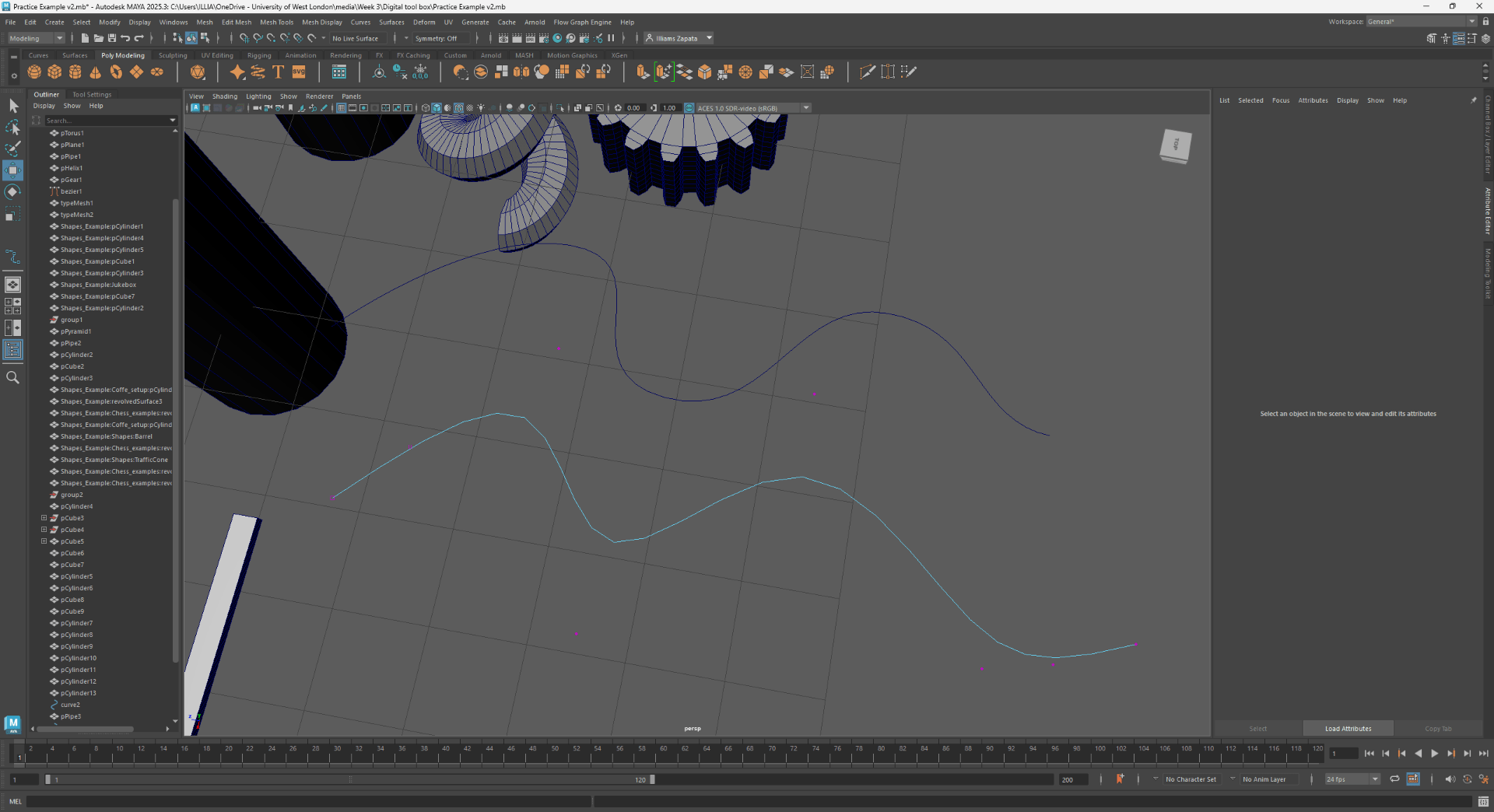
modifying properties of an object:
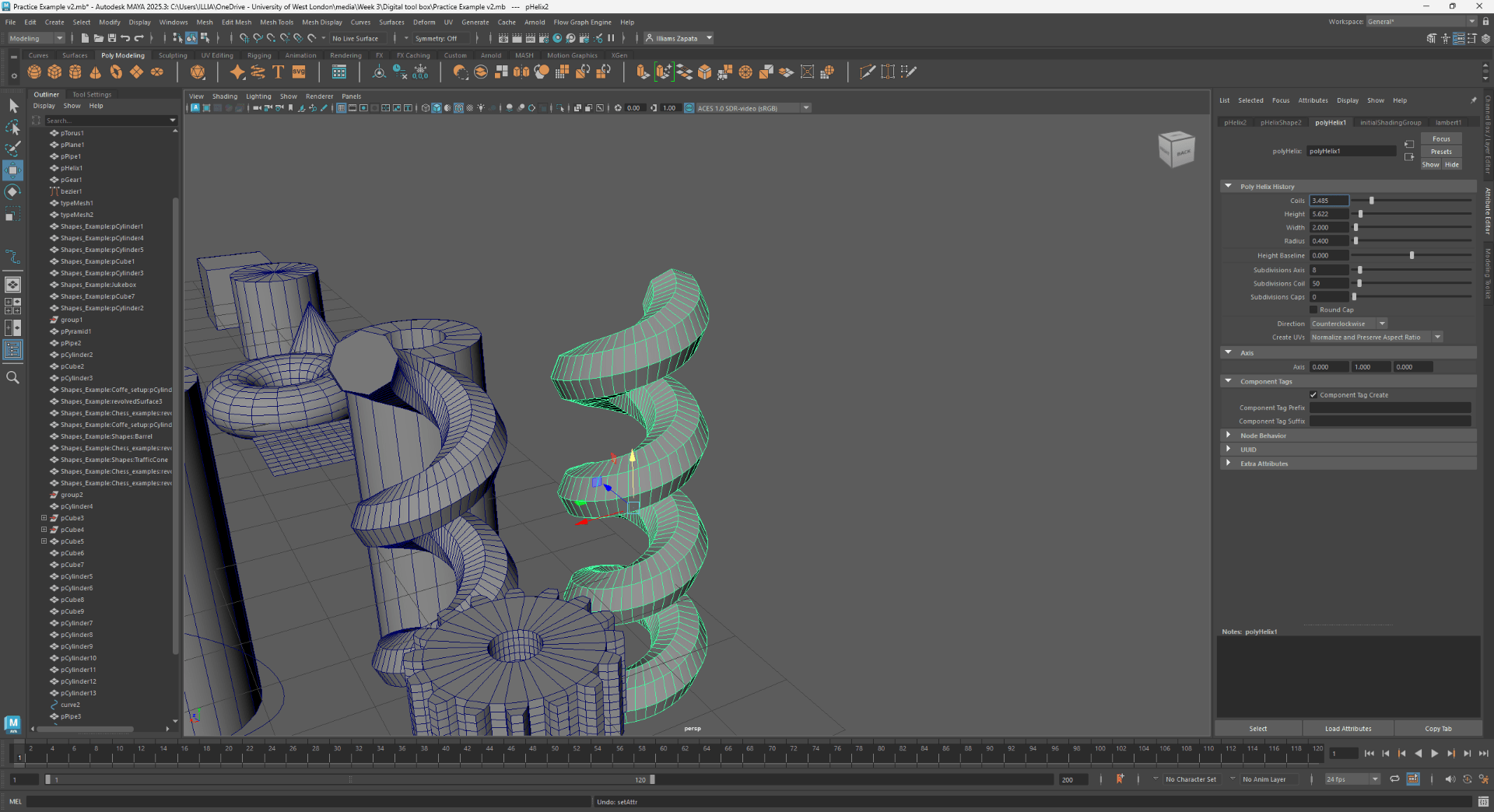
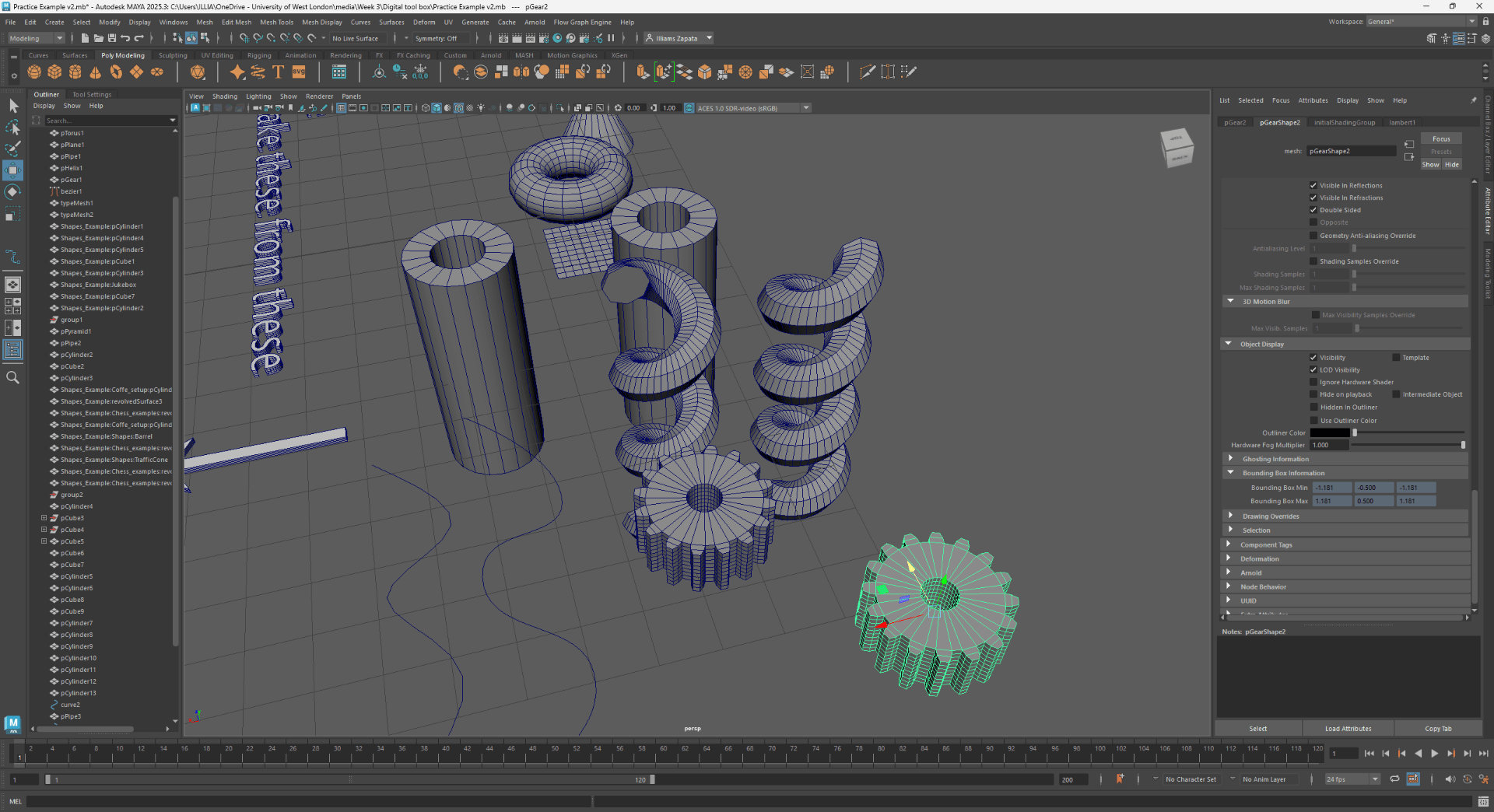
End of task 1
Task 2
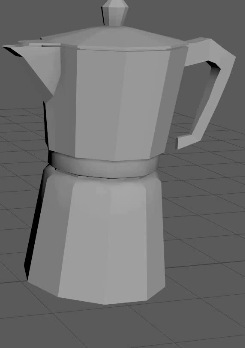
Result of my coffee maker modelling:
End of task 2

