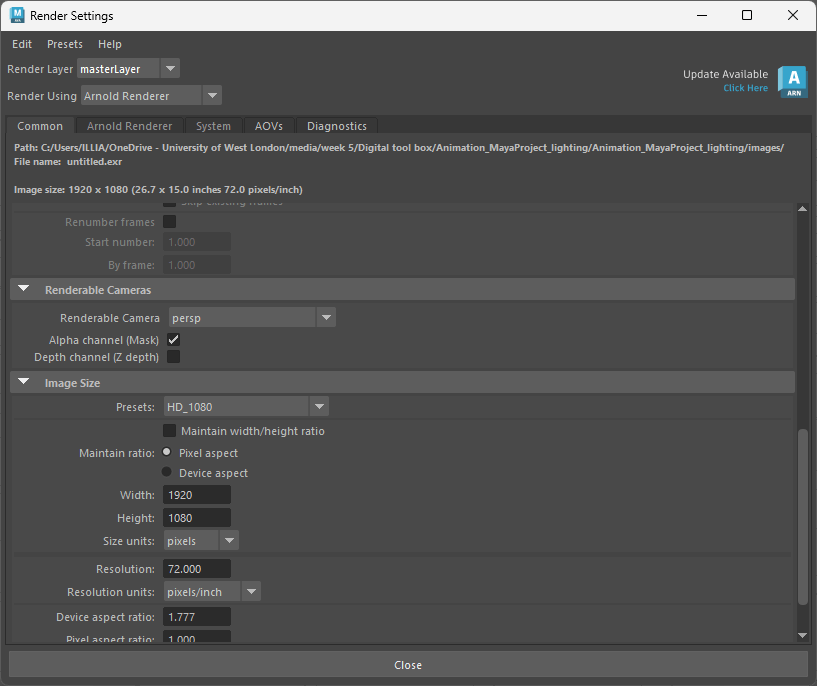
This week we will be looking Rendering at 1920 x 1080 as you continue to work on assignment 2.
To set the render at 1920 x 1080 we access render config and we set the 1080p Arnold pre set.
James Bond Gadget Brief
Students will be learning how to structure topology in a way that enables sub-divisional modelling. Once the object is built and refined using the box-modelling technique you will learn about the application of materials and how to use indirect global illumination to create realistic looking environments to base the scene into a live back plate.
The task is to create a 3d object modeled in as realistic manner as possible. The object should ideally be based on a real object, this will allow the creation of textures and will test your ability to model from life. The object should ideally be a household object, (for example a kettle or iron), but it should be subverted in some way to be James Bond gadget (e.g. a flame throwing hairdryer).
For students more confident with the modeling tools in Maya we encourage further expansion of the brief to demonstrate deeper understanding of techniques and workflow.
The final images will be stills of your model composited into an image of your kitchen table or somewhere similar.
Weighting:
40%
Submission Format:
The development of these tasks are to be shown on the student Digital Sketchbook. The final images should be uploaded to assignments to demonstrate students have completed work to within the time limit.
Bond Gadget:
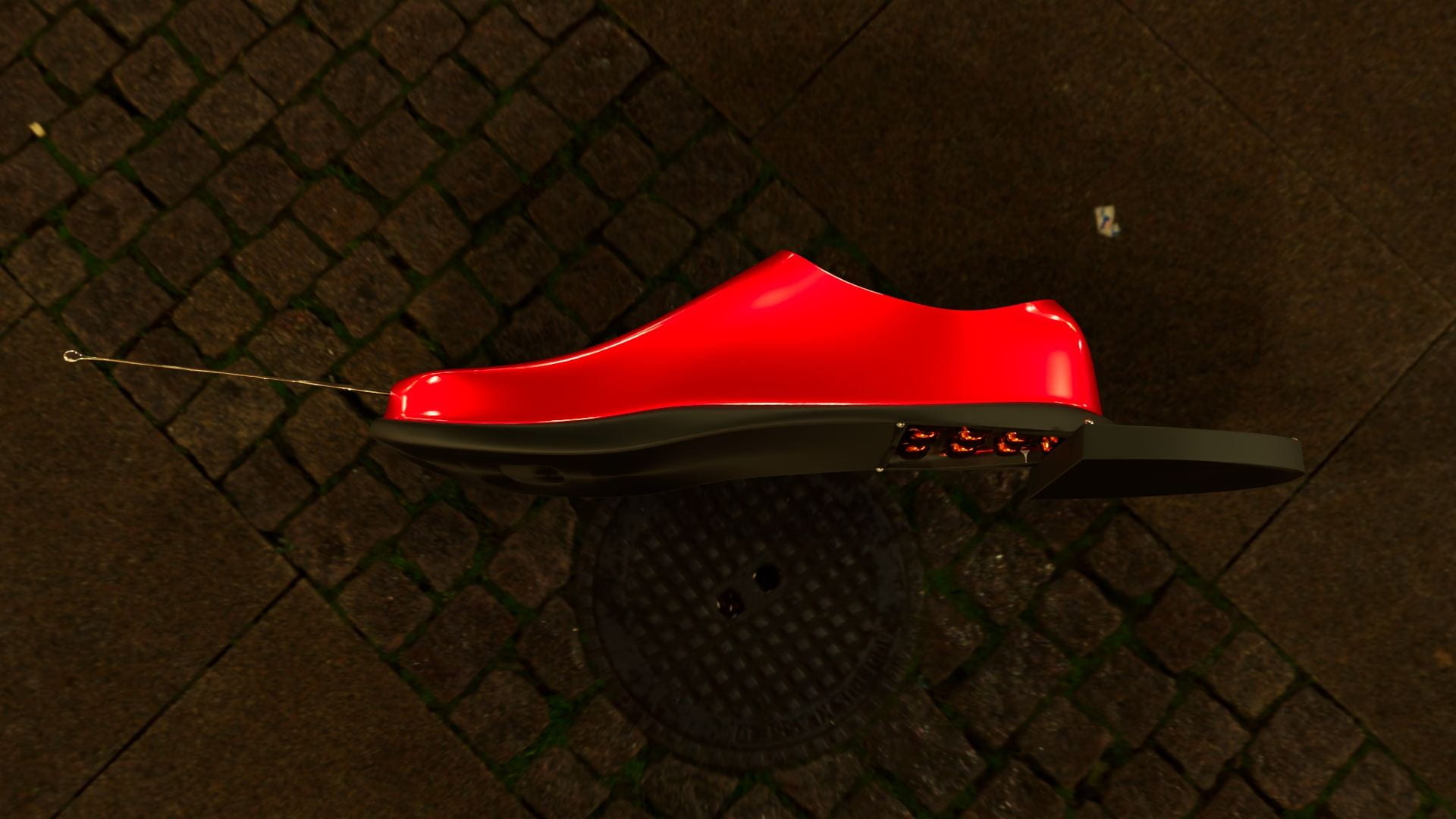
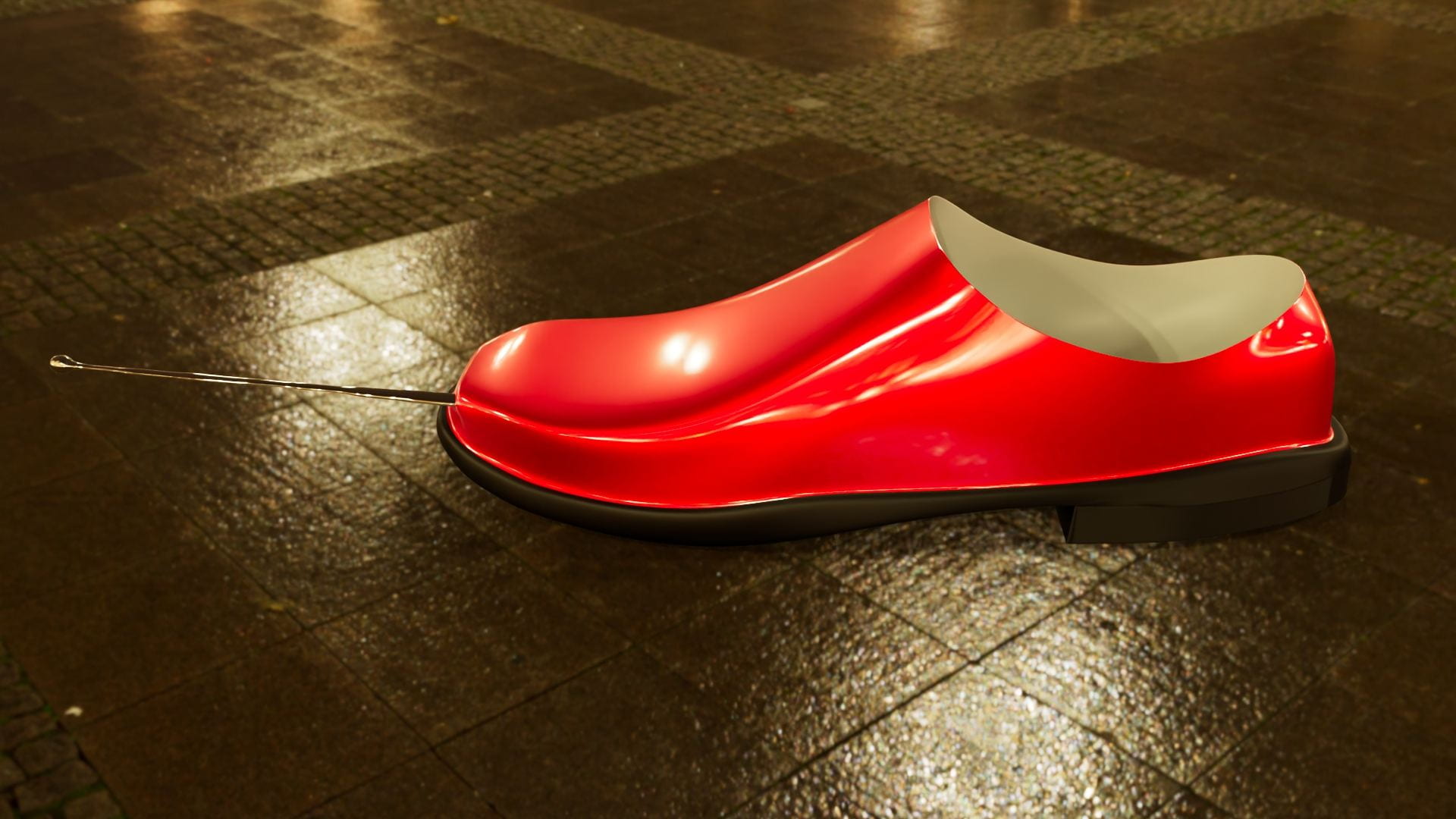
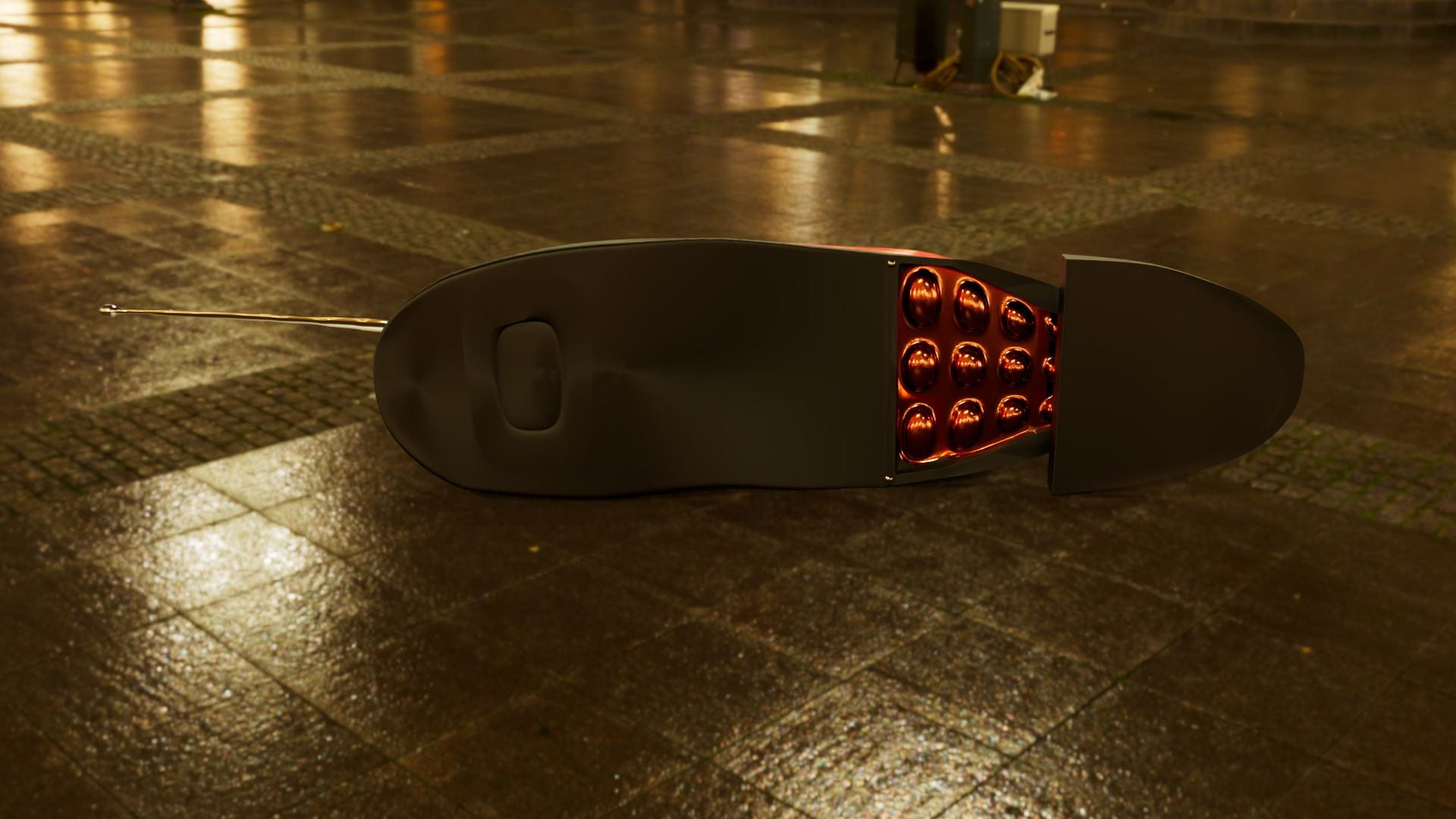
- 3 renders (1920×1080 resolution)
- Zipped and uploaded to blackboard
please name the file:
‘your name’+’_student ID’+’_Assignment01’.zip
For example:
‘JohnDoe_216789_Assignment01.zip
Upload your files to the link in the asseesments folder.
End of assignment 1

