Class Outline:
- Working with the UV Editor
- Cutting seems and seperating UV shells
- Using UV Cut and Sew
- Working with UV Snapshots in photoshop
This week we are going to learn the us of the UV editor:
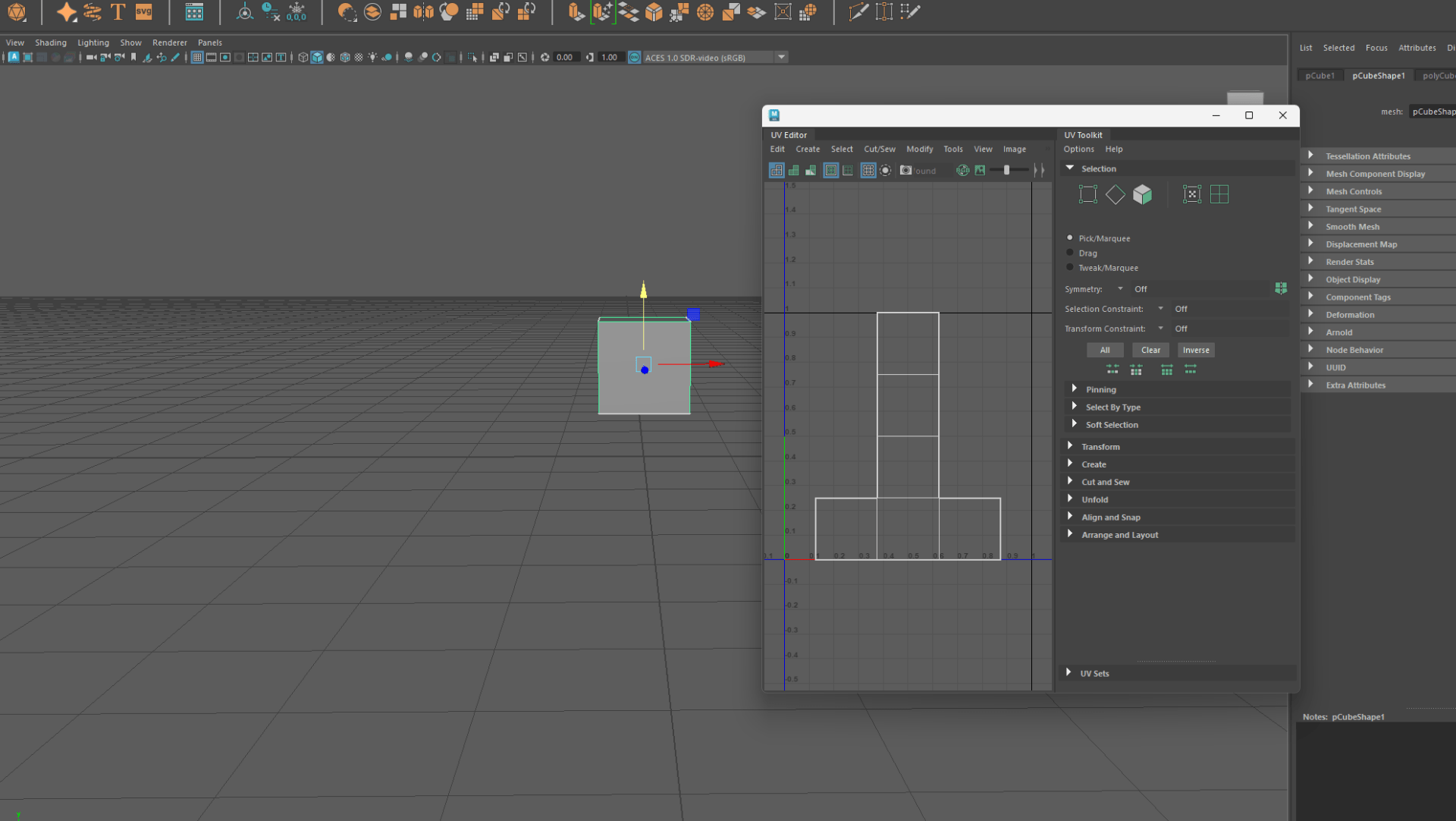
UV mapping is a process of creating a 2D representation of a 3D model’s surface, which allows you to apply textures, colors, and other details. In Maya, the UV Editor is a tool that lets you edit and arrange the UV coordinates of your model’s polygons, also known as UV shells.
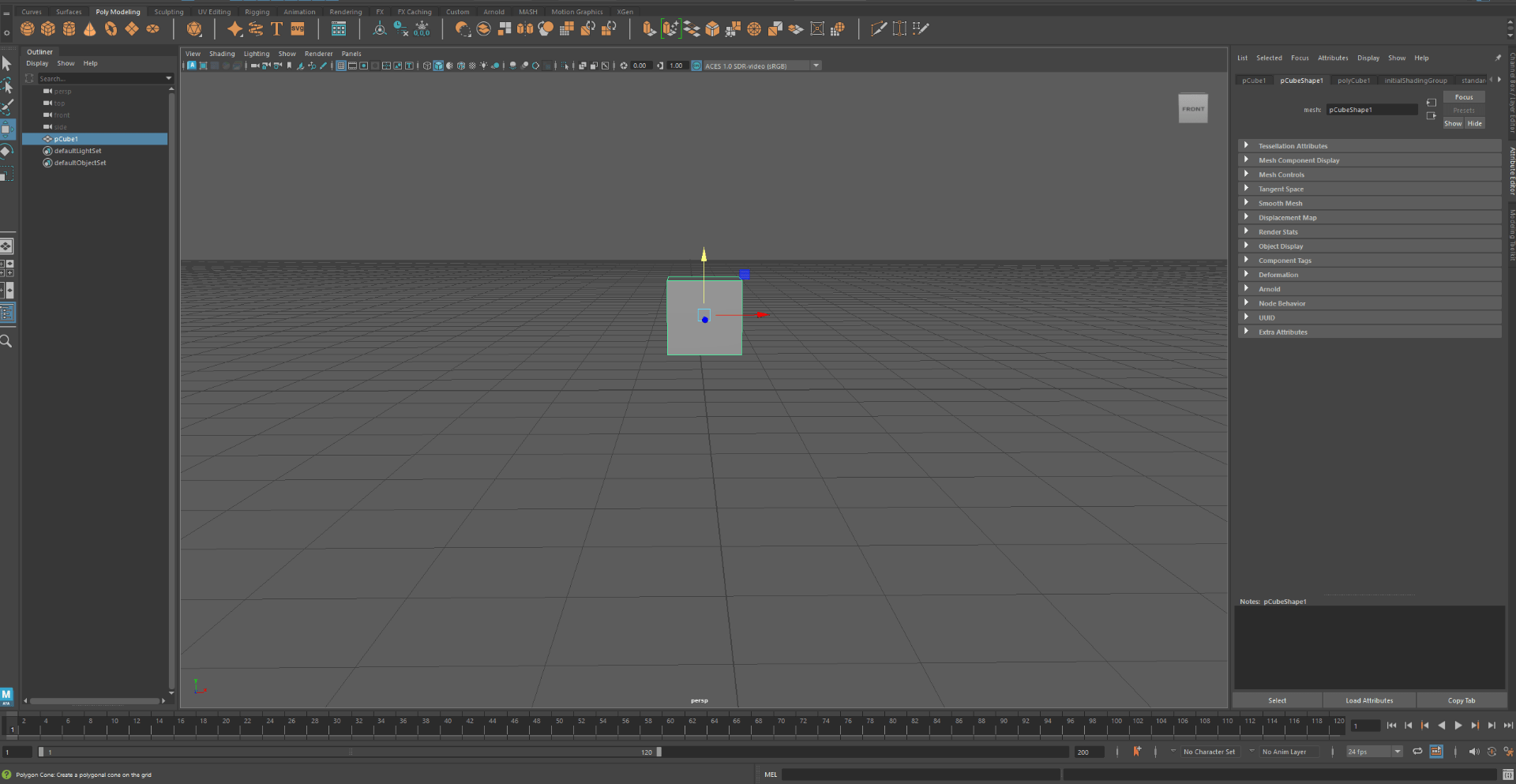
We can find the UV editor at the top , in the UV window.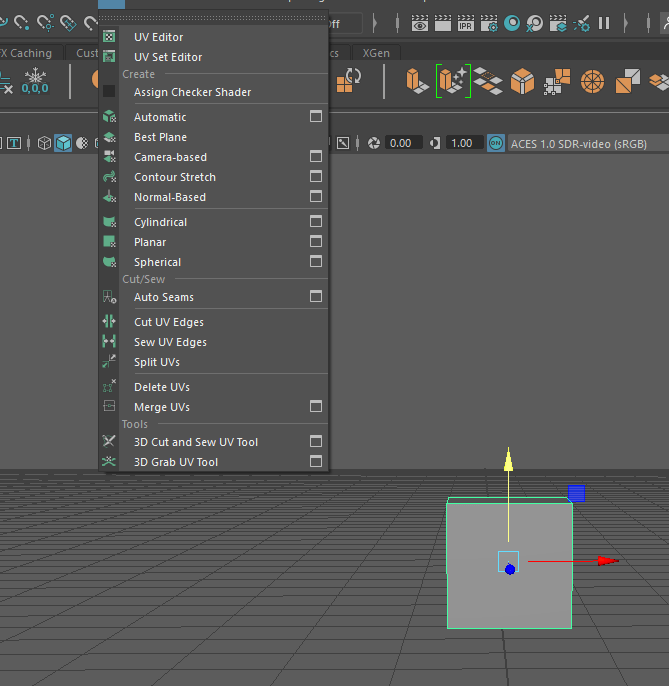
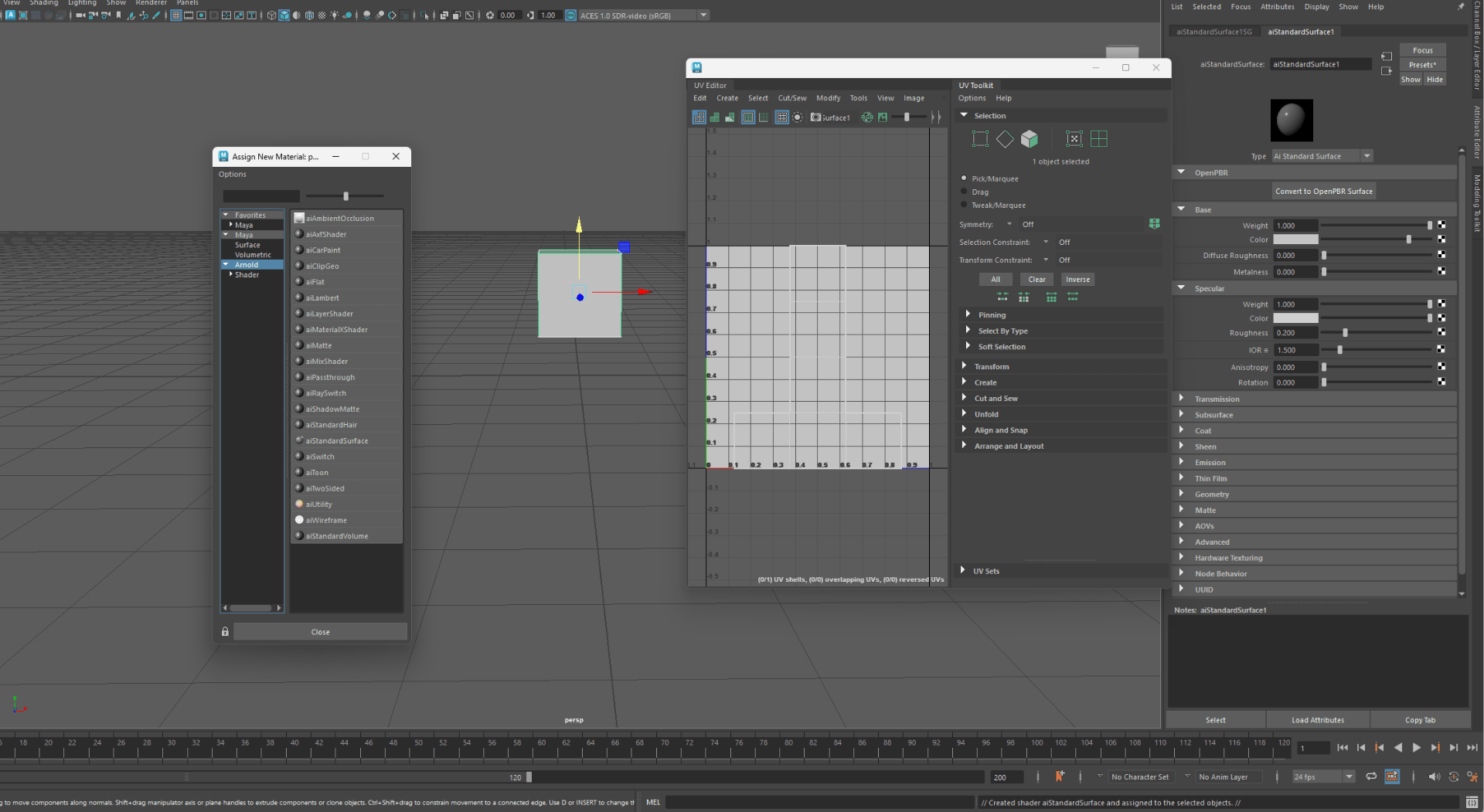
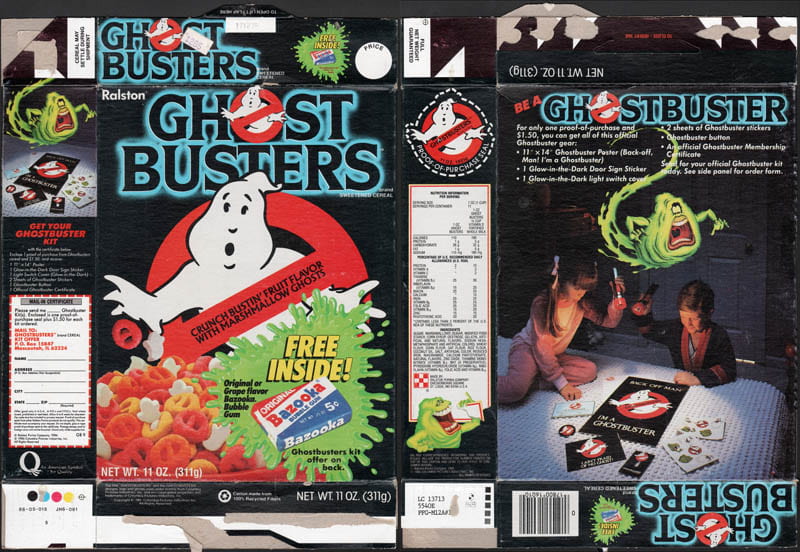
Next we are going to use this cereal cover to practice with the UV editor:
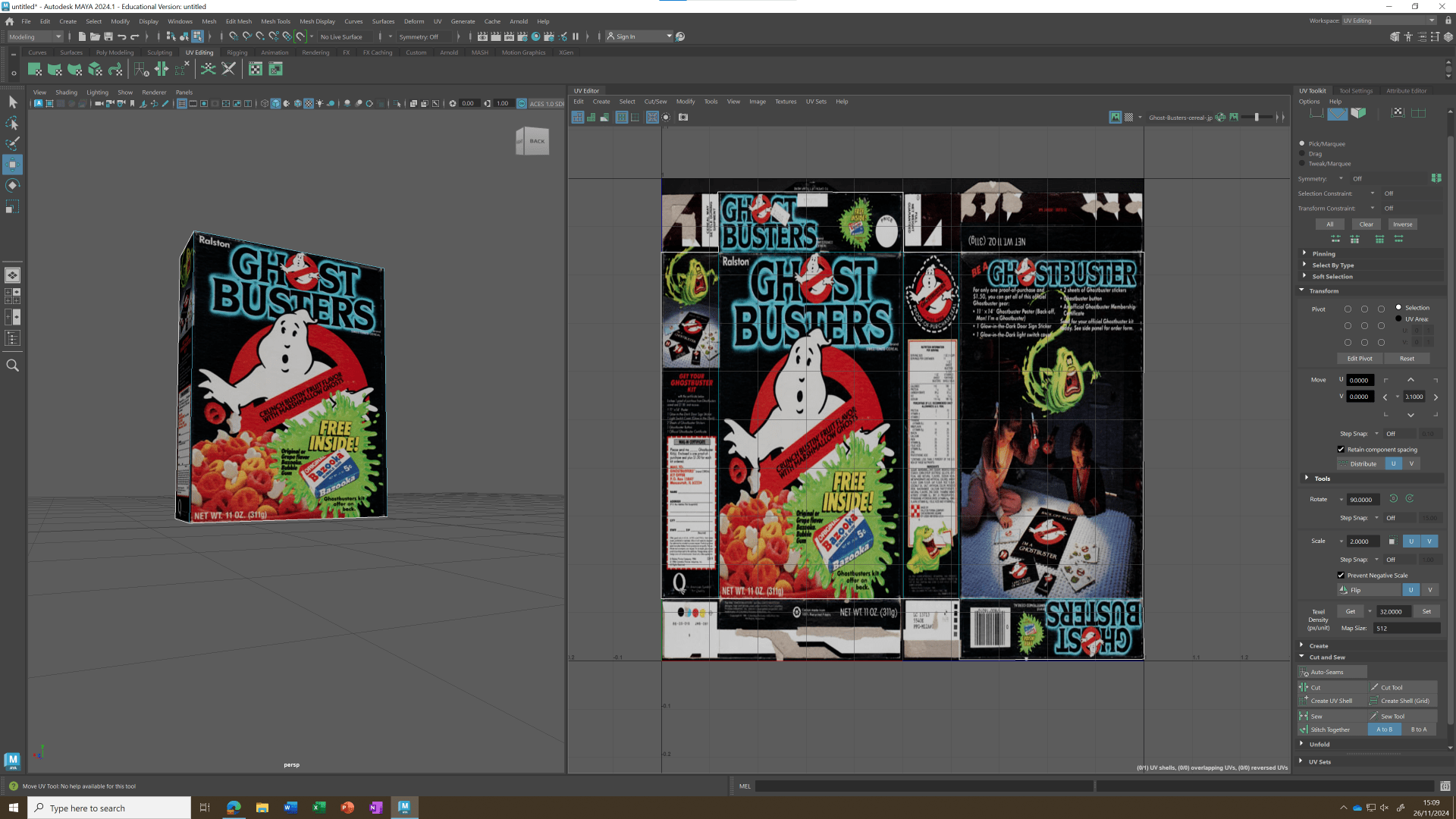
This is our final result:
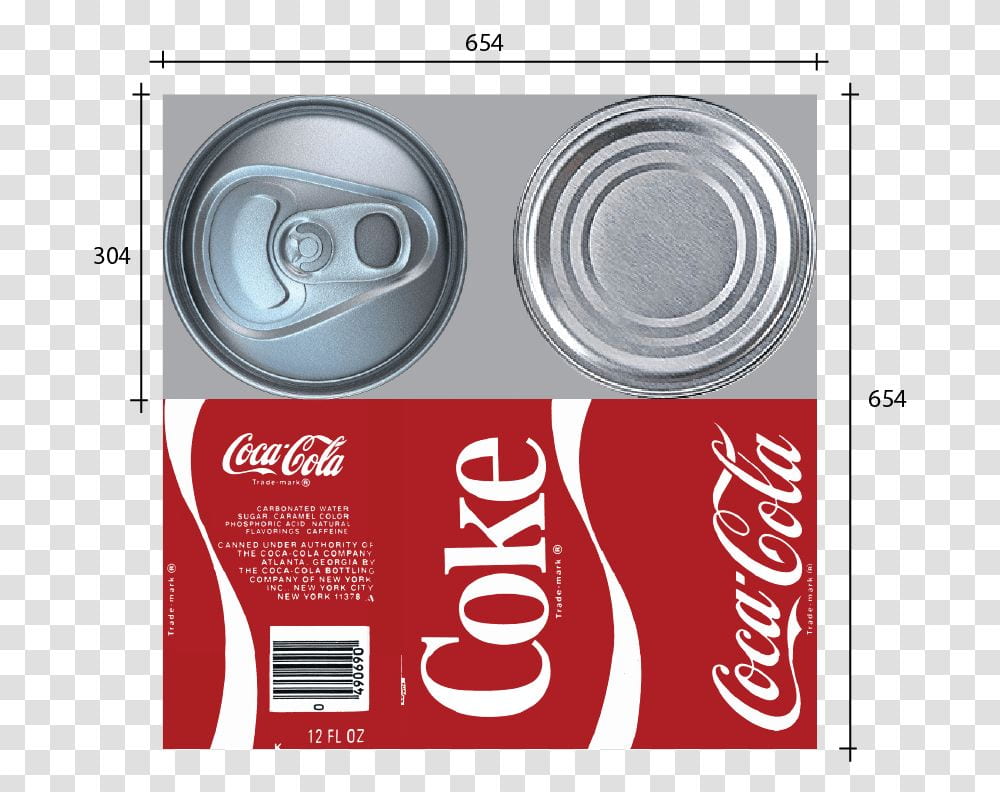
We also going to practice with a can of coke:
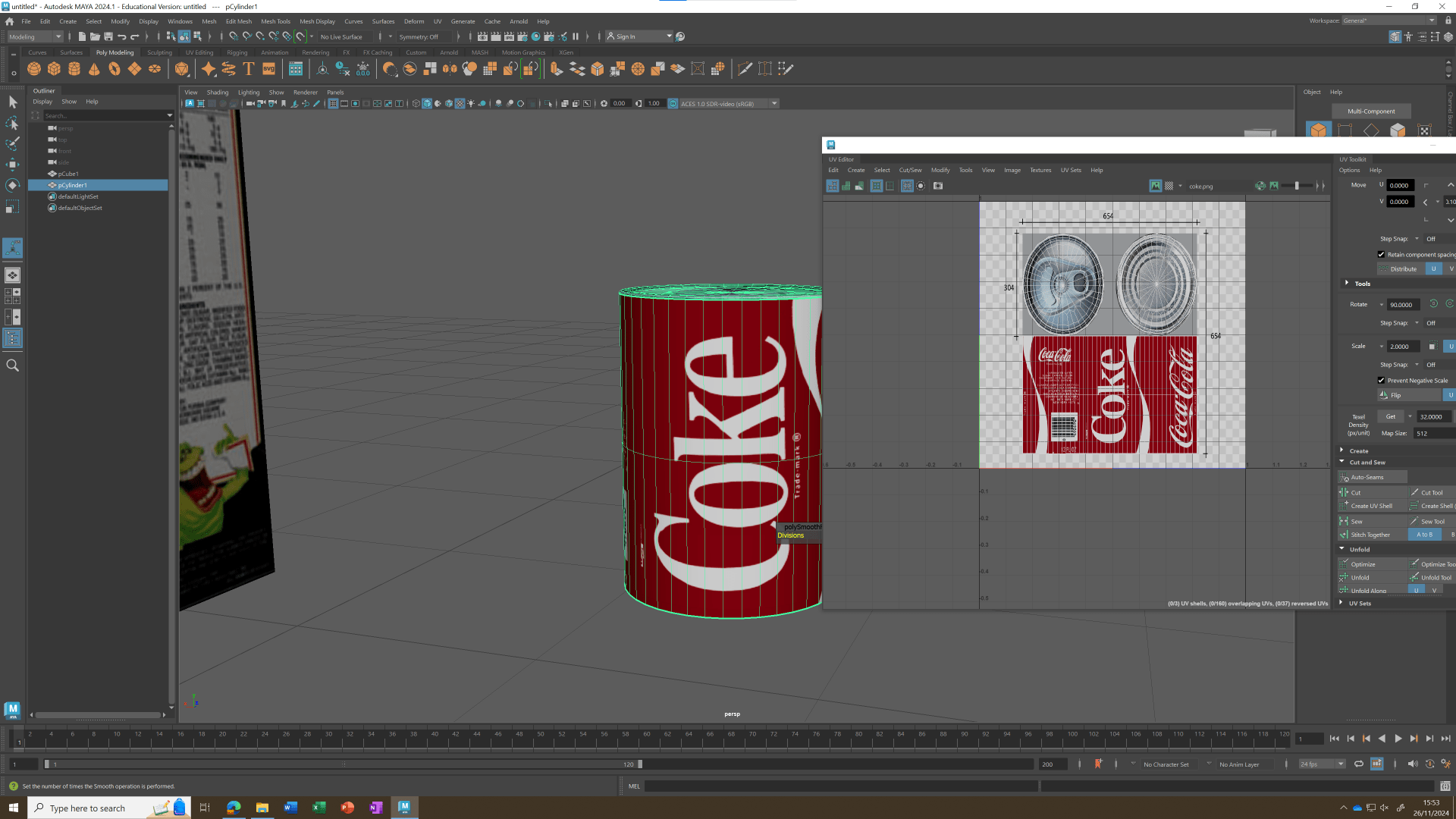
This is our final result:
End of task 1

