Task 1
I will start with the task ”Getting started in MAYA”
In this task I will learn:
- Introduction to Maya
- Basic set up
- Interface
- Navigating the viewport
- Creating Polygon objects
- Move tools
- Attribute and channel editors
- The Outliner
- Object manipulation
- Polygon sub object (Faces Edges Vertex)
- Basic Poly modelling workflows
- Materials
- Rendering
- Building block exercise make a building using and moving/rotating/scaling the basic polygon shapes in Maya
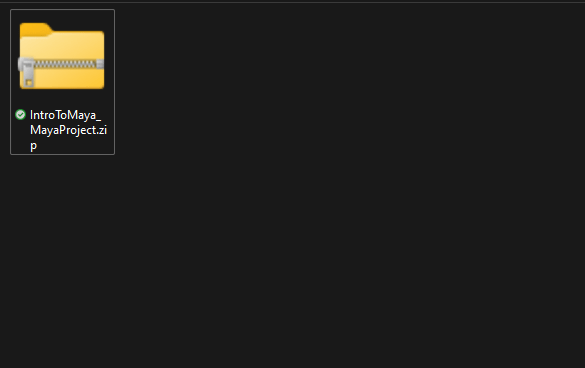
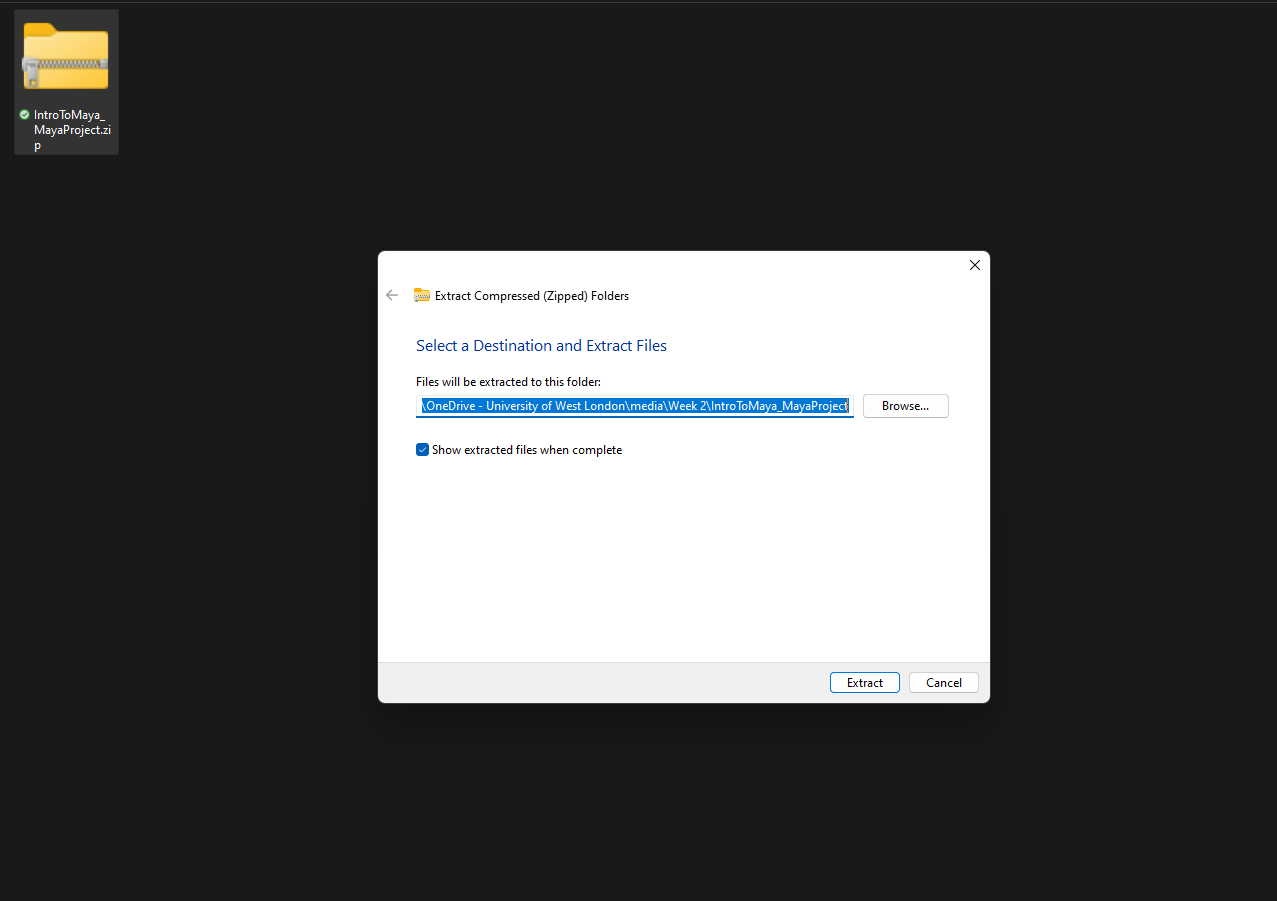
Next we are going to learn how to move the camera.
Scroll up and down = Zoom in/out
ALT + R. Click = Rotate camera
ALT + Middle mouse B. = Drag camera
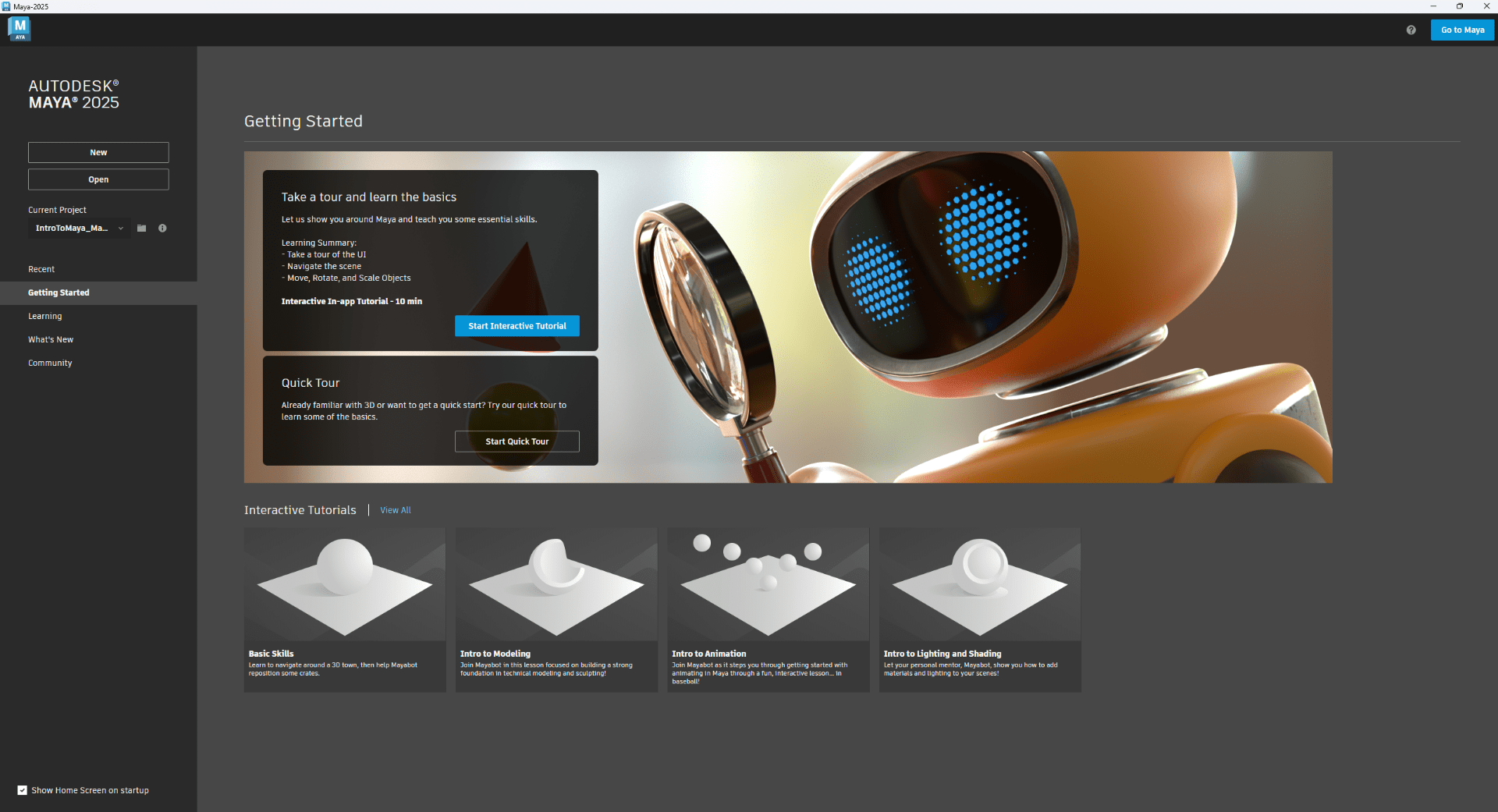
Now we are going to set up a project in MAYA to let the program know where to find our project recourses such as textures.
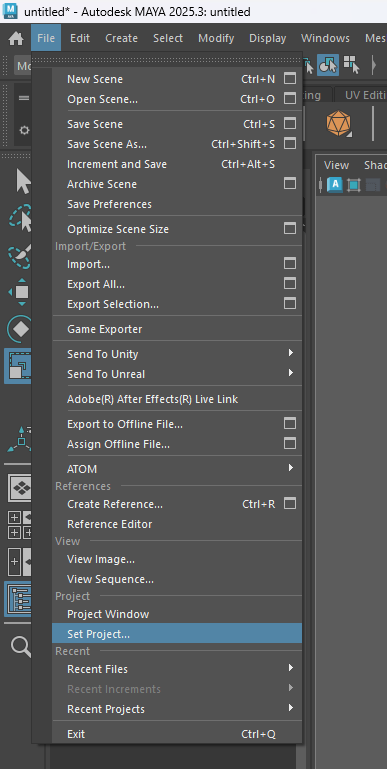
So we select the folder where the recourses are located.
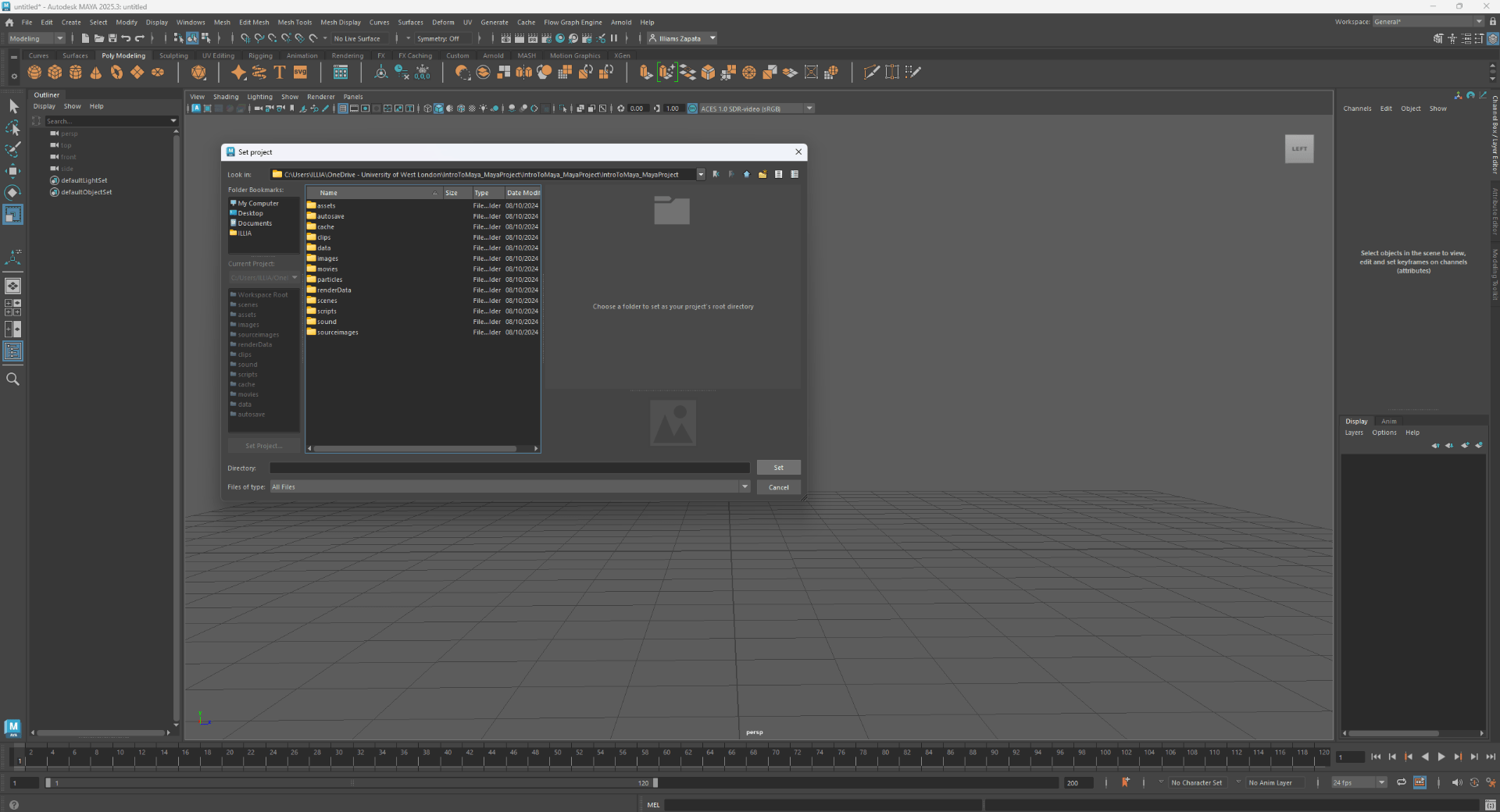
Now we can open our scene.
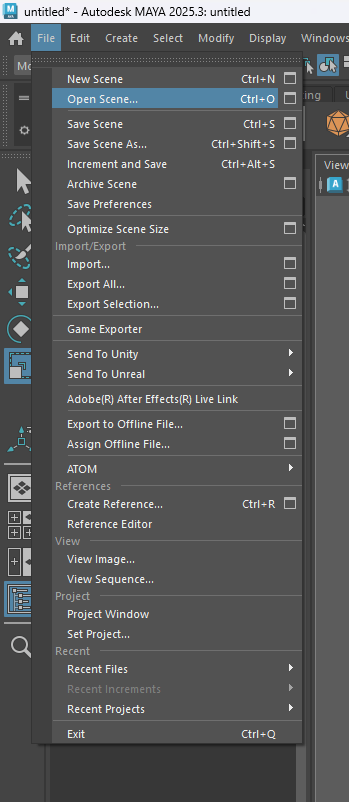
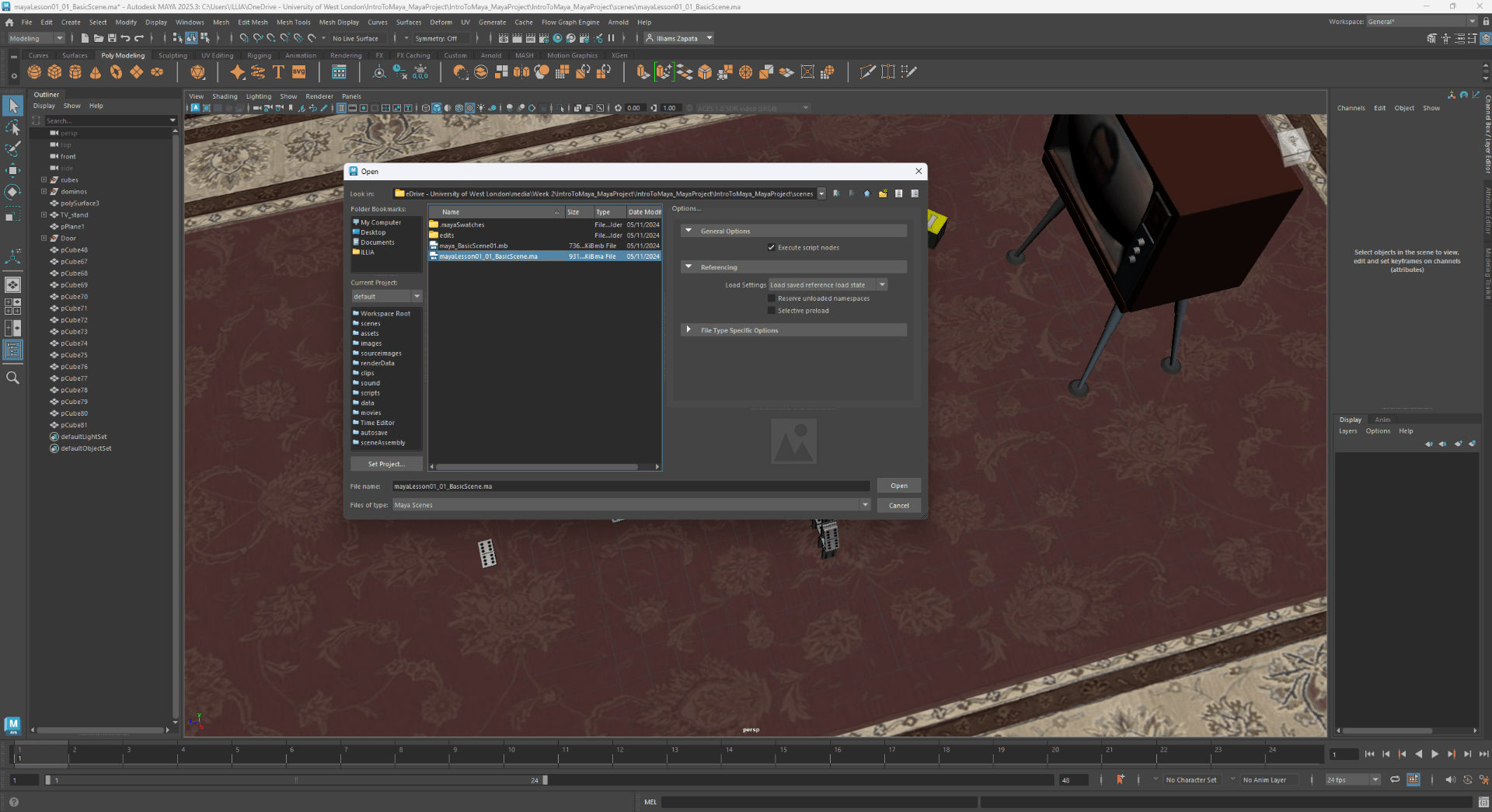
We select where our scene is located.
This is our open scene.
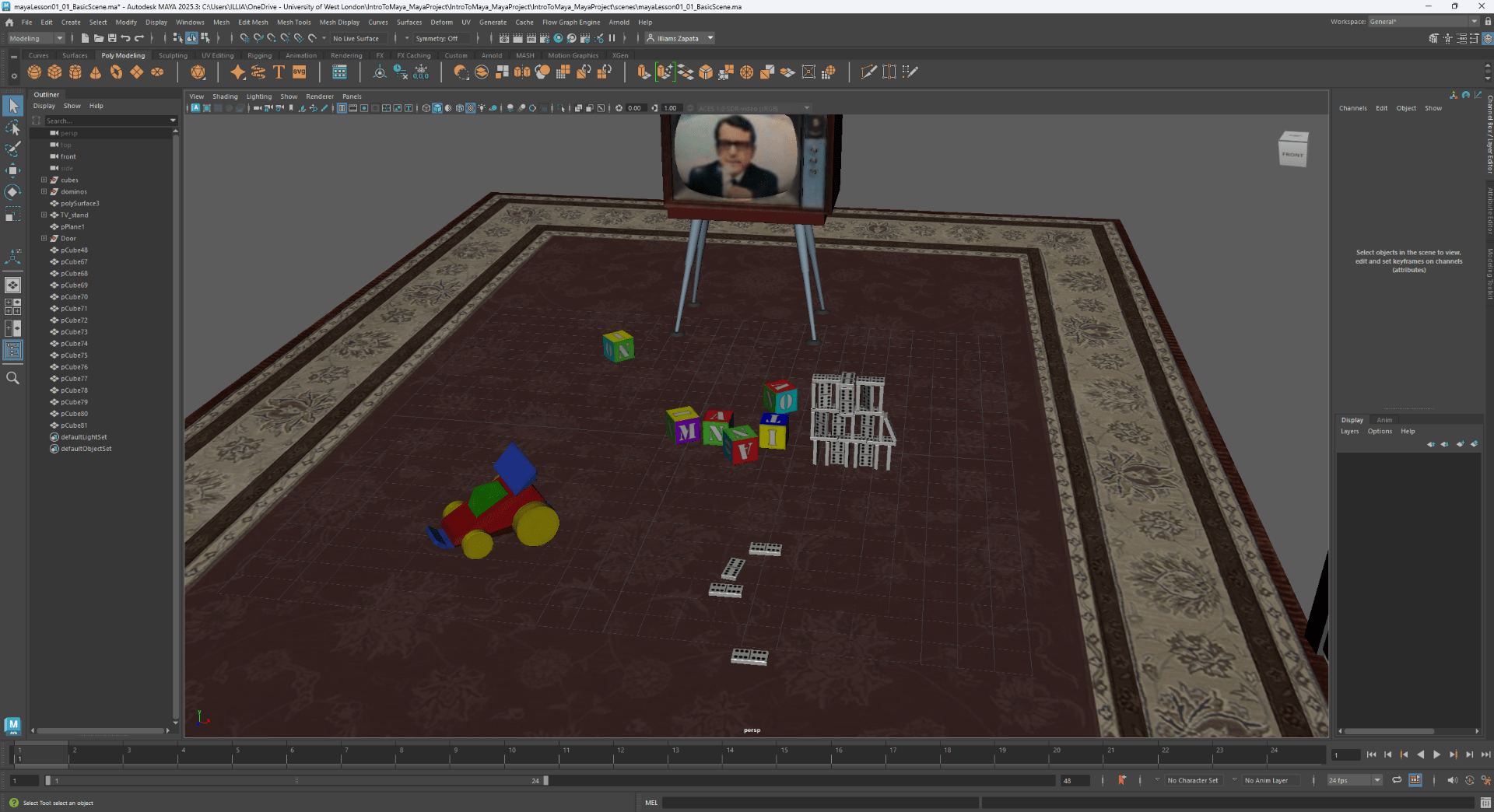
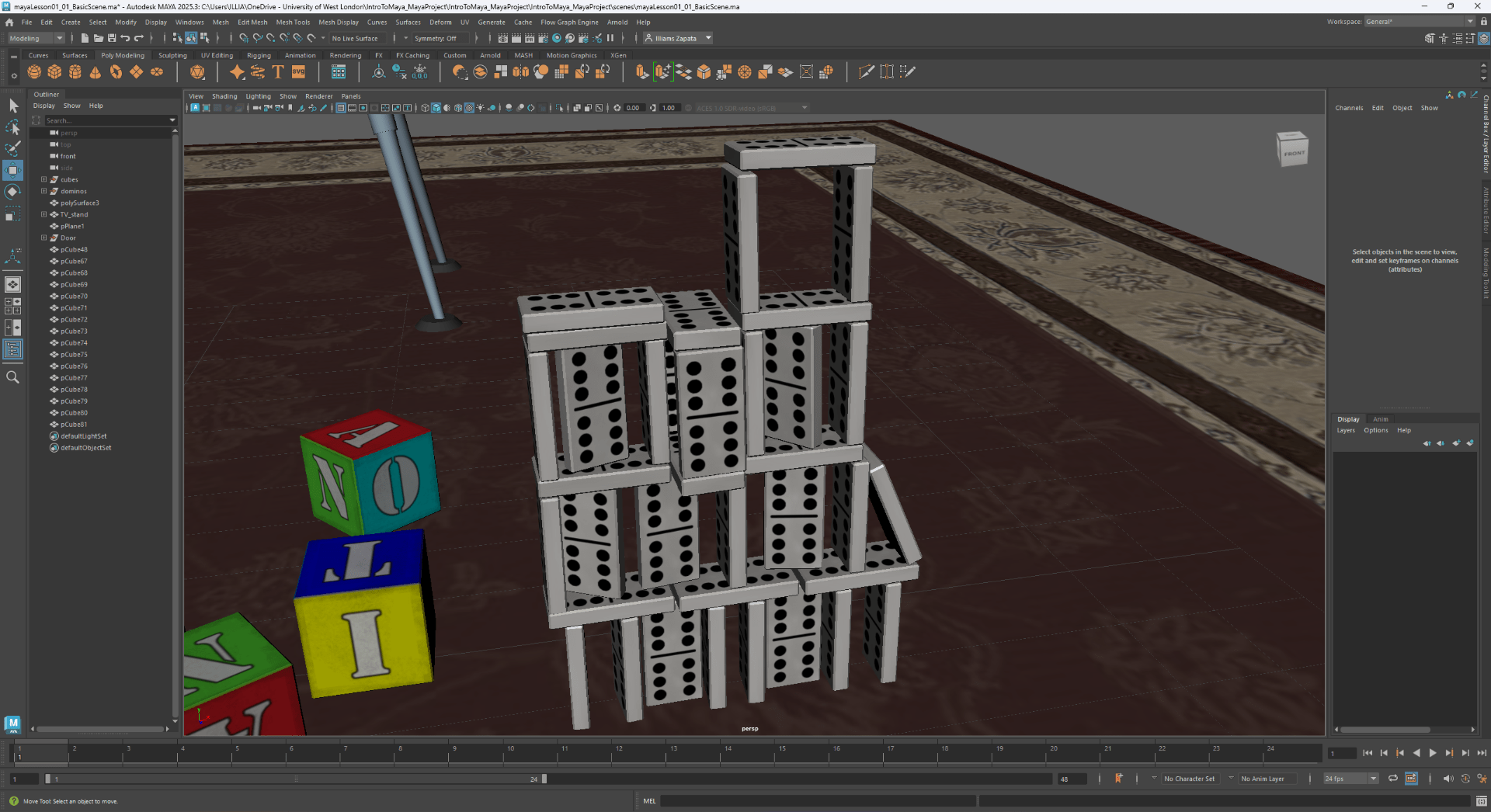
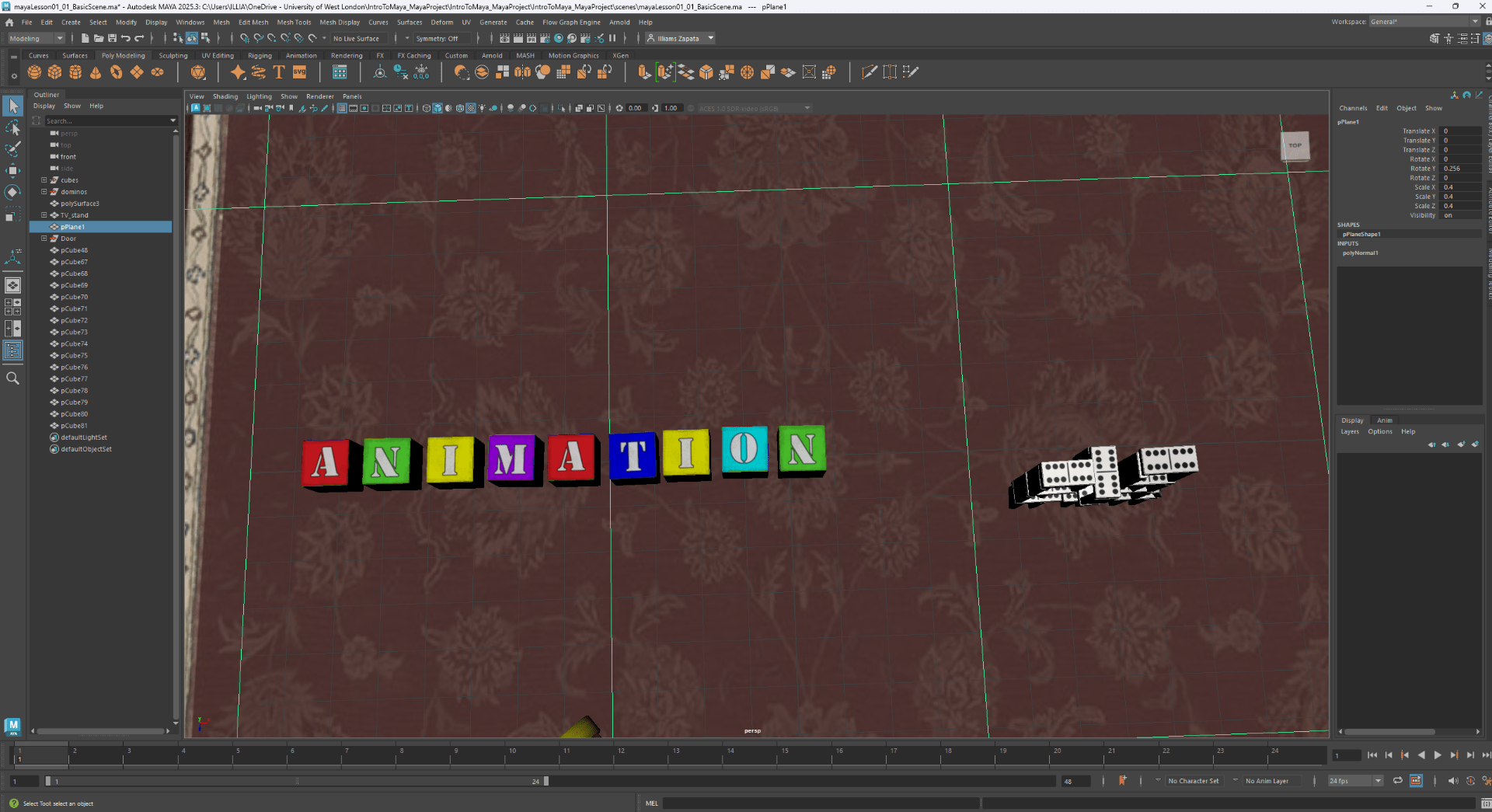
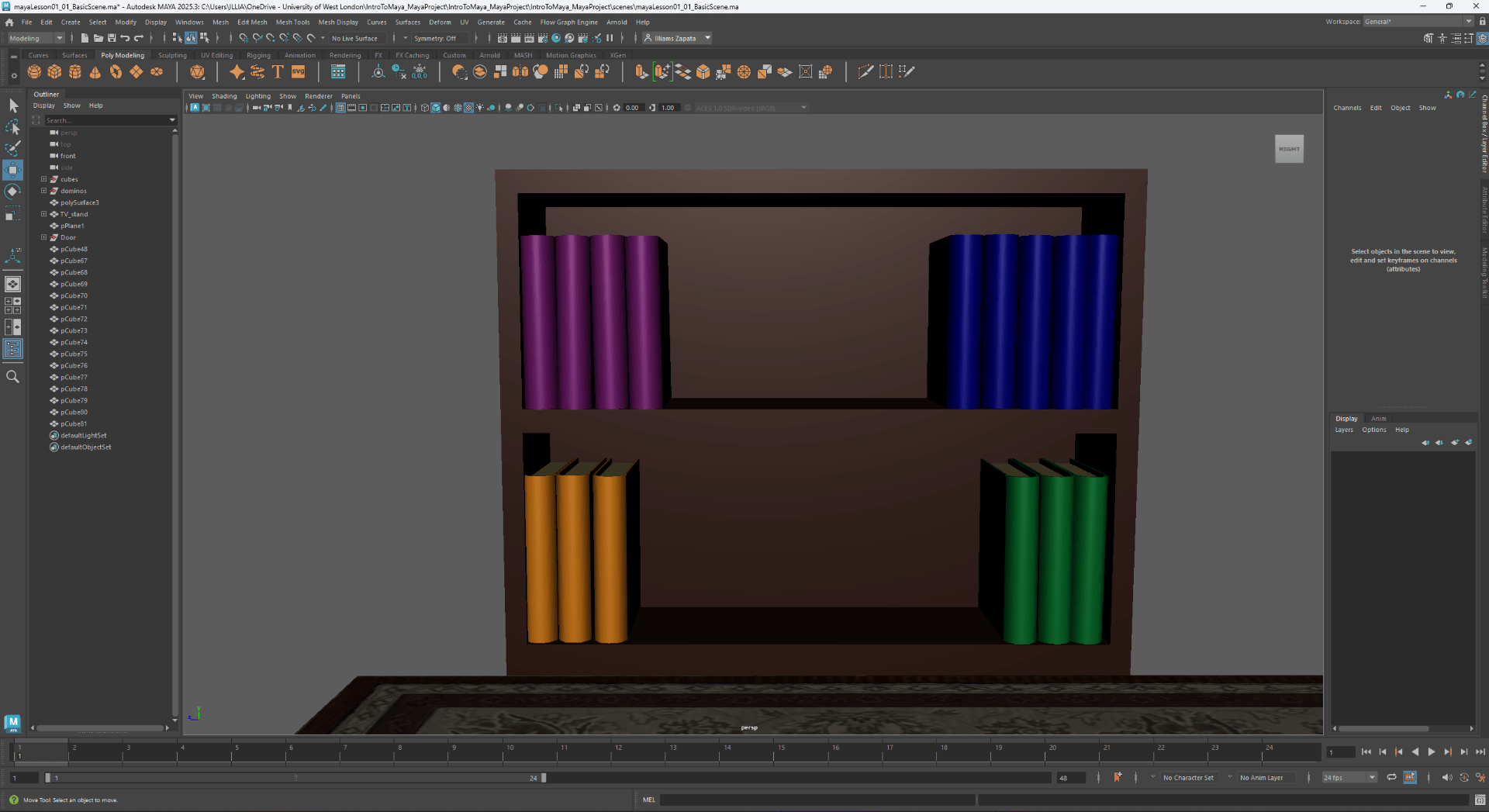
Now we are going to use the basic knowledge we learnt to build a Dominos tower, Write the word animation with the toy cubes and order the books on the shelf by color.
Dominos tower:
Word ”Animation”.
Shelf books.
To end this task we are going to work with edges faces and vertex.
End of task 1
——————————————————————————————————————–
Task 2
I will follow with the task ”3D model a simple low-poly space ship”
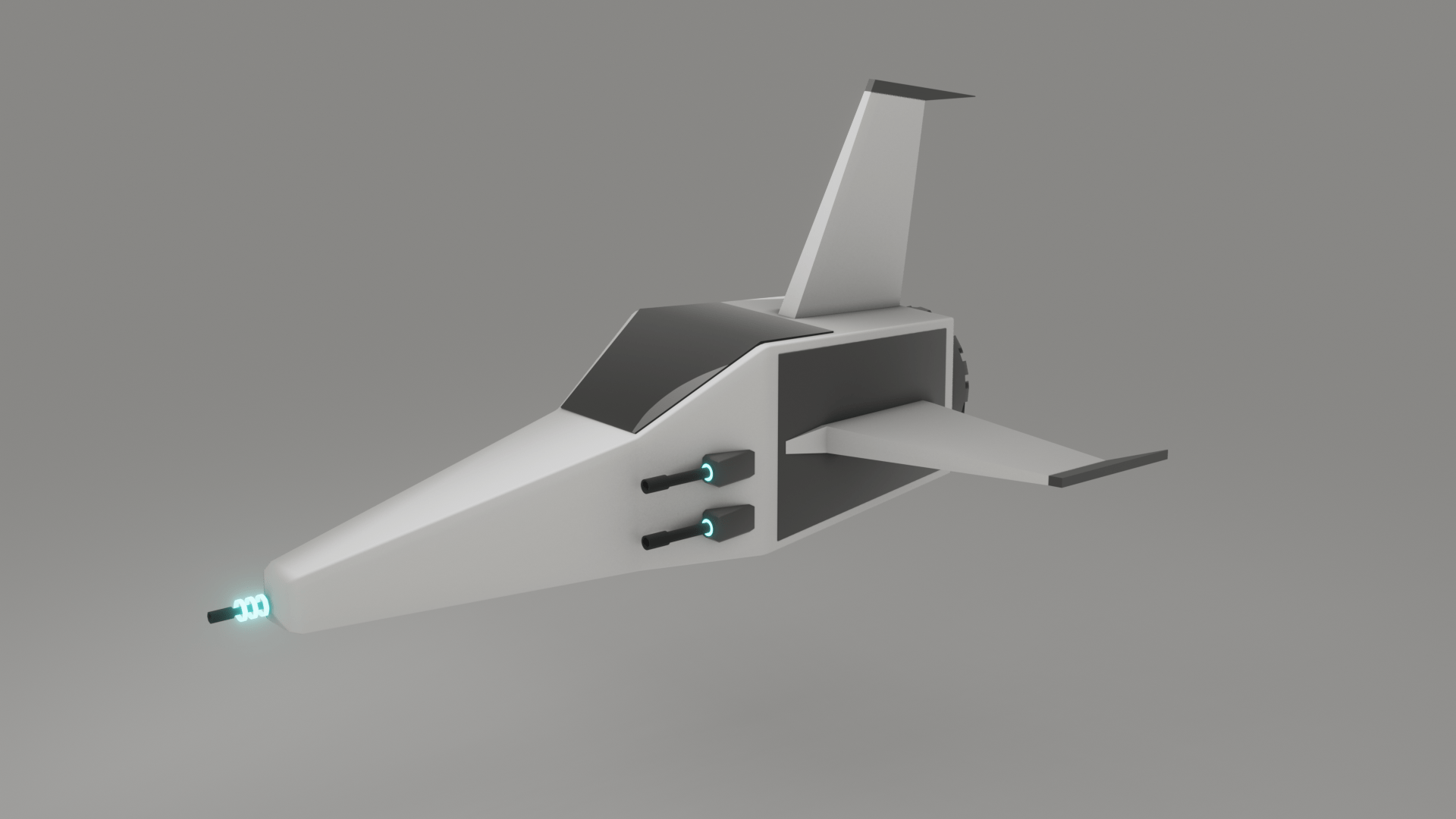
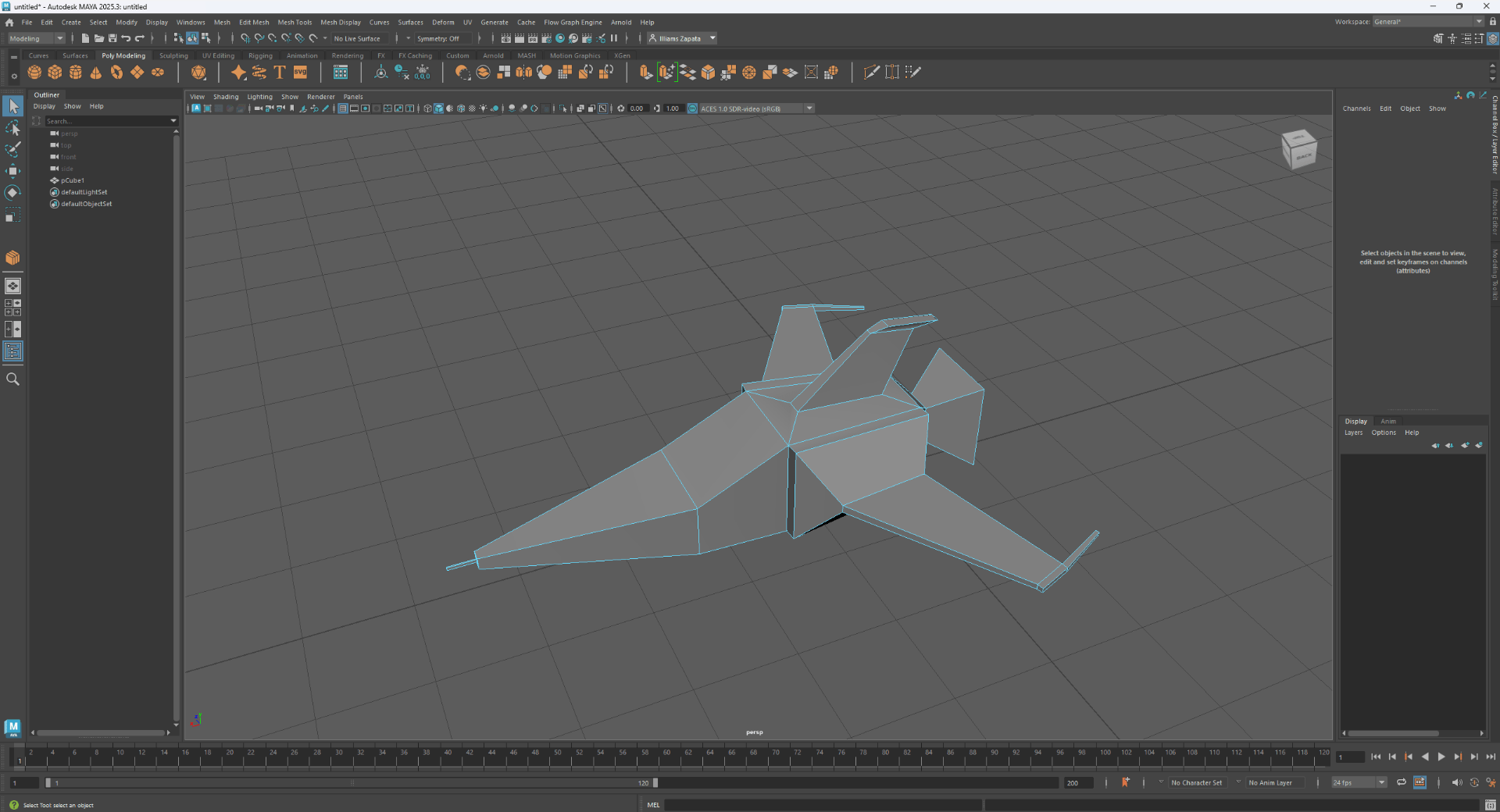
In this task I will use all of the techniques that I learnt during the lesson to model a simple star ship.
This is my reference:
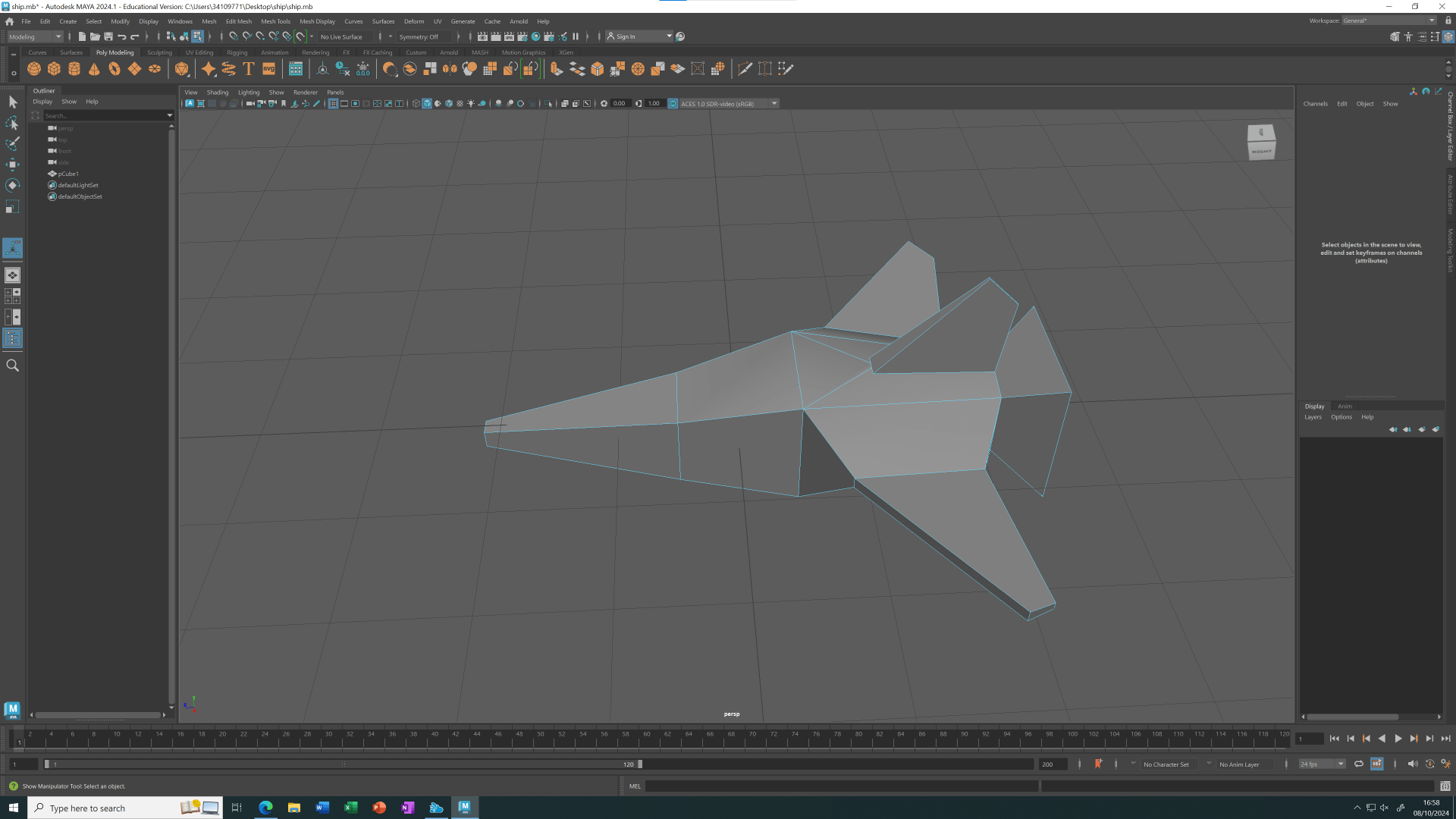
This is my first attempt to build a star ship using the extrude technique.
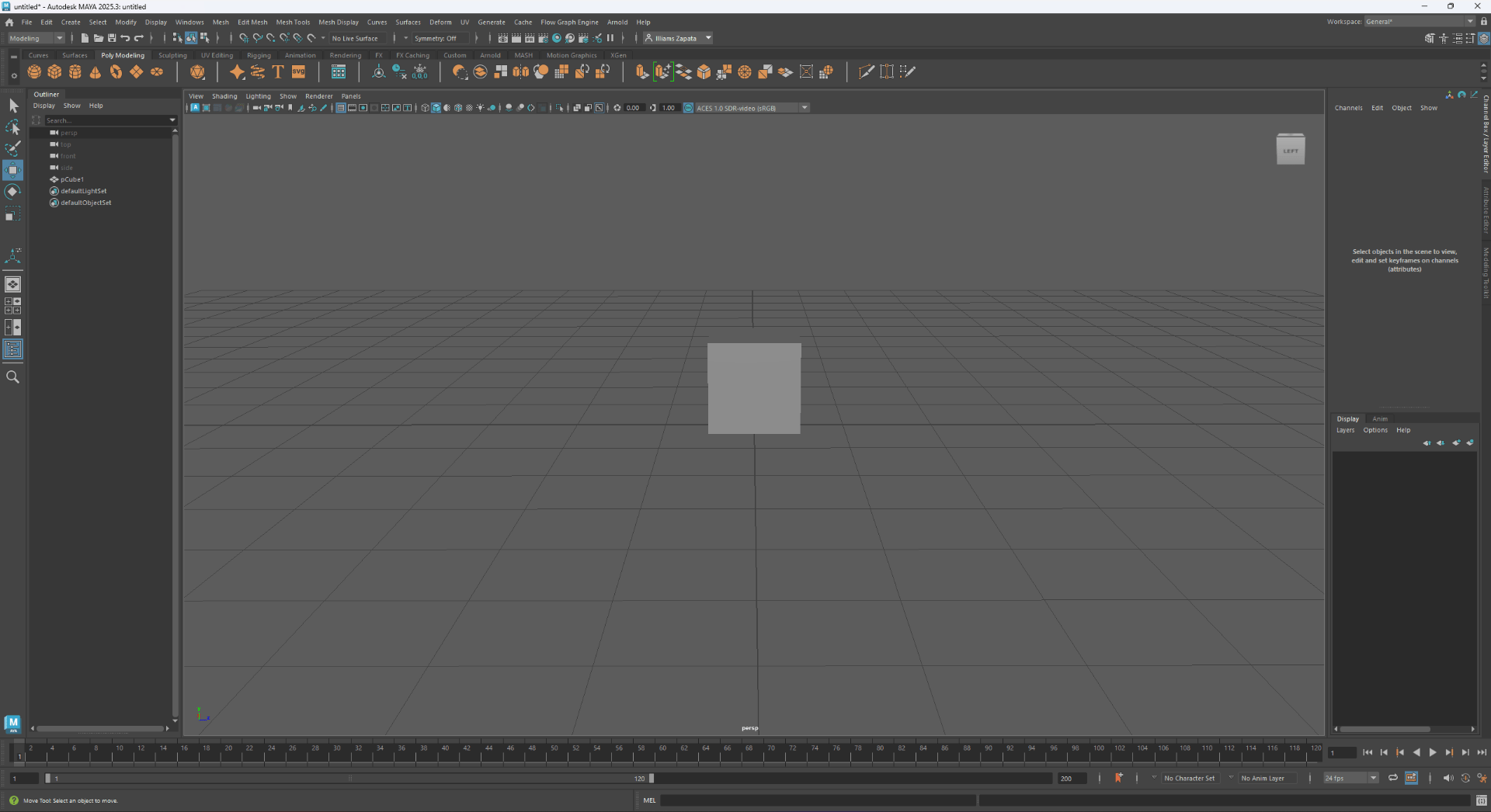
We start with a simple cube.
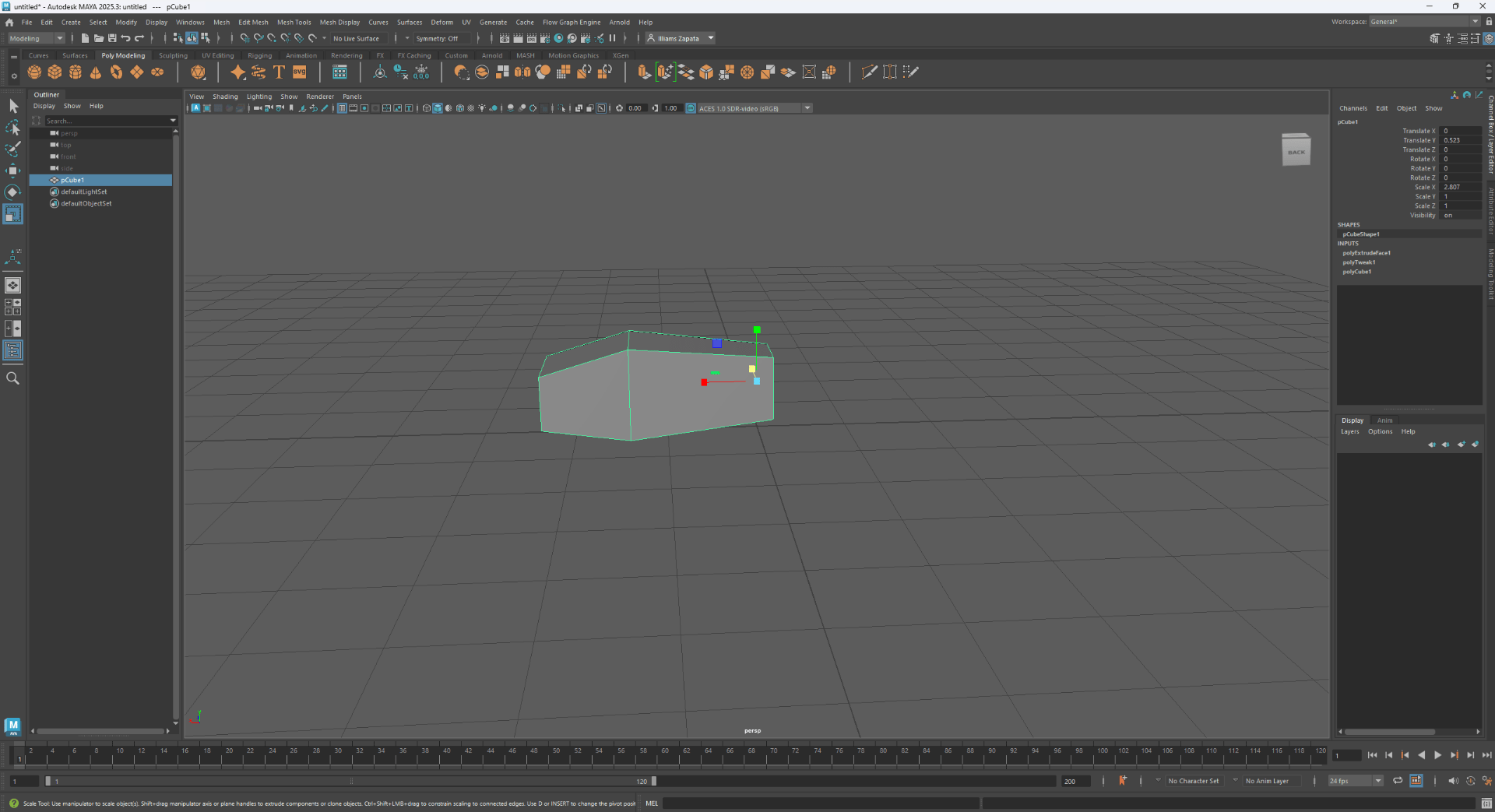
Next we escalate it and extrude it to give it a form.
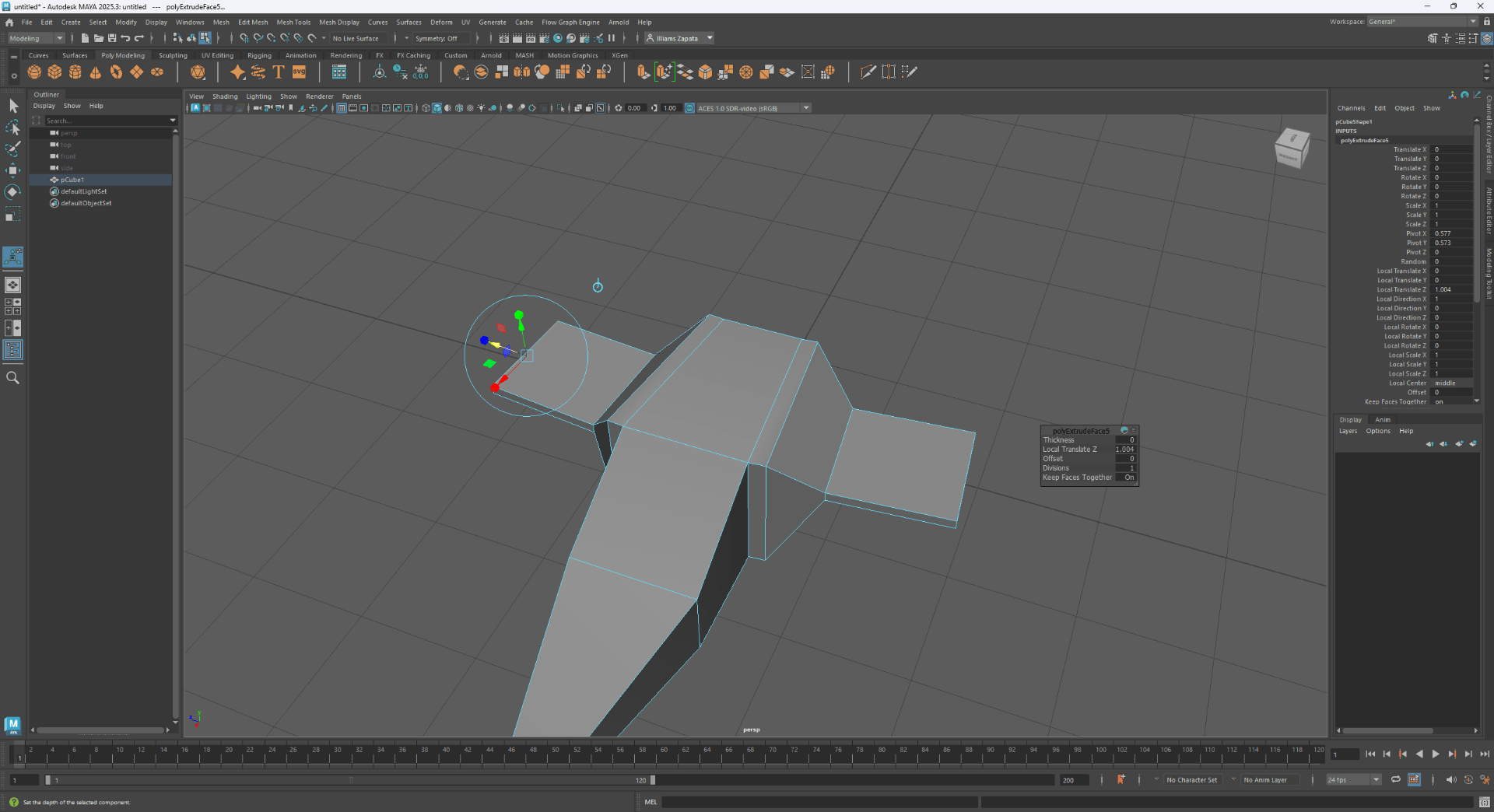
We use extrude to try and make the wings.
This is my second attempt.
End of task 2

